BACK TO DIRECTORY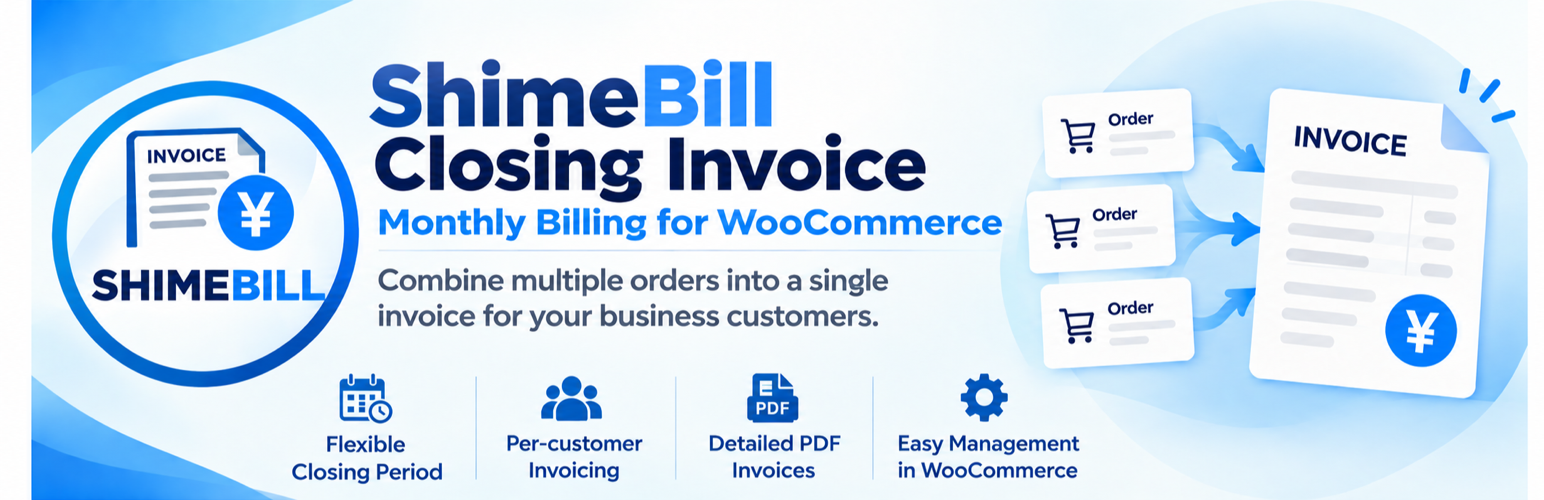


ShimeBill Closing Invoice groups multiple WooCommerce orders for each customer within a closing period and creates a separate WooCommerce order (an “invoice order”) for billing purposes.
It is intended for stores that offer invoice-based payment and need to manage multiple orders as a single billing unit. Invoice orders can be viewed in the standard WooCommerce order administration screen.
This plugin does not generate PDF files. A separate PDF invoice plugin is required to issue PDF invoices.
Features
- Consolidate eligible WooCommerce orders by customer for monthly billing.
- Automatically determine billing periods from a configured closing day.
- Choose order creation date or completion date as the closing basis.
- Review eligible orders grouped by customer in the administration screen.
- Create invoice orders individually or in bulk for all eligible customers.
- Record source-order information in invoice orders.
- Prevent previously invoiced orders from being billed again.
- Review closed customers and orders in the administration screen.
- Reset previously created invoice orders.
- Preview orders belonging to the next closing period.
- Store the closing date, payment due date, and other billing information on invoice orders.
- Provide billing metadata for use by PDF invoice templates.
- Automatically change source orders to the “Accounts Receivable (Paid)” status when payment is confirmed for an invoice order.
- Process orders using the WooCommerce order API.
- Use WooCommerce order data without creating custom database tables.
Requirements
- WordPress.
- WooCommerce.
- PHP 8.0 or later.
- WooCommerce High-Performance Order Storage (HPOS) environment.
The plugin processes billing using WooCommerce order data.
Screenshots
Settings
Closing invoice creation
PDF example
Plugin Details
Active Installs
0Total Downloads
178Version
1.1.1Requires WP
7.0Requires PHP
8.0Tested Up To
7.1.4Added
2026-10-12Last Updated
2026-10-29 1:38am GMTRatings
5
0
4
0
3
0
2
0
1
0