BACK TO DIRECTORY
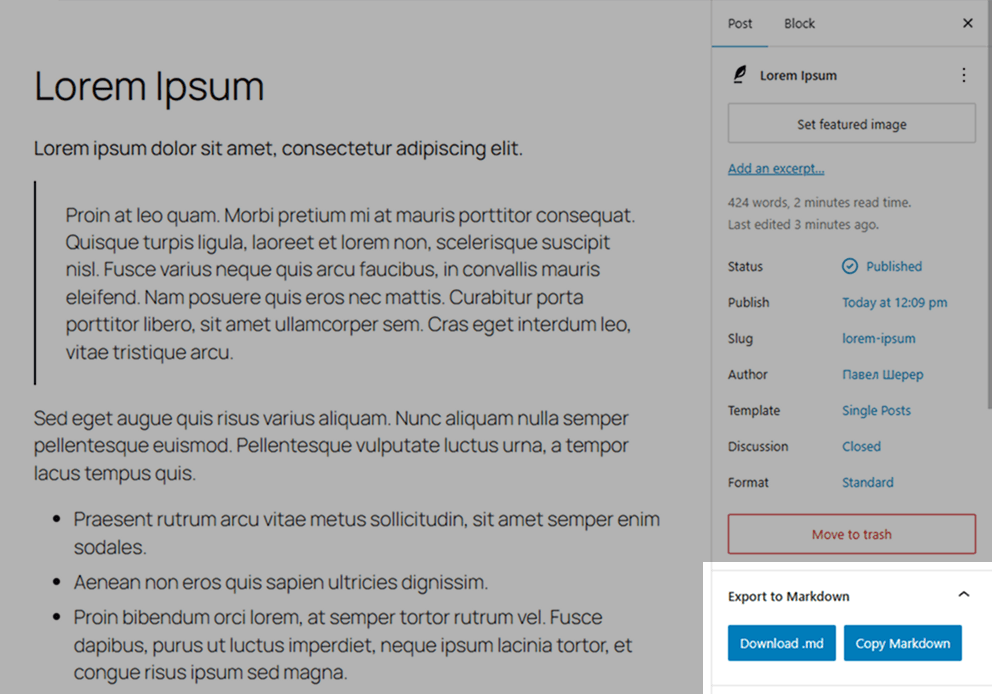
Simple Export to Markdown adds a small panel inside the WordPress block editor. With one click, editors can download the current post or page as a .md file or copy the generated Markdown to the clipboard.
The plugin uses the bundled Turndown library to convert serialized Gutenberg blocks in the browser. It does not create server-side export files, make external API calls, add REST/AJAX endpoints, or store exported content.
Features
- Export Gutenberg content directly to Markdown.
- Opt-in formats supplied by independent plugins and themes for custom blocks and HTML.
- Download
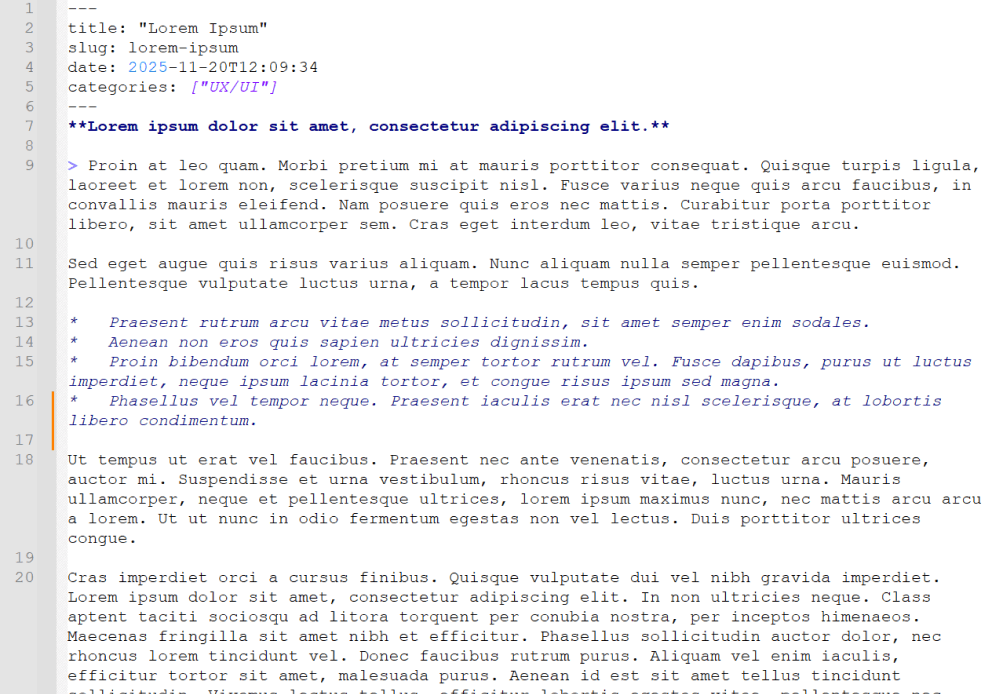
.mdfiles or copy Markdown to the clipboard. - Auto-generated YAML front matter for
title,slug,date,categories, andtags. - Uses the edited post state, including unsaved title, slug, date, category, tag, and block changes.
- Loads only in the block editor for users with
edit_posts. - PHP and JavaScript translations are loaded from the plugin language files.
- Simple tables export as GFM; complex tables retain sanitized HTML.
- Preformatted blocks retain whitespace, and audio/video blocks retain their source links.
- Missing block content is reported in the panel while available content is exported.
- Incomplete category or tag loading blocks export and offers a retry action.
Requirements
- WordPress 6.0 or newer.
- PHP 7.4 or newer.
- Active Gutenberg/block editor.
License
This plugin is open-source software licensed under the GPLv2 or later.
Screenshots
Gutenberg editor with the Export to Markdown panel in the right sidebar.
Example Markdown file with generated YAML front matter.