BACK TO DIRECTORY
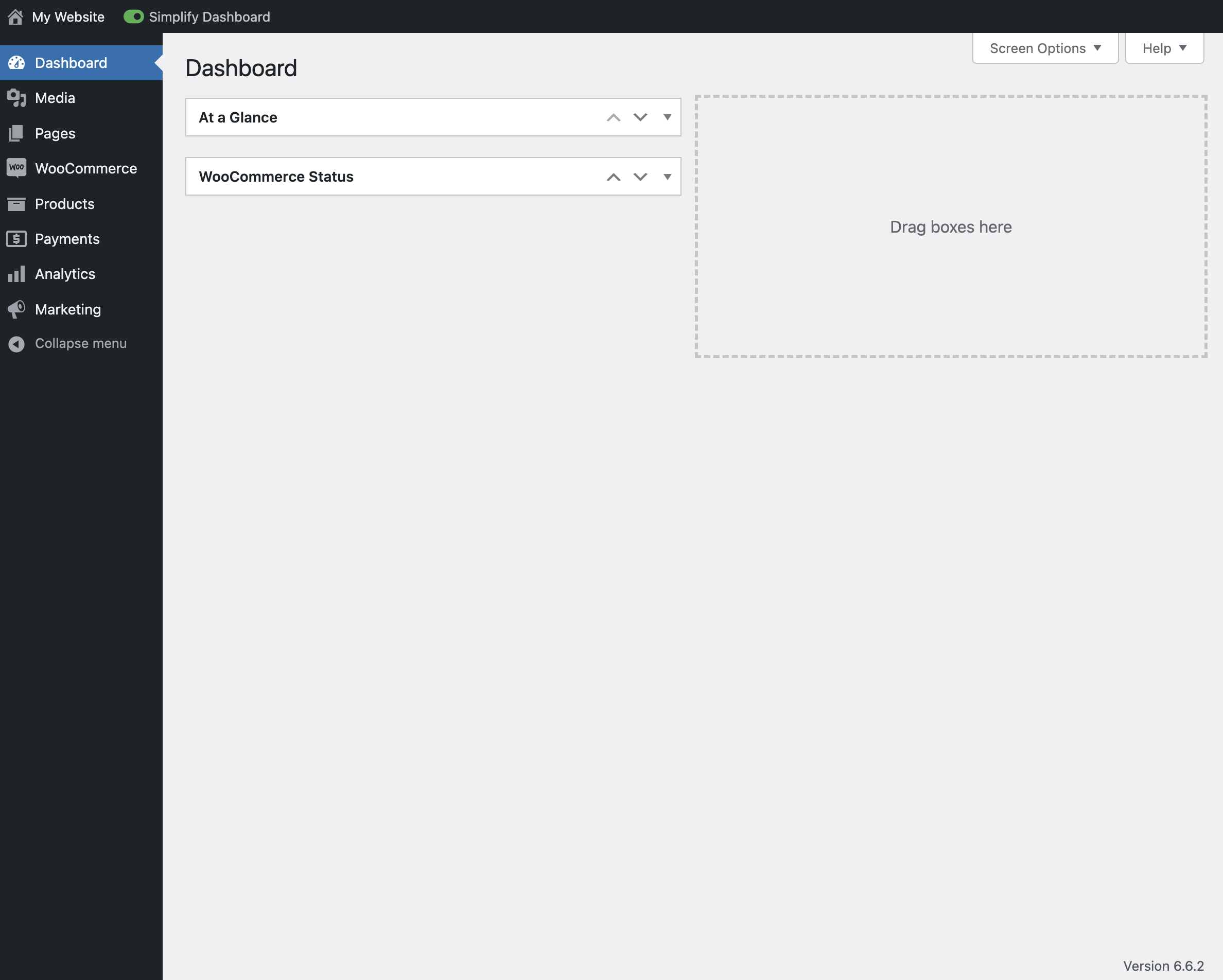

“Simplify Dashboard” adds a toggle in the admin bar to hide menu items you don’t use much.
It gives you a simple interface for your users, and can be quickly turned on or off.
Choose which items are hidden in the Settings>Simplify Dashboard page by writing their menu name, or specify the actual HTML id.
Screenshots
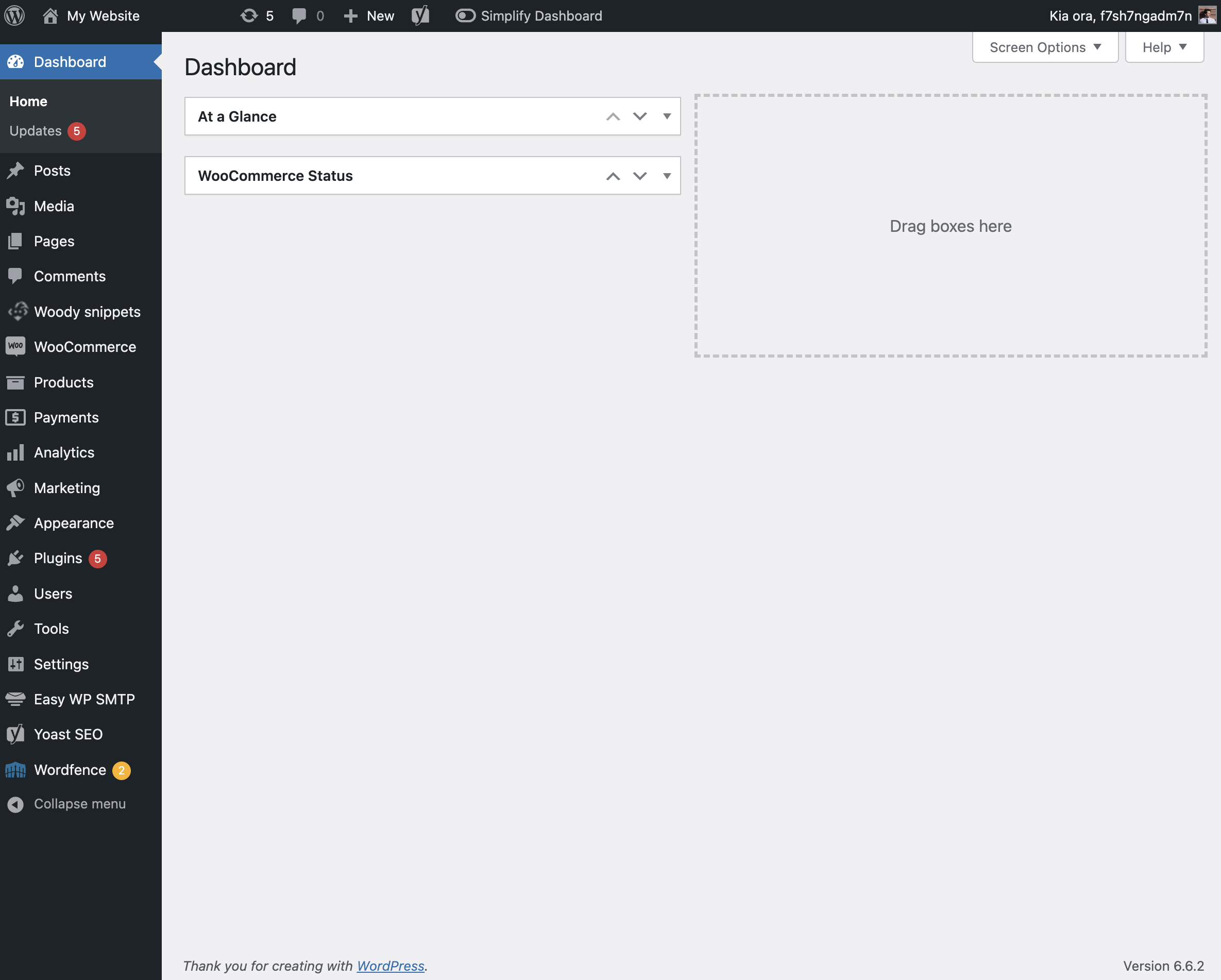
The admin screen with nothing hidden.
View of the admin screen with the toggle activated.
The settings page for Simplify Dashboard.