
Site Context Chat adds an AI chat to your WordPress site that answers visitors from your knowledge base: your services, prices, opening hours and FAQs. When it can’t help, or the visitor wants to talk to you, it offers to pass on their enquiry, with a summary already written.
The plugin is the chat your visitors see. The answers come from a small backend on your own Supabase project, with your own AI key. No monthly fee to us: you pay Supabase and your AI provider directly, and the data stays in your project.
Two ways to run it
- On its own (free): download the free chat backend from getkontor.eu, set it up on your Supabase project (about 20–30 minutes; the plugin’s settings page walks you through it), and paste your project URL and key.
- With Kontor: your Kontor backend already runs the chat. Paste its URL and key, and every enquiry becomes a prospect in Kontor.
Features
- Floating chat button and window (dark, light, or matching the visitor’s system)
- Streamed answers from your knowledge base, in plain Markdown
- Claude, OpenAI or Z.ai (GLM) models, on your own key
- Enquiry handoff: saved in your database and, optionally, emailed to you
- Chat admin inside wp-admin: knowledge base, appearance, conversations, enquiries
- Step-by-step setup guide on the settings page
- Open source
External services
This plugin connects to services set up by the site administrator. No data is sent to the plugin author.
Supabase
- What: The database and server functions that run the chat and the chat admin.
- When: Whenever a visitor uses the chat or an administrator opens the chat admin (once the URL and key are saved).
- What data: Chat messages, session IDs, page path, enquiry form fields (name, email, phone, message) and chat settings, stored in the administrator’s own Supabase project.
- Terms: https://supabase.com/terms
- Privacy: https://supabase.com/privacy
AI provider: Anthropic, OpenAI or Z.ai (the administrator chooses one)
- What: The language model that writes the chat’s replies.
- When: When the backend answers a visitor’s message (configured on the administrator’s Supabase project, not in this plugin).
- What data: The conversation, the instructions including the knowledge base, and the visitor’s message.
- Anthropic: terms https://www.anthropic.com/legal/consumer-terms · privacy https://www.anthropic.com/legal/privacy
- OpenAI: terms https://openai.com/policies/terms-of-use · privacy https://openai.com/policies/privacy-policy
- Z.ai: terms https://docs.z.ai/legal-agreement/terms-of-use · privacy https://docs.z.ai/legal-agreement/privacy-policy
Resend (optional)
- What: Email delivery for enquiry notifications.
- When: Only if the administrator sets RESEND_API_KEY and the related secrets on Supabase.
- What data: The enquiry notification (visitor name, email, message).
- Terms: https://resend.com/legal/terms-of-service
- Privacy: https://resend.com/legal/privacy-policy
Screenshots
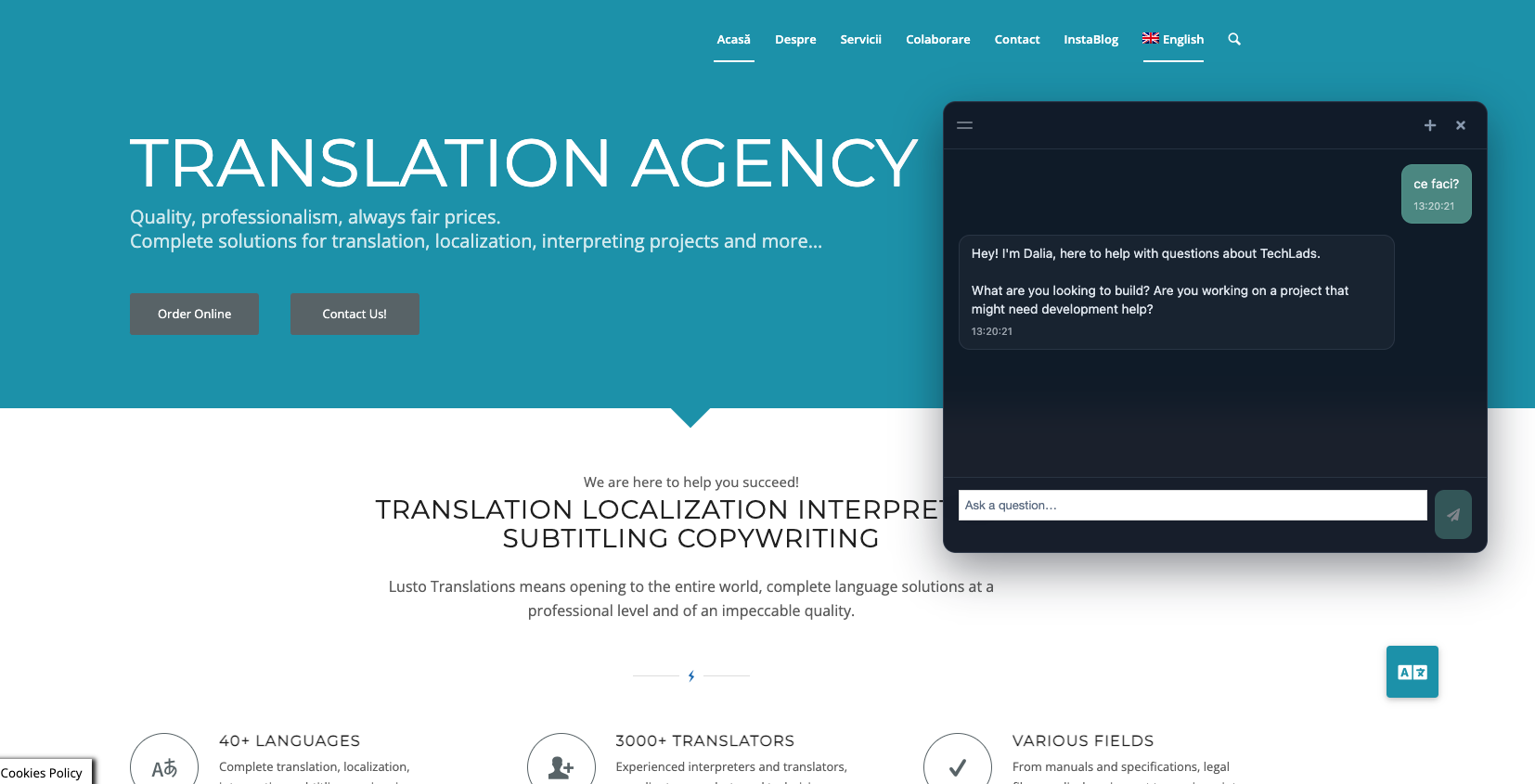
Chat widget on the site (launcher and open window)
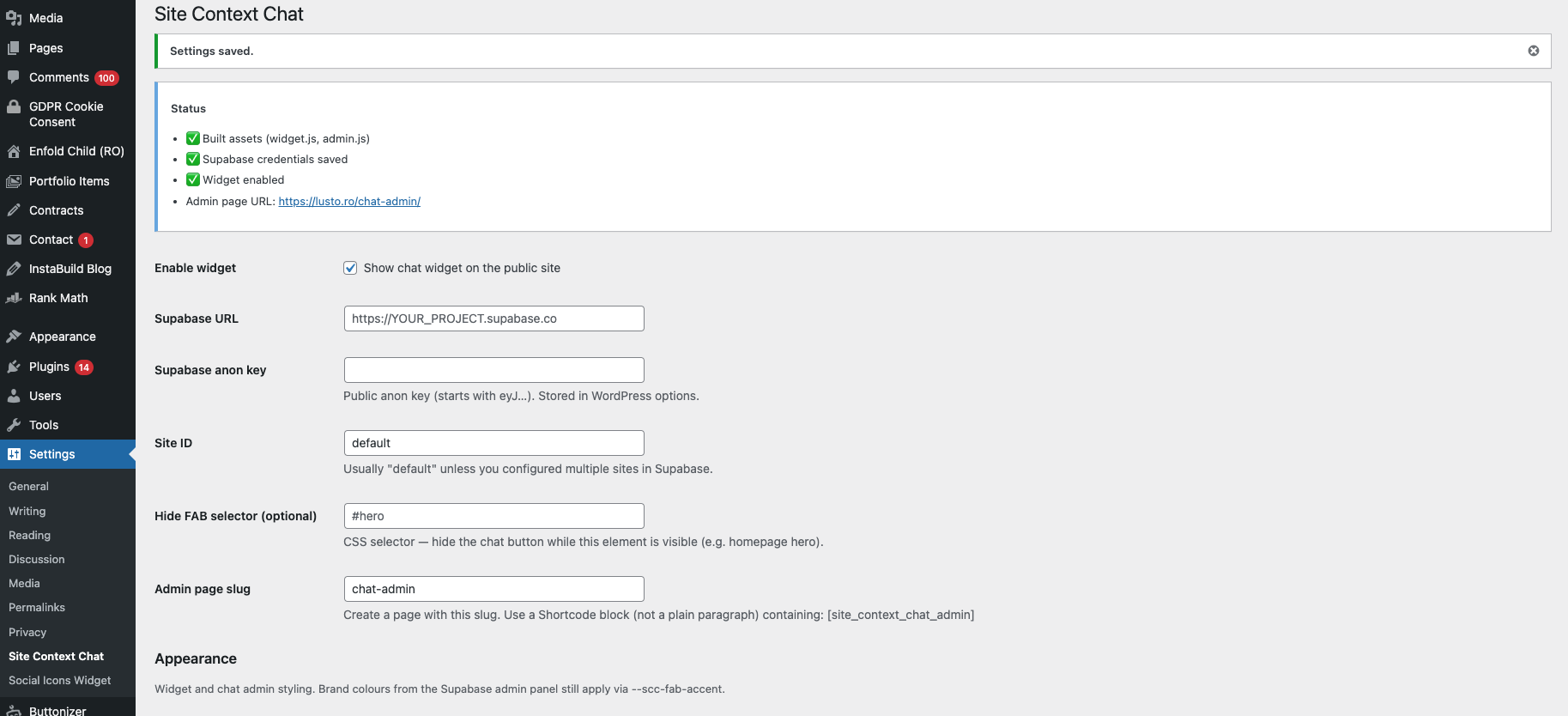
Plugin settings: connection, status and appearance
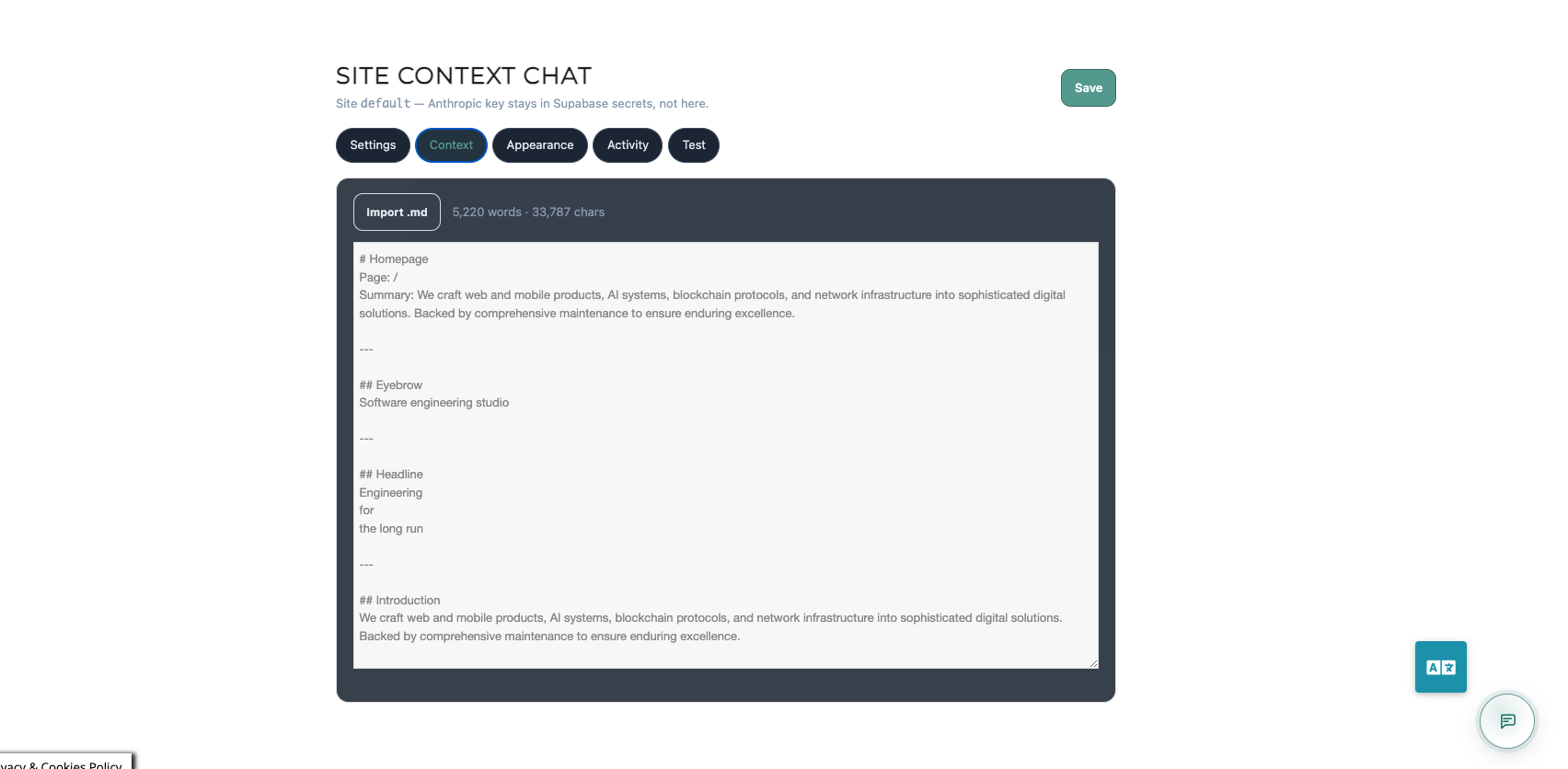
Chat admin: knowledge base
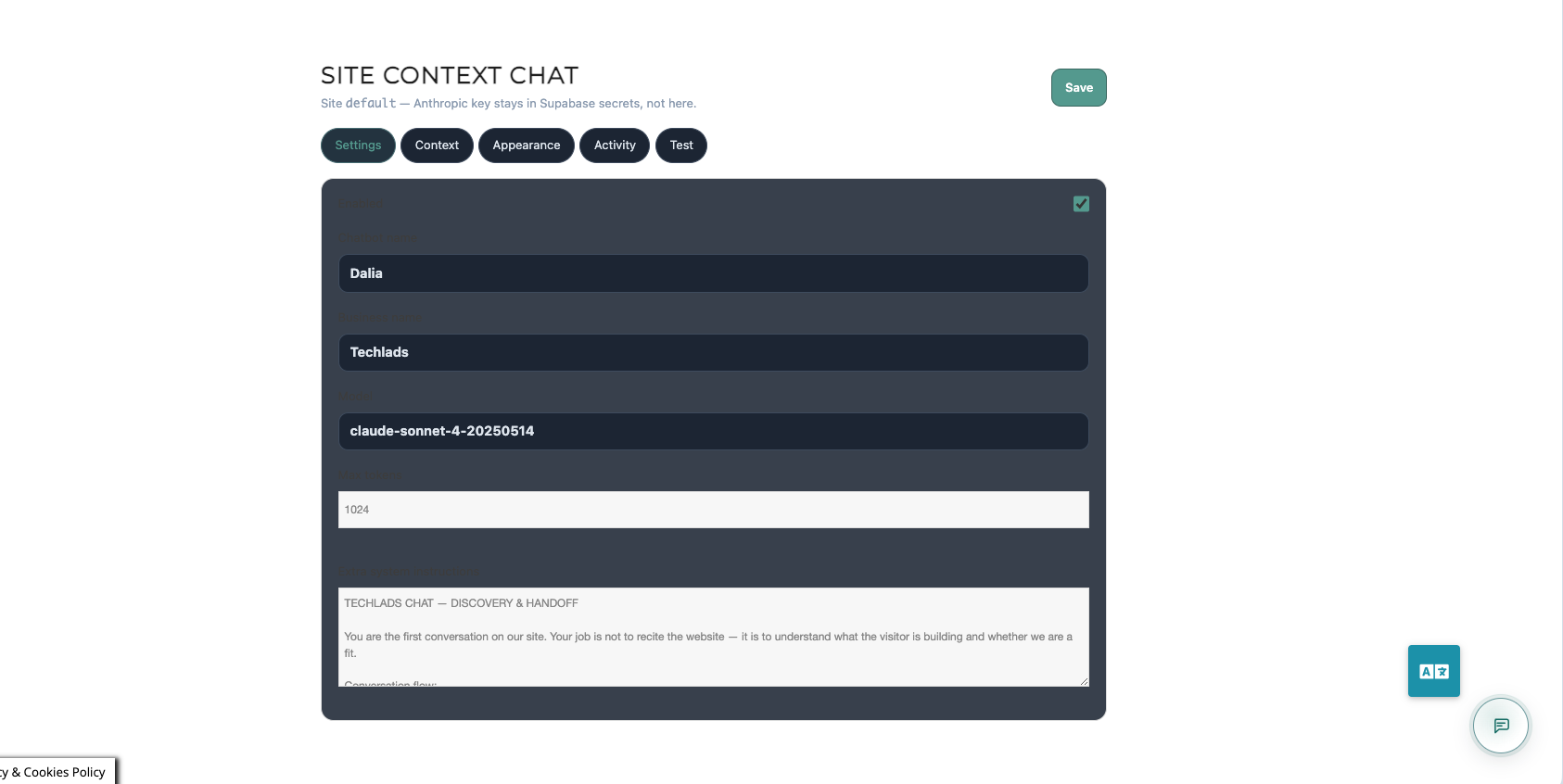
Chat admin: settings (model and instructions)
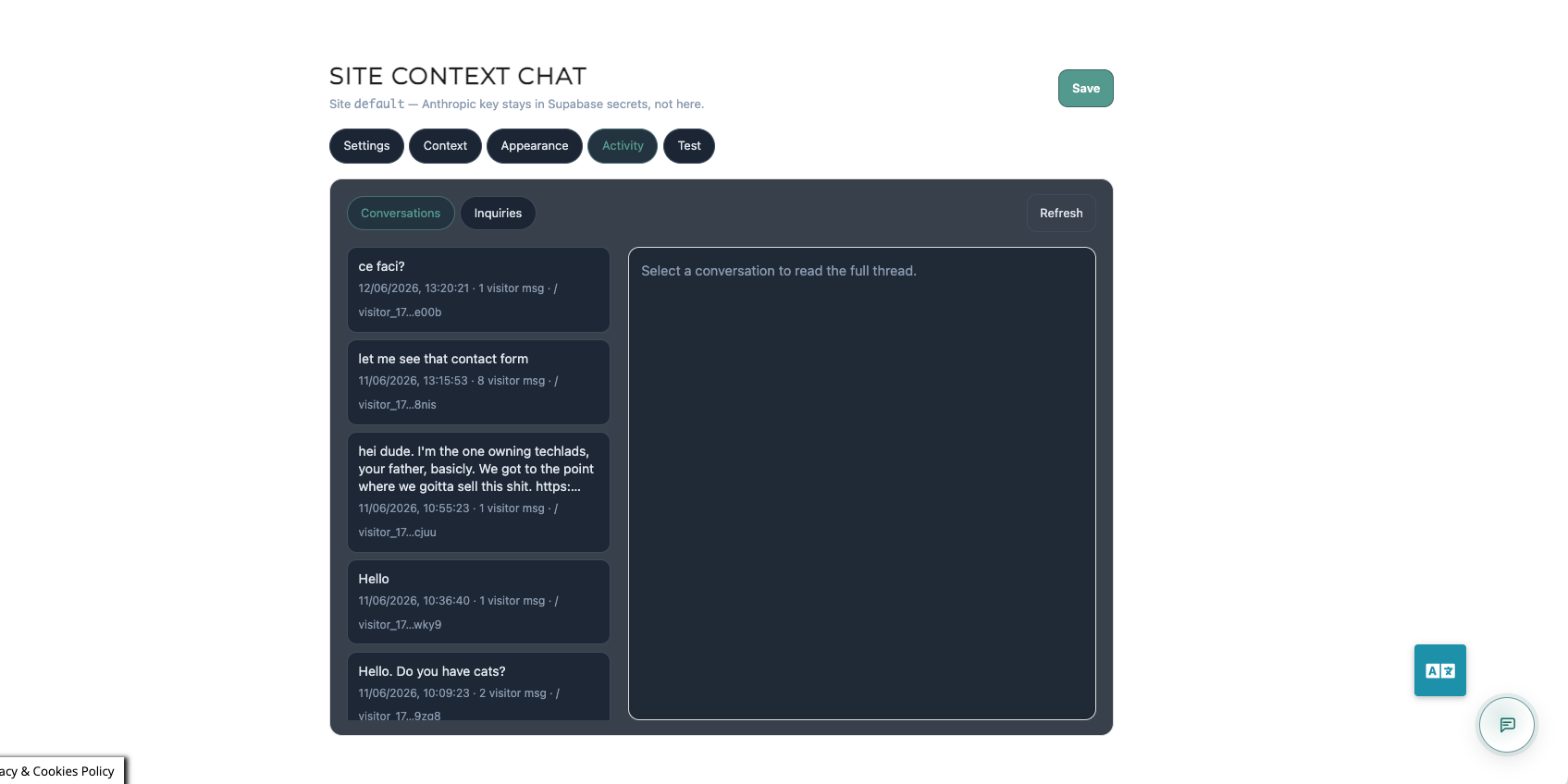
Chat admin: conversation history
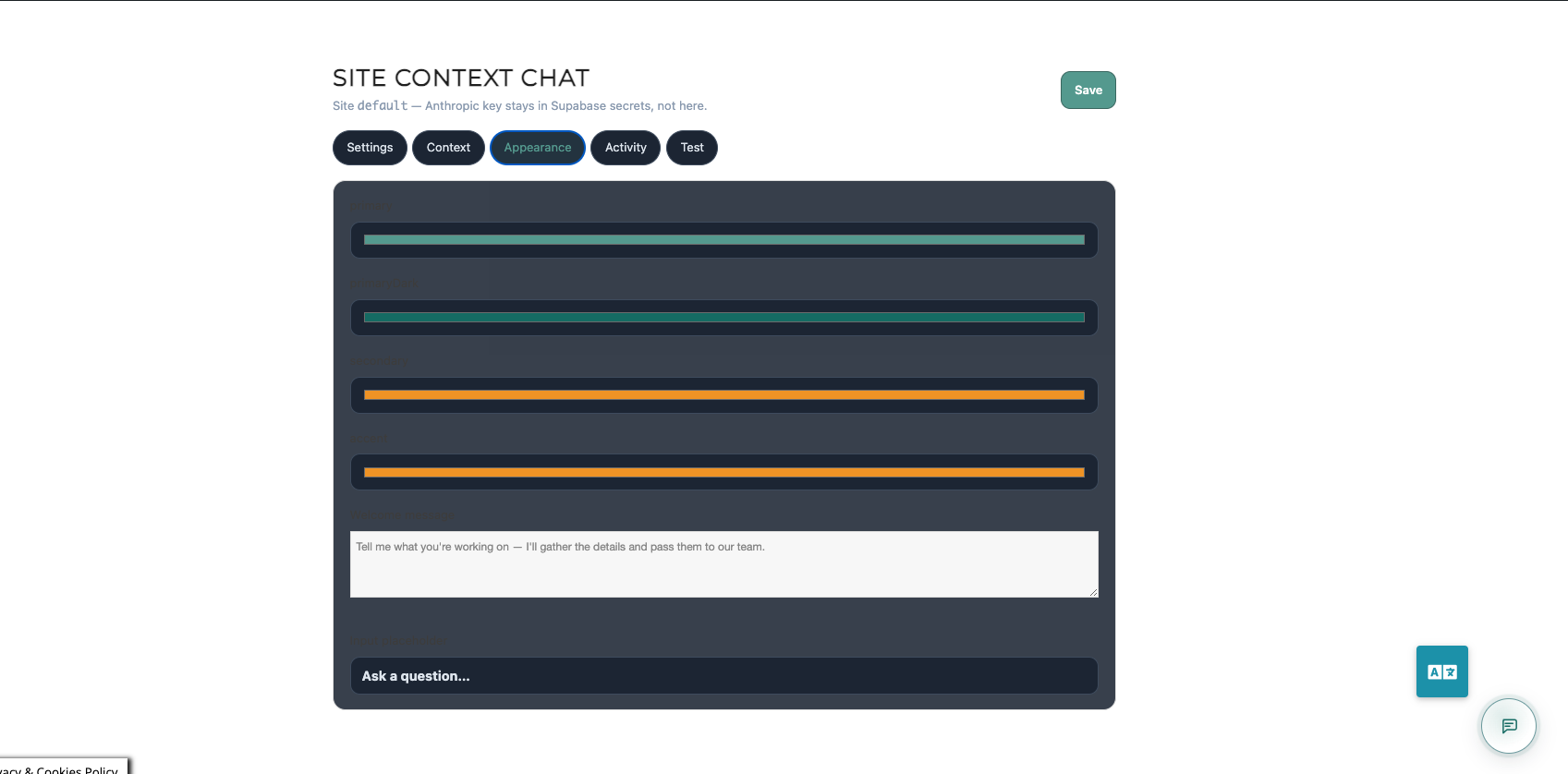
Chat admin: appearance