
SiteGround Migrator: the easiest way to move your site to SiteGround
This plugin is designed to automate the transfer of a WordPress instance to a SiteGround hosting account. It can’t be used to transfer a WordPress instance to another hosting provider.
Important: This solution is not suitable for migrating localhost WordPress sites or for Full Multisite installations (separate Multisite blogs are fine).
How to Use
First, you need to get a transfer token from your SiteGround account. You can do this through the WordPress Migrator tool located in the WordPress section of your SiteGround hosting control panel.
Once you select the domain name that you want to initiate the transfer for, our system will generate a transfer token for you.Paste the token in your SiteGround Migrator plugin and press Initiate Transfer. That’s all!
Screenshots

Starting the transfer - paste your Migration Token and select notification email if you want
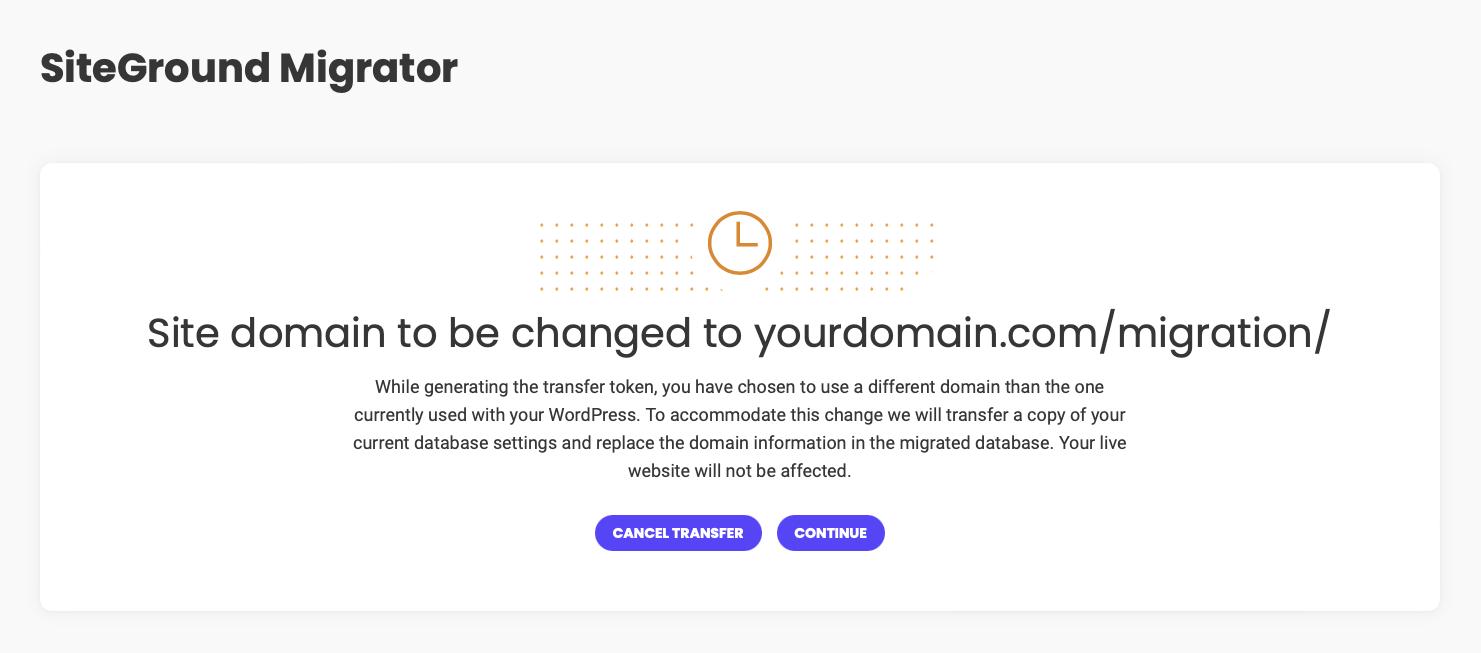
If domains are different, the plugin will inform you about the changes we will make

Downloading your site files to the SiteGround server

Once data migration is completed, we will set your site on the new server, even change its url if necessary
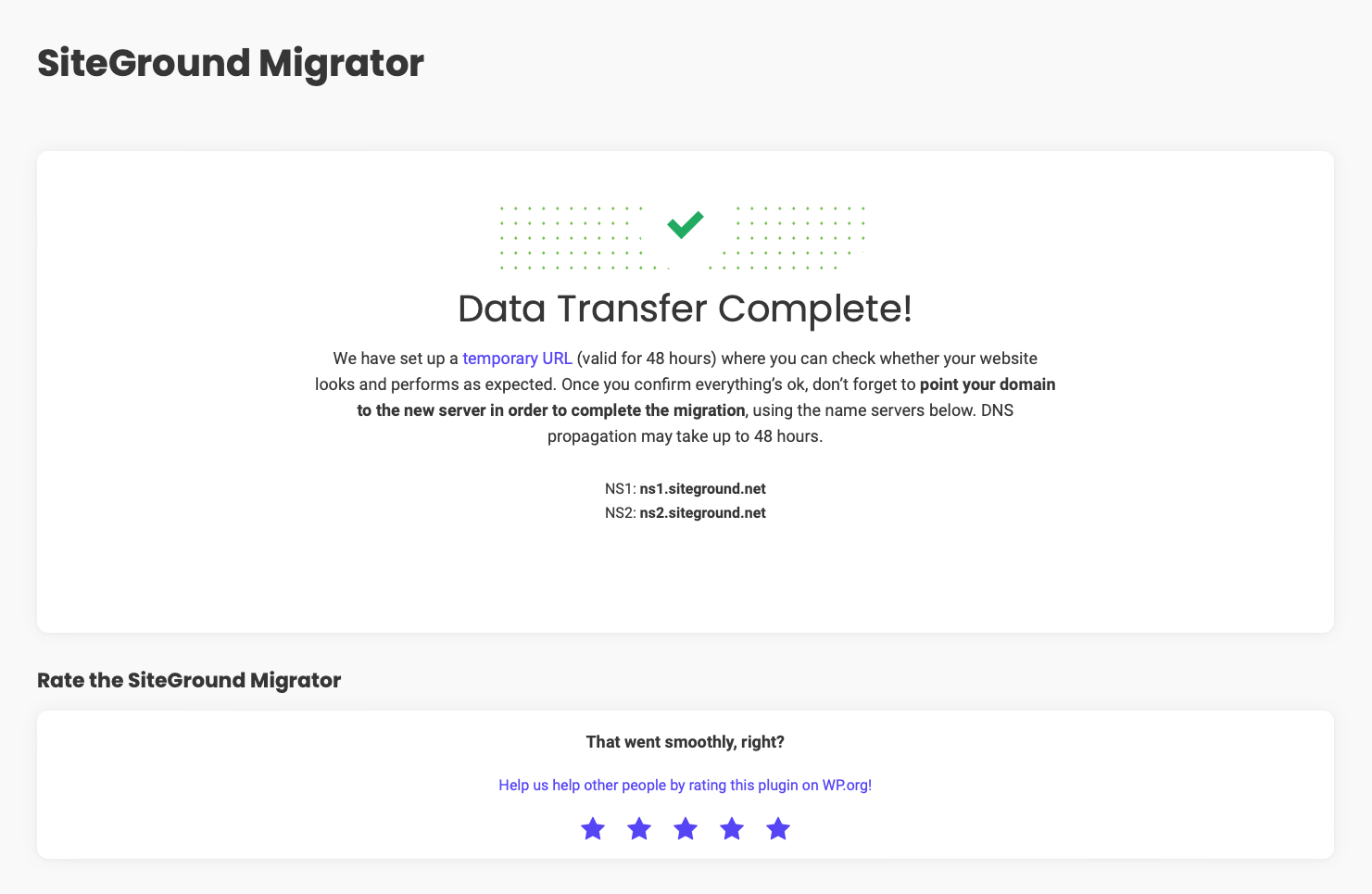
Migration completed! We've generated a temporary URL for you to verify your site on the new server