
Sparrow Email OTP Verification for Contact Form 7 provides a robust security layer for your website by verifying user email addresses before form submission. This effectively blocks bots, spammers, and malicious actors from flooding your inbox with fake data or invalid leads.
Why this plugin is different:
Most existing OTP plugins require you to pay for their proprietary API or use their specific SMTP service to send codes. This often leads to unexpected monthly costs and vendor lock-in.
This plugin is built with a “Your Server, Your Rules” philosophy. It sends OTP codes using the native wp_mail() function, meaning it utilizes your website’s default mail configuration or your preferred SMTP service. There are no extra costs, no hidden fees, and no third-party accounts required.
Features
- Block Bots & Spam: Ensure every submission comes from a person with a valid, accessible email address.
- Conditional Display (New v1.1.0): Dynamically hide verification elements inside an elegant wrapper box until an email string is typed.
- Cost-Effective: Zero cost to send OTPs—it uses your existing server or SMTP setup.
- Privacy First: No data is sent to external verification APIs; everything stays on your server.
- Smart Detection: Automatically finds the email field in your Contact Form 7 forms.
- Security-First Rate Limiting: Built-in protection to prevent OTP request abuse by limiting users to 3 attempts per 5 minutes per IP address.
- Lightweight: Minimal footprint to ensure your site remains fast and passes Core Web Vitals.
Screenshots

Admin Setup (Conditional Mode) - How to configure the sparrow-email-otp shortcode tag using the 'conditional_display:yes' attribute in the Contact Form 7 editor.
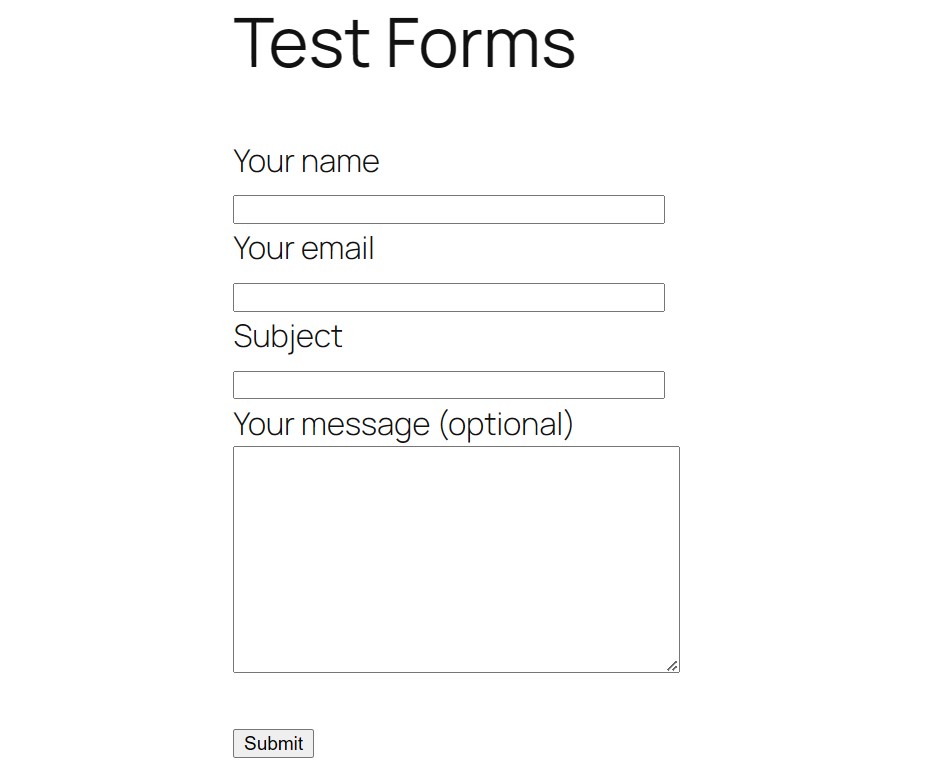
Hidden Initial State - The entire OTP verification layout container remains completely hidden from view when the email field is empty or incomplete.

Dynamic Reveal Effect - The OTP input field and action button smoothly animate into view the exact moment a structurally valid email address pattern is typed.

Successful OTP Dispatch - A clear, real-time success notice is printed inside the container box immediately after a verification code is sent.

Built-In Resend Timer - After sending an OTP, a 60-second cooldown period activates on the action button before transforming into a functional 'Resend OTP' trigger.

Backend Error Handling - The validation engine catches incorrect or expired verification codes and prints localized inline error notices beautifully.

Anti-Spam Rate Limiting - Built-in security matrices temporarily block excessive requests based on strict client IP transient evaluations if a user abuses the button.

Standard Layout Setup - Configuration setup in the admin dashboard for rendering the OTP fields traditionally without the conditional display attribute wrapper.

Classic Open Interface - The OTP verification field and button render fully visible directly on the form from initial page load when conditional display is disabled.