BACK TO DIRECTORY
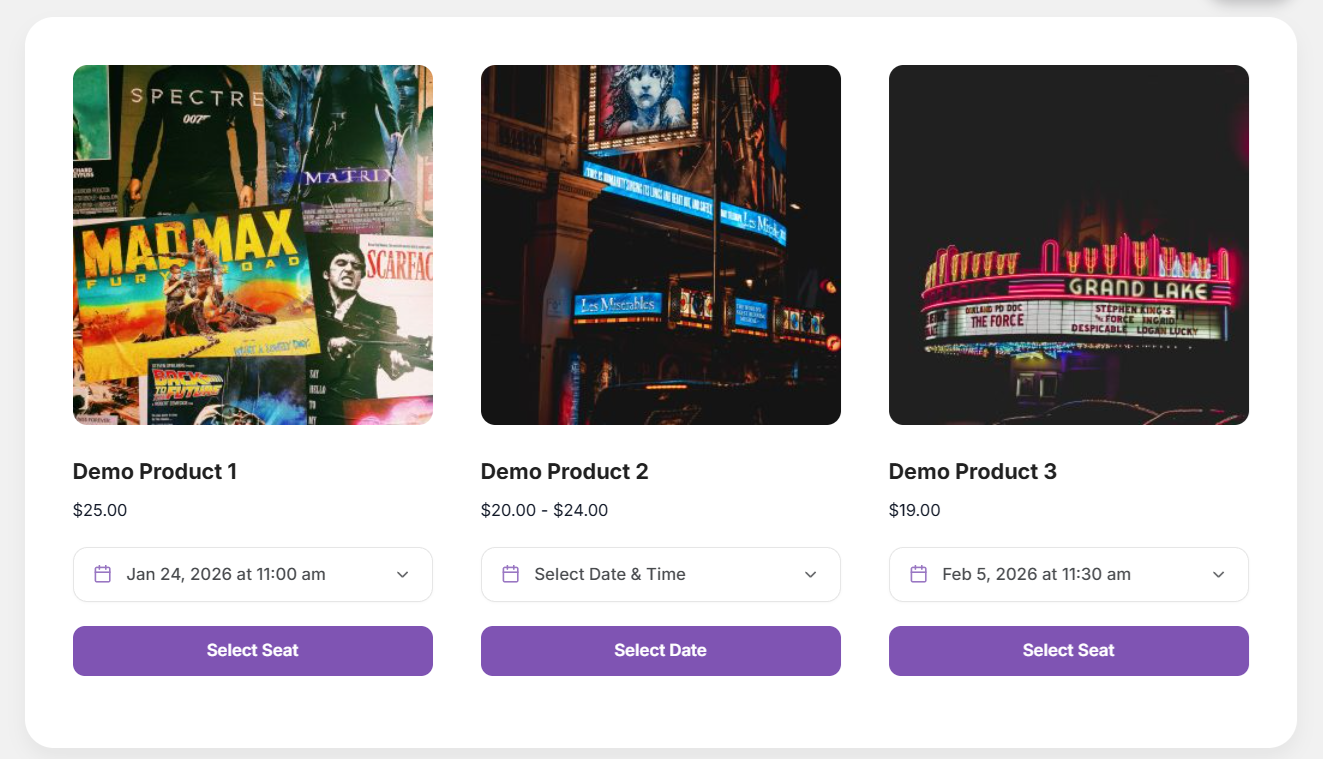
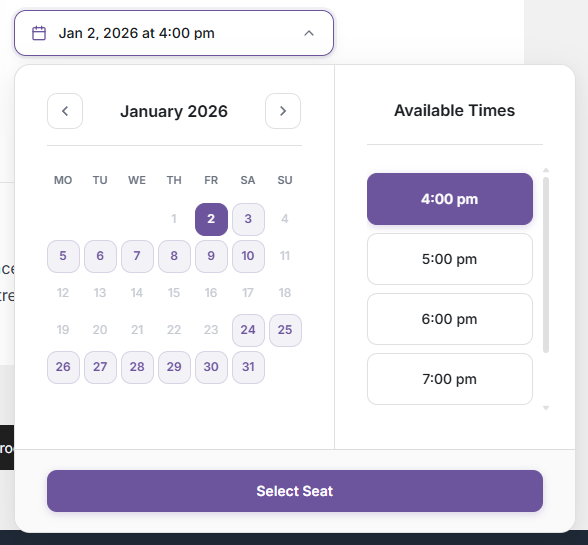
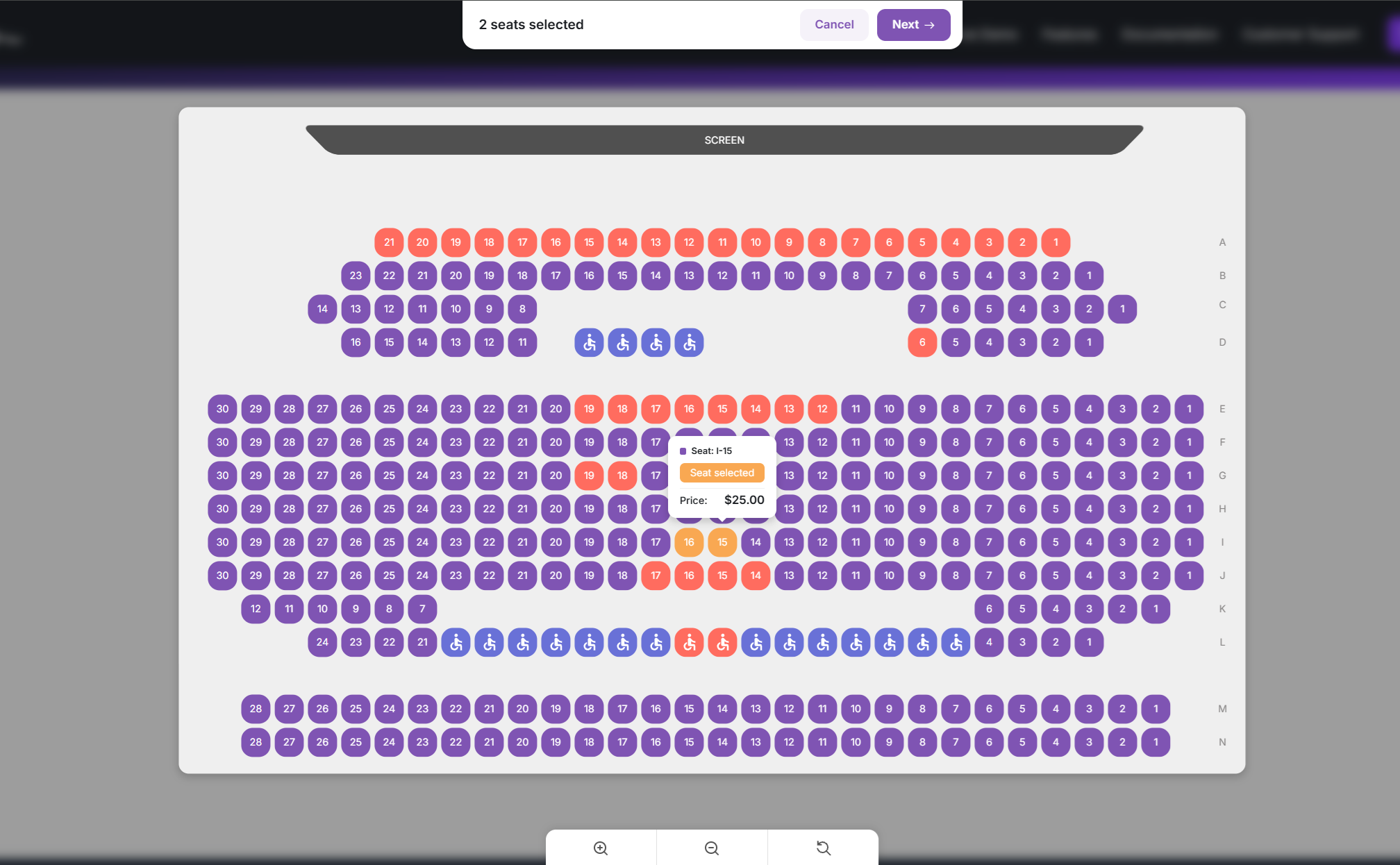
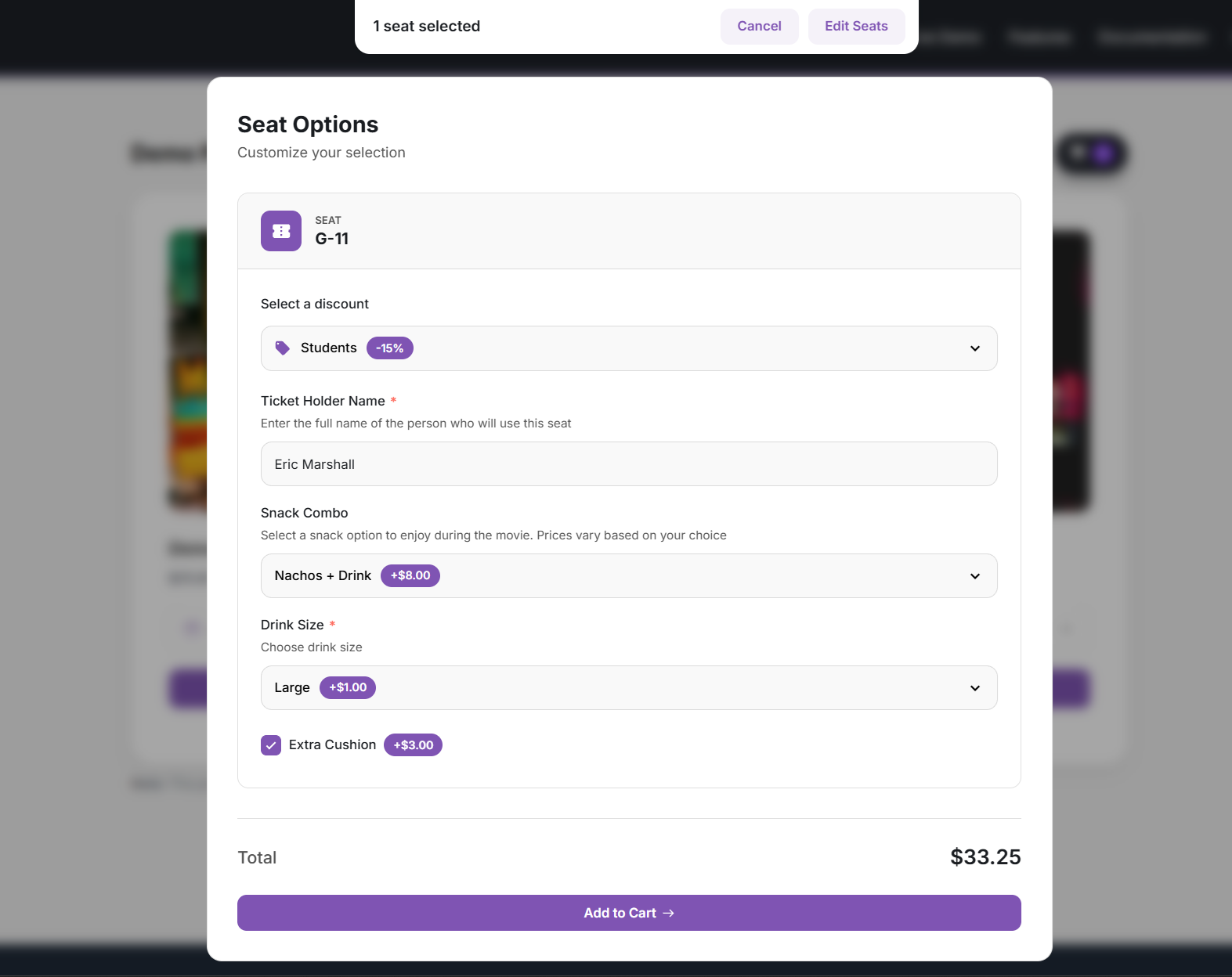
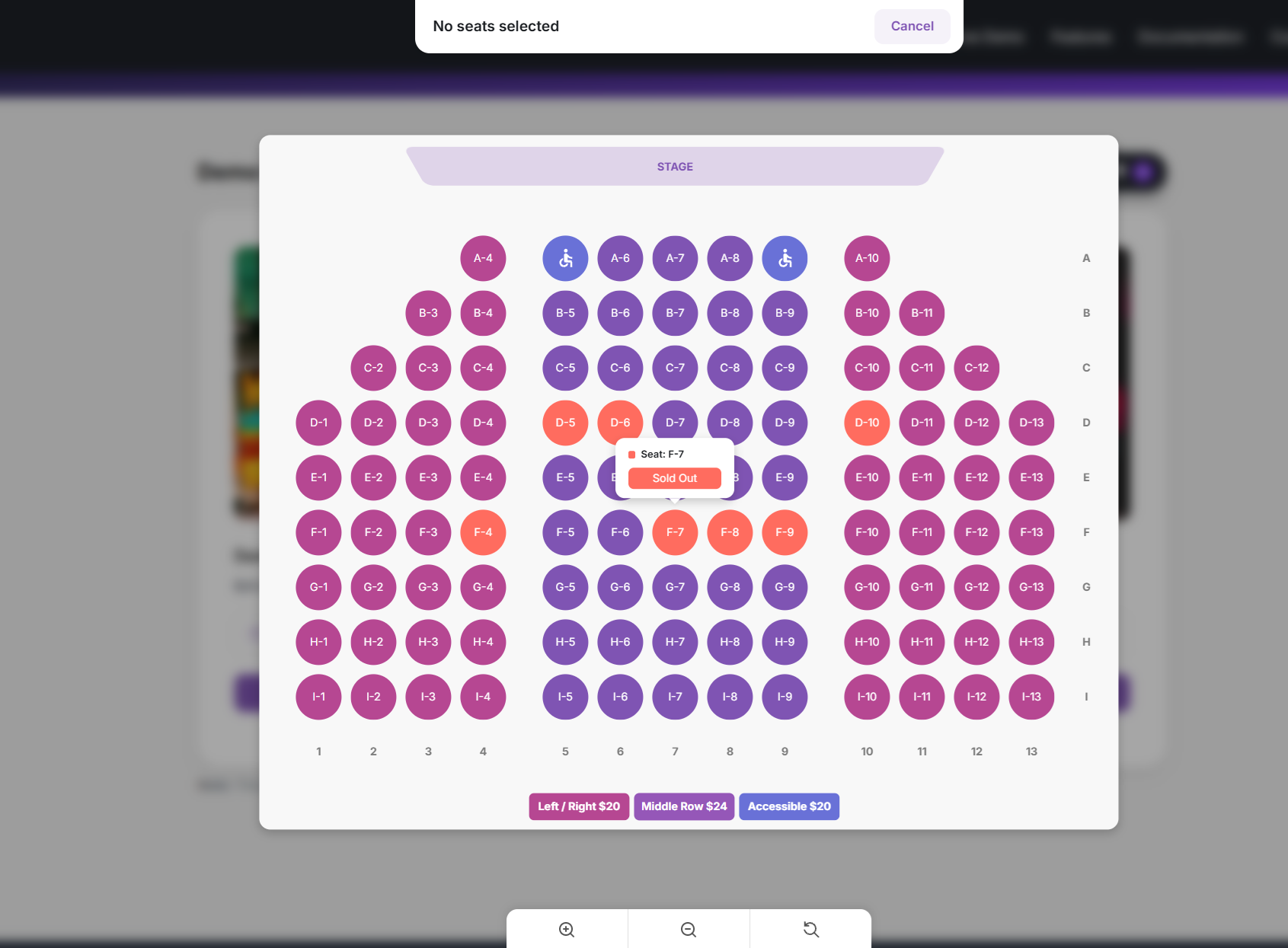
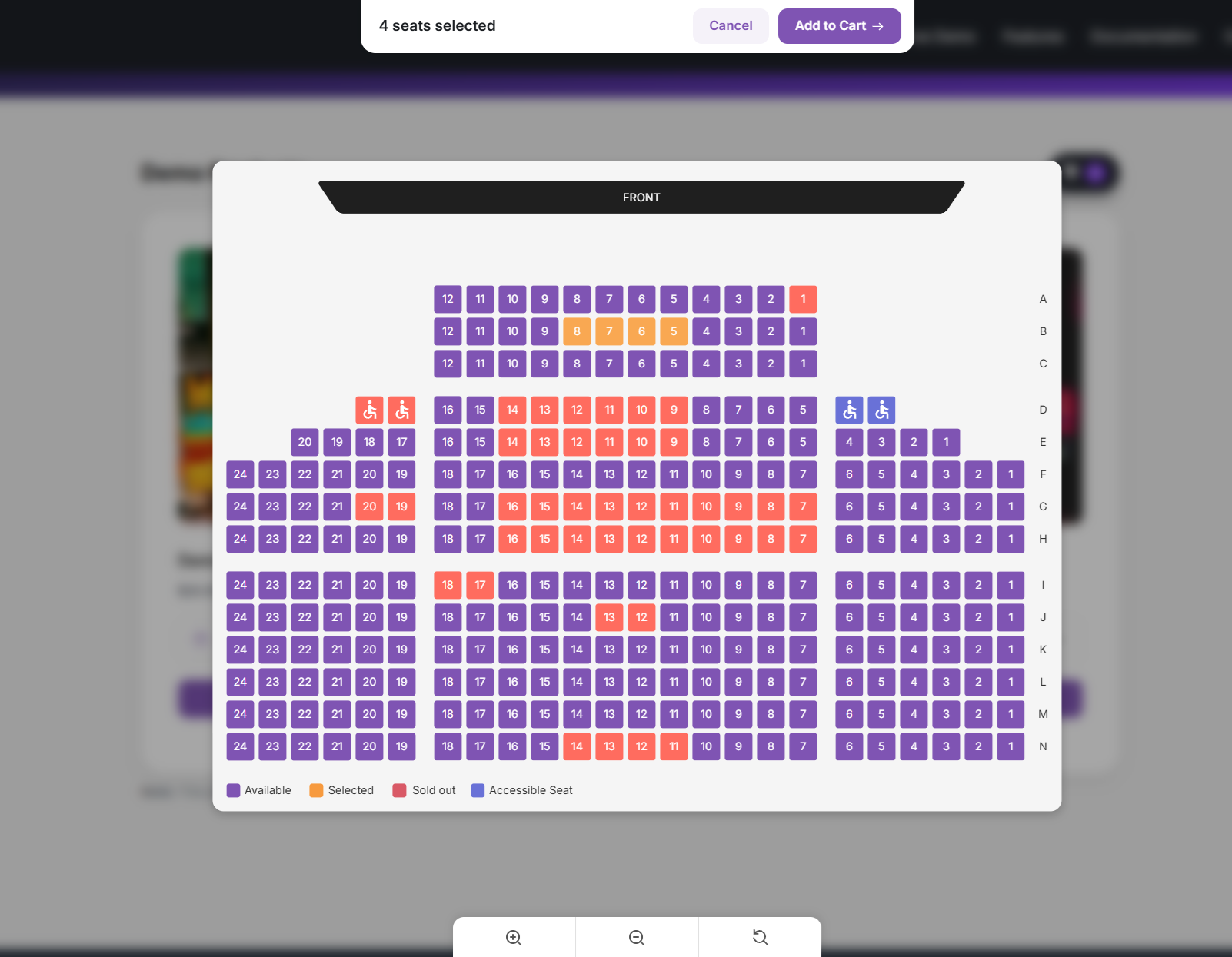
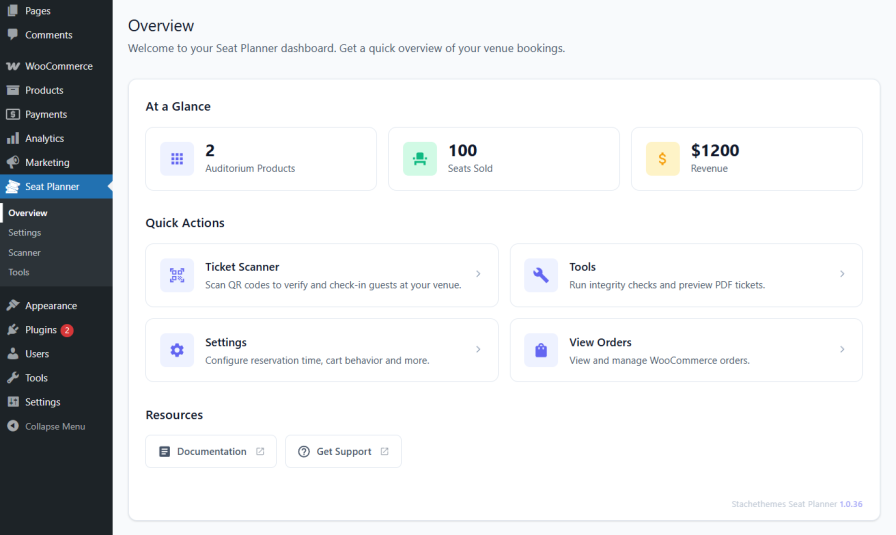


Stachethemes Seat Planner helps you sell reserved seats with WooCommerce. Create an interactive seating map, assign prices and availability, and let customers choose their seats before checkout.
Use it for theaters, cinemas, concerts, conferences, workshops, tours, classes, or any product where customers need to book specific seats or spaces.
Features
Seat Planner Lite is the core seat booking system for WooCommerce—maps, holds, checkout, and check-in in one plugin. Upgrade to Stachethemes Seat Planner (Pro) for multi-date events, discounts, custom fields, PDF tickets, unlimited layout objects, and more – see Premium Features.
Core booking & seat management
- Table & seat support – Build both table layouts and seating charts in the same system.
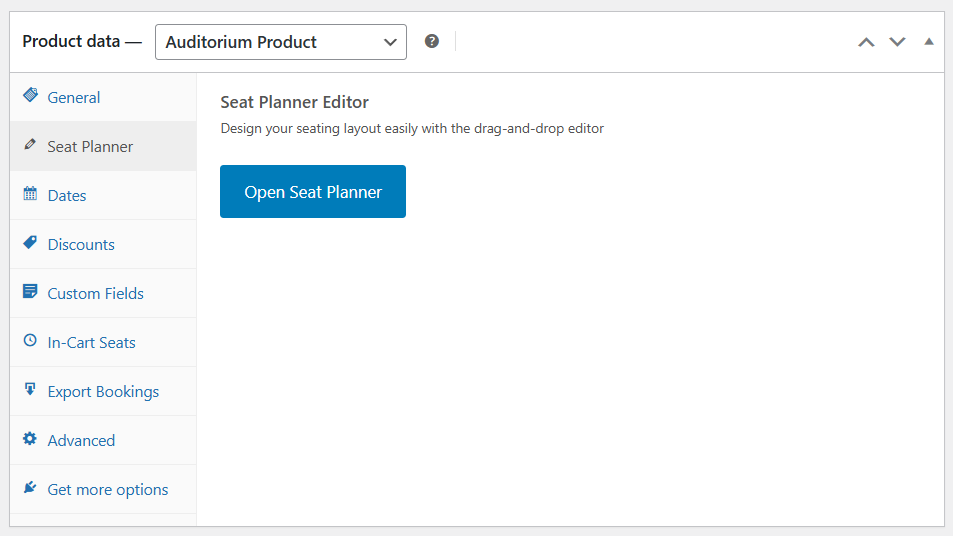
- Drag-and-drop seat planner – Design your venue with seats, tables, screens, labels, and static objects.
- Up to 250 layout objects – Build plans with seats, labels, screens, and other objects (Pro removes this cap).
- Interactive seat selection – Customers pick seats in real time on a map with zoom, pan, and seat details.
- Best Available – Auto-select the best contiguous seats; filter by price when seats have different rates.
- CSV import & export – Import and export seat layouts from the seat planner editor.
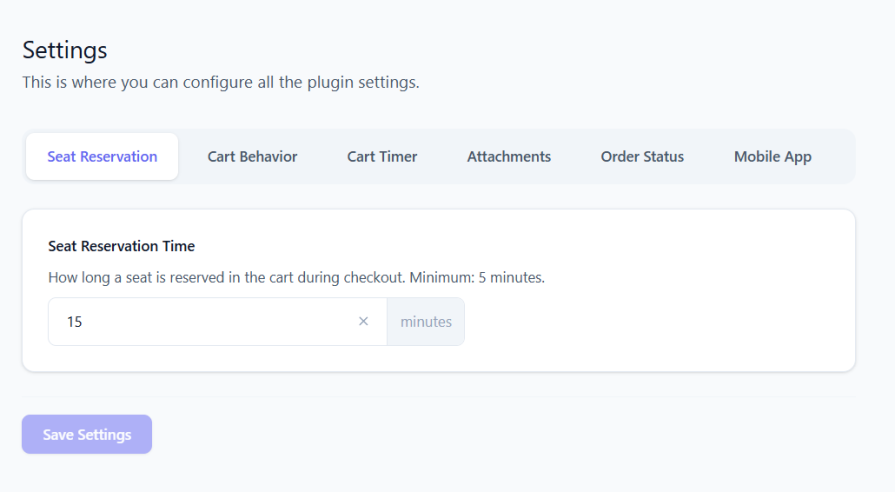
- Cart hold timer – Temporary seat holds while customers checkout to help prevent double bookings.
- Handicap / accessible seats – Mark accessible seats so they stand out on the map.
- Auto-fill and pattern tools – Place rows or sections quickly when building your layout.
- Table Templates – Place round, square, or rectangular tables (4-12 seats) with one click; optional Table ID labels seats as “Table 1-1”, “Table 1-2”, and so on.
- Map Regions – Place named region rectangles on the canvas (invisible to visitors); customers jump to regions via chips above the zoom controls on the front seat map.
- Per-seat pricing – Set prices by location, section, or individual seat.
- On-site-only seats – Restrict selected seats to on-site purchase via seat status.
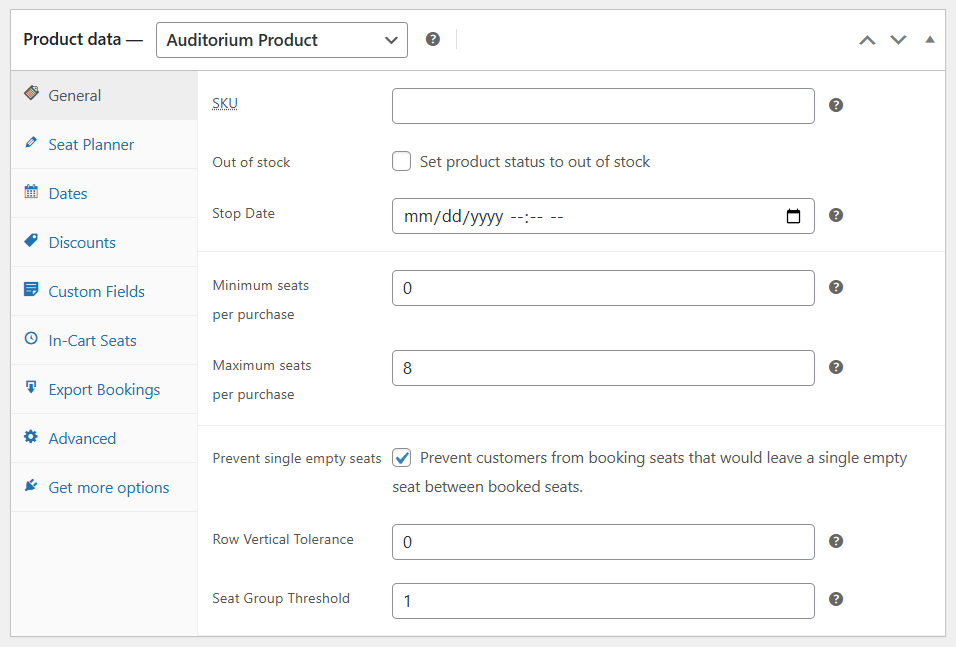
- Prevent single empty seats – Optional grouping rules so customers cannot leave an isolated empty seat; choose Horizontal, Vertical, or both, plus Strict / Lenient / Middle-gaps rule types.
Checkout & customer experience
- Standard WooCommerce cart and checkout – No separate ticketing checkout to learn.
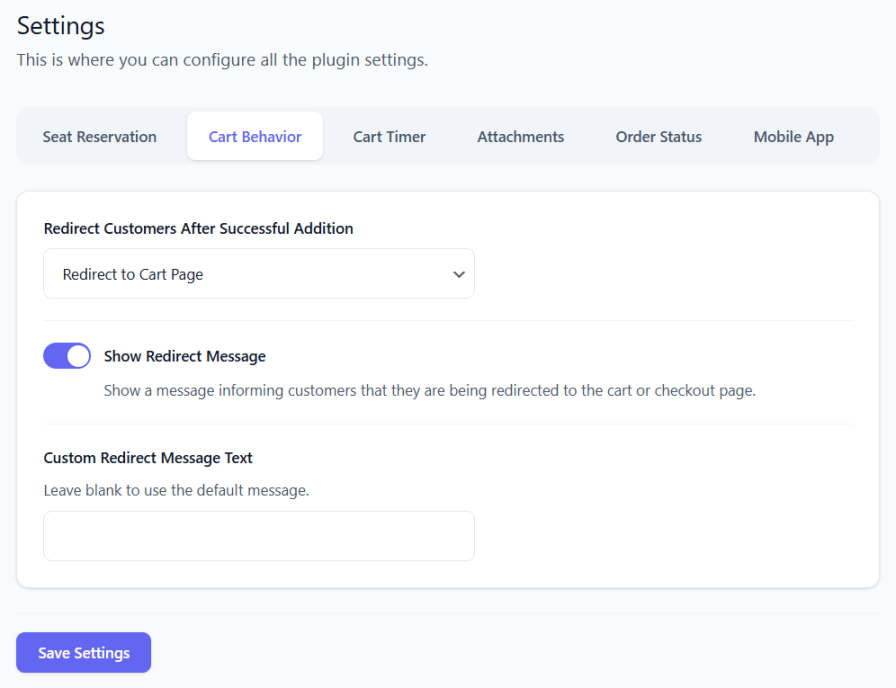
- Configurable redirect after adding seats – Send customers to the cart, checkout, or a custom URL; optional cart timer on the storefront.
- Unique QR code per seat – Generated for each purchased seat for validation at the door.
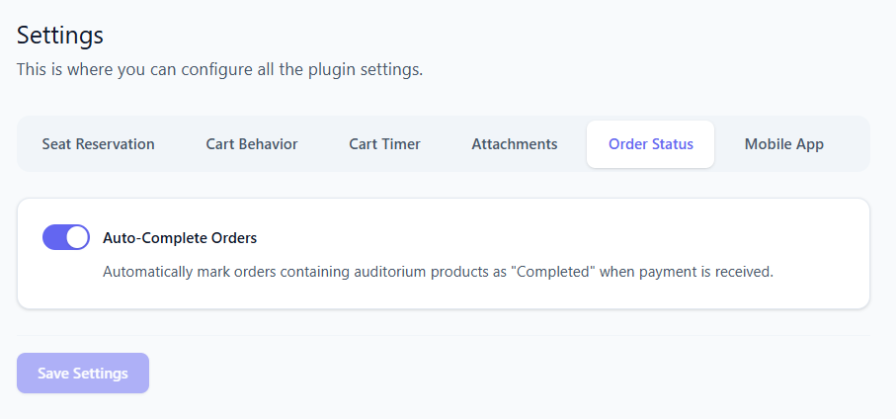
- Auto-complete paid auditorium orders – Configurable, including mixed-cart behavior.
- Front-end dark mode and accent color – Brand the seat-selection experience.
- WooCommerce coupon seat limits – Require a minimum or maximum number of auditorium seats in the cart before a coupon applies.
Manager & day-of operations
- Run the venue from one screen – See what is free, block seats for holds or VIPs, and fix availability without waiting on a customer order.
- Sell at the door or comp a seat – Create a single-seat order from the floor when someone pays in person or gets a complimentary ticket.
- Fix mistakes without re-checkout – Move a customer to another seat on an existing order when they picked the wrong one.
- Know who is inside – Filter by scanned tickets and reset check-in when staff scans the wrong code.
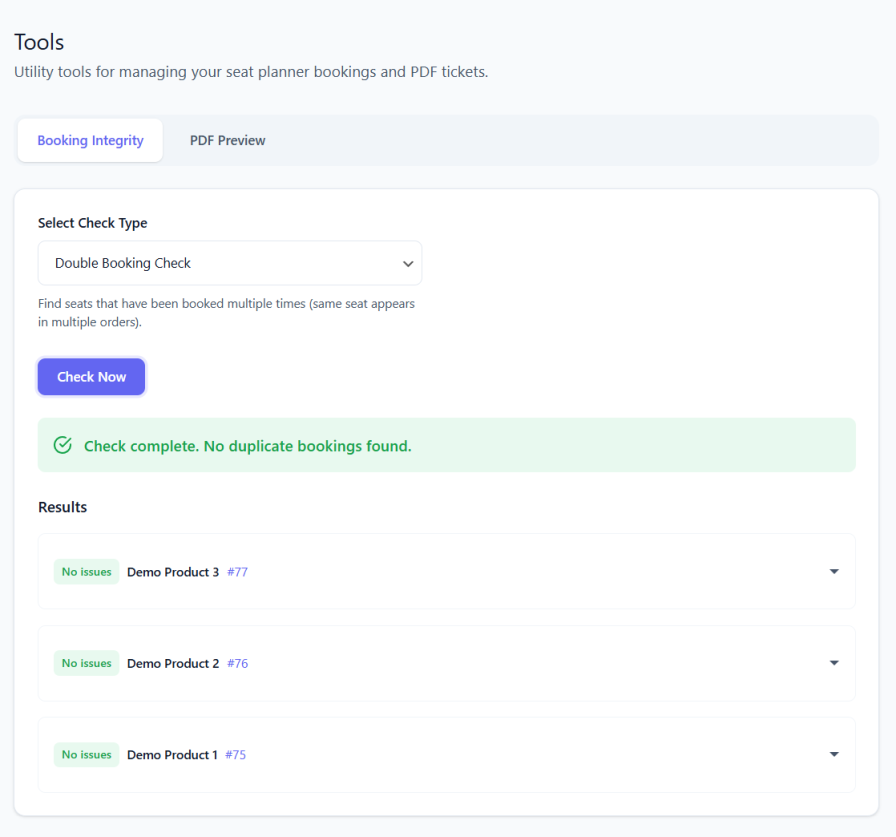
- Detect and fix double bookings and stale inventory – Automatically find conflicts, seats stuck as taken, and unpaid orders still blocking sales.
Check-in & ticket validation
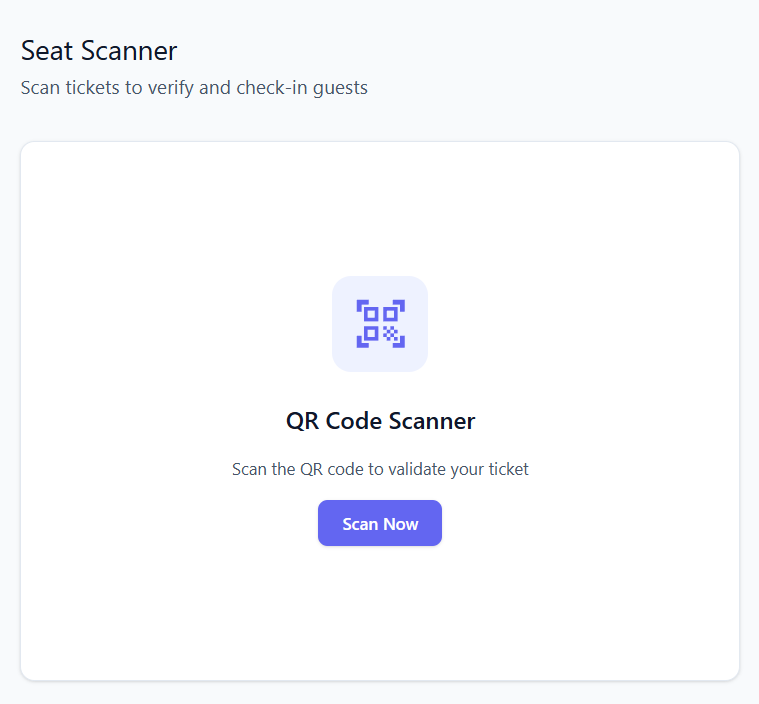
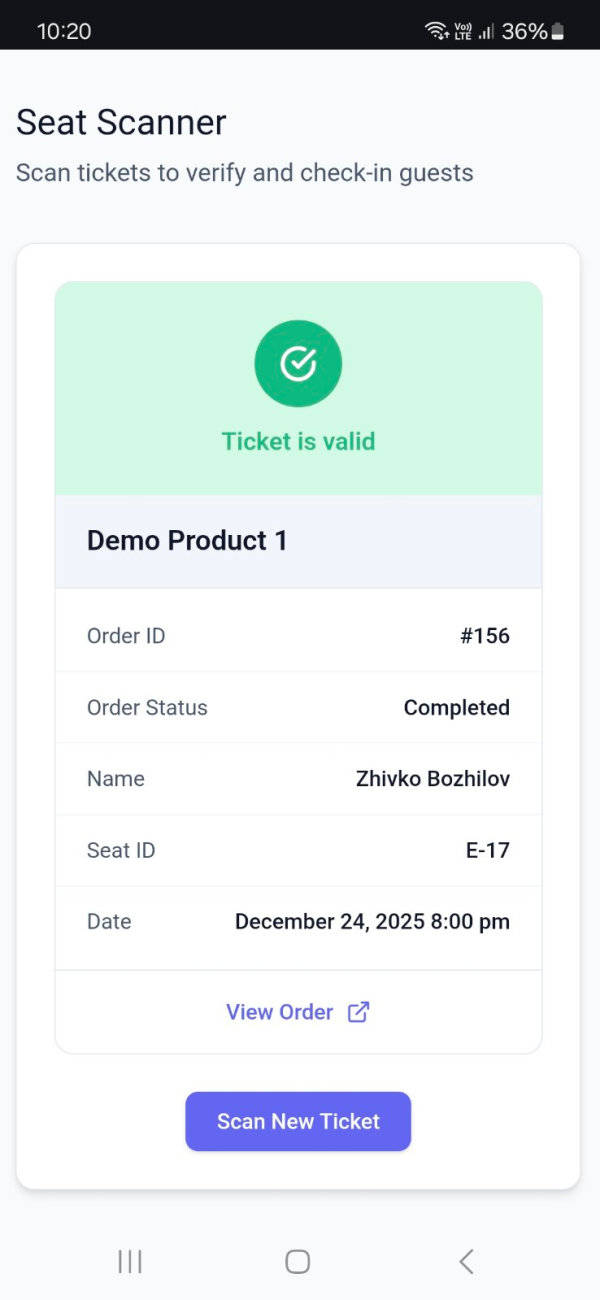
- Built-in web scanner – Validate tickets with a camera QR scanner in your WordPress dashboard.
- Scan records – Each scan updates ticket status; invalid or already-scanned tickets are shown clearly.
Integrations & layout tools
- Shortcodes – Embed a “Select seat” button or live seat counts on any page.
- Elementor widgets – Select Seat Button and Seat Count widgets.
- Gutenberg blocks – Select Seat Button and Seat Count blocks.
Statistics & analytics
- See how the event is selling – Seats sold, occupancy, revenue, and order counts at a glance; trends over time; breakdown by order or date; a simple read on how fast you are filling the house.
Premium Features
Upgrade to Stachethemes Seat Planner on WooCommerce for the full feature set, including everything in Lite plus:
Core booking & seat management
- Unlimited layout objects – No 250-object cap in the seat planner editor.
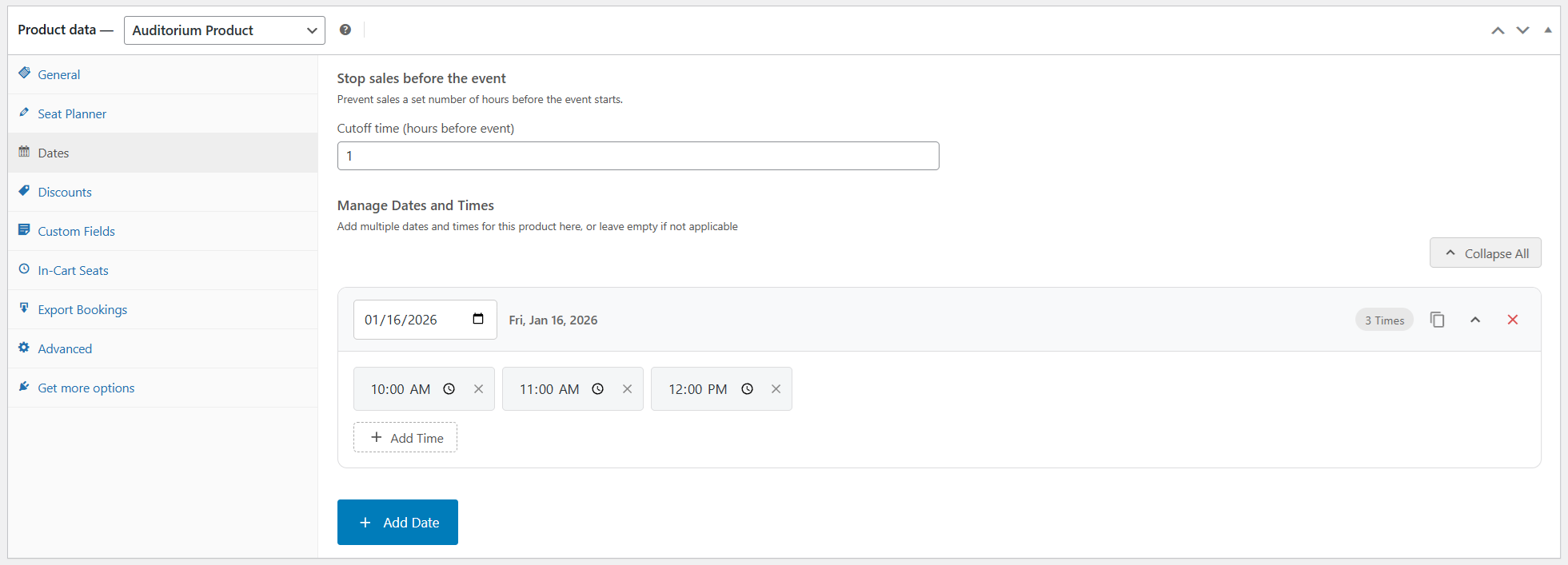
- Multiple event dates on one product – One seat map, many performances.
- Optional sales rules – Stop sales before the event; min/max seats per purchase.
Pricing, discounts & upsells
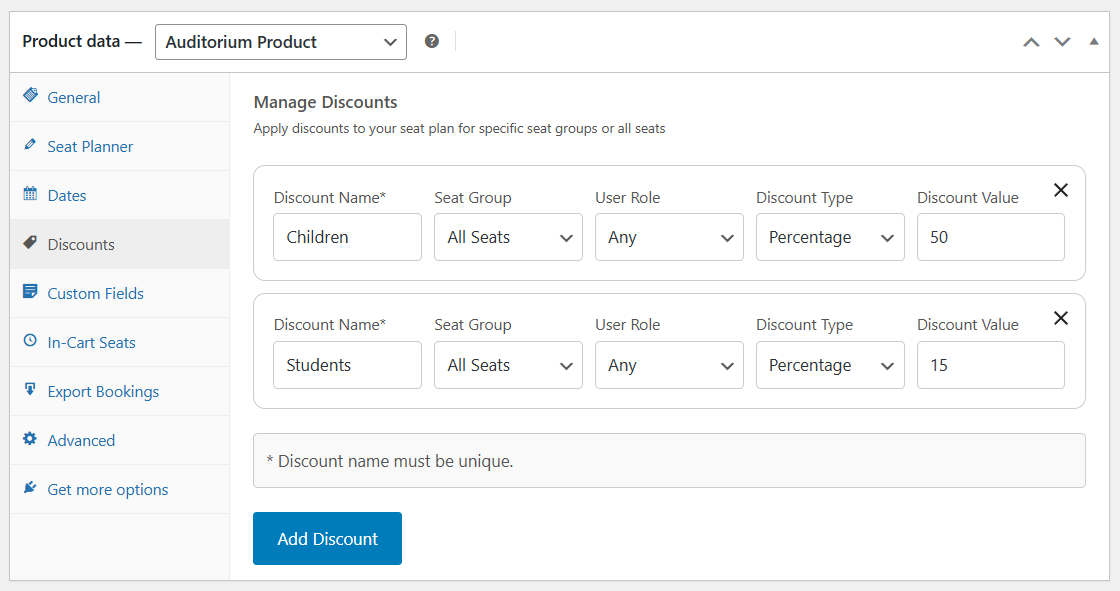
- Seat-level discounts – Percentage or fixed amount on selected seats or groups; optional role restrictions.
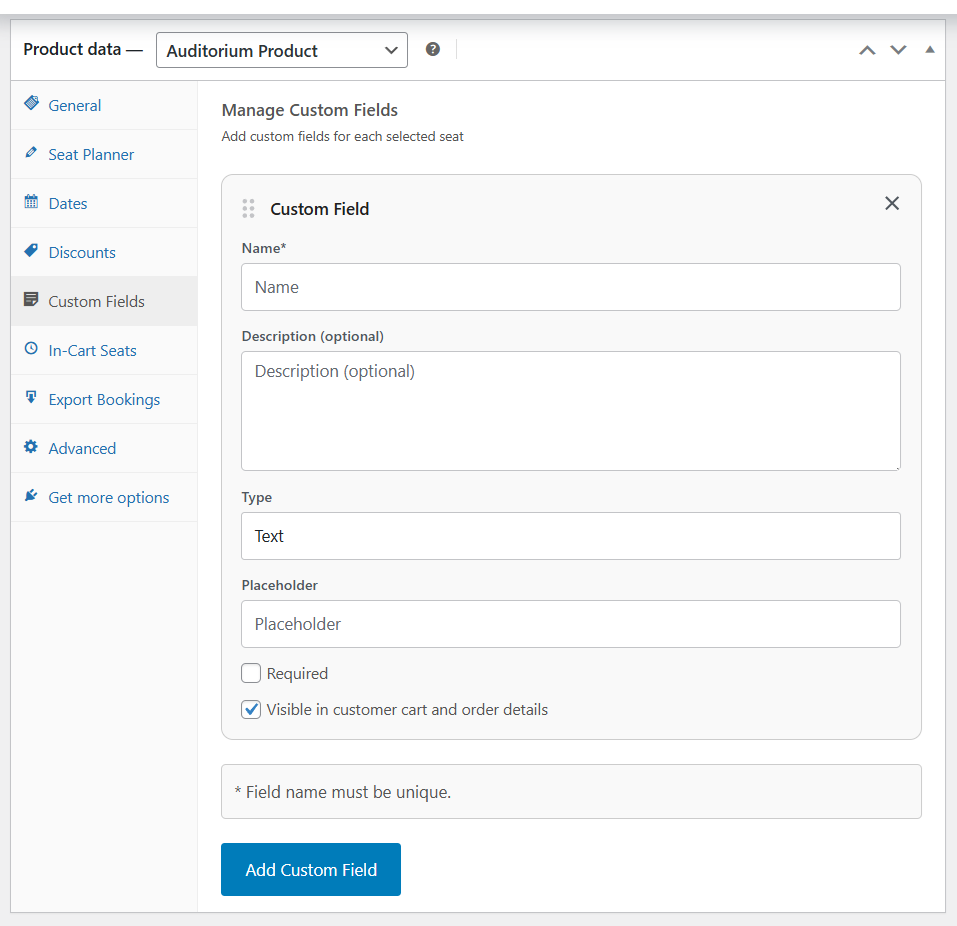
- Custom fields per seat – Free or paid add-ons, upgrades, meal choices, and more (with conditional display).
Checkout & customer experience
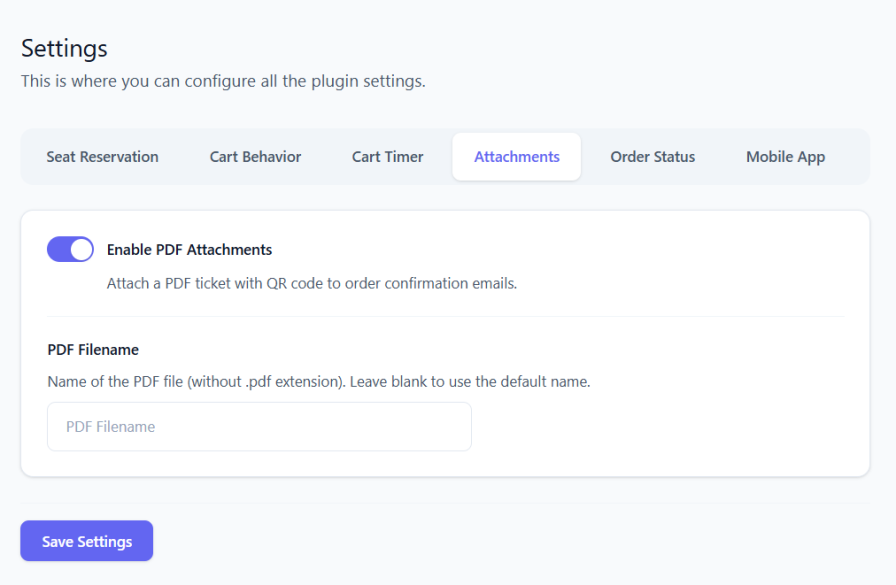
- PDF tickets – Attach ticket details and QR codes to order emails; optional My Account downloads.
Manager & day-of operations
- Bulk create orders – Create orders for multiple seats at once from Manager.
- Full booking edits – Change seat, date, discounts, and custom fields on existing orders.
- Move bookings to another date – For multi-date products (bulk action supported).
Check-in & ticket validation
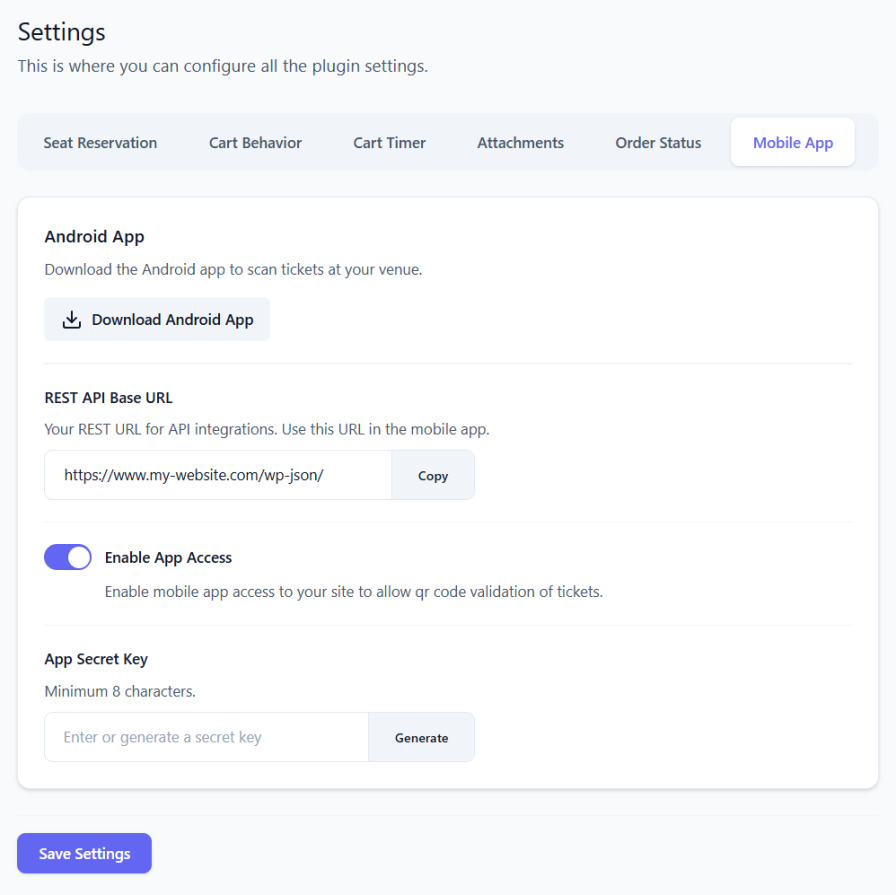
- Free Android app – Door check-in; pairs with your site via integration settings.
Integrations & layout tools
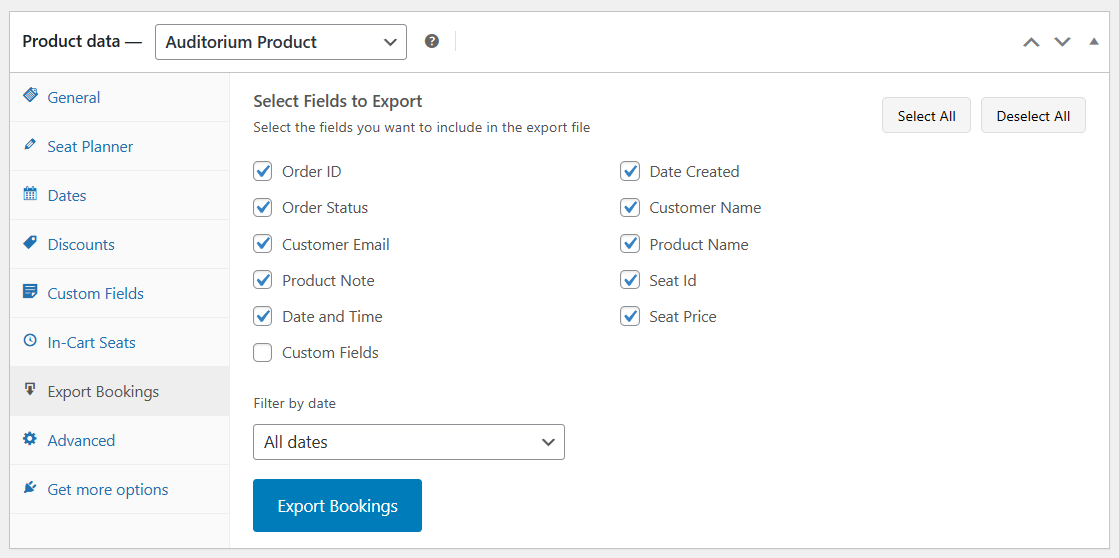
- Export bookings – Export bookings from the product or Manager (filter by date, choose columns).
- Script embed – Run seat selection on external sites with an allowed-origins whitelist.
Statistics, reports & analytics
- CSV export – Statistics tables and booking exports.
- Automated email reports – Scheduled occupancy and sales summaries, with CSV and optional color-coded seat-map snapshot.
Demo
Source Repository
Credits
Screenshots
Plugin Details
Active Installs
80Total Downloads
4,507Version
1.9.6Requires WP
6.7Requires PHP
8.2Tested Up To
7.1.3Added
2025-04-01Last Updated
2026-10-13 1:06pm GMTRatings
5
3
4
0
3
0
2
0
1
0