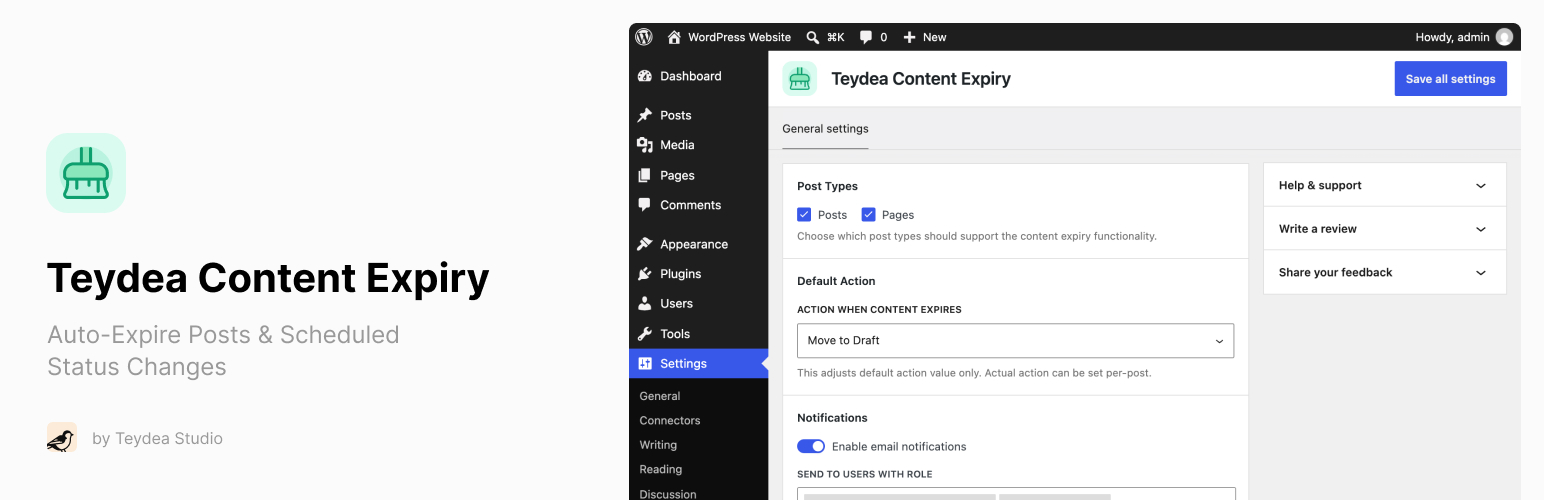
Teydea Content Expiry lets you set an expiry date on any post type and automatically take action when that date arrives.
Whether you manage time-sensitive promotions, seasonal content, legal notices with review deadlines, or news articles that lose relevance, Teydea Content Expiry gives you the tools to handle content lifecycle directly within WordPress.
Key benefits:
- Automatically move expired content to draft, private, or trash – no manual cleanup needed.
- Get notified by email before and after content expires, so nothing slips through the cracks.
- Show visitors countdown timers and timed content blocks that respond to expiry dates.
- Manage expiring content at scale with bulk edit, quick edit, and a dashboard widget.
Teydea Content Expiry works with posts, pages, and custom post types. It integrates with both the Block Editor (Gutenberg) and the Classic Editor.
Features
- Expiry Date and Action – Set an expiry date and time on any supported post type, and choose what happens: Move to Draft, Make Private, or Move to Trash.
- Block Editor Integration – Sidebar panel in Gutenberg for configuring expiry date, time, and action.
- Classic Editor Integration – Metabox in the sidebar for configuring expiry on sites using the Classic Editor.
- Posts List Column – Sortable expiry column in admin list tables showing scheduled or past expiry dates.
- Expired Posts Filter – Dedicated “Expired” view in the posts list with a count of expired posts.
- Quick Edit and Bulk Edit – Edit expiry settings inline or for multiple posts at once.
- Dashboard Widget – “Expiring Soon” widget showing posts approaching their expiry date within a configurable time window.
- Email Notifications – Get notified when content expires, with optional pre-expiry warnings (1, 3, or 7 days before).
- Configurable Recipients – Send notifications to specific user roles or individual users.
- Expiry Countdown Block – Display a live countdown timer or static date on the front end, with customizable colors and thresholds. Also available as a
[stalepilot_countdown]shortcode. - Timed Content Block – Show or hide content based on a date, relative time from publish, or the post’s expiry date. Also available as a
[stalepilot_timed_content]shortcode. - Automatic Scheduling – Expiry is automatically canceled on trash/delete and rescheduled on restore.
- Developer Hooks – Extensible via actions and filters for custom integrations.
Screenshots

Block Editor: set an expiry date and choose what happens when it arrives - move to draft, make private, or move to trash.

Posts list: a sortable Expiry column, plus a dedicated "Expired" view showing how many posts have already passed their date.

Settings: choose which post types support expiry and set the default expiry action.

Settings: email notifications on expiry, with optional pre-expiry warnings and recipients by role or individual user.

Dashboard: the "Expiring Soon" widget lists content approaching its expiry date within a configurable window.

Front end: the Expiry Countdown block shows a live countdown, with color thresholds as the deadline approaches.