BACK TO DIRECTORY
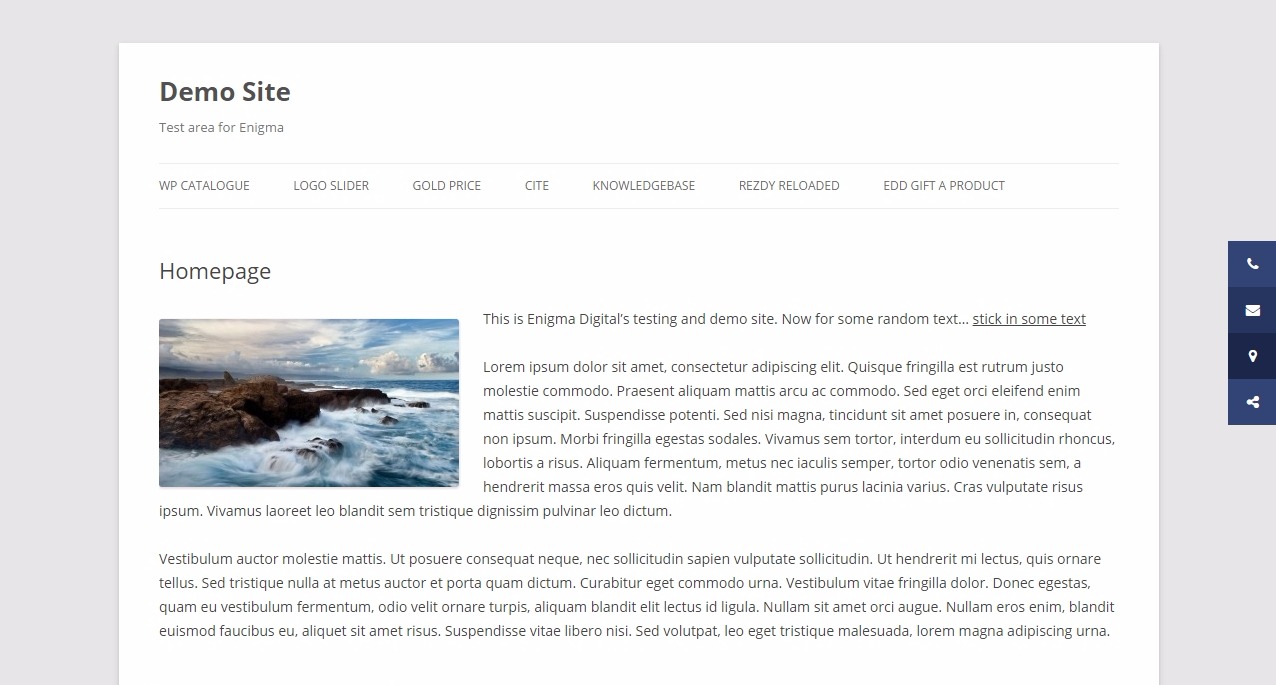
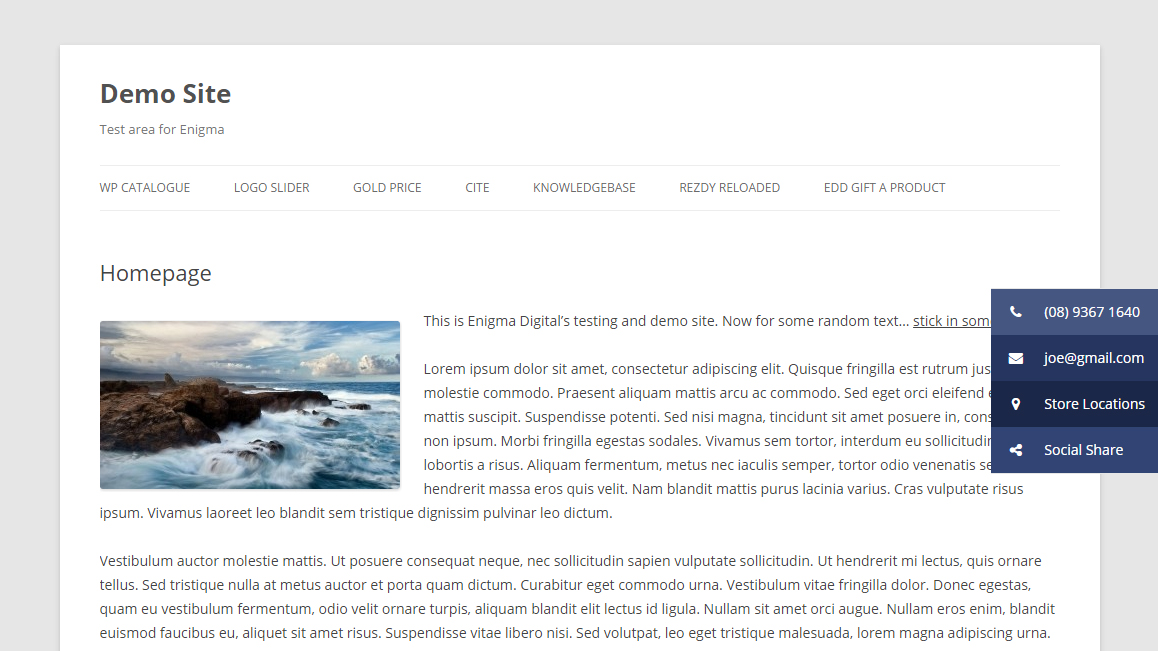



This simple button creator lets you create one or more floating buttons that stick to the side of your site as the user scrolls.
Use it for sticking information like:
- Phone number
- Email address
- Social icons
- Store locations
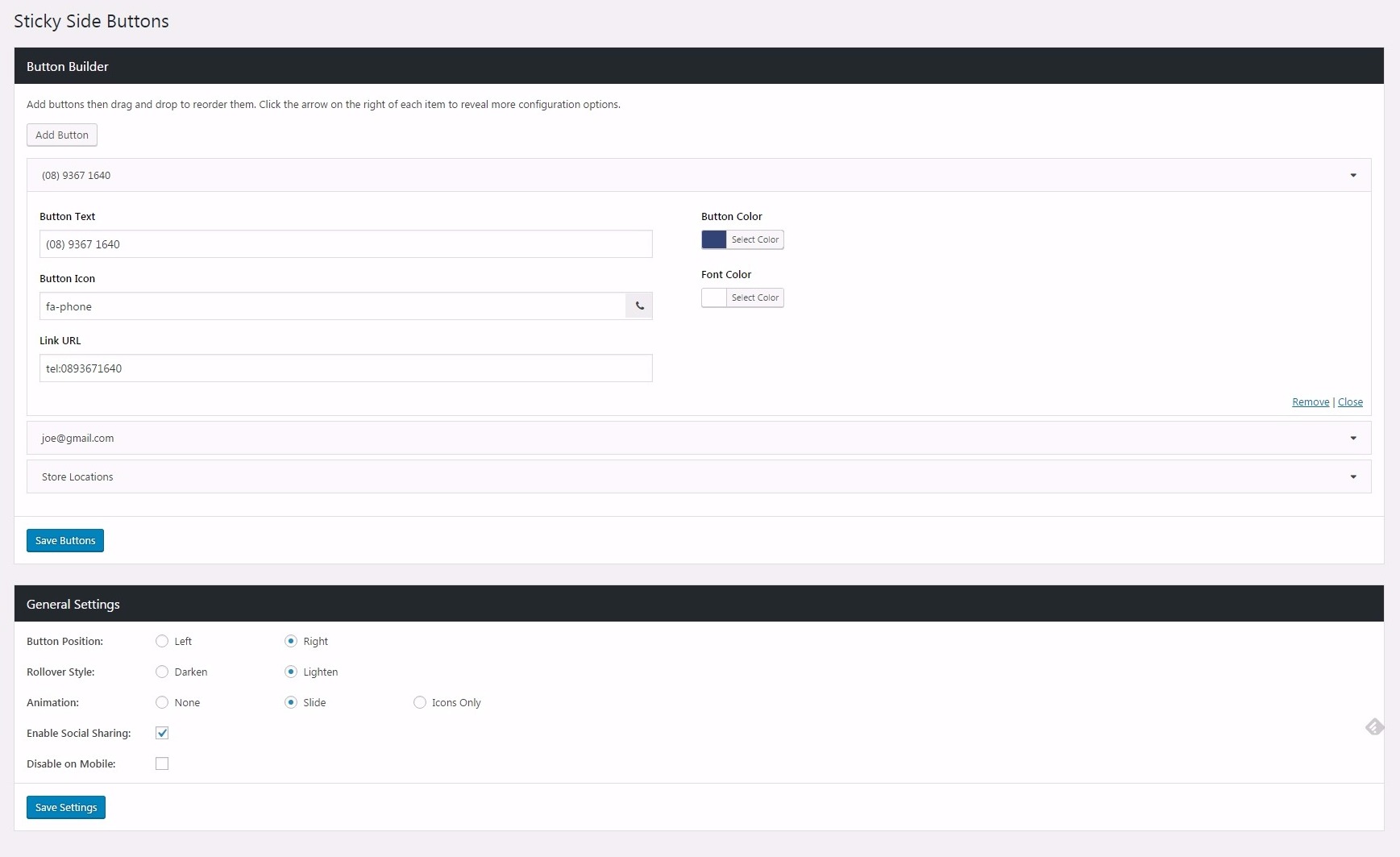
Configuration options include:
- Button position > left or right
- Rollover style > darken or lighten
- Animation style > none, slide or icons only
- Disable on mobile (optional)
- Customise button icons, text, link, and colors easily
- Show on: Front Page, Pages, Posts, Custom Post Types (checkboxes)
Demo
- Click here for out-of-the-box demo. You can see the buttons to the right of the screen, in ‘slide’ mode.
Screenshots
Sticky Side Buttons in action: IN
Sticky Side Buttons in action: OUT
Sticky Side Buttons backend button creator
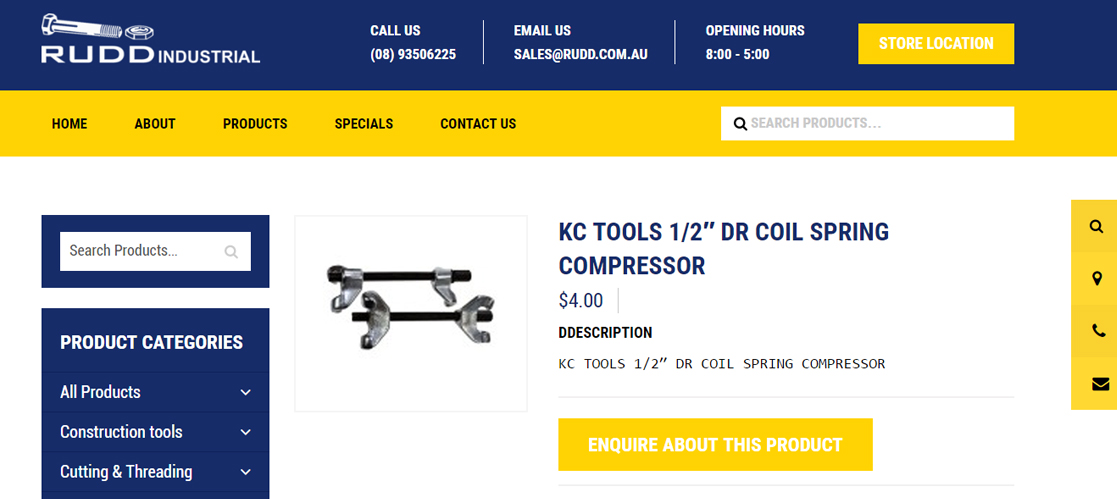
An example site using Sticky Side Buttons
An example site using Sticky Side Buttons
An example site using Sticky Side Buttons
Plugin Details
Active Installs
10K+Total Downloads
275,032Version
2.0.3Requires WP
5.0Requires PHP
7.4Tested Up To
6.7.10Added
2017-01-12Last Updated
2025-07-02 3:16am GMTRatings
5
33
4
2
3
1
2
1
1
3