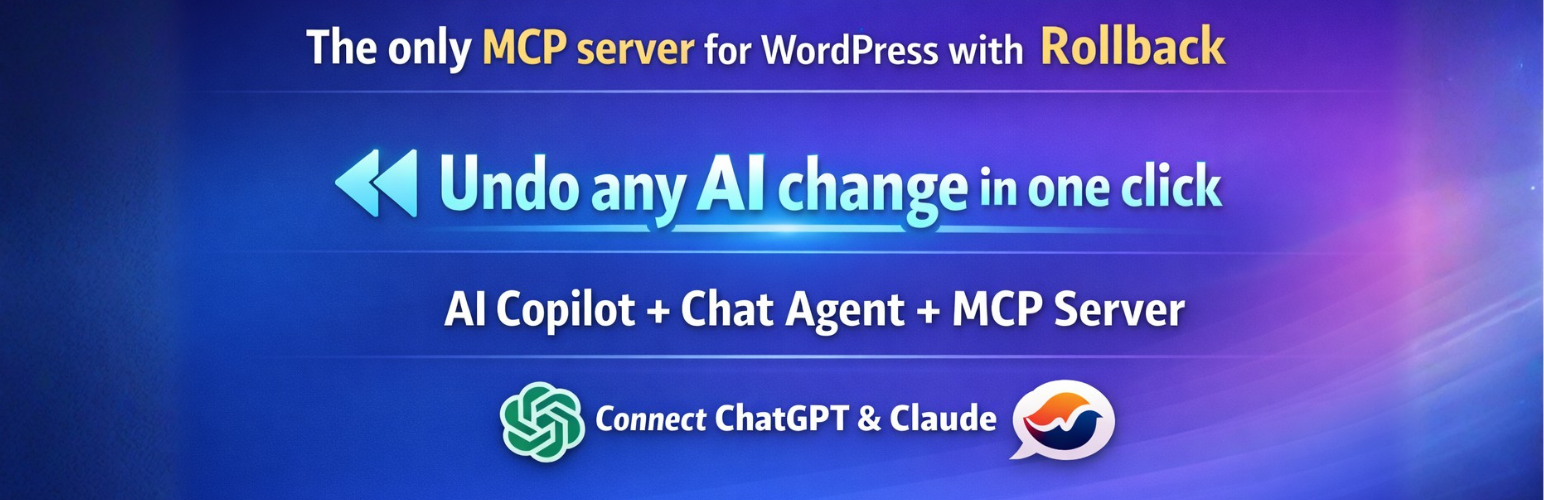
Flex MCP – Connect ChatGPT, Claude and AI agents with MCP, Undo, Abilities and Tools.
by Esteban
Flex MCP connects ChatGPT, Claude Desktop and other Model Context Protocol (MCP) clients to WordPress. Manage content, WooCommerce, media and settings through conversation, with OAuth 2.1 authentication, tool permissions and built-in Undo for tracked changes.
Main features
- MCP Server – 122+ built-in tools for WordPress and WooCommerce, plus tools from supported plugin integrations.
- Control and recovery – WordPress capability checks, tool profiles, activity logs, rollback, redo and session rollback.
- AI Copilot – Write, rewrite and update content inside Gutenberg or the Classic Editor.
- AI Chat Agent – Manage your site from a conversational interface in WordPress admin.
- Multimedia – Generate images and videos, or search stock images using configured providers.
- Automations and SEO – Run scheduled or event-driven workflows and connect Google Search Console.
- WordPress Abilities – Discover and import abilities registered by compatible plugins on WordPress 6.9+.
The MCP Server is always active. Copilot, Chat Agent, automations, SEO and plugin integrations are optional add-ons; enable only what you need during setup or later from MCP Server > Add-ons.
Connections and providers
External MCP clients connect through OAuth 2.1 with PKCE. Use the messages endpoint for MCP 2026-07-28 or SSE for supported legacy clients. Application Passwords are also available.
The built-in assistants support OpenAI, Anthropic Claude and Google Gemini, with OpenRouter and Mistral available through installed WordPress AI Client connectors. Provider credentials are required for these features; provider charges may apply. See External Services below.
Learn more
- Documentation and setup
- Source code and technical reference
- WP MCP Hub – Free, open-source local management for multiple WordPress MCP sites.
Watch the one-minute Claude connection demo:
External Services
This plugin connects to third-party AI services to power the AI Chat Agent, AI Copilot, image generation, and video generation features. No data is transmitted until you explicitly configure an API key and initiate a request.
What data is sent: Your WordPress content (post text, metadata, product details) as included in AI prompts, and MCP tool execution results when using the MCP server with external AI clients.
When data is sent: Only when you have configured an API key for a provider AND actively send a message to the AI agent or Copilot, or when an external MCP client makes an authenticated request to the MCP server endpoint.
Supported services and their policies:
-
OpenAI — Used for GPT models (AI Chat Agent, AI Copilot), GPT Image / DALL·E (image generation), and Sora (video generation)
Terms of Use | Privacy Policy -
Anthropic Claude — Used for Claude AI models (AI Chat Agent, AI Copilot)
Terms of Service | Privacy Policy -
Google Gemini — Used for Gemini AI models (AI Chat Agent, AI Copilot), Gemini Image + Imagen 4 (image generation), and Veo 2/3 (video generation)
Terms of Service | Privacy Policy -
Google Search Console – Used only when you connect your Google account in the SEO settings, for read-only site/search performance data.
Terms of Service | Privacy Policy
When using the MCP server with external AI clients (ChatGPT, Claude Desktop, LibreChat, etc.), requests arrive at your WordPress MCP endpoint. For CIMD clients, the plugin retrieves the client’s public HTTPS metadata document during OAuth authorization/token processing and may cache it for up to one hour. It sends no WordPress cookies or access tokens with that metadata request. The public HTML verification tool requests a page from your own site. Tools that explicitly use other external services follow the settings and disclosures above.
When you call wp_upload_media with a URL or conversation file, or wp_upload_image with a conversation file, WordPress downloads it from the supplied HTTPS address and up to three validated redirects. Those hosts receive your server’s download request, including any signed parameters in the URL, but no WordPress cookies or OAuth tokens. The file is saved in your Media Library and may become publicly accessible. Base64 uploads do not require an external download.
Screenshots

AI Copilot - Floating assistant inside the WordPress editor with quick actions

AI Chat Agent - Chat with AI directly from WordPress admin

AI Chat Agent - Settings and provider configuration

MCP Server - Endpoint URLs and authentication setup

MCP Server - Tool profiles management

MCP Server - WordPress and WooCommerce tools management

MCP Server - Plugin Integrations