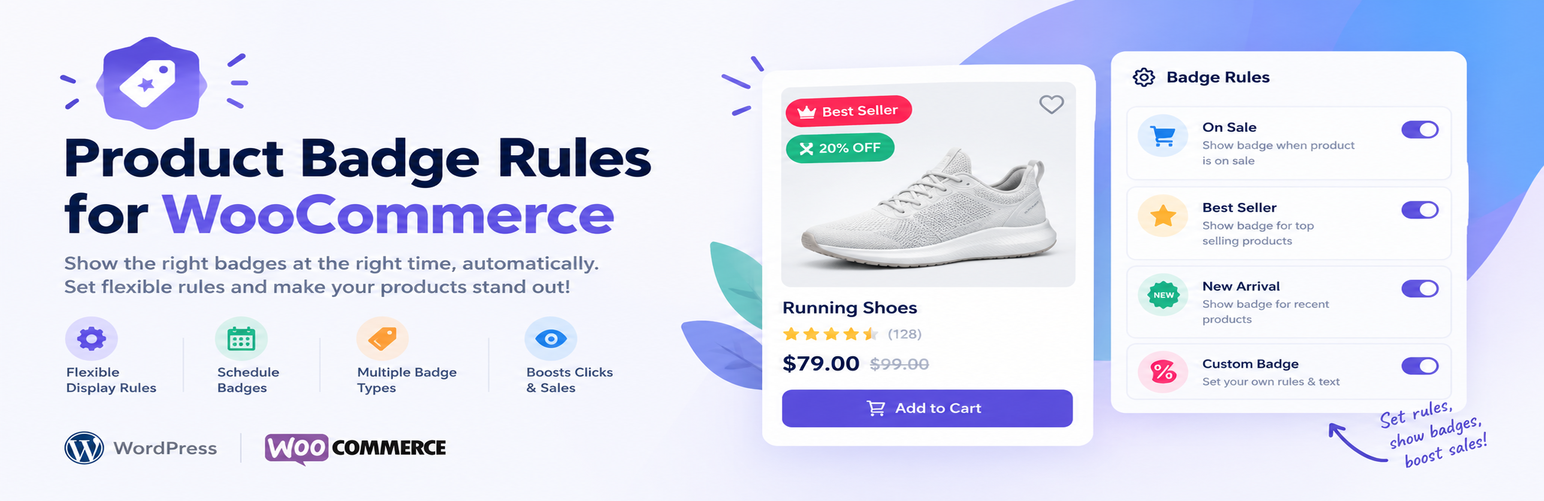
Product Badge Rules for WooCommerce is the easiest way to add smart, automatic product badges and labels to your WooCommerce store. Instead of editing every product by hand, you create a badge once, choose a rule, and the plugin handles the rest — showing the right badge on the right product, every time, automatically.
Whether you want a “Save 30%” sale badge, a “New” arrival label, an “Only 3 left!” urgency badge, a “Sold Out” notice, a “Featured” highlight, or a “Hot” best-seller badge — this plugin generates it from live WooCommerce data with no coding and no image uploads.
Badges update themselves the moment your prices, stock, or sales numbers change. Set it once and forget it.
Who it is for
- Store owners who want to increase conversions without touching code
- Agencies managing multiple WooCommerce stores
- Marketers running seasonal promotions and flash sales
- Developers who need a lightweight, hook-friendly badge system
Six automatic WooCommerce product badge rules
On Sale badge — fires automatically when WooCommerce marks a product on sale. Use the {pct} token to display the exact discount percentage, for example “Save 30%” or “30% OFF”. Works with simple and variable products.
New Arrival badge — labels products published within the last X days as “New”. You choose the window (default 30 days). Perfect for highlighting fresh stock without touching each product individually.
Featured badge — displays a badge on any product you have marked as featured inside WooCommerce. Great for curated collections and homepage hero sections.
Low Stock badge — appears when available stock reaches your threshold. Use the {qty} token to show the exact quantity, for example “Only 3 left!”. Creates genuine purchase urgency without exaggeration.
Out of Stock badge — clearly flags unavailable products with a “Sold Out” label or any custom text you choose, so shoppers know at a glance.
Hot Seller badge — badges your best-selling products based on total WooCommerce sales count. Set your own minimum (e.g. 50 sales) to control exactly which products qualify.
Badge designer — full visual control
Every badge you create is fully customisable:
- Label text with dynamic
{pct}and{qty}tokens - Background and text colour pickers — match any brand palette
- Four shapes — rounded pill, square, circle, and ribbon
- Eight positions on the product image — all four corners plus all four edge midpoints
- Scheduling — optional start and end dates for Black Friday, Christmas, or any timed promotion
- Priority order — control which badge wins when multiple rules match the same product
- Live preview — see exactly how the badge looks while you are still configuring it
Category targeting — show badges on the products that matter
Restrict any badge to one or more product categories. Create a “Summer Sale” badge that only appears on products in your Summer collection, while the rest of your catalogue stays untouched. Leave all categories unchecked to show the badge across every product.
Live product match count
The badge list shows exactly how many published products each badge is currently active on — for example “12 products”. Click the number to refresh it instantly without reloading the page. Know at a glance whether your rule is working and how many products it covers.
Built for speed — zero performance impact
- One database query loads all active badges per page
- Two-layer cache — in-memory per request, plus a 12-hour WordPress transient
- Pure CSS badges — zero front-end JavaScript, no render-blocking scripts
- Conditional asset loading — styles load only on WooCommerce shop, category, tag, and single product pages
- HPOS compatible — fully declared for WooCommerce High-Performance Order Storage
Powerful display controls
- Replace the default WooCommerce “Sale!” flash — one toggle hides the built-in sale bubble on any product that shows a badge from this plugin, so products never show two badges at once. Works with classic and block themes.
- Choose where badges appear — enable or disable badges on shop/archive pages and on single product pages independently
- Admin product column — see at a glance in the WP Admin product list which products are currently showing a badge
- Badge Z-index control — push badges above any theme image overlay with a single number field
- Badge font size — set text size globally from 9 to 24 px
Developer-friendly
- Filter
badgify_render_badge— conditionally hide a specific badge in code - Filter
badgify_rule_map— register fully custom badge rule types - Template override — copy
templates/badge.phptoyour-theme/badgify/badge.phpto change the badge HTML - GPL-2.0-or-later, namespaced PHP, no global function pollution
About Storzen
This plugin is part of the Storzen WooCommerce growth plugin ecosystem, focused on conversion optimisation, store engagement, and performance-first development.
Pro version
The free version displays one badge per product (highest-priority match). A Pro version unlocks multi-badge stacking so more than one badge can appear on the same product simultaneously.
Privacy Policy
This plugin does not collect, store, or transmit any personal data from your visitors. All badge logic runs on your own server using existing WooCommerce product data. No external connections are made.
Third Party Services
This plugin does not connect to any external or third-party services. All processing happens entirely on your own WordPress installation.
Screenshots

Product badges on the WooCommerce shop page — sale percentage, new arrival, low stock, hot seller and sold out labels.

Sale badge showing the live {pct} discount token on a single product page.

All Badges list with the "Matched" column showing how many products each badge is currently active on.

Badge editor with live preview, colour pickers, four shapes, eight position options, scheduling and category targeting.

Display settings — choose where badges appear and replace the default WooCommerce sale flash.