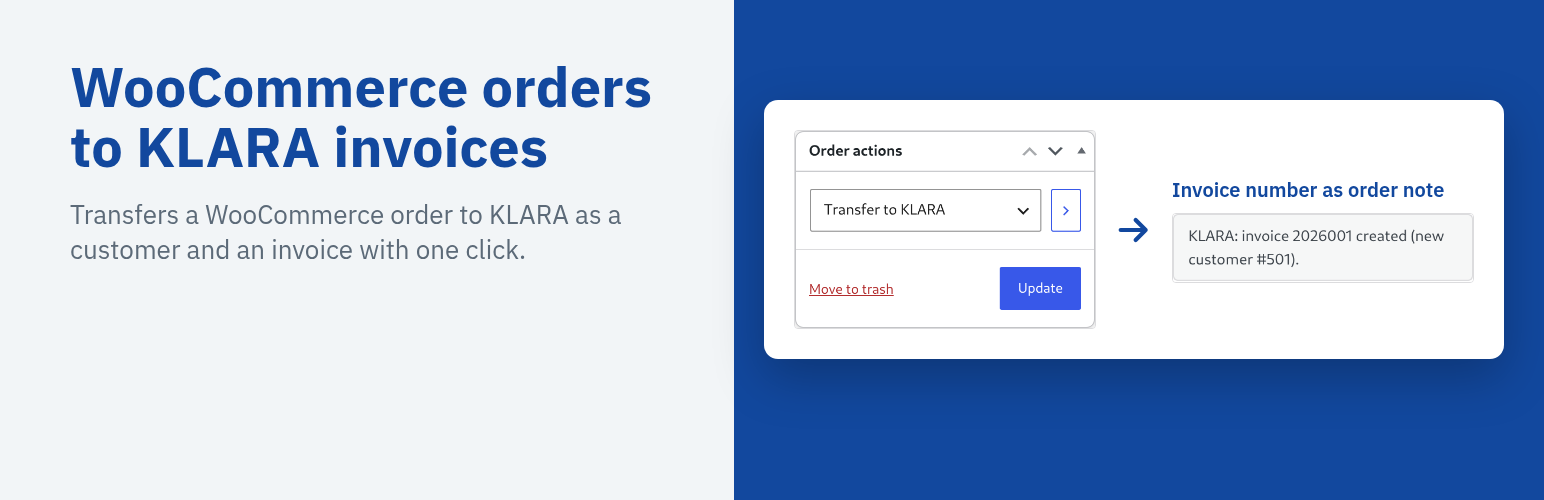
KLARA (ePost Service AG) is a Swiss business software for small companies (accounting, invoicing, payroll). Shops on WooCommerce have had to copy every order into KLARA by hand. With this plugin, one click on an order does it:
- Open an order and choose “Transfer to KLARA” under Order actions
- The customer is searched in KLARA by e-mail address, unknown customers are created: a company for Swiss business customers, otherwise a person
- An invoice is created with all items, shipping and fees, the VAT rate of each line and the order number as reference, either as a draft (default) or booked directly
- Line amounts follow KLARA’s Swiss 5-centime rounding; if the KLARA total differs from the shop total, the order note says so
- The KLARA invoice number is stored on the order and written as an order note; each order is transferred only once
- Failed transfers are noted on the order and can be repeated with the same order action
- The settings page offers a connection test, the bank accounts of your KLARA company for the IBAN field, the payment term, the tag of the invoice lines and a log of the last 50 transfers
KLARA accepts companies only with a Swiss address. Foreign business customers are therefore created as a person with the company name in the additional address line.
The admin screen, order notes and invoice texts follow the language of the site: English, German (Switzerland and Germany), French and Italian are included. The invoice subject (“Order 1234”) and the shipping line use the site language, and new KLARA customers get the matching correspondence language.
Nothing runs in the background or during checkout: KLARA is only called when an administrator uses the order action or clicks “Test connection”.
Pro extension: a separate paid plugin transfers every order automatically in the background as soon as it is processing or completed (configurable). More at https://www.strainovic-it.ch/en/klara-shop-connector/
This plugin is not affiliated with or endorsed by KLARA or ePost Service AG. KLARA is a trademark of its owner.
External services
This plugin connects to the KLARA Public API (https://api.klara.ch), operated by ePost Service AG, Wilhelmshöhe 1, 6003 Luzern, Switzerland, on behalf of the shop owner.
- When: only when an administrator uses the order action “Transfer to KLARA” on an order, and when the administrator clicks “Test connection” on the settings page. Nothing is sent in the background or during checkout.
- Sent: the shop owner’s KLARA API key; the billing name, company, e-mail address, phone number and address of the order; the ordered items with quantities, prices and VAT rates; shipping and fees; the order number and date.
- Received: customer and invoice numbers, the VAT rates and bank accounts of the KLARA company.
- KLARA API documentation: https://developer.klara.ch
- KLARA terms of service: https://www.klara.ch/agb
- KLARA privacy policy: https://www.klara.ch/datenschutz
Shop owners must mention the transfer to KLARA in their own privacy policy.
Screenshots
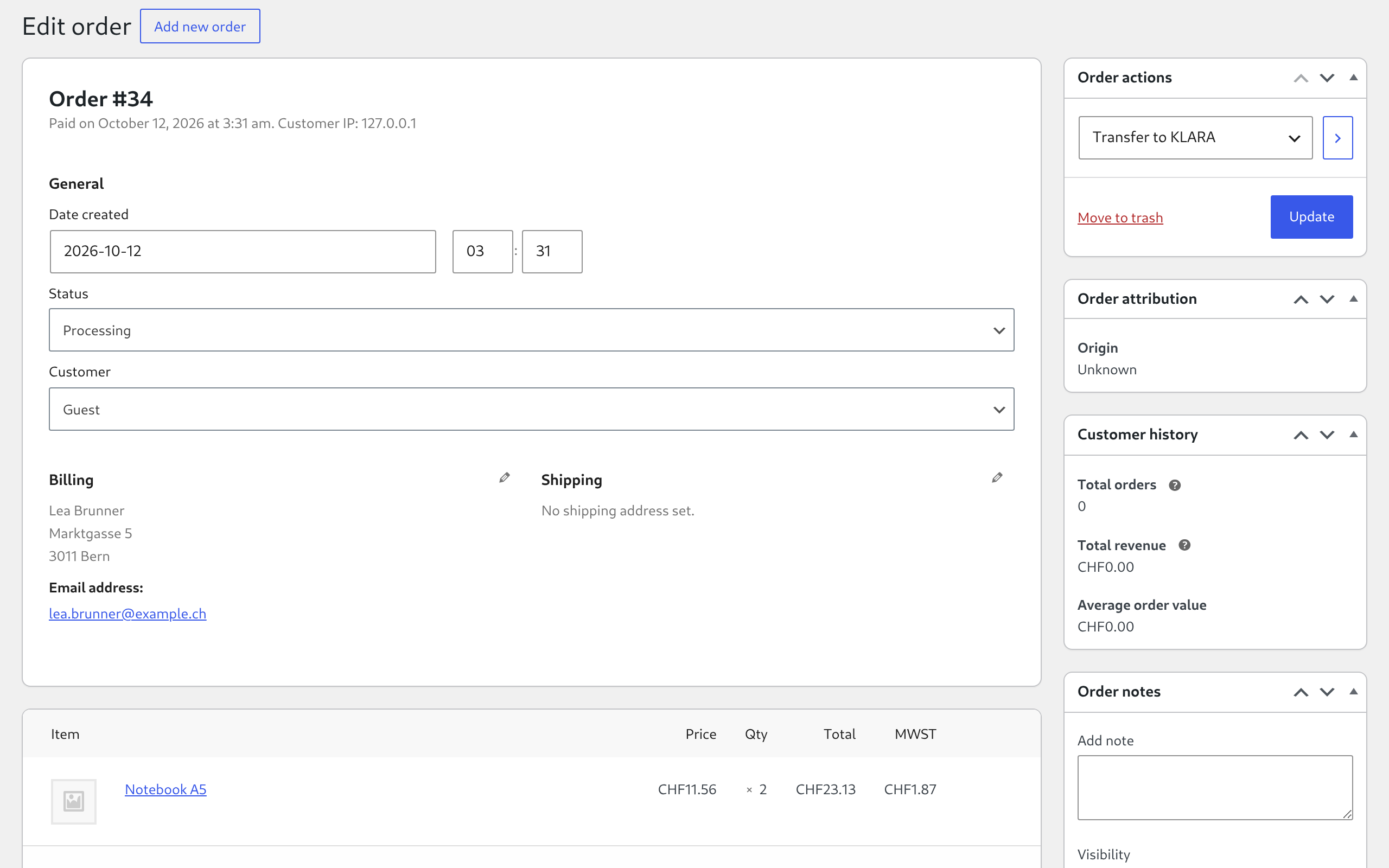
Order screen in WooCommerce: choose "Transfer to KLARA" in the Order actions box.
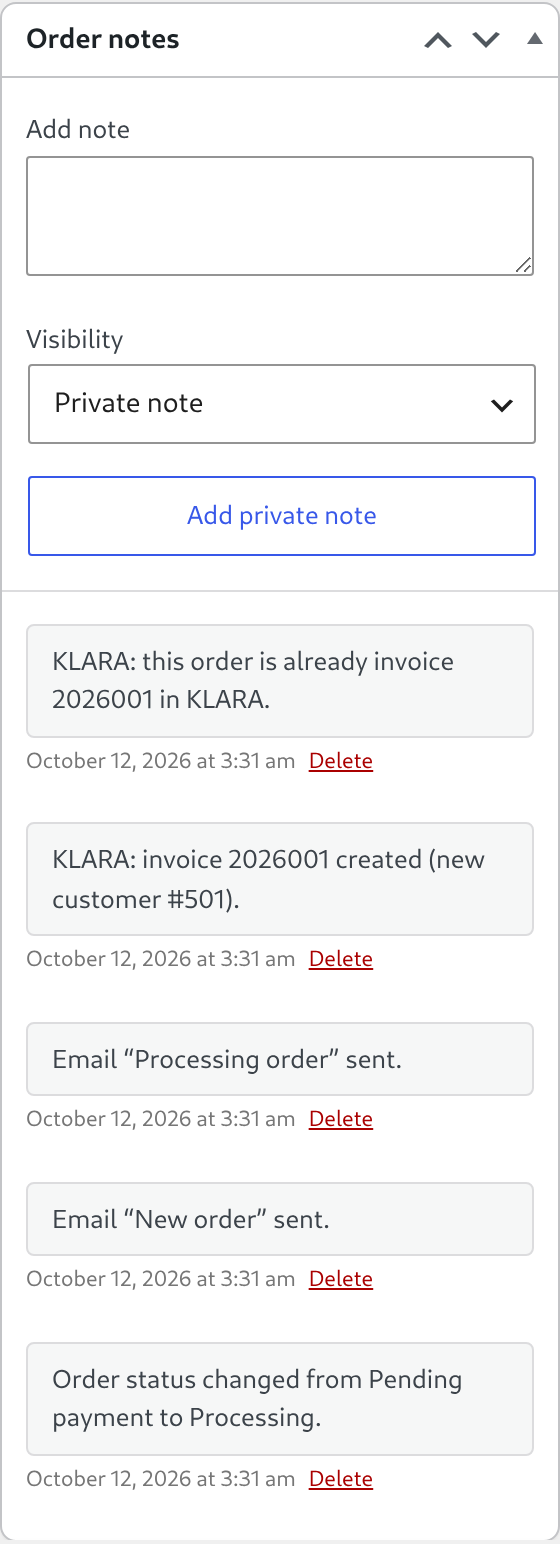
Order notes after the transfer: the KLARA invoice number comes back as a note.
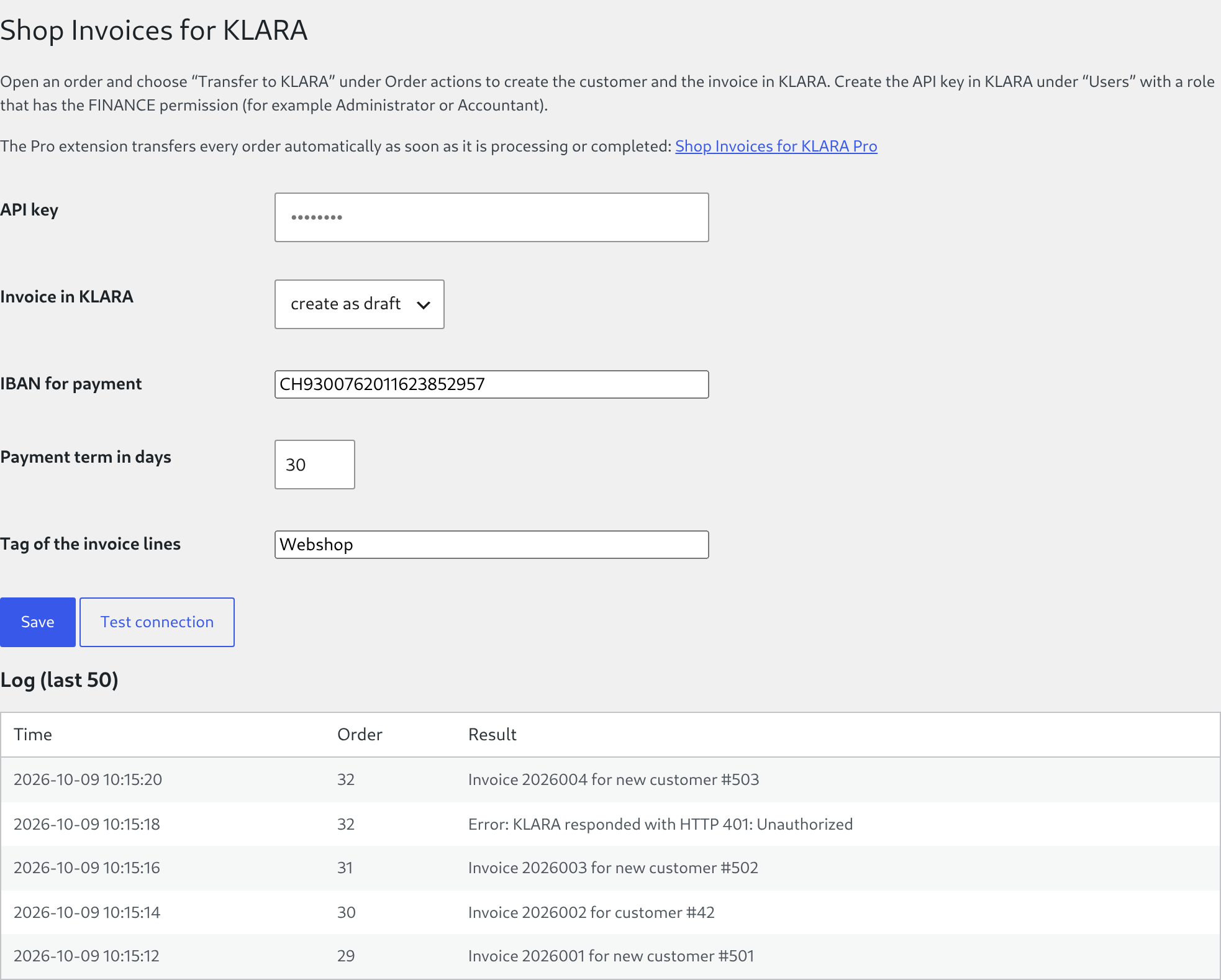
Settings page under WooCommerce → KLARA: API key, connection test and log of the last 50 transfers.