SubmitRelay is a WordPress contact form plugin for collecting customer enquiries, saving submissions in WordPress, sending email notifications, and optionally continuing conversations through WhatsApp. Create forms as a floating popup or use the [submitrelay_form] shortcode to display a standalone form.
SubmitRelay is useful for hotels, houseboats, travel businesses, tours, booking enquiries, local services, agencies, freelancers, support requests, quotation forms, and small businesses.
Contact Form + WhatsApp Chat
Connect your WordPress contact form with WhatsApp chat using a customizable pre-filled message template.
After a successful form submission, SubmitRelay can open WhatsApp with a pre-filled message containing information submitted by the visitor.
Use built-in placeholders such as:
{name}— Customer name{email}— Customer email{phone}— Customer phone number{message}— Customer message{page_url}— Page where the form was submitted{site_title}— Website title{site_url}— Website URL
Custom form fields can also be used as WhatsApp placeholders. For example, if a custom field has the ID travel_date, you can use {travel_date} in the WhatsApp message template.
This lets site owners create messages tailored to their business, such as booking dates, guest details, travel requirements, service requests, or other custom enquiry information.
Save Customer Enquiries
SubmitRelay can save form submissions directly inside WordPress.
Administrators can view, search, export, and delete saved submissions. Stored information can include:
- Name
- Phone number
- Message
- Custom form fields
- Submission date and time
- IP address when IP storage is explicitly enabled
Email Notifications and SMTP
SubmitRelay sends email notifications using WordPress wp_mail() by default.
For websites that require SMTP delivery, SubmitRelay also provides optional SMTP configuration using WordPress’s bundled PHPMailer.
Floating Popup or Shortcode Form
Display your form as:
- A floating popup
- A standalone form using
[submitrelay_form]
The shortcode can be used on pages, posts, widgets, and supported theme template locations.
Key Features
- Floating popup contact form with configurable position, animation, visibility, and schedule.
- Standalone
[submitrelay_form]shortcode. - Configurable Name, Email, Phone/WhatsApp, Message, and custom fields.
- Customizable pre-filled WhatsApp message templates.
- Built-in placeholders for submitted form information.
- Custom form field placeholders for WhatsApp messages.
- Email notifications through WordPress
wp_mail(). - Optional SMTP configuration.
- Optional WhatsApp chat after successful submission with a pre-filled message.
- Submission storage inside WordPress.
- Administrator screen for viewing, searching, exporting, and deleting submissions.
- WordPress personal-data exporter and eraser integration.
- Optional GDPR consent checkbox and configurable privacy-policy URL.
- IP address storage disabled by default.
- Settings export/import with SMTP passwords excluded from exports.
- Basic anti-spam honeypot and short-term request rate limiting.
- Unified Floating Button appearance controls.
- No advertising, analytics, telemetry, or remote tracking.
Why SubmitRelay?
SubmitRelay combines several common customer-contact requirements in one WordPress plugin:
Contact Form Save Enquiry Email Notification WhatsApp Chat
Instead of relying on separate tools for every part of the enquiry process, site owners can collect customer information, keep a record of submissions, receive email notifications, and optionally start a WhatsApp chat using a prepared, pre-filled message.
Live Demo
See SubmitRelay in action on a live travel and booking website:
https://www.houseboatsinsrinagar.com/
The live site demonstrates SubmitRelay in a real travel and booking environment.
Privacy and Data Collection
When a visitor submits the form, SubmitRelay can store the form fields configured by the site administrator, including name, email, phone number, message, custom fields, and submission date/time.
IP address storage is an administrator-controlled option and is disabled by default. When enabled, the visitor IP address is stored with the submission and may also appear in notification emails and CSV exports.
The plugin provides WordPress privacy exporter and eraser integrations for stored submissions associated with an email address.
Site administrators are responsible for configuring the plugin in accordance with their applicable privacy, data-protection, retention, and consent requirements. Enabling the GDPR checkbox does not by itself make a site compliant with any particular law.
External Services
SubmitRelay can optionally interact with the following external services, only when the corresponding feature is used or configured:
- WhatsApp: when WhatsApp redirect is enabled, the browser is redirected to a
wa.meURL containing the configured WhatsApp number and the generated message content based on the site’s configured message template. WhatsApp’s own terms and privacy practices apply. - SMTP provider: when SMTP is enabled, email content and recipient information are sent through the SMTP server configured by the site administrator. The provider’s terms and privacy practices apply.
The plugin does not make background tracking or telemetry requests to these services.
Screenshots

SubmitRelay floating popup contact form.

SubmitRelay form and floating button settings.

SubmitRelay WhatsApp message template settings.

SubmitRelay saved submissions management.
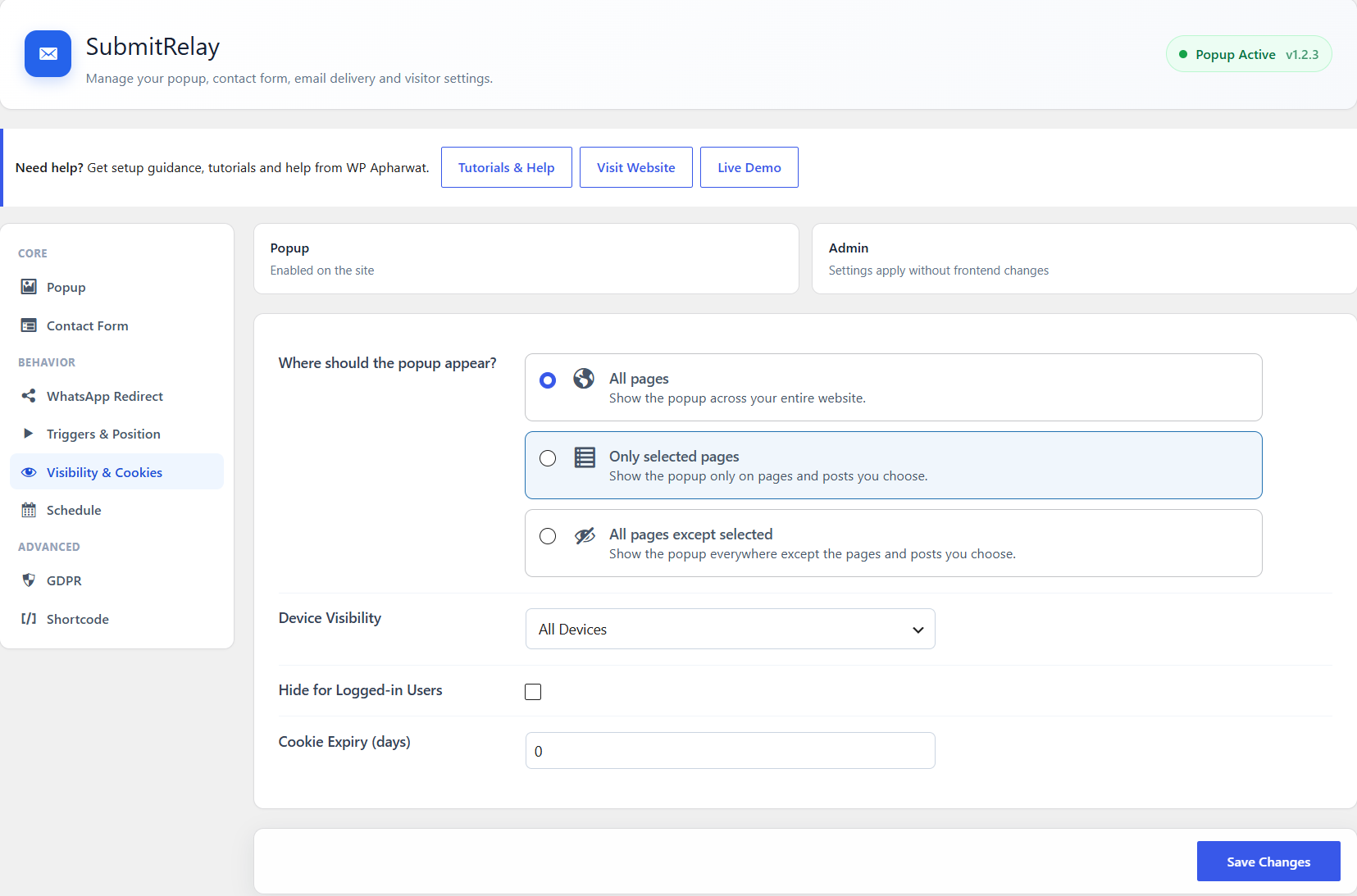
SubmitRelay email and SMTP settings.