BACK TO DIRECTORY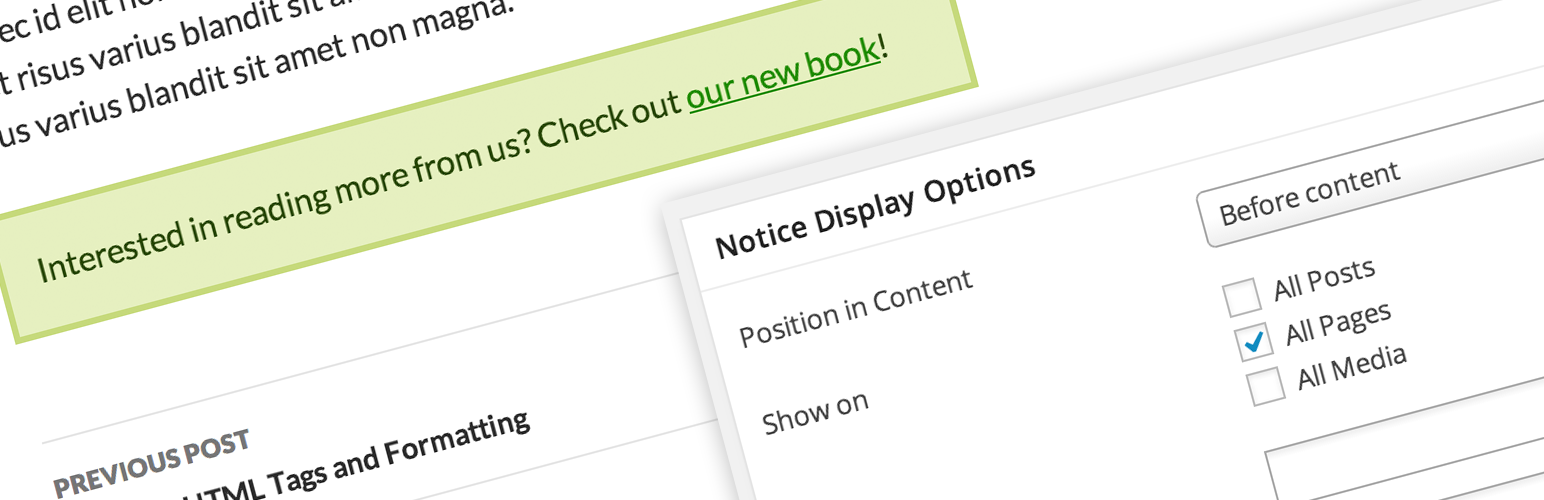


Take Notice lets you add one or more notice boxes across your entire site. For each notice, you can customize the following:
- Whether to appear on all posts (of any post type)
- Whether to appear on specific posts (of any post type)
- Whether to appear on posts with certain terms (of any taxonomy)
- Where to appear in the post (above or below the content)
- Color of notice box (custom colors or preset palettes)
- Whether to display the notice title with its content
Notices are a custom post type, so they can be managed and edited just like posts. You can add more than one notice at a time, and customize the above settings separately for each one. (See Screenshots for an example.)
Screenshots
An example of a notice below post content
Options for the display and placement of a notice
Choose custom colors, or choose from preset palettes
Plugin Details
Active Installs
10Total Downloads
6,321Version
2.0Requires WP
3.5.1Requires PHP
—Tested Up To
3.9.40Added
2011-03-27Last Updated
2014-04-17 12:31pm GMTRatings
5
1
4
0
3
0
2
0
1
0