BACK TO DIRECTORY

Add background colors to event categories displayed in the event views of The Events Calendar. This is inspired by the post Coloring Your Category Events.
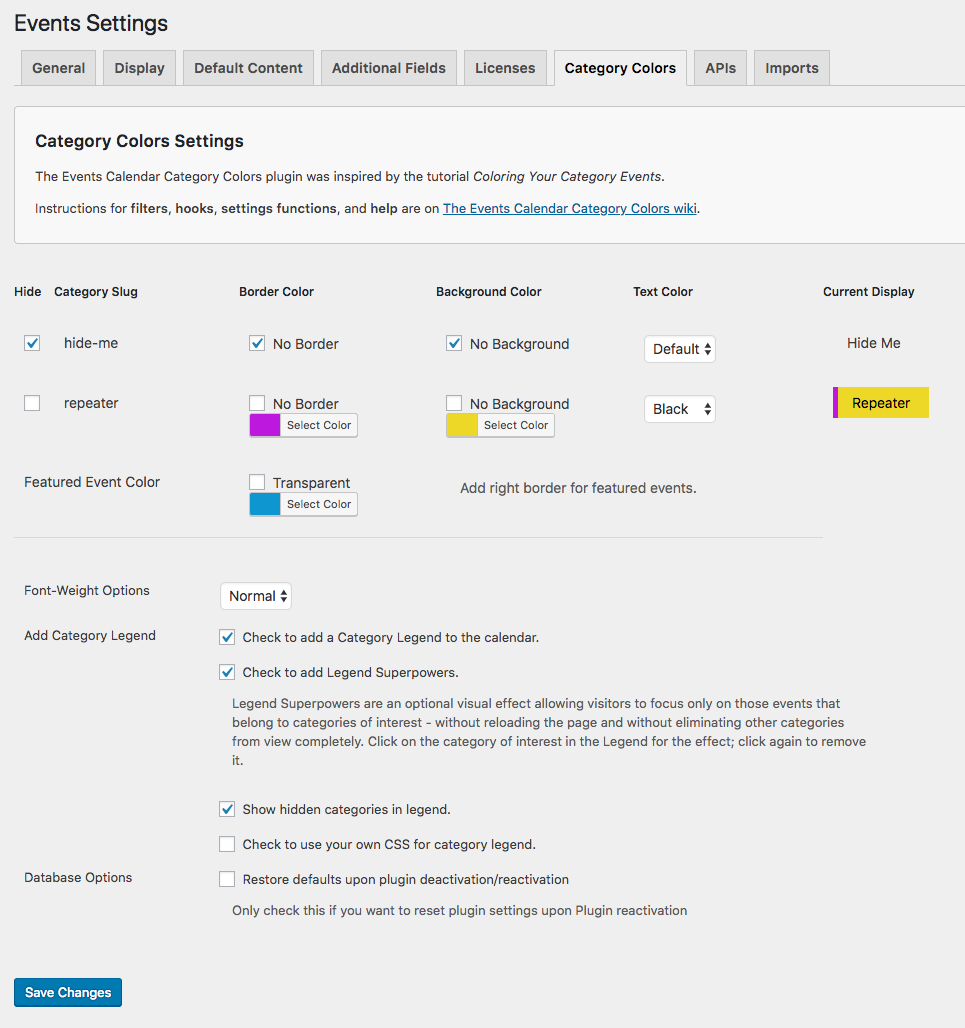
Settings for The Events Calendar: Category Colors plugin are located in their own tab on The Events Calendar Settings page.
To force a refresh of your CSS, add ?refresh_css to the end of your events URL, or re-save the Settings.
Attribution
Thanks to jonahcoyote for some early help and direction.
Big thanks to Barry Hughes (WebsiteBakery) for refactoring code and Legend Superpowers.
Screenshots
The Events Calendar: Category Colors Settings tab
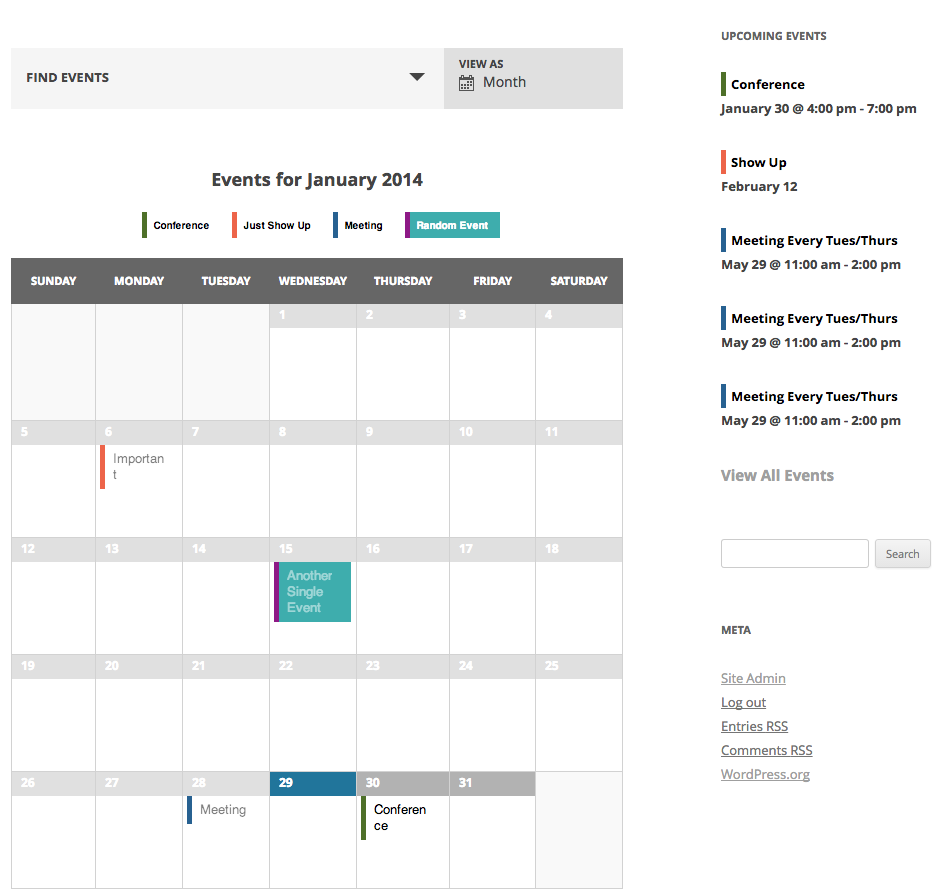
The Events Calendar: Category Colors in action
The Events Calendar: Category Colors with Legend Superpowers in action