Find the right file faster. Keep your WordPress Media Library organised. Fix media problems without the repetitive work.
As your website grows, so does your Media Library. Hundreds of images, documents and other uploads become difficult to find, check and maintain. Tieraxo Asset Booster adds practical media management tools directly to the WordPress screens you already use, without replacing your library or changing how your files are stored.
Create colour-coded folders, filter files by type or condition, identify oversized images and missing alt text, inspect file statistics, edit attachment details in bulk, and replace images without starting again.
What you can do with the free plugin
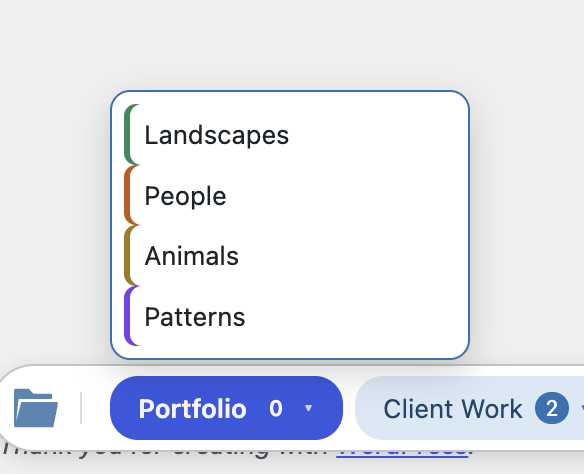
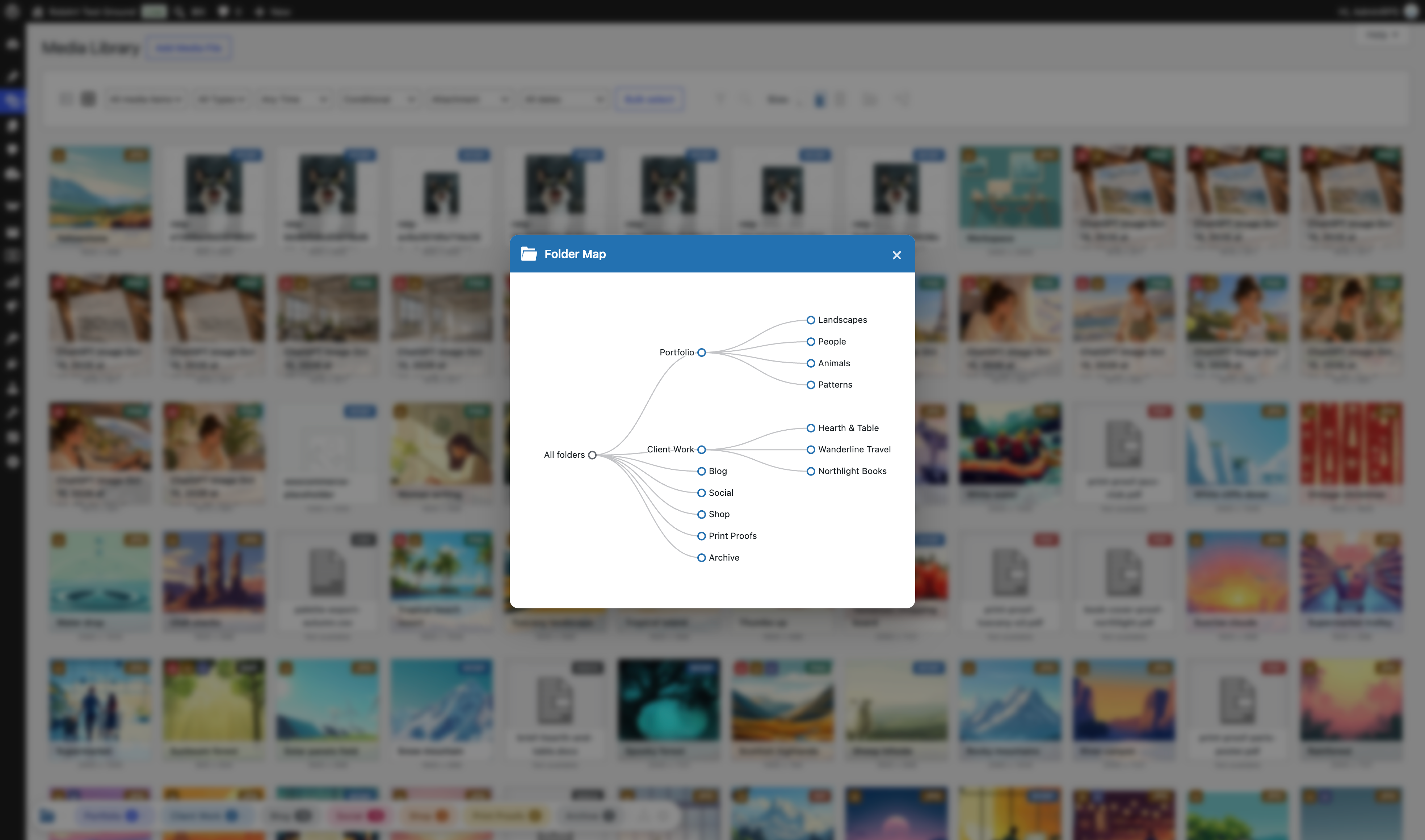
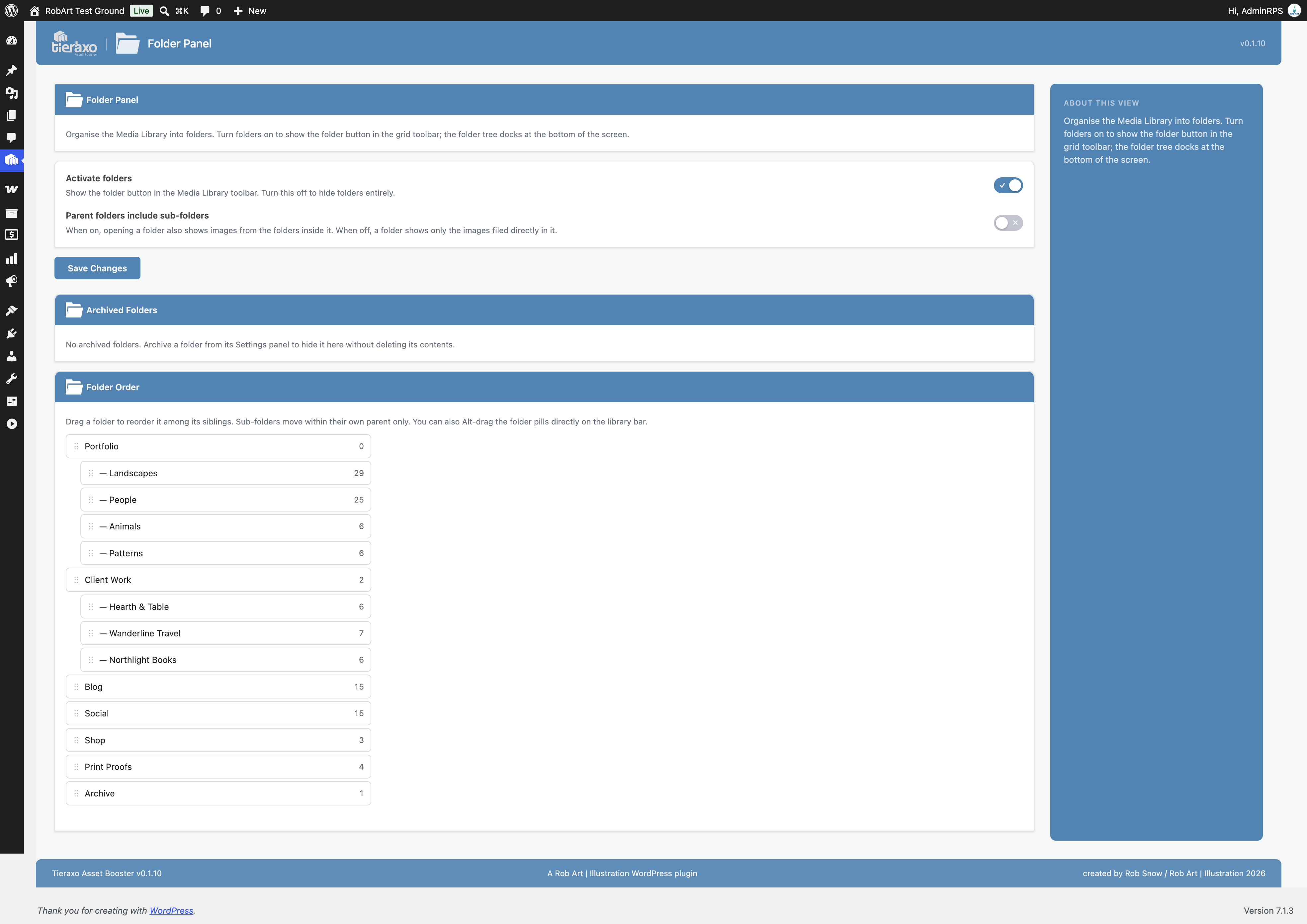
- Organise files into folders and subfolders. Create colour-coded folders, add private notes, drag media into folders and place the same item in multiple folders. Organising does not move the underlying files.
- Find images, videos and documents quickly. Filter by type and format, upload date, attachment status, legacy format, oversized images or missing alt text. Filters work across your library in grid and list views.
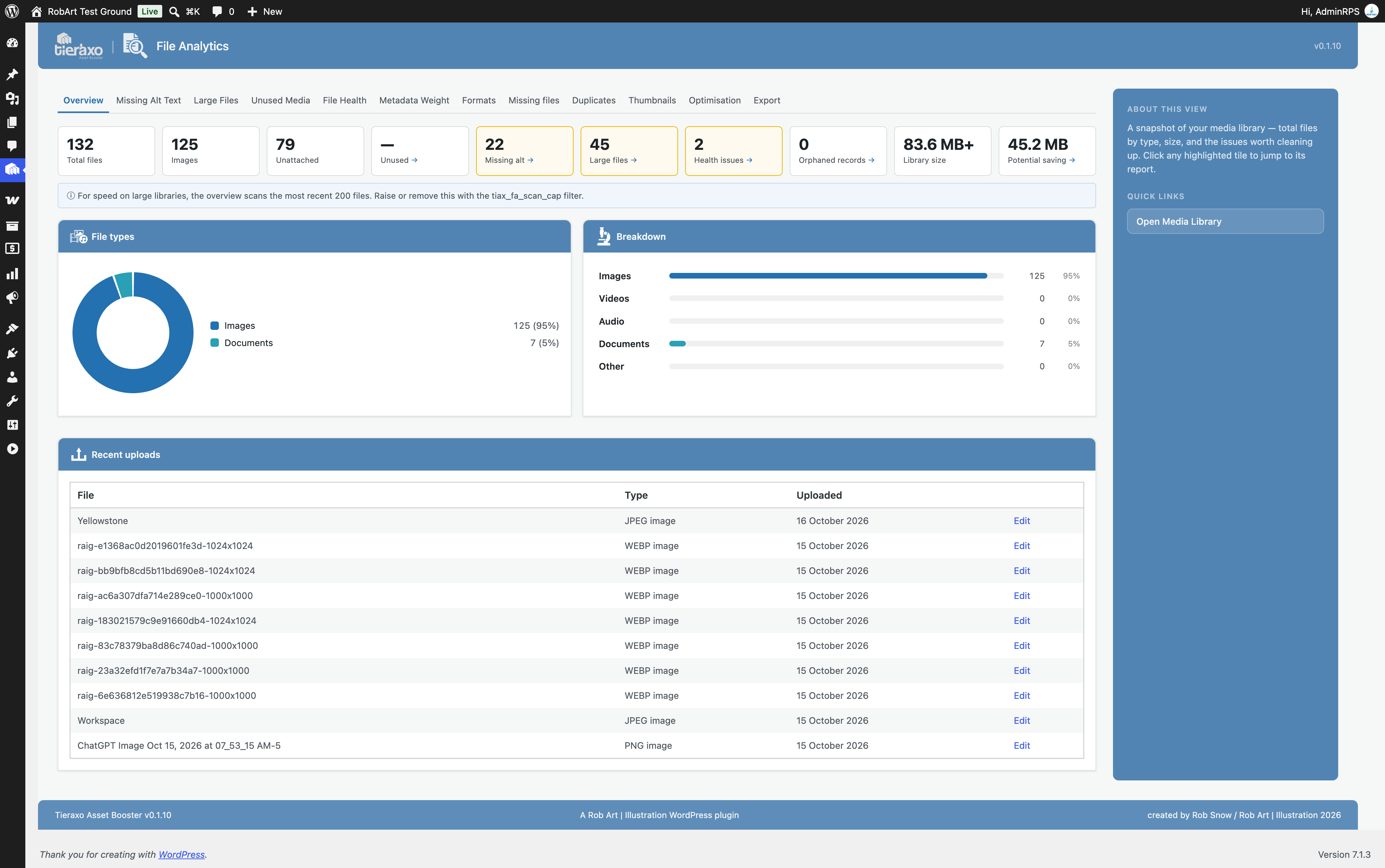
- Spot issues with File Analytics. See the breakdown of your media, identify large files, check missing alt text and review format and metadata reports. Export reports as CSV files.
- Edit alt text, captions and descriptions in bulk. Update attachment information in one place with inline editing and automatic saving. Improve consistency without opening every file individually.
- Manage titles and repair thumbnails. Edit media titles in bulk, rebuild missing thumbnail sizes and generate additional resized copies. The title editor does not rename physical files.
- Swap or relink media. Replace an existing file while keeping its address, rename files and update supported references, or switch references to a different image already in your library. Review a dry-run before making changes.
- Keep media URLs flexible. Use the reversible, on-the-fly Media URLs tool to serve domain-independent links when moving between site addresses.
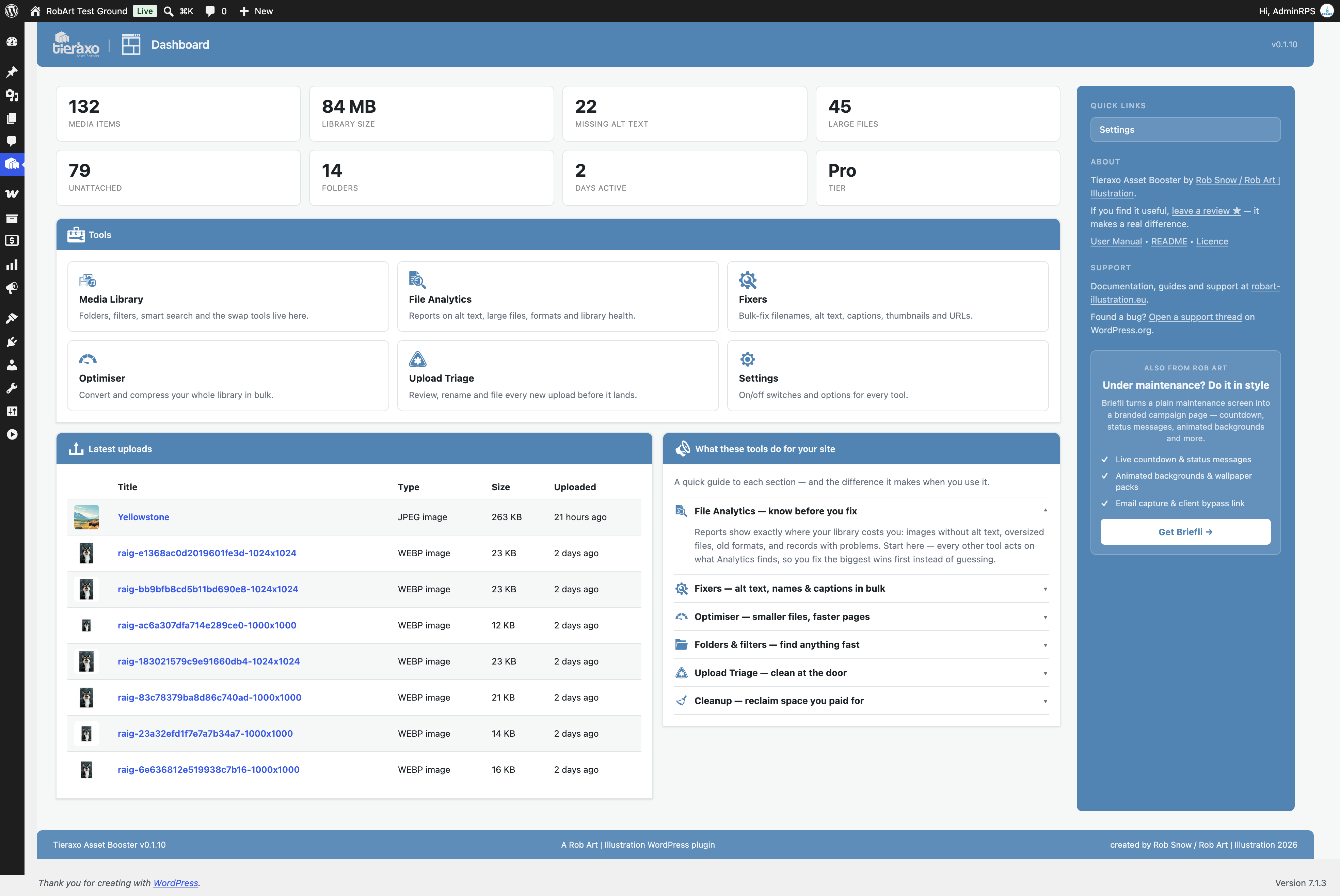
- See your library at a glance. A dedicated dashboard and WordPress dashboard widget display useful media statistics and shortcuts to tools.
Media folders without moving your uploads
Tieraxo folders are an organisational layer, not physical directories. Keep your existing URLs and file locations, make subfolders, assign one of ten colours and work from both the Media Library grid and list. Folder-filtered views can also be bookmarked. Deleting a folder does not delete the media assigned to it.
More useful filters where you actually work
Use Quick Filters to narrow down files by category and subtype, recent uploads, attached or unattached status, and common media issues. Tieraxo also extends the standard Add Media picker, so you can use folder and quick-filter controls while inserting assets into posts and other supported standard media-picker interfaces.
File Analytics that lead to action
Instead of guessing where media problems are, open reports covering missing alt text, large files, image formats, metadata weight and library health. The Formats inventory identifies modern, legacy, vector and supported file types. Export the results to CSV, then jump to relevant Fixers where available.
Bulk fixes and safer file replacement
Use Fixers to maintain alt text, captions, descriptions and titles, or rebuild thumbnail sizes in batches. Swap & Relink offers several replacement and renaming workflows, including a dry-run of affected references. Supported references can include content, featured images, galleries, widgets and common integrations. Complex stored page-builder data may be left untouched for safety and reported, so always review the preview and keep a backup before major changes.
Tieraxo also supports a workflow with RobArt Image Guard for swapping a protected image into an existing placement.
Need more? Tieraxo Asset Booster Pro adds advanced media tools
The free plugin includes folders, quick filters, analytics, bulk editors, thumbnail regeneration and Swap & Relink. The optional Pro add-on introduces more demanding tasks:
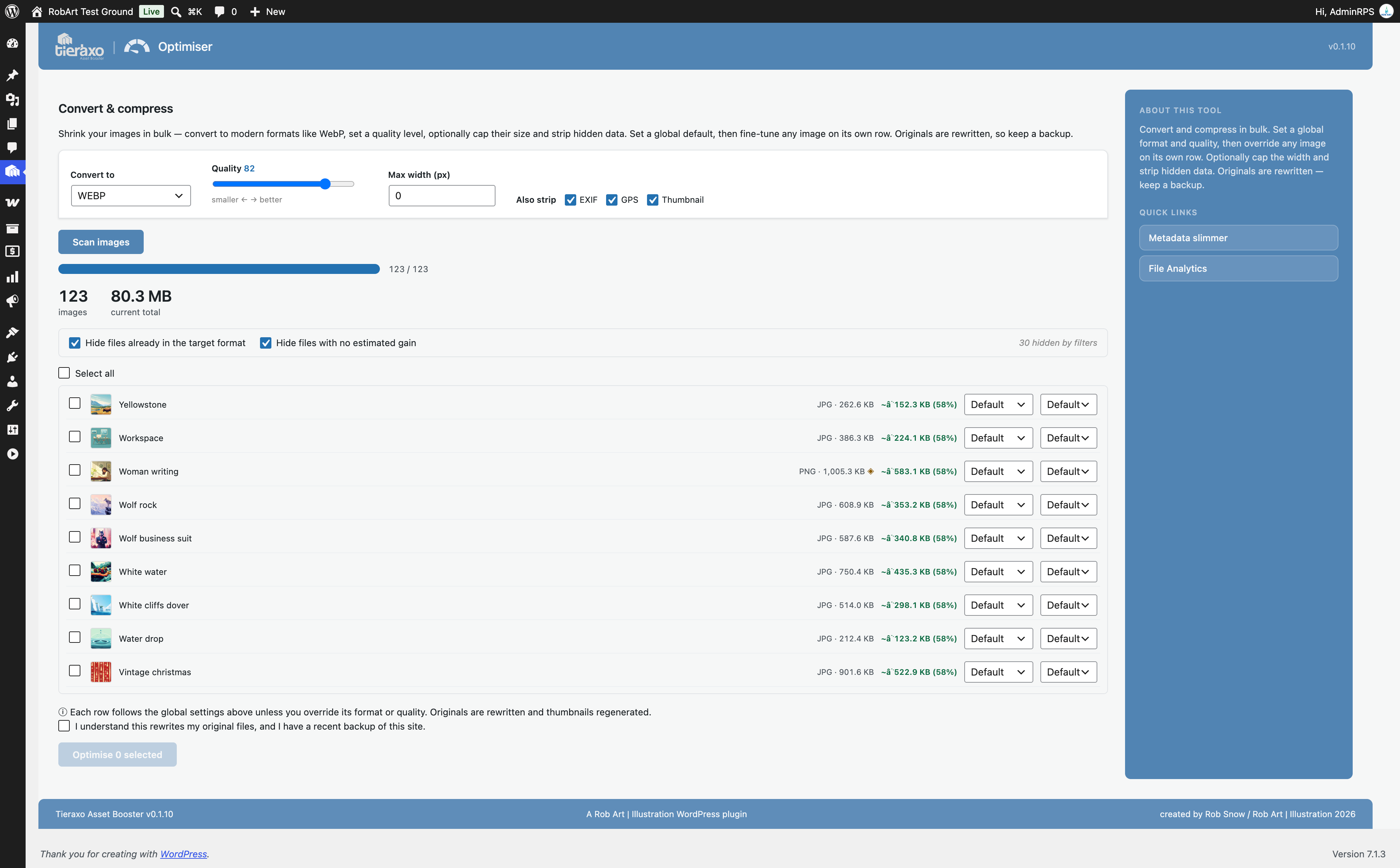
- Bulk Image Optimiser: convert supported images to WebP or other server-supported formats, compress them, adjust quality and optionally resize.
- Unused Media: review potentially unused attachments and selectively move items to the Trash, with safeguards for assets you want to keep.
- Metadata slimmer: review and remove selected embedded EXIF, GPS, IPTC and XMP data.
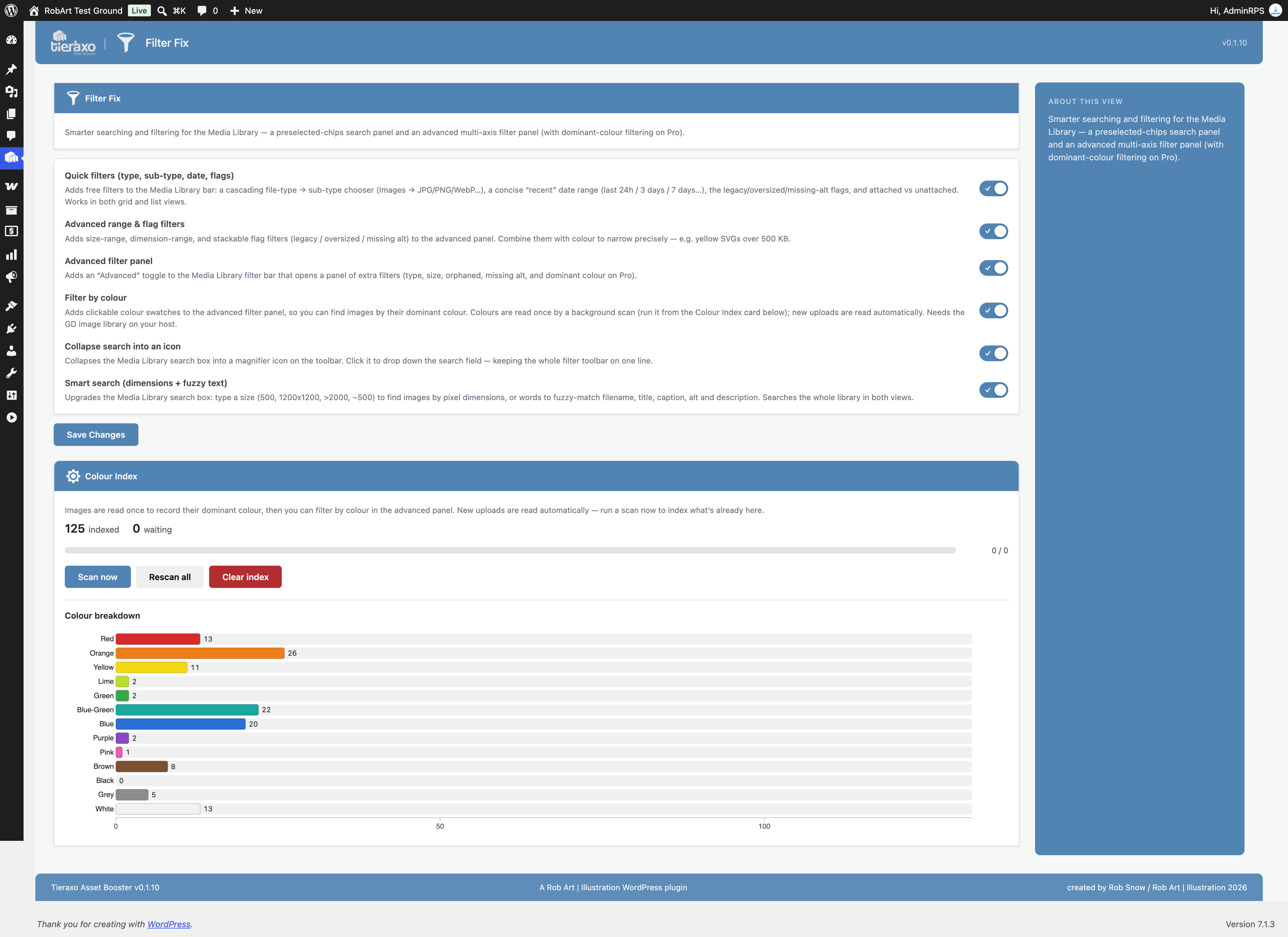
- Smart Search and Dominant Colour: find images by dimensions and filter a scanned library by colour.
- Advanced filters: combine additional size, dimension and condition criteria.
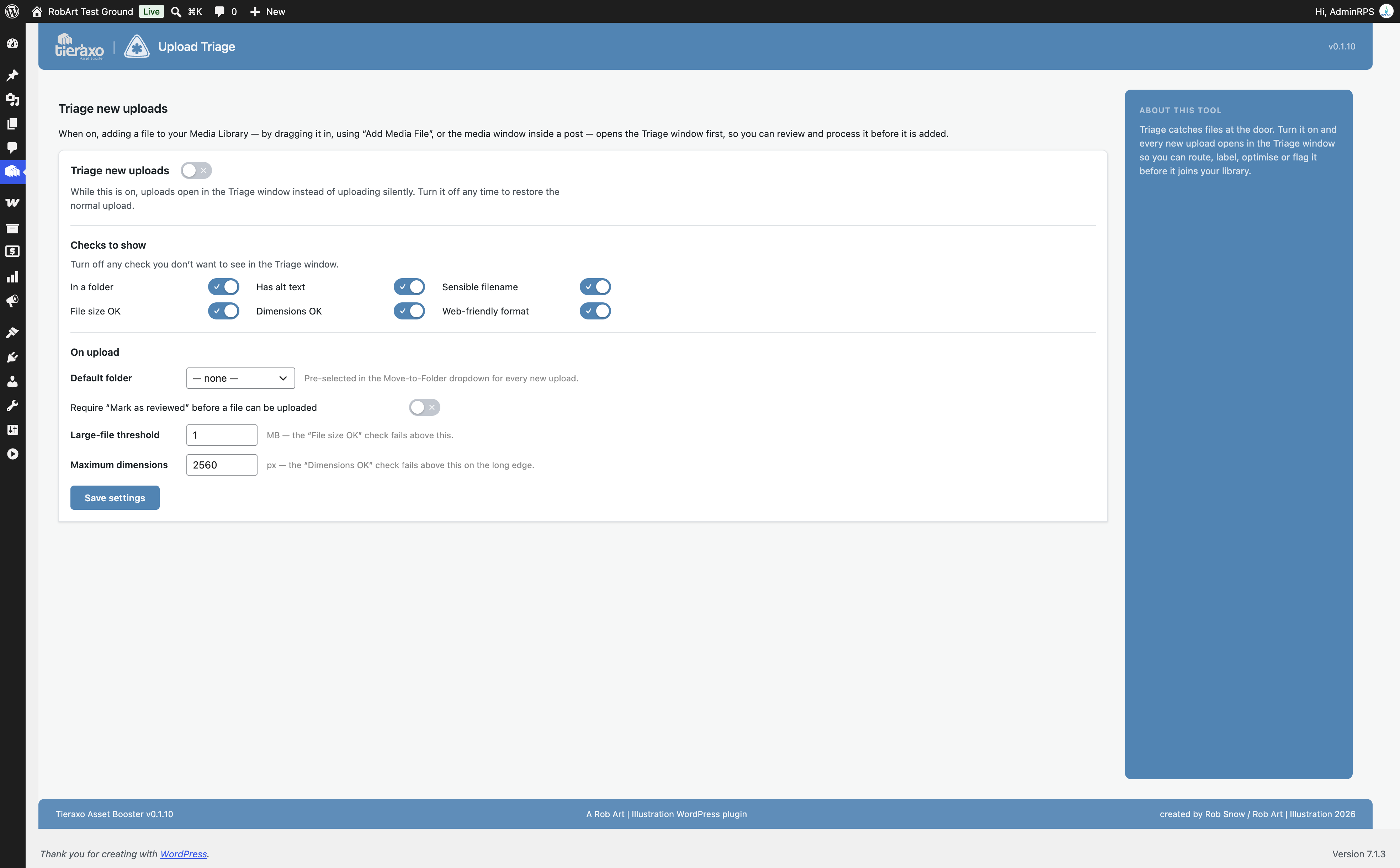
- Upload Triage: review incoming media and apply naming, folder and alt-text choices during upload.
- Additional clean-up tools: including orphaned resized-file pruning and selected advanced folder actions.
Important: Image conversion and bulk compression are Pro features, not features of the free plugin. Free users can still identify large or legacy-format images and take action using the included organisational and maintenance tools.
Set up in minutes
Install and activate Tieraxo Asset Booster, then open Media > Library. Your existing grid and list views gain new folder and filter controls. Visit Tieraxo Asset Booster in the admin menu for File Analytics, Fixers, the Dashboard and Settings. No shortcodes or front-end redesign required.
External services
Tieraxo Asset Booster does all of its work on your own site and server. It makes no automatic network requests during normal use, and sends no analytics or tracking data anywhere.
It contacts one external service, and only when you actively ask it to:
- robart-illustration.eu (Tieraxo licence & Pro download API) — if you choose to upgrade and enter a Tieraxo Asset Booster Pro licence key, the plugin sends that licence key, your site URL, and the plugin slug to
https://robart-illustration.eu/to validate the key and download the Pro package. This happens only when you click to activate a licence — never on a normal page load, and never for users who do not upgrade. The service is operated by Rob Art. See the Privacy Policy (https://robart-illustration.eu/privacy-policy/).
No other external services are contacted.
Uninstall
Tieraxo Asset Booster preserves your data by default. Deactivating the plugin keeps everything, and even deleting it keeps your settings and folders — so reinstalling picks up exactly where you left off.
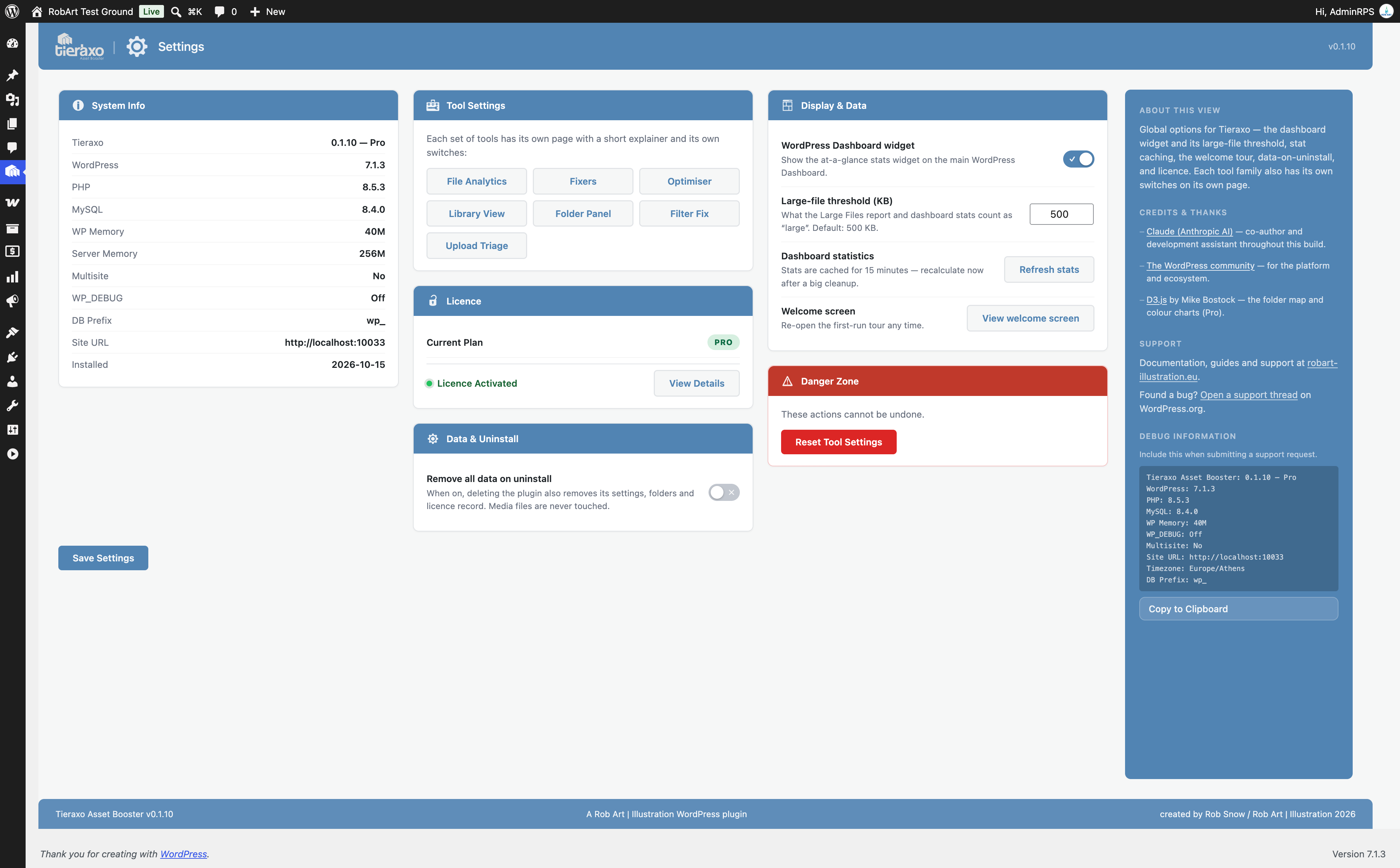
If you turn on “Remove all data on uninstall” in Settings before deleting the plugin, uninstalling removes everything it stored:
- Its settings, licence record, install date, review-prompt state and database-version marker (stored as options).
- Its cached values (transients).
- Its folder structure — the folder taxonomy terms and their assignments.
Your media files are never touched either way — removing the plugin’s folders only removes the labelling layer, not the images. It writes nothing outside your own site.
Screenshots

Examine file types, media counts and potential problems with File Analytics.

Update missing alt text in the bulk editor without opening files one by one.

Preview a file replacement and its affected references in Swap & Relink.
View library statistics, recent uploads and maintenance shortcuts on the dashboard.