Your courses, students, and sales data took months, maybe years, to build. Switching LMS platforms shouldn’t put any of that at risk.
The Tutor LMS Migration Tool moves everything from your existing LMS straight into Tutor LMS without data loss, manual re-uploads, or complicated setup. Courses, lessons, quizzes, assignments, student progress, enrollment records, sales history, reviews, and instructor data all transfer cleanly in one go.
Already on LearnDash, LearnPress, or LifterLMS? This tool handles the full migration pipeline for all three. Running an eLearning store on WooCommerce? It covers that too, including orders, subscriptions, and coupons.
No database errors. No content mismatches. No rebuilding from scratch. The one-click auto migration takes care of everything under the hood, so by the time it finishes, you’re already where you need to be. Same courses. Same students. Same history. Just a better platform running it all.
It’s not a migration. It’s an upgrade.
KEY FEATURES
- One-click migration from supported LMS platforms
- Migrate courses, lessons, quizzes, quiz attempts, assignments, etc
- Transfer students, instructors, enrollments, and course progress
- Migrate course reviews, sales history, and completion status
- Import and export migration data in XML format
- Easy-to-use migration interface
- Built specifically for Tutor LMS
Currently, Tutor LMS Migration Tool supports migration from:
- LearnDash
- LearnPress
- LifterLMS
- WooCommerce to Tutor LMS Native eCommerce
We’re continuously working on expanding compatibility with more LMS platforms.
PRE-REQUISITES
Before starting your migration, make sure you have the following plugins installed.
Required:
- Tutor LMS (v4.0 or later)
Depending on your migration source, you’ll also need:
- LearnDash (v4.0 or later)
- LearnPress (v4.0 or later)
- LifterLMS (v8.0 or later)
- WooCommerce (v10.0 or later)
- WooCommerce Subscriptions (v7.8 or later)
You need the mentioned versions or later for the migration to work properly.
We strongly recommend creating a complete backup of your website before initiating the migration.
GETTING STARTED
After installing the Tutor LMS Migration Tool, go to Tutor LMS > Tools > Migration in your WordPress dashboard.
Choose your migration source and click Migrate Now.
Below is a list of supported data for each migration.
The following data can be migrated from LearnDash:
- Courses
- Lessons
- Quizzes
- Quiz Attempts
- Assignments
- Sales Data
- Subscriptions
- Taxonomies
- Student Progress
- Course Reviews
Follow this video tutorial to migrate from LearnDash to Tutor LMS:
LearnPress Migration supports:
- Courses
- Lessons
- Quizzes
- Sales Data
- Reviews
- Students
- Instructors
- Course Enrollment
- Course Complete Status
Watch the full LearnPress to Tutor LMS migration tutorial:
LifterLMS Migration supports:
- Courses
- Lessons
- Quizzes
- Assignments
- Sales Data
- Enrollment
Watch the complete LifterLMS to Tutor LMS migration walkthrough:
WooCommerce to Tutor LMS Native eCommerce Migration supports the following data migration:
- Orders
- Subscriptions
- Coupons
Once you start the migration, the plugin automatically transfers all supported data into Tutor LMS. Tutor LMS Migration Tool handles all your database information during the migration process. After the migration is completed, you can start using Tutor LMS from where you left off in your previous LMS.
The whole process is so seamless that you will feel like you just opted-in for a better LMS without even changing anything at all. When the process is complete, you can continue managing your courses, students, and instructors without rebuilding your learning platform.
Separate Import & Export Option
With Tutor LMS Migration Tool you can also separately export the data to your local folder or import the database file by uploading the XML format file.
Screenshots
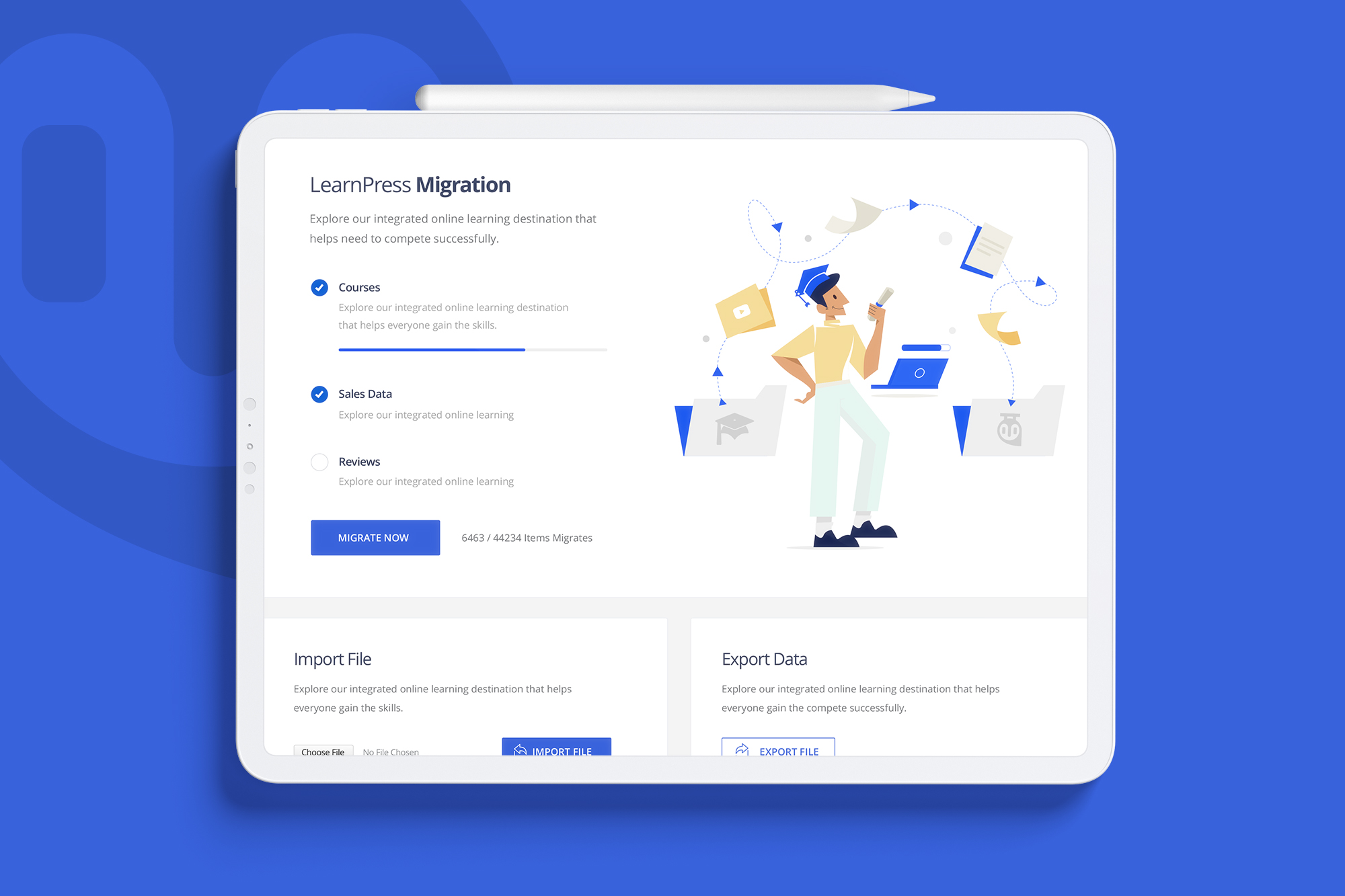
Introduction Page

Confirmation Alert
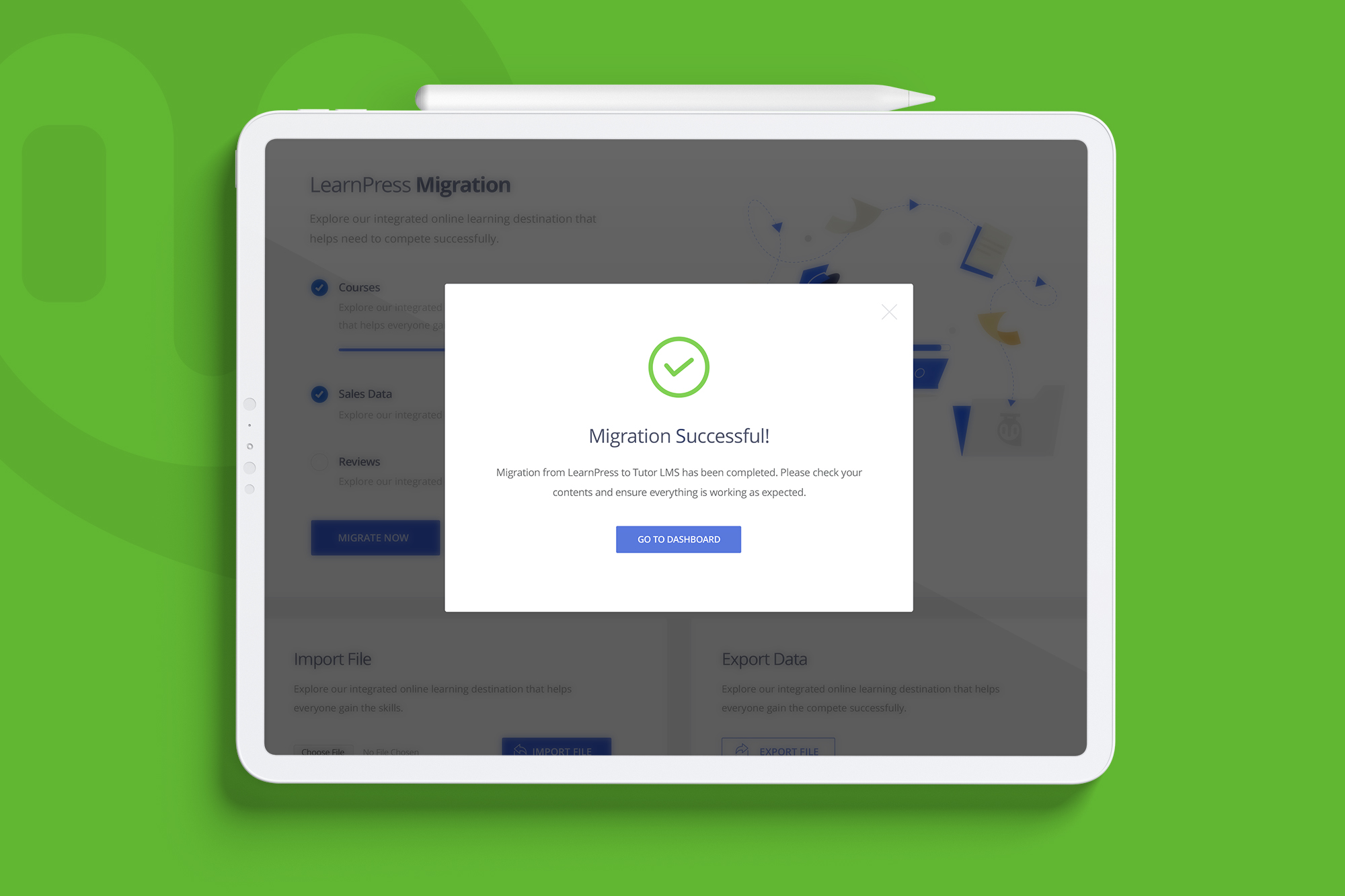
Success Alert

Error Alert