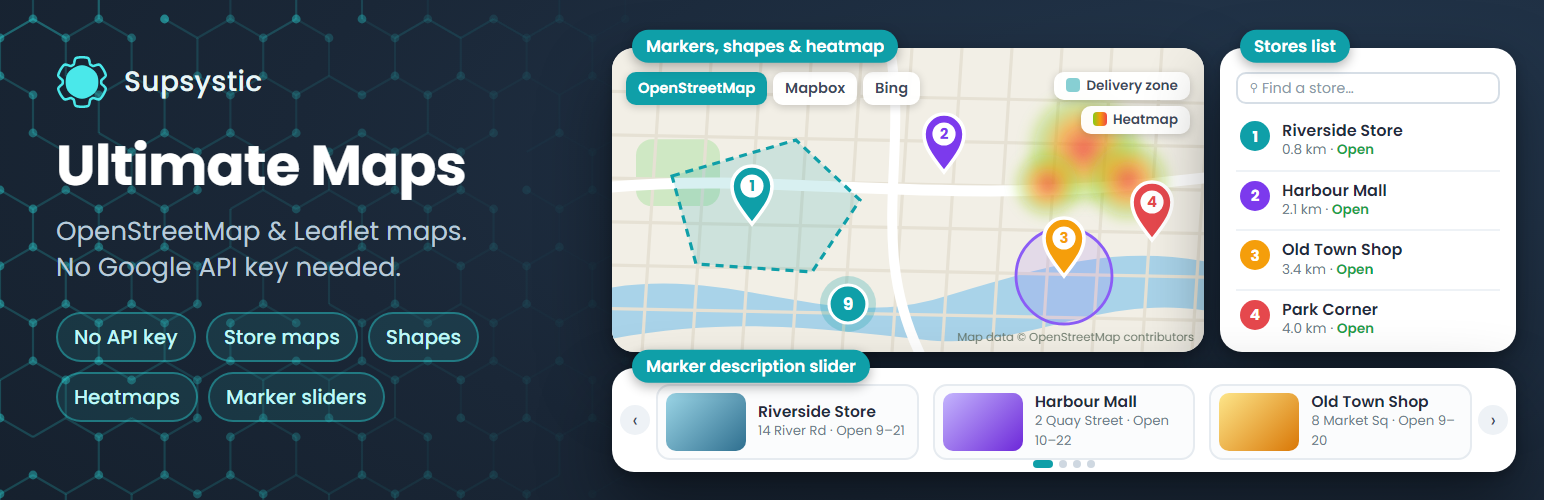
Ultimate Maps by Supsystic is a WordPress map plugin for interactive OpenStreetMap maps built on Leaflet. Add unlimited maps and markers, describe each place with text, photos and video, group markers into categories with a filter and cluster them when they crowd together. It works out of the box without a Google Maps API key, and your pages make no requests to Google.
Want a different look? Switch the same map to Mapbox, Thunderforest, Bing Maps or your own tile server without rebuilding a single marker.
Try it in your browser: open a live demo in WordPress Playground – no install, no account.
OpenStreetMap without an API key
OpenStreetMap tiles load through Leaflet with no key and no account. Pick the style that suits your site:
- OpenStreetMap Standard, Germany and Humanitarian
- OpenTopoMap, CyclOSM and OpenHikingMap for outdoor, cycling and hiking maps
- Public transport and railway maps
- OpenFreeMap vector styles: Positron, Bright, Liberty, Dark and Fiord
- CartoDB Positron
More map providers
- Mapbox: streets, outdoors, light, dark and satellite (free access token)
- Thunderforest: OpenCycleMap, outdoors, landscape and transport (free API key)
- Bing Maps: road, aerial, bird’s eye and canvas (Bing Maps key)
- MapTiles API (OpenStreetMap) through RapidAPI
- Any custom or self-hosted Leaflet tile server
Change the provider of an existing map at any time. Your markers stay where they are.
Unlimited maps and markers
- Markers with text, photos, video, links, phone and e-mail
- Custom marker icons from the built-in library or your own image
- Marker categories with a front-end filter
- Marker clustering for maps with many locations
- Linked markers that open any URL on click
- Address search: type an address and get the pin
Map settings
- Width, height, zoom, minimum and maximum zoom
- Scroll-wheel and drag behaviour, navigation bar and zoom controls
- Responsive maps with touch controls
- A starter set of map themes
Add maps anywhere
- Gutenberg block, Elementor widget, sidebar widget, shortcode and PHP snippet
- Works with WPBakery, Divi, Beaver Builder and other page builders through the shortcode
Moving from Google Maps
Import maps from our Easy Google Maps plugin and keep your markers. Move maps and markers between sites with CSV import and export.
Privacy
Ultimate Maps makes no requests to Google. Map tiles load only from the provider you choose for each map.
Made for
- Contact page and office location maps
- Businesses with several branches or dealers
- Real estate and rental listings
- Hiking, cycling and travel maps
- Event venues, campuses and city guides
Ultimate Maps Pro
Pro adds layers, shapes and richer ways to present your locations:
- Shapes: polygons, polylines and circles with fill and descriptions
- KML layers from a file or URL, and KML points imported as markers
- Heatmap layer
- Table view: a searchable, sortable list of locations
- Horizontal and vertical photo sliders and an exposition slider next to the map
- Visitors can add markers from the front end
- Markers shown only between two dates
- The full collection of map themes
Learn more
Screenshots
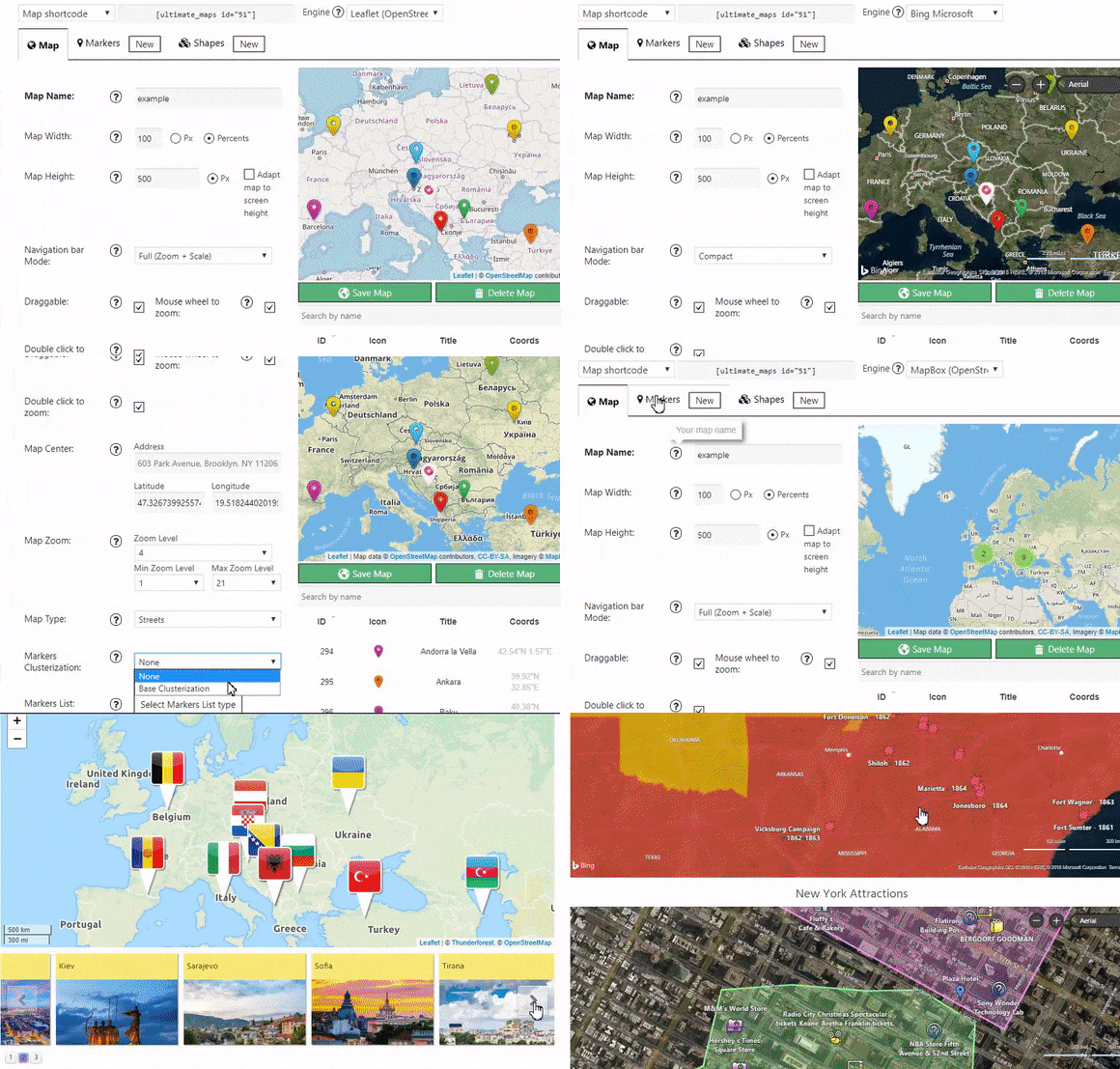
Interactive map with custom markers and marker descriptions.
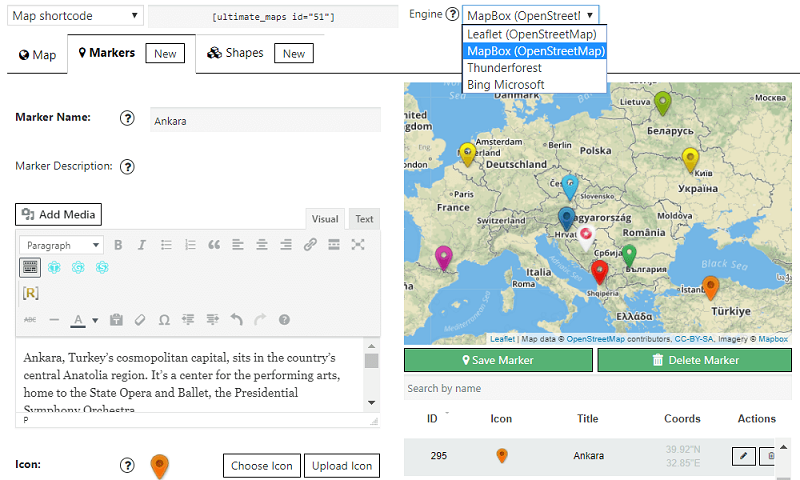
Switch the map provider in one click: OpenStreetMap, Mapbox, Bing Maps or Thunderforest.
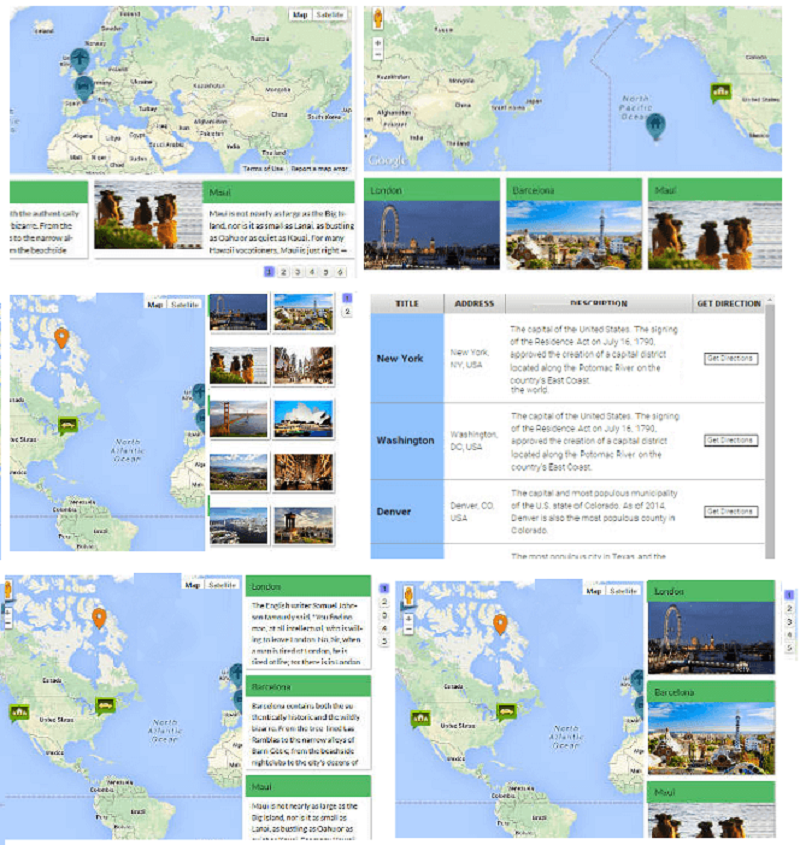
Map with a list of all markers displayed below it (Pro).
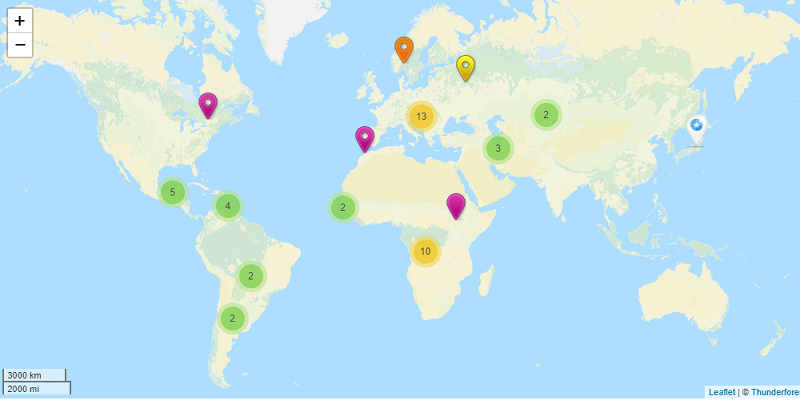
Marker clustering on a map with many locations.
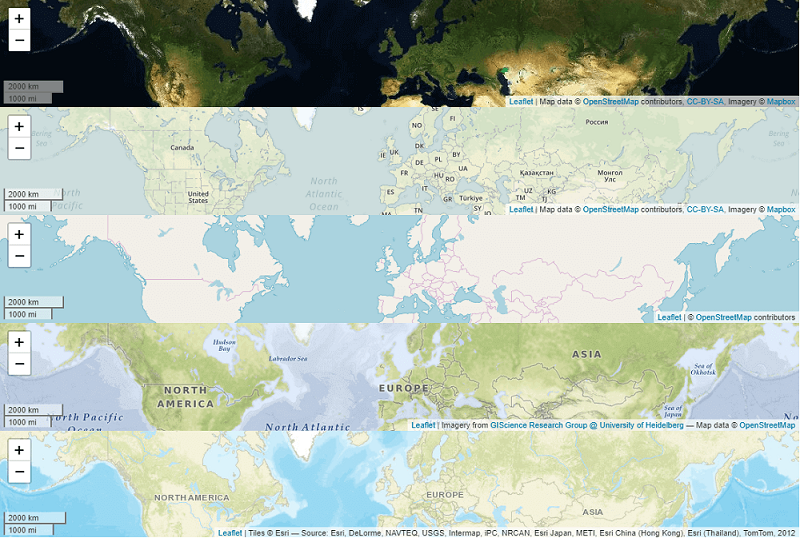
Map styles and themes.
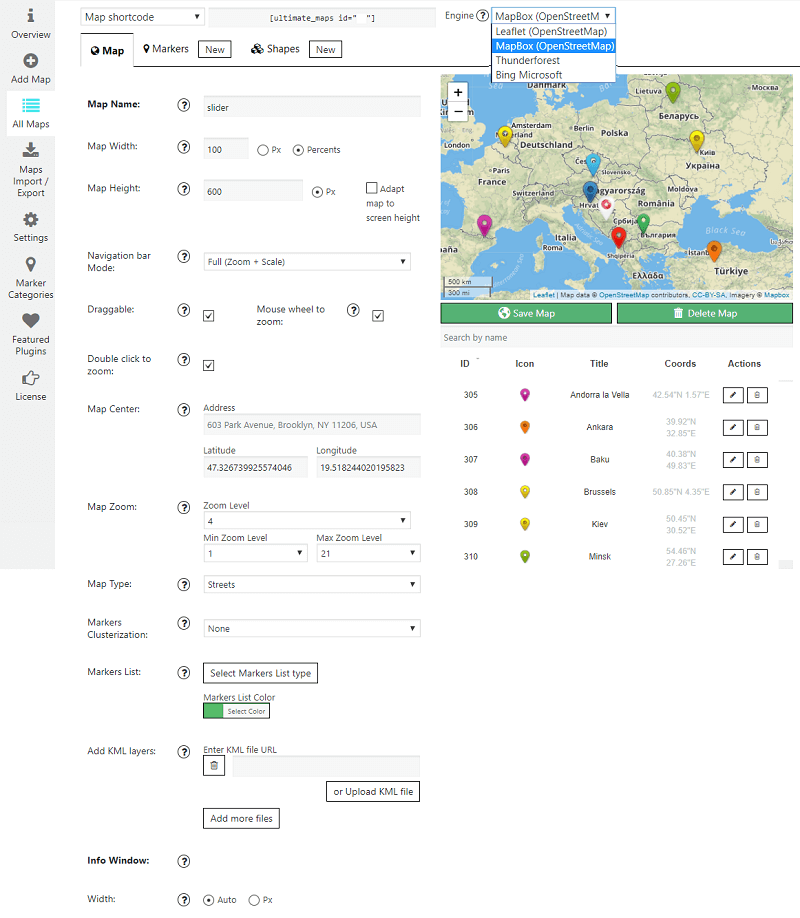
Map settings in the admin area.
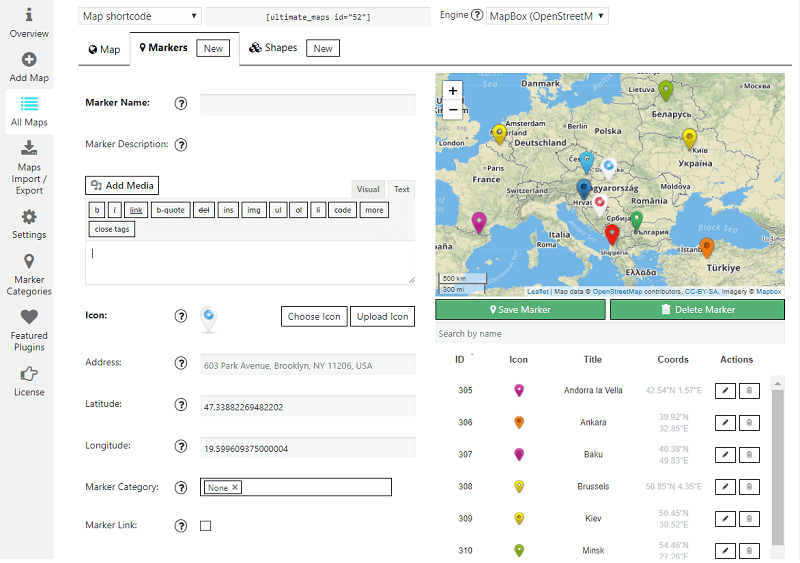
Marker settings: address, icon, description and category.

Shape settings for polygons, lines and circles (Pro).