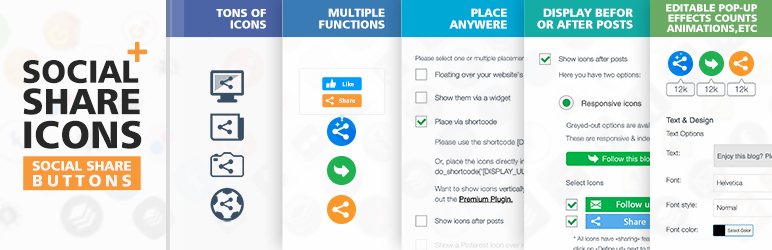
Add social share icons on your website with just a few clicks.
Try it out on your free dummy site: Click here => https://tastewp.com/plugins/ultimate-social-media-plus
(this trick works for all plugins – just replace “wordpress” with “tastewp” in the plugin’s WP repo URL)
The plugin can be customized to suit any need and is FREE. It also has been translated into various languages.
Feature list:
- Numerous social share platforms (see a list of them below)
- Many placement options before or after posts, floating over your website’s pages, via widget, via shortcode, (top right, bottom left etc.)
- The possibility to give several actions to one social share button (e.g. your Facebook icon can lead visitors to your Facebook page, and also show a Facebook button to share your page on social media)
- 16 design styles for your social share buttons
- Animated social share buttons (e.g. automatic shuffling, mouse-over effects)
- Social pop-up – ask people to follow or share you
- Subscription service – allow visitors to subscribe to your site and receive new posts automatically by email
- Share counts
- Rearrange Order of social share icons
- Lots of other customization options for your social share buttons
- Compatible with Gutenberg editor
List of platforms supported in the free plugin:
- Facebook share icon
- Twitter share icon
- Email icon
- RSS icon
- Instagram share icon
- Youtube share icon
- Pinterest share icon
- LinkedIn share icon
- Houzz share icon
- OK icon
- Telegram icon
- VK icon
- WeChat icon
- Weibo icon
- Share icon (allows your visitors to share your site on over 200+ other social media sites; powered by addthis/sharethis)
If there are any important social share networks not covered yet, please let us know!
For GDPR compliance, please have a look at our Social Media GDPR Compliance page.
In case of issues or questions please ask in the [Support forum] (https://wordpress.org/support/plugin/ultimate-social-media-plus).
Premium Plugin
The free plugin already provides tons of options for social sharing (as outlined above). In our Premium Plugin, even more is possible. Some examples for additional features in the Premium Plugin:
- More social share buttons (the icon pack includes an Instagram button, Snapchat button, Yummly button, Print button, Whatsapp button, Yelp button, Soundcloud button, Skype button, Flickr button, Share button, Blogger button, Digg button, Reddit button, Vimeo button, Tumblr button, Xing button, vk button, Telegram button, Amazon button, Spotify button and many more badge, see list above)
- More (default) design styles for your social share icons
- Themed design styles for your social share buttons (e.g. if you have a site about cats, you can pick from cat-themed buttons etc.)
- Better sharing & following features (tailored tweet texts, allow people to follow you directly on your page etc.)
- Place the social share icons on specific pages
- Optimized for mobile sharing and buton display
- More functions for email icon to connect with you
- More lightbox / popup options (e.g. limit how often the popup is shown to the same user)
- (Friendly and fast) Support
- Many more settings & options
Note: this plugin uses the third party provider SpecificFeeds.com for the subscription feature, enabling you to allow your visitors to subscribe to your site and get new posts automatically by email. Upon installation of the plugin a feed will be set up on SpecificFeeds, transmitting your IP address. This is required for this feature to work.
Screenshots
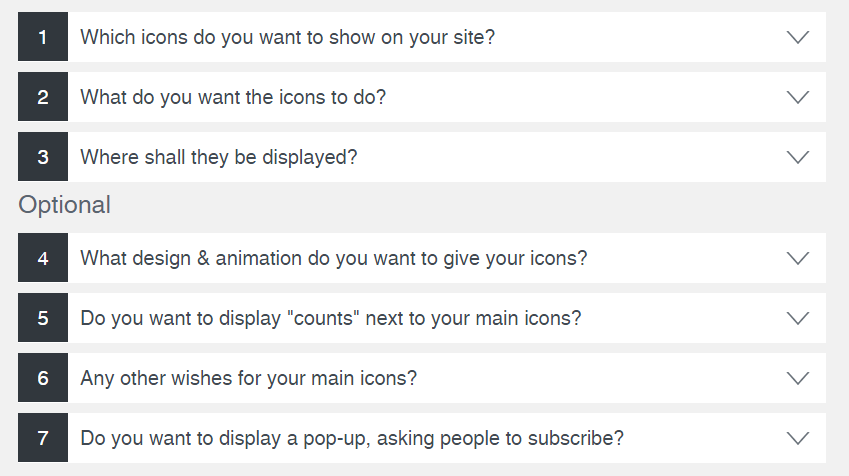
After installing the plugin, you'll see this overview. You'll be taken through the easy-to-understand steps to configure your plugin
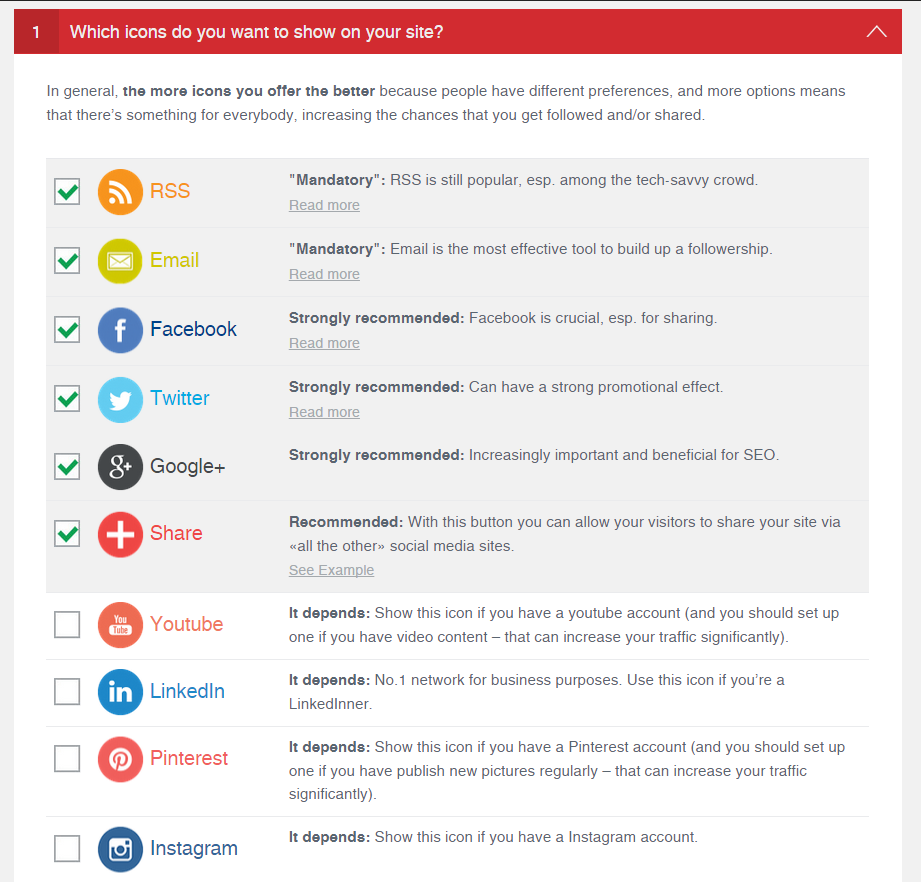
As a first step you select which icons you want to display on your website
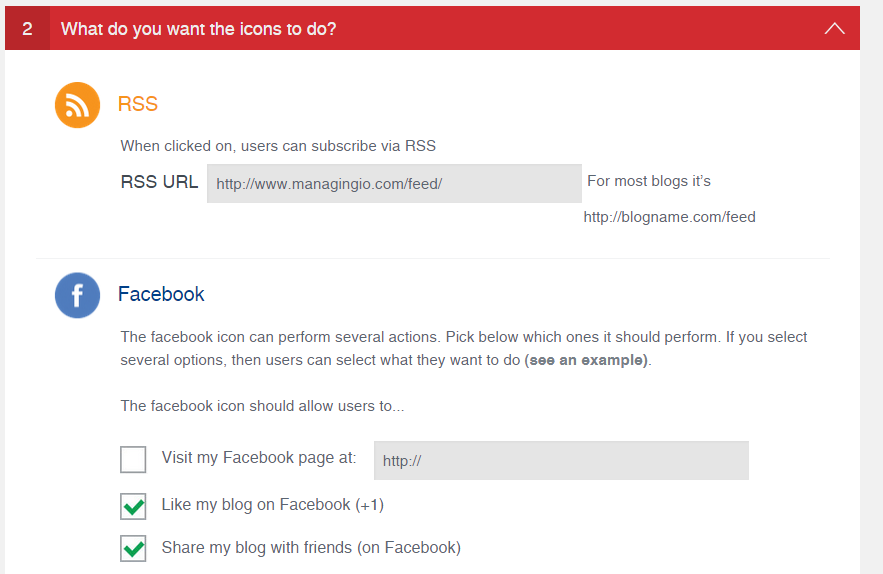
Then you'll define what the icons should do (they can perform several actions, e.g. lead users to your facebook page, or allow them to share your content on their facebook page)
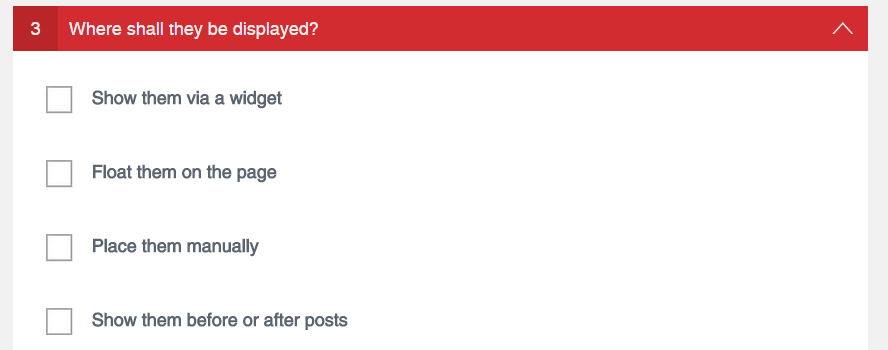
In a third step you decide where the icons should be placed: a.) via Widget, b.) Floating, c.) via Shortcode and/or d.) Before or after posts
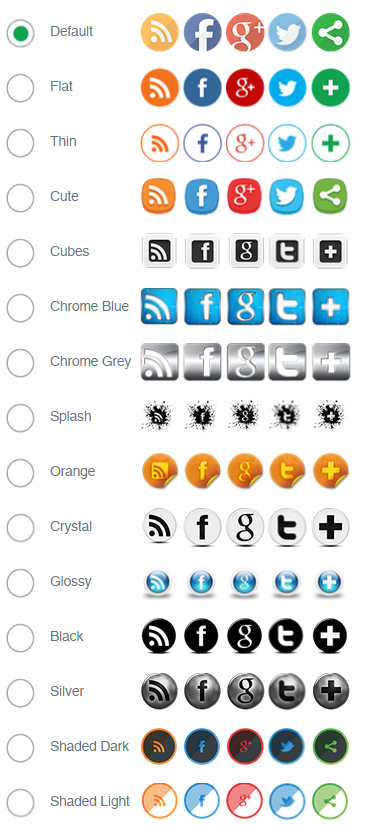
You can pick from a wide range of social share icon designs
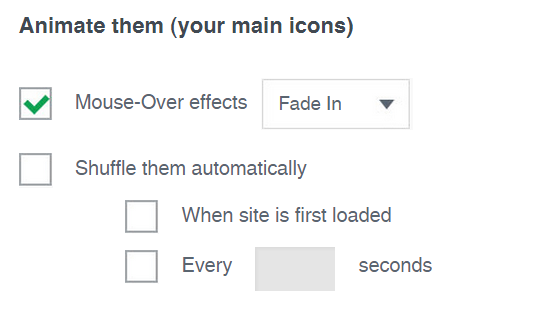
Here you can animate your main icons (automatic shuffling, mouse-over effects etc.), to make visitors of your site aware that they can share, follow & like your site
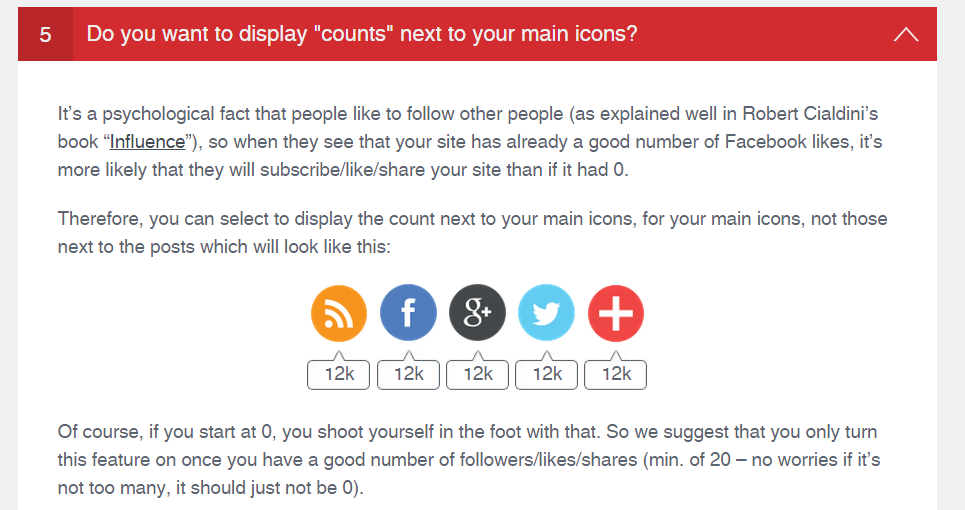
You can choose to display counts next to your icons (e.g. number of Twitter-followers)
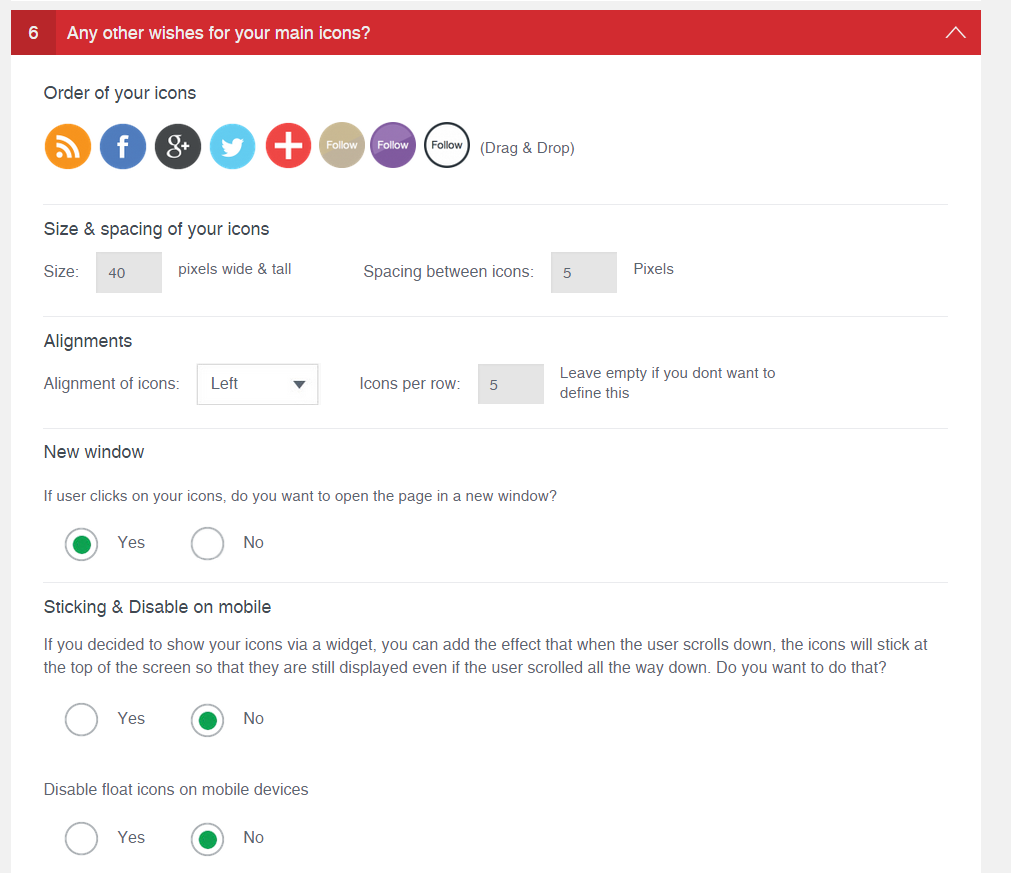
There are many more options to choose from
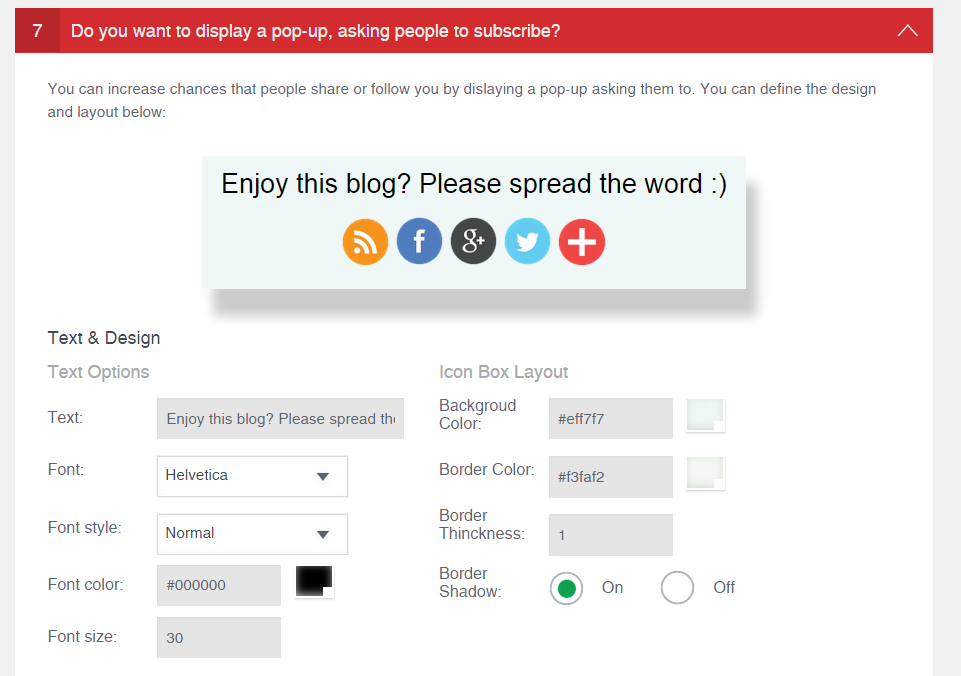
You can also display a pop-up (designed to your liking) which asks users to like & share your site