
In a few simple steps you can start accepting credit card payments with UniPAY Checkout on your WordPress site.
UniPAY Payment Gateway For WooCommerce plugin is the official UniPAY.com plugin. with easy integration setup, it integrates all UniPAY payment methods into your woocommerces shop: UniPAY wallet, Visa, MasterCard, AMEX and QR PAYMENTS
ABOUT UniPAY.com
you can get more informaiton about checkout solution on UniPAY.com pages.
SUPPORT
You can contact support for this plugin thourght our contact page.
Screenshots

First of all click the settings.

Choose payment method.

Choose UniPay Checkout and manage it.

Click Enable UniPAY Payment module.

Enter Merchand ID and secret key.

Control logo size,color, type.

Control quantity-description-slogan-logo on UniPAY Checkout page.
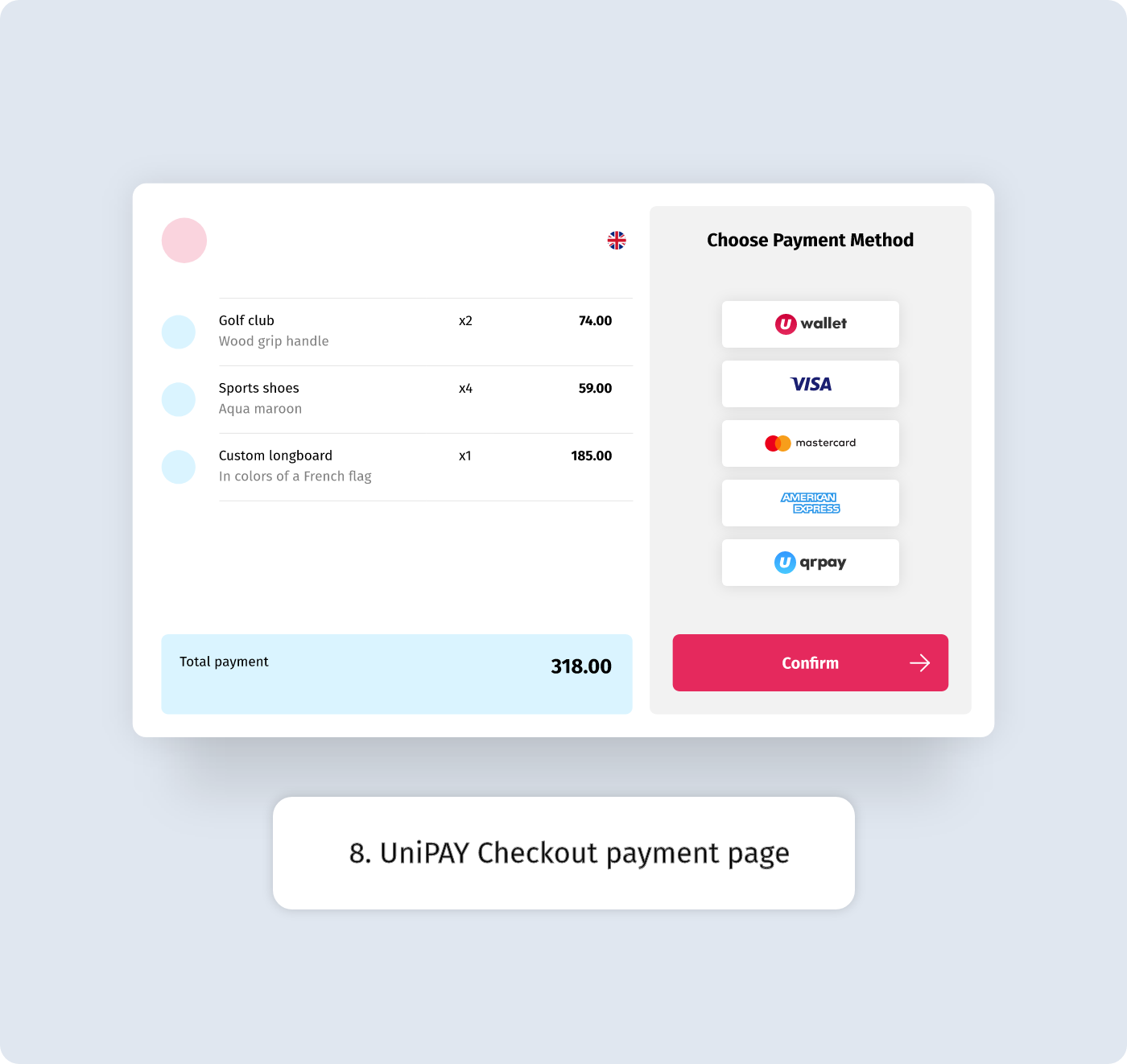
Choose UniPAY Checkout.