BACK TO DIRECTORY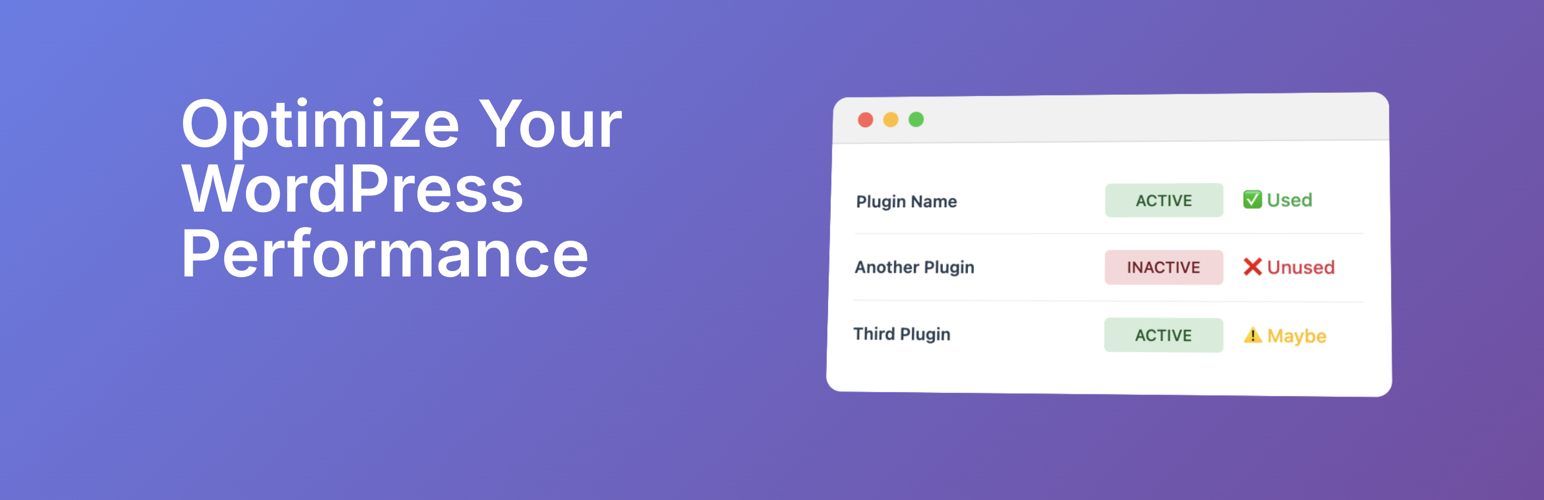


Unplug – Plugin Usage & Performance Insights
Cut the plugin bloat.
Unplug helps you see which plugins are actually being used on your client’s sites and which ones are just plugin bloat. With clear reports on plugin activity, performance impact, and where they are being used, you can make smarter decisions about what to keep, update, or remove.
🔑 Features
- Plugin Usage Detection: Instantly see which plugins are actively used across your site.
- Performance Insights: Identify plugins that may be slowing down your site.
- Security Awareness: Get visibility into plugins that might increase risk.
- Simple Recommendations: Understand at a glance which plugins to keep, replace, or unplug.
🚀 Why Use Unplug?
- Improve site speed by removing unused plugins.
- Reduce security risks by minimizing unnecessary code.
- Keep your WordPress installation clean and efficient.
- Save time by cutting through plugin overload.
Perfect For
- Agencies managing multiple client sites.
- Site owners who want faster, safer WordPress installs.
- Developers looking for a quick audit of plugin usage.
⸻
Take control of your WordPress site today: it’s time to Unplug.
Screenshots
Home dashboard with feature overview and smart plugin analysis interface
Settings page showing API token configuration and advanced scan options
Activity Scan results showing detailed plugin analysis with usage detection and location counts
Plugin Details
Active Installs
10Total Downloads
544Version
1.3.0Requires WP
5.0Requires PHP
7.4Tested Up To
6.8.12Added
2025-09-03Last Updated
2025-09-03 2:52pm GMTRatings
5
0
4
0
3
0
2
0
1
0