
A WordPress plugin to show a list of upcoming events on the front-end as widget.
Usage
Step 1: Creating events
After installing and activating the plugin, a new custom post type called “Events” will appear at your WordPress Admin area.
Just create your events from the “Events” menu.
Step 2: Using on Gutenberg Block Editor (WordPress 5.0 or later)
If you are using block editor, add a new page and search for ‘Upcoming Events Lists’, set necessary options as your requirement.
Save and view you page. All done!
Step 3: Shortcode (When you cannot use step 2)
Add a new page and paste the following shortcode where you want to display the events:
[upcoming_events_list]
The shortcode can include following attributes.
view_type: Default valuelist. Value can belistorgrid.show_all_event_link: Default valueyes. Value can beyesorno.
If you set grid for view_type, you can also include the following attributes.
columns_on_tablet: Default value2. Value can be from 1 to 6 (except 5)columns_on_desktop: Default value3. Value can be from 1 to 6 (except 5)columns_on_widescreen: Default value4. Value can be from 1 to 6 (except 5)
Example 1:
[upcoming_events_list view_type='grid' columns_on_tablet='3' columns_on_desktop='4' columns_on_widescreen='6']
Screenshots
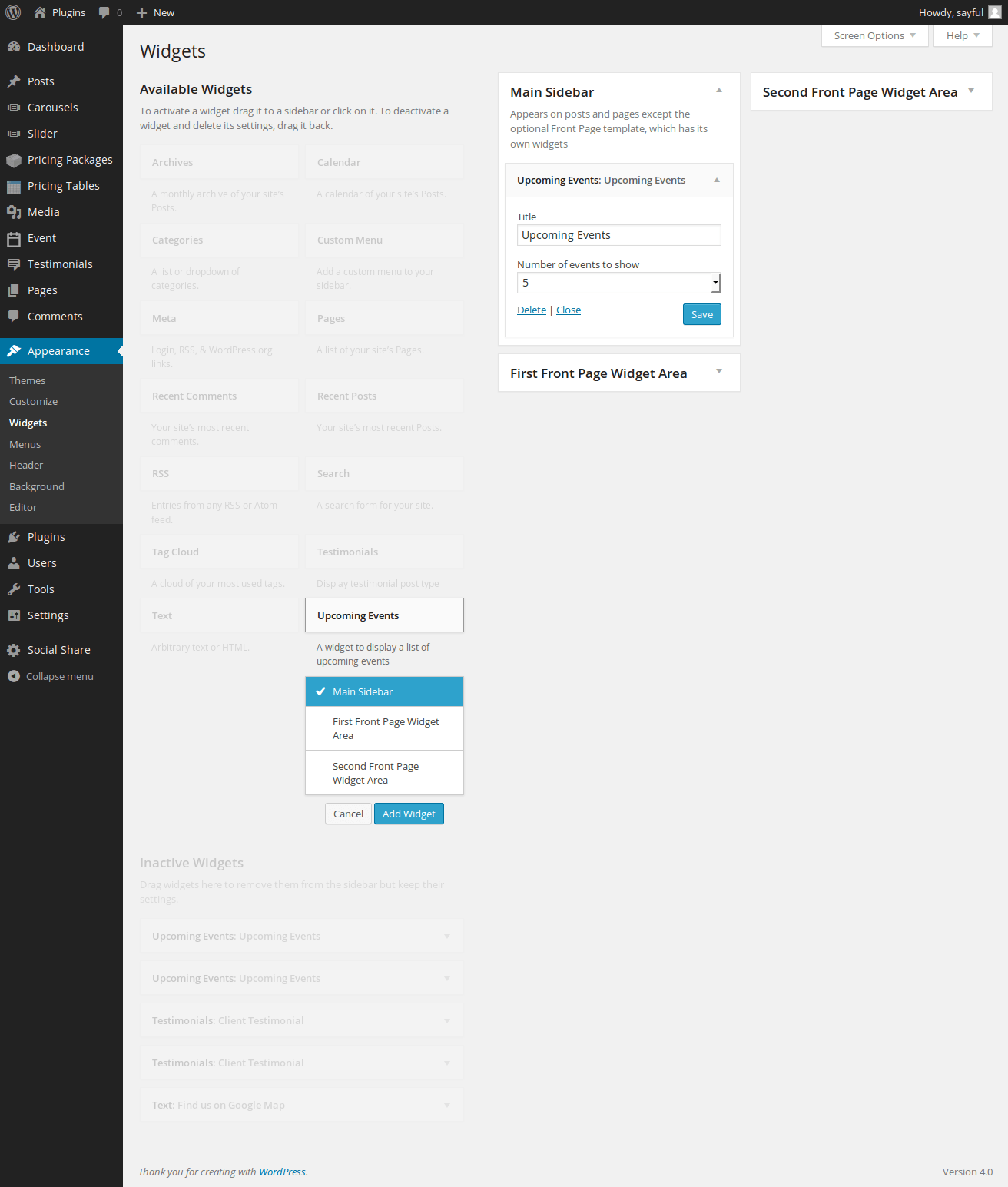
Screenshot of event widget selection

Screenshot of event description include by custom post

Screenshot of all event list

Screenshot of display of event at frontend