Build reusable daily schedules with up to 24 entries each. Assign the same schedule to Monday through Friday, for example, then copy it to customize one day. A separate schedule can cover weekends. Timed entries have a start time, optional label, message, and optional Opening or Closing event. Messages continue until the next timed entry, including across midnight. Closing text entries add an untimed value such as “Last Call” to the public schedule without changing greetings or countdowns.
Use {time} and {tz} in messages, or {countdown} for time until the next entry. {next_label} and {next_time} describe that entry. Mark an entry as Opening to use {opening_countdown} and {opening_time}, even when the next opening is on another day. Example: a 5:00 AM message can say “It’s {time}. We open in {countdown}.” before a 7:00 AM Opening entry.
The WordPress blocks and shortcode render semantic, styleable weekly hours, live status, and special-date overrides. The dedicated Uplink Special Dates block can show one selected promotion or an upcoming list of holidays, closures, and sales dates. Bricks offers separate weekly schedule and upcoming special-date query types so each row can be designed with native layout elements. Etch receives complete outputs, computed open status, current window, next change, special dates, individual days, and an ordered week array for custom markup. Weekly schedule output uses the site’s Week Starts On setting. The timezone follows the WordPress site setting by default, with an optional override. Optional LocalBusiness structured data publishes the same regular and special hours to search engines.
Administrators can grant update access to additional roles or individual users in the Permissions tab. Administrator access is always retained.
Screenshots

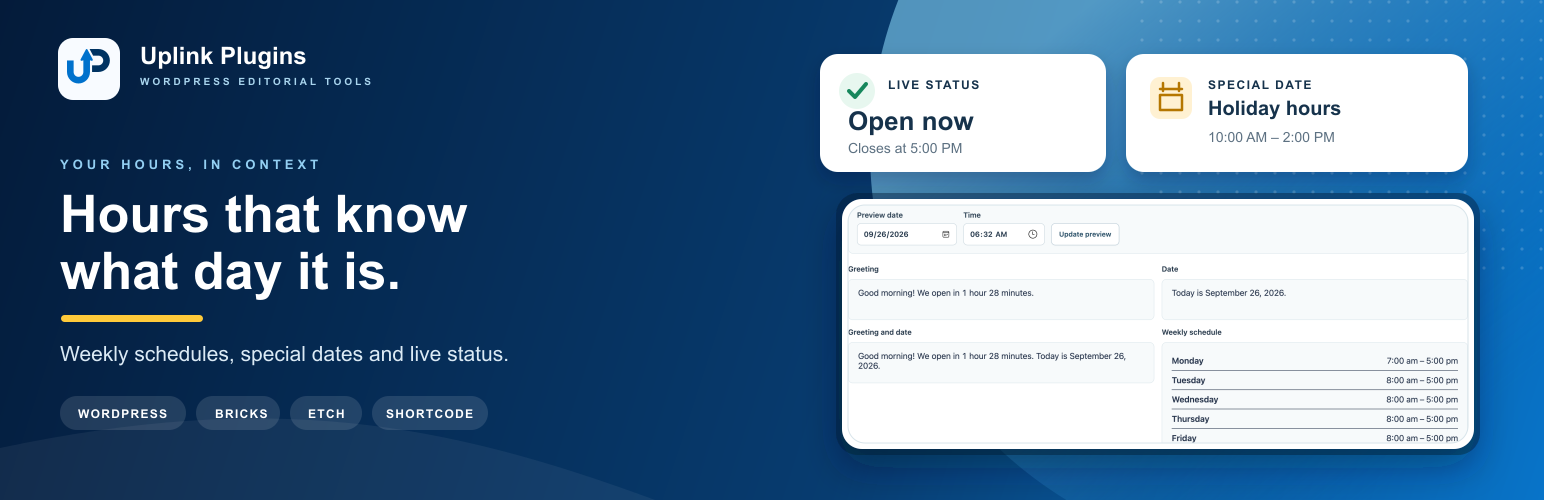
Output preview showing the current greeting, date, live open status, combined output, and weekly schedule.