
Sometimes you want to put the base URL (that of the blog, or that of the active template) in your content editor. Times when the template customising isn’t quite flexible enough.
With this plugin you can use [url_base] to output the base URL of the blog (as set in your Settings). Or, you can use [url_template] to output the URL of the active template.
For example <img src="[url_base]/test.png /> in your editor might output <img src="http://localhost/wordpress/test.png" /> (if http://localhost/wordpress is what you have configured as your blog URL in Settings).
The supported short codes are as follows:
* [url_base] – the configured blog URL (set in Settings). E.g. http://localhost/wordpress
* [url_template] – the URL of the active template. E.g. http://localhost/wordpress/wp-content/themes/mytheme1
License
This plugin uses the GPLv3 license.
Screenshots
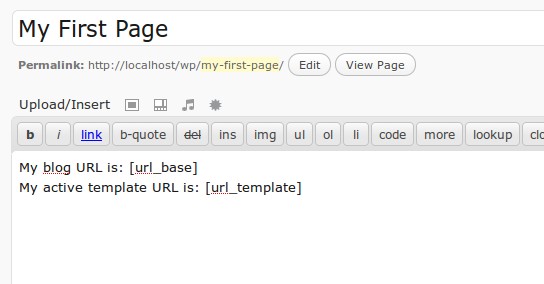
Sample short code use.

Rendered output.