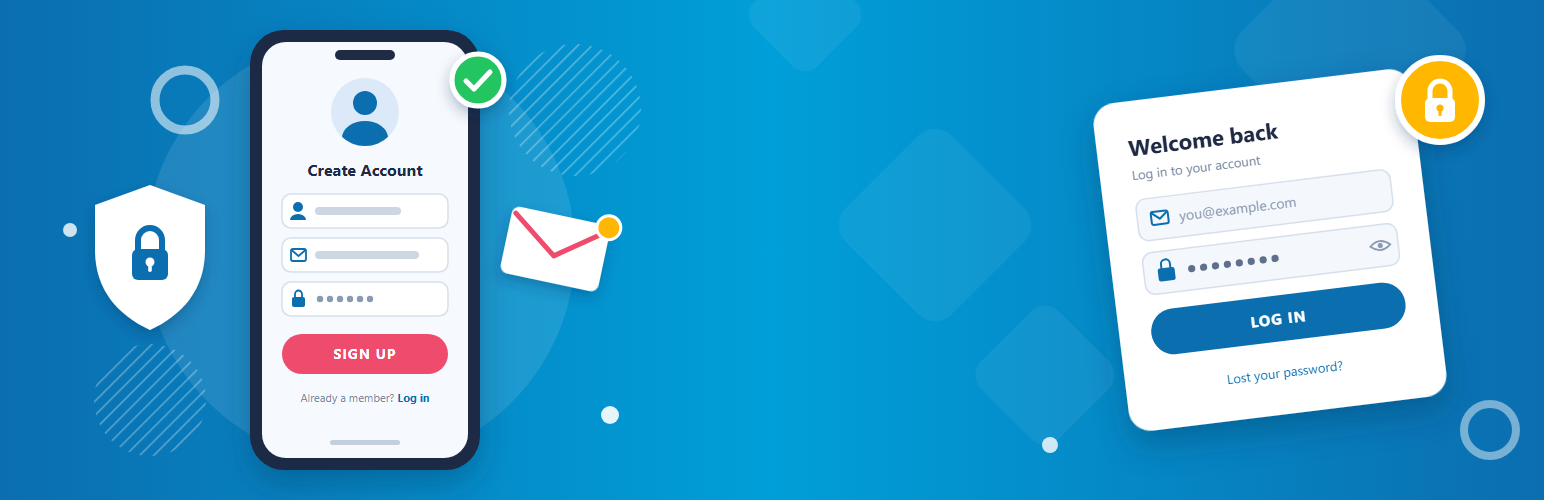
Add a login form, a registration form and a profile form to any page with a shortcode. Forms submit with AJAX, without reloading the page, and the plugin’s CSS and JavaScript load only on pages that show a form, so the rest of your site stays fast.
No form builder to learn: add a shortcode, choose where people go after logging in or registering, and you’re done.
Features
- AJAX login form,
[dew_signin_form]: customers log in with their email address and password, with a “Lost Password” link and a redirect after login. - AJAX registration form,
[dew_register_form]: first name, last name, username, email and password with confirmation. It follows your “Anyone can register” setting and can redirect after registration. - Profile form,
[dew_profile_form]: logged-in users update their name, email and password. Email changes are confirmed from the new address first. - Works with CAPTCHA and anti-spam plugins that use WordPress’s standard registration checks.
- The site admin receives the standard WordPress new-user email.
- Passwords are saved exactly as typed and work with the standard WordPress login page too.
- Logged-in visitors see a friendly “already logged in” message instead of the login and registration forms.
- Lightweight: no form builder, and assets load only where a form is shown.
- Translation-ready.
Shortcodes
[dew_signin_form]: login form[dew_register_form]: registration form[dew_profile_form]: profile form for logged-in users
Settings
Under Settings > Dew Settings, choose the page to show after registration, the page to show after login, and the registration page linked from the login form.
Like the plugin? Please consider leaving a review. It helps other people find it.
Screenshots

Settings > Dew Settings: choose the pages to show after registration and login, and the registration page linked from the login form.

The Shortcodes tab lists the three shortcodes to copy into your pages.

The front-end registration form.

The front-end login form with a Lost Password link.

The profile form where logged-in users update their name, email and password.