BACK TO DIRECTORY
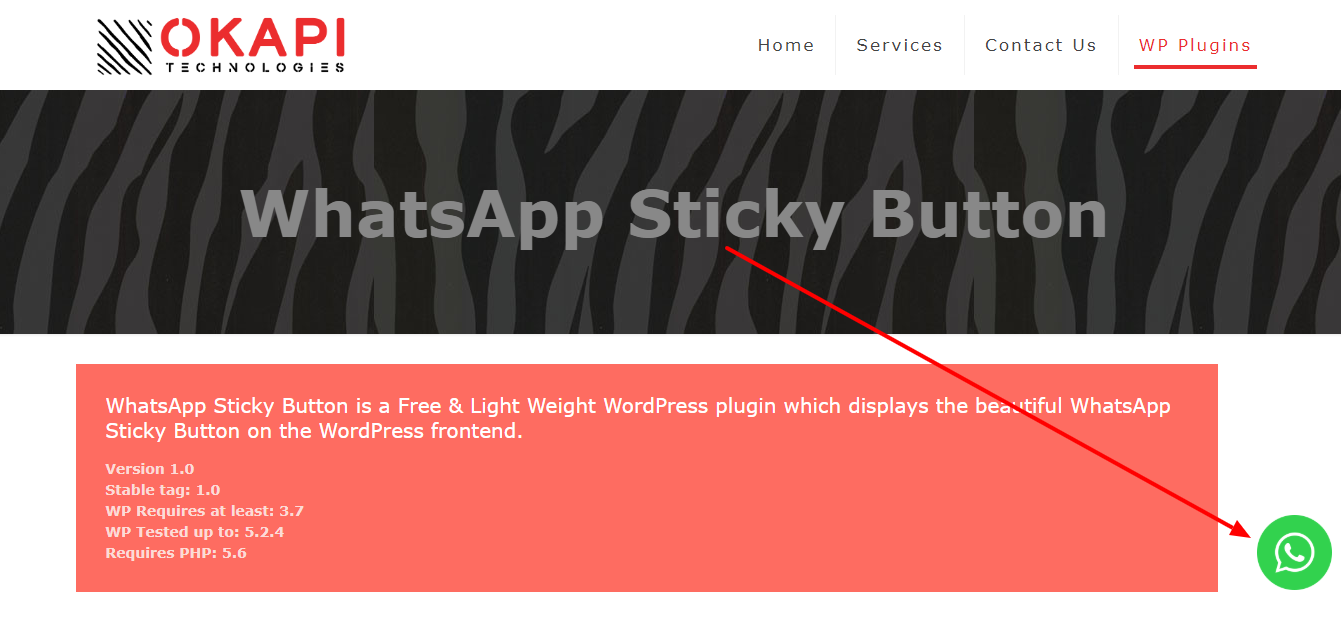


WP Sticky Button is a Free & Light Weight WordPress plugin that displays the beautiful WhatsApp Sticky Button on the WordPress frontend.
After clicking on the WhatsApp Sticky Button, It will bring you to the WhatsApp application or WhatsApp website.
- It will bring you to the WhatsApp application if WhatsApp application installed on your device
- It will bring you to the WhatsApp website if WhatsApp application is not installed on your device
Admin Setting Panel
- WhatsApp Sticky Button – Settings
- Activate/Deactivate WhatsApp Sticky Button
- Customize “Display on” functionality for the Mobile, Tablet & Desktop Devices
- Change the Position of WhatsApp Sticky Button to Top-Left/Top-Right/Bottom-Left/Bottom-Right
- Add WhatsApp Number
- Add WhatsApp Default Message
- Customize Icon Width
- Customize Icon Height
- Customize Icon Margin
- Change Icon Type to Default WhatsApp Icon/Custom Icon Image
- Select Custom Icon
- Save & Enjoy!!!
Screenshots
screenshot-1.png - WhatsApp Sticky Button Visualization
screenshot-2.png - WhatsApp Sticky Button Settings
screenshot-3.png - Open in WhatsApp Web for Desktop Devices
screenshot-4.png - Open in WhatsApp Application for Mobile Devices
Plugin Details
Active Installs
10K+Total Downloads
77,379Version
1.4.1Requires WP
4.5Requires PHP
5.6Tested Up To
6.8.12Added
2019-10-26Last Updated
2025-08-14 5:00am GMTRatings
5
3
4
0
3
0
2
0
1
2