BACK TO DIRECTORY
Adding net-30 terms to woocomerce is simple.
The plugin works like this – You (the admin) sets up a cheque payment option for checkout.
Every time the checkout page is visited, the plugin will check to see if the user has NET-30 terms enabled, if not the cheque option is removed.
Usage
- Download the plugin and activate
- Add a “Cheque” payment option and title it accordingly (NET 30 Invoice)
- Edit a user to enable NET-30 checkout.
Screenshots
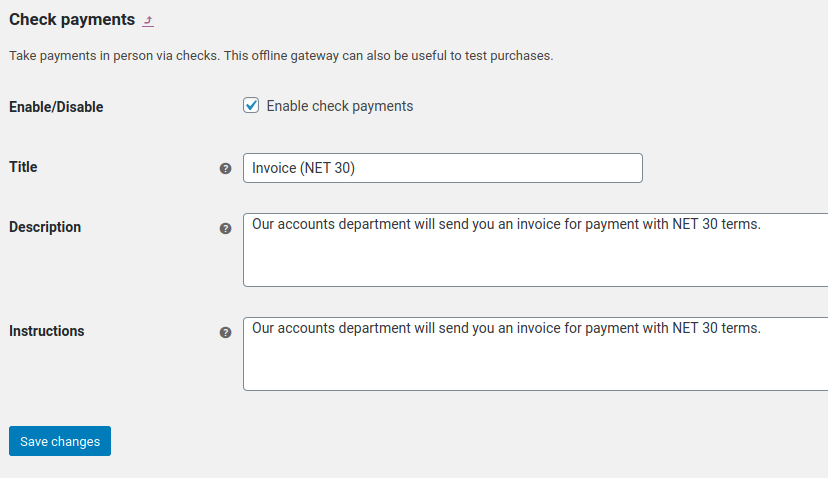
Setup a cheque option in the payment methods screen.
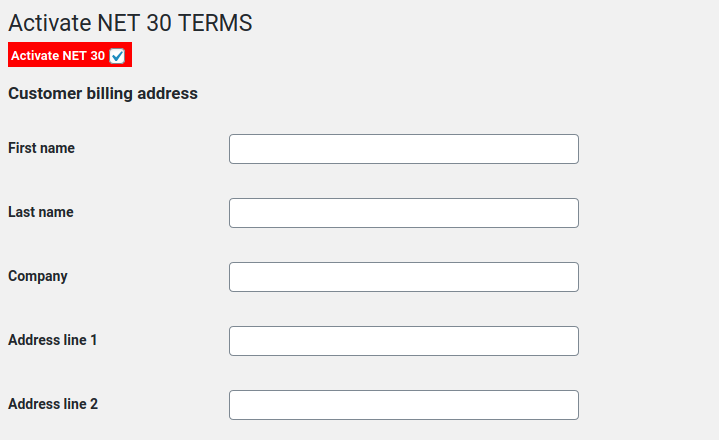
Provide a user the NET-30 terms option by enabling it on the 'EDIT USER' page.
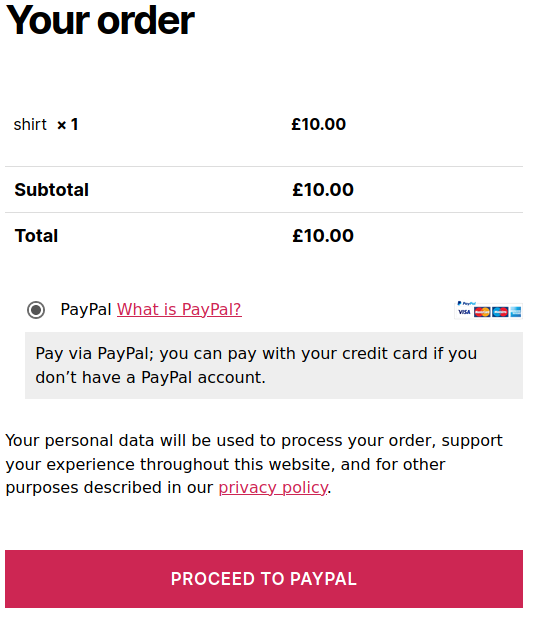
An example of a user without NET-30 terms enabled checking out from your website.
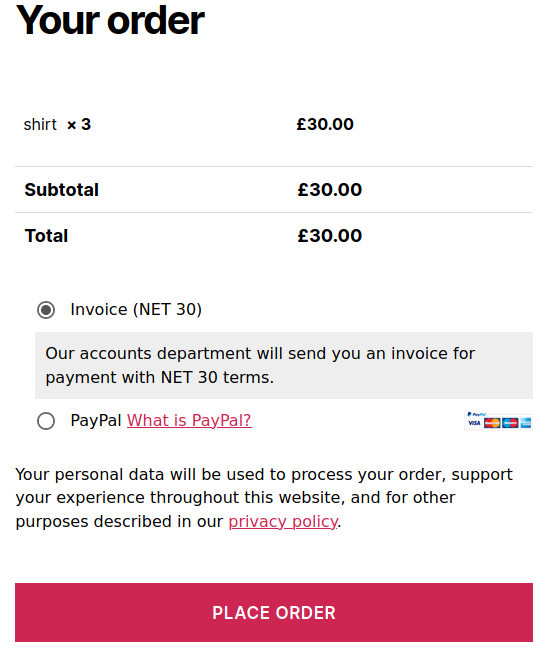
An example of a user WITH NET-30 terms enabled checking out from your website.
Plugin Details
Active Installs
100Total Downloads
2,466Version
1.1Requires WP
4.0Requires PHP
7.0Tested Up To
5.4.25Added
2020-12-02Last Updated
2020-12-02 3:15am GMTRatings
5
1
4
0
3
0
2
0
1
0