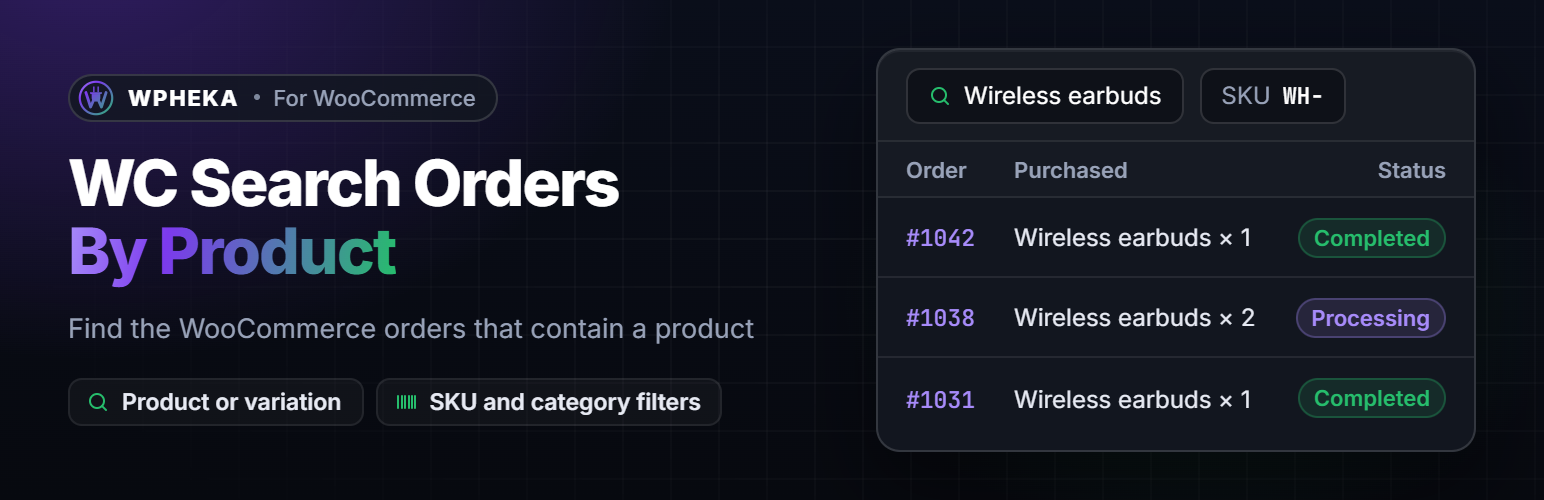
WC Search Orders By Product adds filters to the WooCommerce Orders screen so you can find the orders that contain a product. Start typing a product name in the product box and pick it from the list. The orders list then shows only the orders with that product, together with the status tabs, search and month filter you already use.
🔍 FILTER ORDERS BY
- Product or a single variation (searched by name)
- Product type
- Product category, including its sub-categories
- SKU or the start of a SKU
- Payment method
- Shipping method
- Billing country
Filters work together, so you can ask for “orders with this product, paid by cash on delivery, from Canada”.
✨ ALSO INCLUDED
- A “Purchased” column in the orders list showing the items of each order.
- Fast on large stores. Filters are added to WooCommerce’s own order query. When WooCommerce Analytics data is available its indexed tables are used. Tested with 100,000 orders.
- Works with High-Performance Order Storage (HPOS) and with the older posts storage.
- Developer hooks to add your own filters. See docs/hooks.md on GitHub.
Screenshots
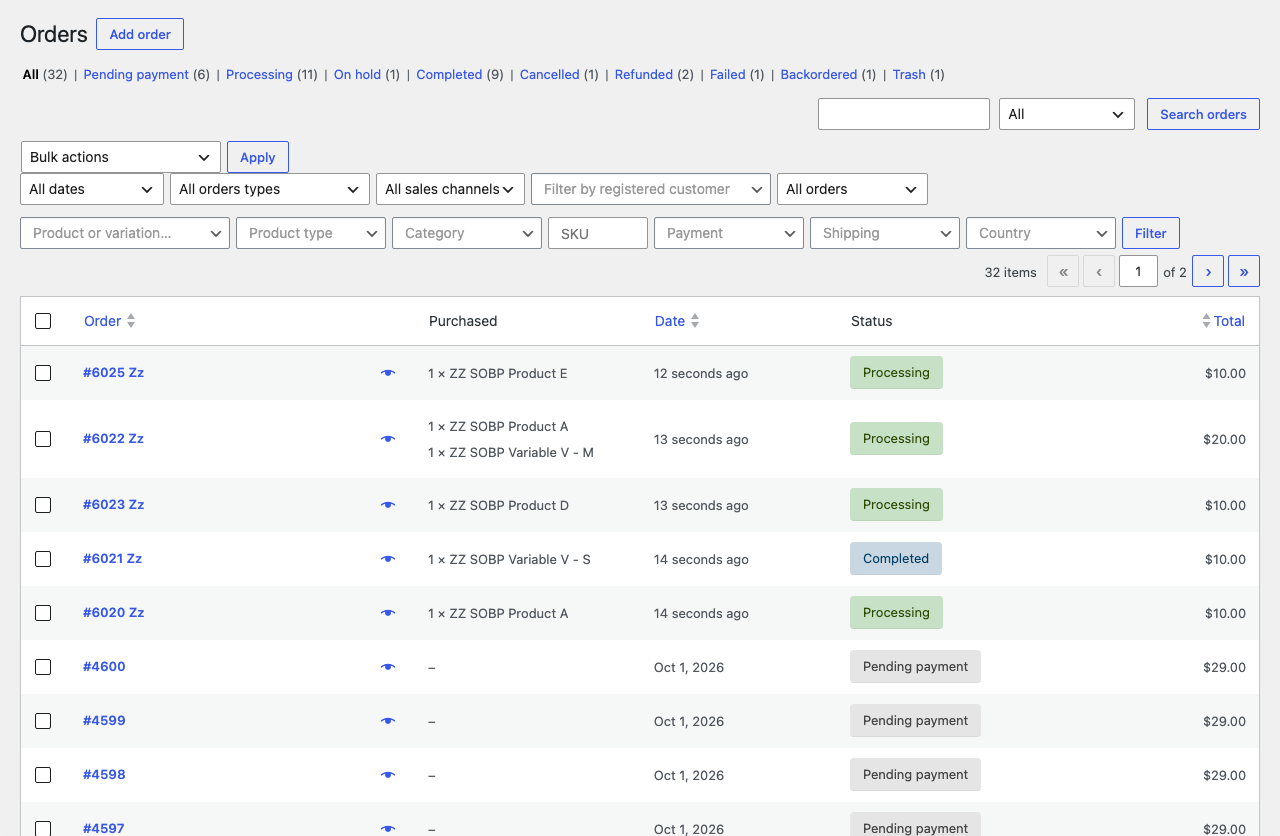
The orders screen with the product, type, category, payment, shipping, country and SKU filters and the Purchased column.
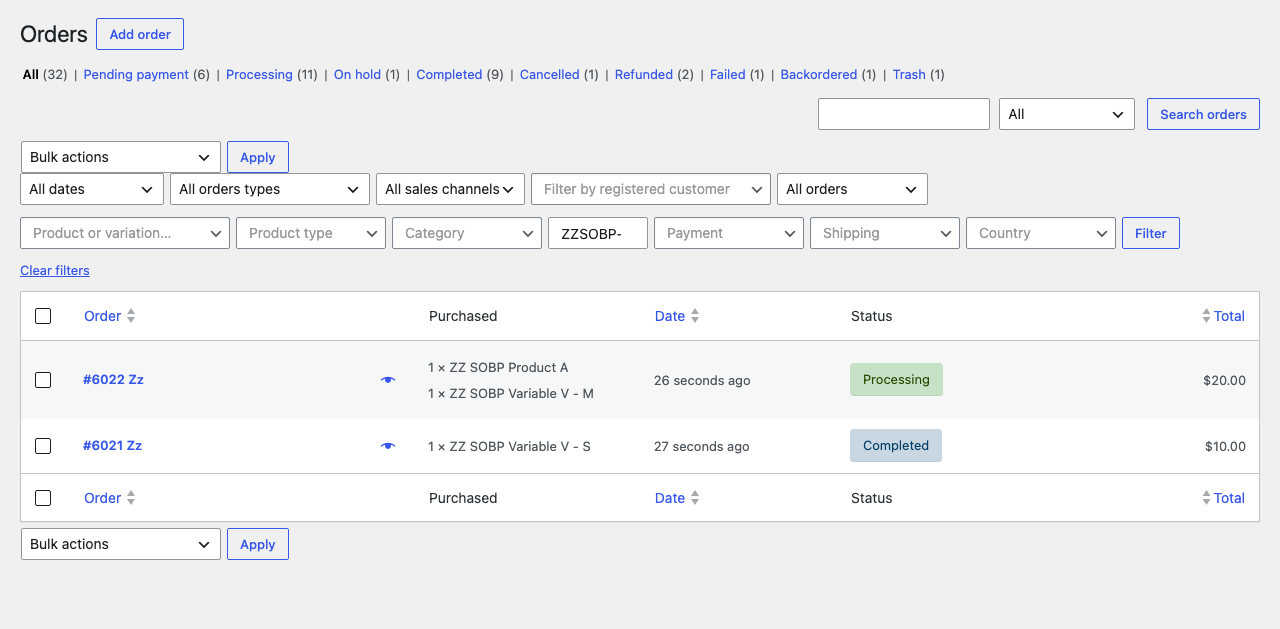
Orders filtered by the start of a SKU, here every variation of one product.
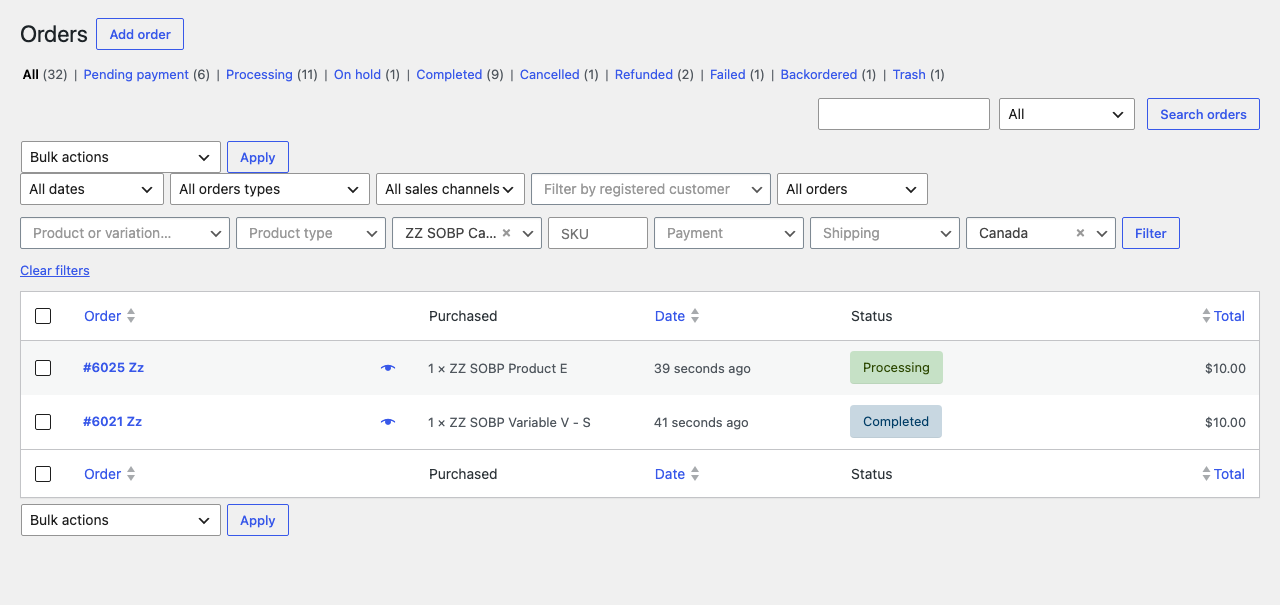
Orders filtered by a category (sub-categories included) and a billing country.

The settings page under WPHEKA > Search Orders: the filters to show, and the categories the category filter lists.