BACK TO DIRECTORY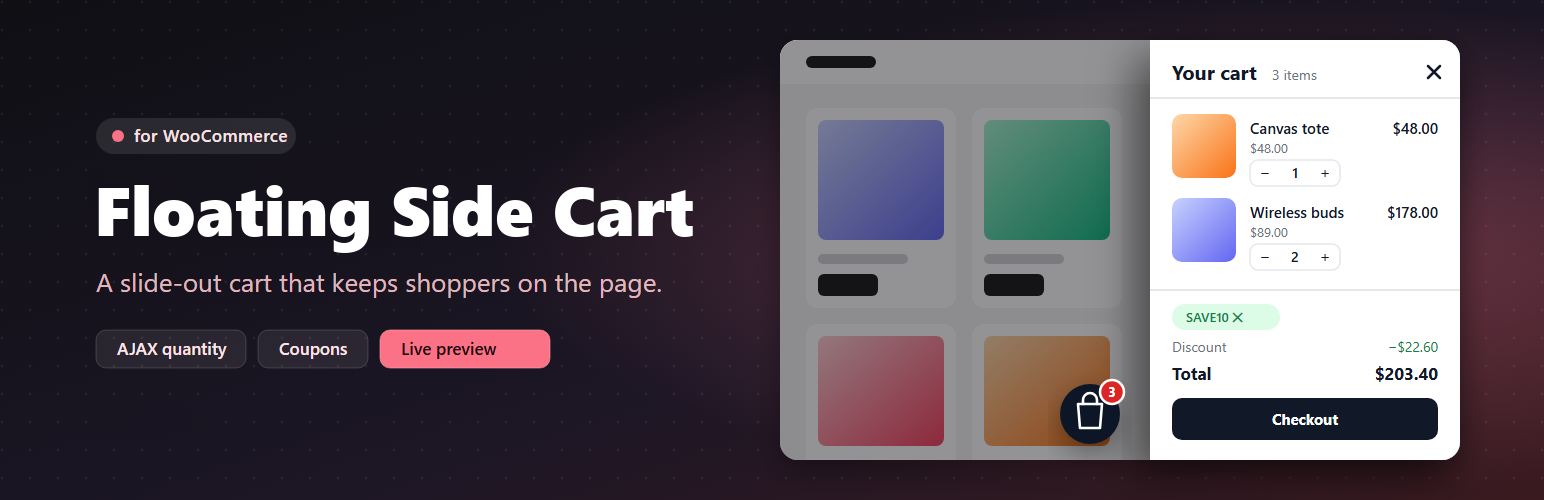
Floating Side Cart for WooCommerce adds a fast AJAX mini cart to your store. It replaces the trip to the cart page with a drawer that slides in from the left or right.
- Floating cart button in six positions with offsets, or place a trigger anywhere with the
[wbnsc_side_cart]shortcode or in a menu location. - Opens automatically when a product is added, including AJAX add to cart on simple, variable and grouped product pages.
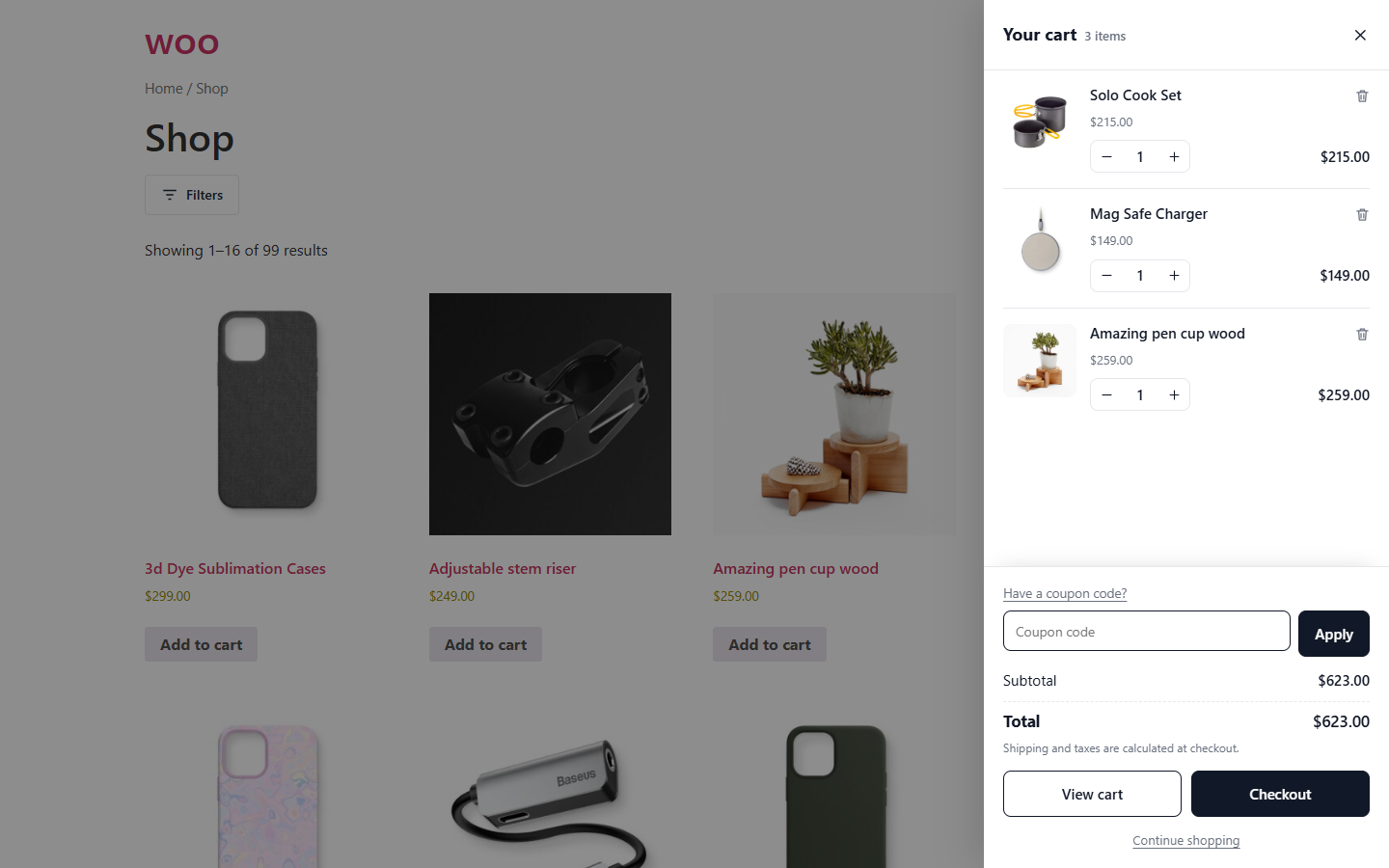
- Quantity + / − controls and remove with undo, updated over AJAX with optimistic totals.
- Coupon field with applied-coupon chips, discount and total rows.
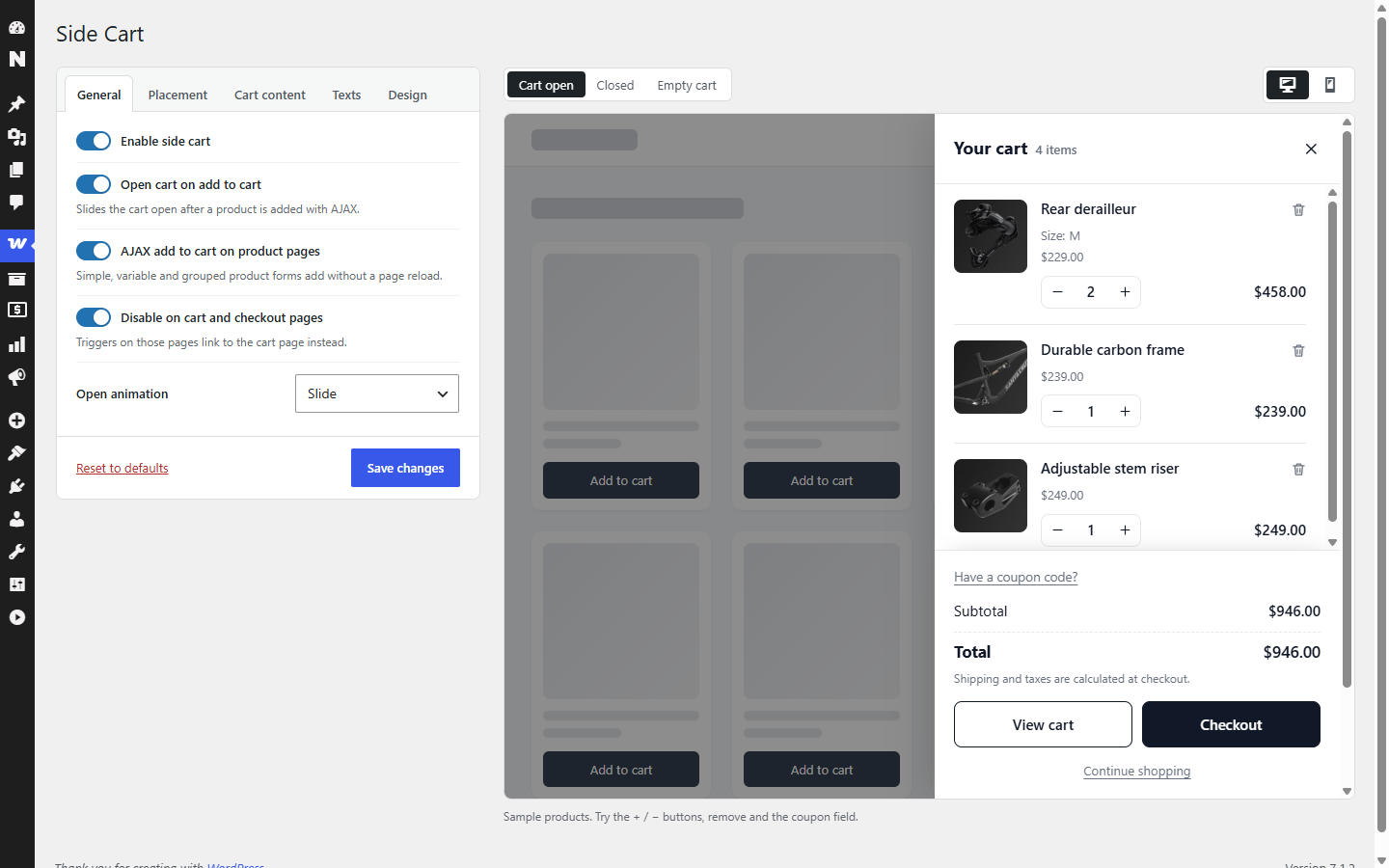
- Settings screen under WooCommerce Side Cart with a live preview (open, closed and empty cart; desktop and mobile).
- Cart contents load over wc-ajax after the page, so pages stay safe to cache.
Shortcode
[wbnsc_side_cart icon="bag" label="Cart" show_count="yes" show_subtotal="yes" class=""]
- icon: bag, cart or basket
- label: optional text next to the icon
- show_count / show_subtotal: yes or no
JavaScript
wbnscSideCart.open(), `wbnscSideCart.close()`, `wbnscSideCart.refresh()`. Wrap a product form in `.wbnsc-no-ajax` to keep the normal page reload.
Screenshots
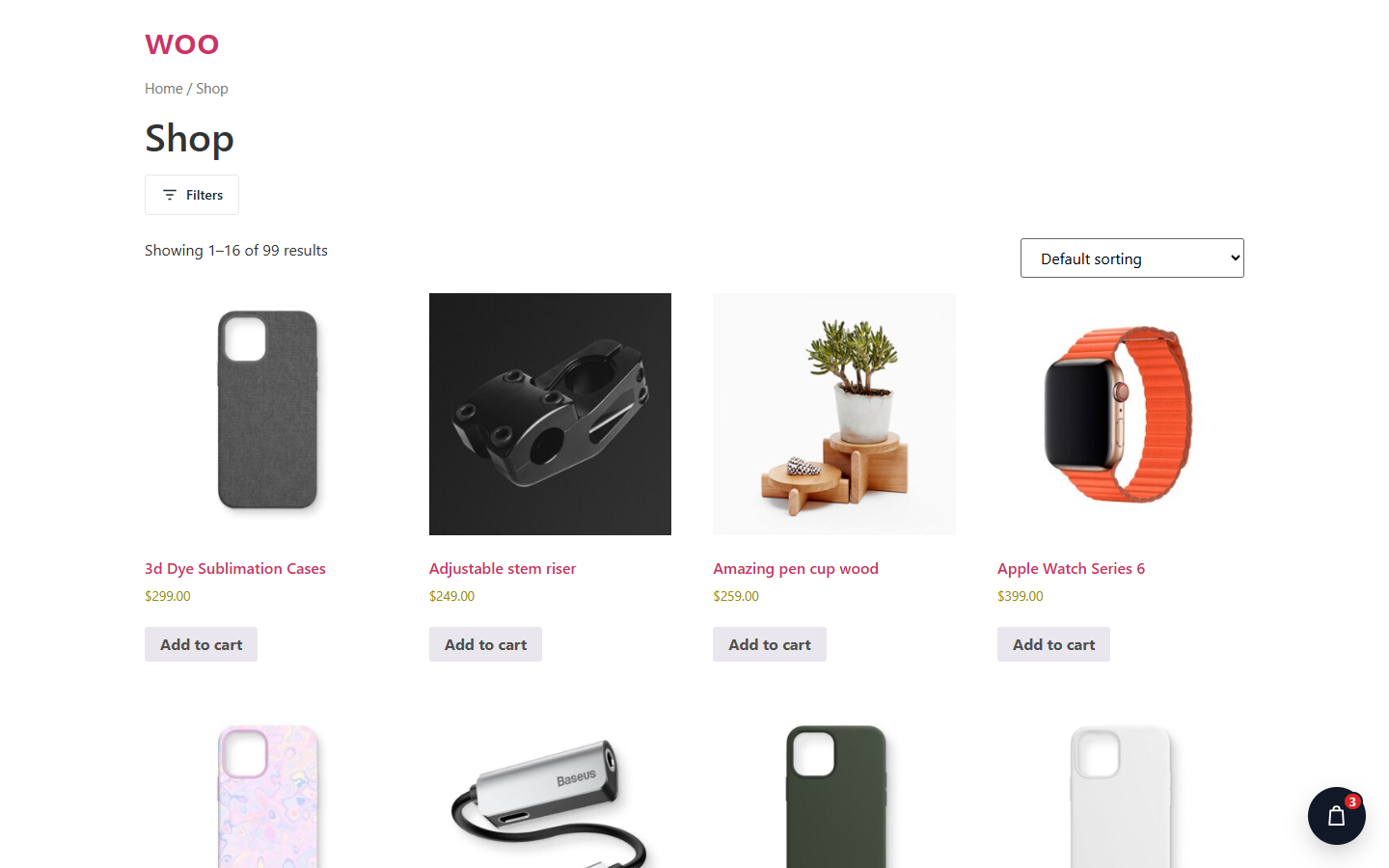
Floating cart button with a live item count.
The side cart: quantity controls, remove, coupon field, totals and checkout.
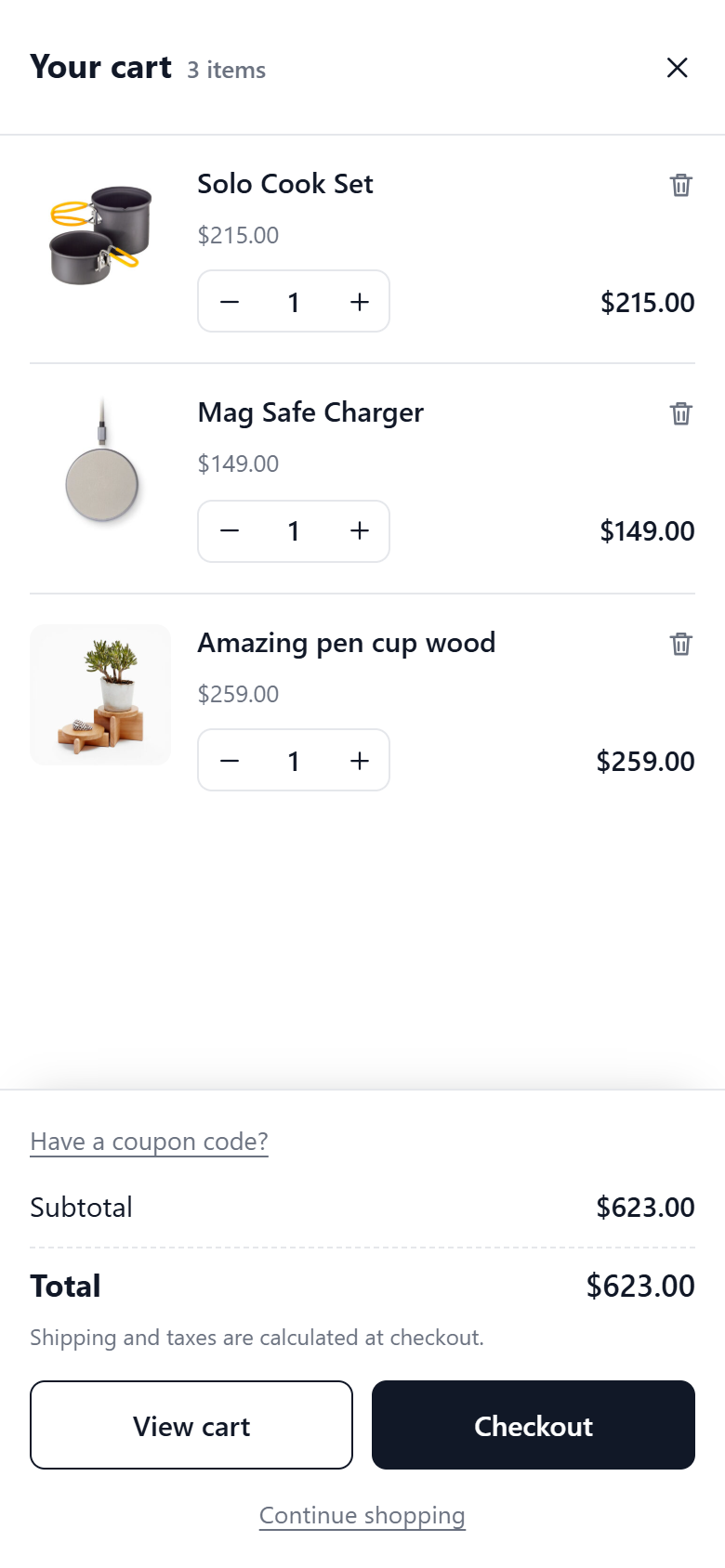
Full-screen side cart on mobile.
Settings under WooCommerce > Side Cart with the live preview.
Plugin Details
Active Installs
0Total Downloads
250Version
1.0.0Requires WP
6.4Requires PHP
7.4Tested Up To
7.1.4Added
2026-10-01Last Updated
2026-10-01 12:35pm GMTRatings
5
0
4
0
3
0
2
0
1
0