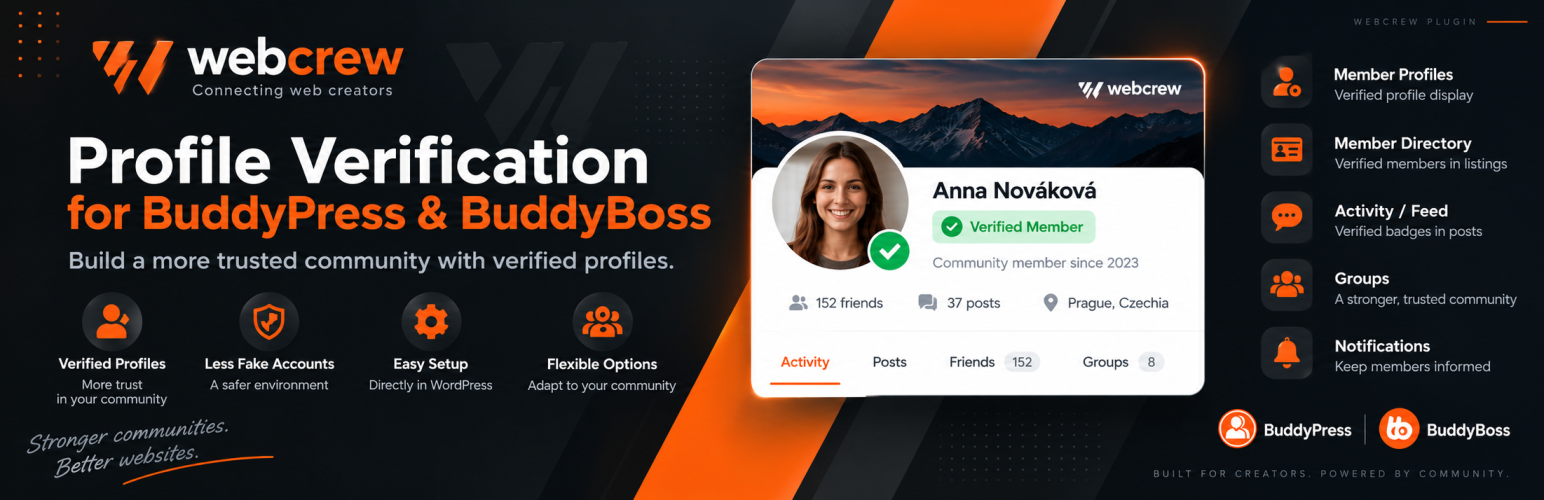
WebCrew Profile Verification provides a member verification workflow for BuddyPress and BuddyBoss communities. Members can request profile verification from their own profile, while site administrators can review requests, approve or reject them, revoke verification, and configure the verified badge.
The plugin keeps verification status in WordPress user metadata and provides controls for the profile screen, member directory, authors, and comments.
Features
- Member profile verification requests.
- Administrator approval, rejection, verification, and revocation.
- Configurable badge icon, color, size, and tooltip.
- Verified badge support for member profiles and member names.
- Verified indicators for WordPress authors and registered comment authors.
- Verification status in the WordPress Users screen.
- BuddyPress and BuddyBoss profile integration.
- Modern administration dashboard with verification statistics and recent activity.
- Searchable verification request and verified member screens.
- Optional rejection reasons visible to members.
- Optional email notifications for new requests and verification decisions.
- Ability to temporarily disable new verification requests.
Privacy
The plugin stores verification status, request status, optional rejection reasons, and related administrative timestamps as WordPress user metadata. Site administrators control whether a member is verified. If email notifications are enabled, the plugin sends notification emails through the WordPress mail system to the configured site administrator and affected member. The plugin does not otherwise transmit verification data to an external service.