BACK TO DIRECTORY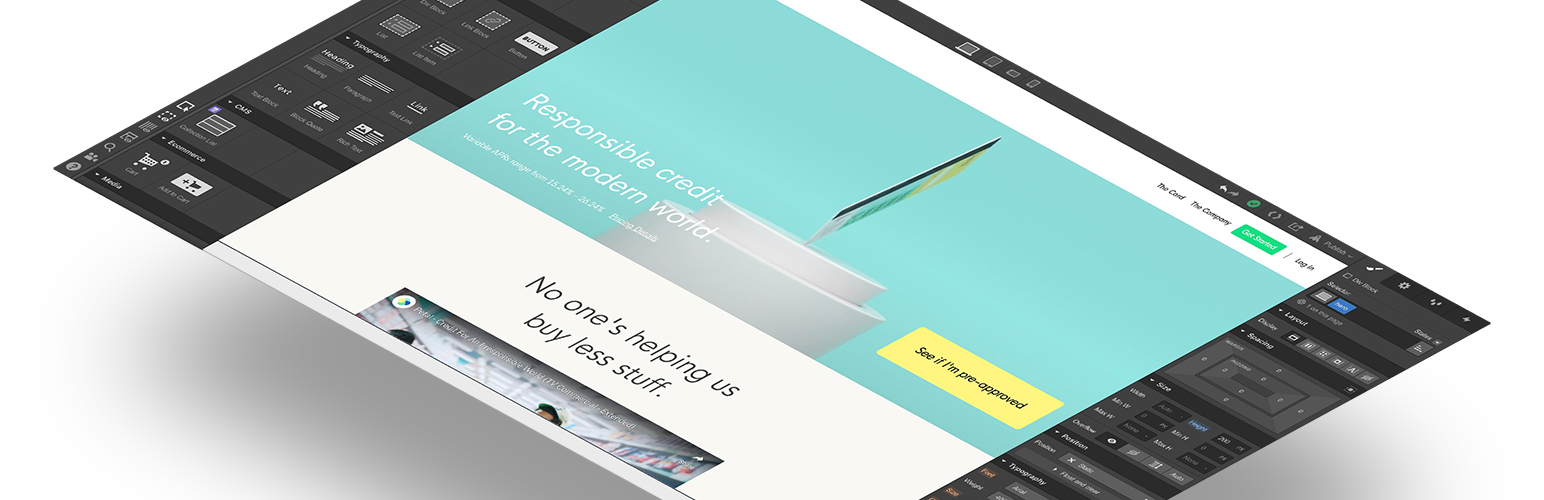
Need to run your site on WordPress, but prefer to build your sites in Webflow? Fear not: now you can use Webflow’s WordPress plugin to build your site visually in Webflow, then serve one or more of those pages directly on your WordPress site.
How this helps you
How this makes your life easier:
- Complete design control, without code. No need to plunge into a custom WordPress development project to modify a theme — simply build your pages (or your entire site) visually in Webflow, without sacrificing on your unique design. (More about building in Webflow vs. WordPress).
- Build new pages faster. Need to spin up a promotional landing page or add something on top of an existing WordPress site? Build it in Webflow, serve it on your WordPress site, and rest easy knowing you don’t have to hack together a custom page in WordPress.
- Update pages faster. Once you’ve got your Webflow pages up on your WordPress site, pushing updates or adding new sections can be done in Webflow, then published live in a click.
How it works
Here’s a basic overview of how you use this plugin to serve Webflow pages on your site:
- Download and activate this plugin
- Create a Webflow project
- Paste your Webflow project’s API key into the plugin settings
- Define which Webflow pages you want to serve on your WordPress pages
Need more? Check out our setup guide on Webflow University.
Screenshots
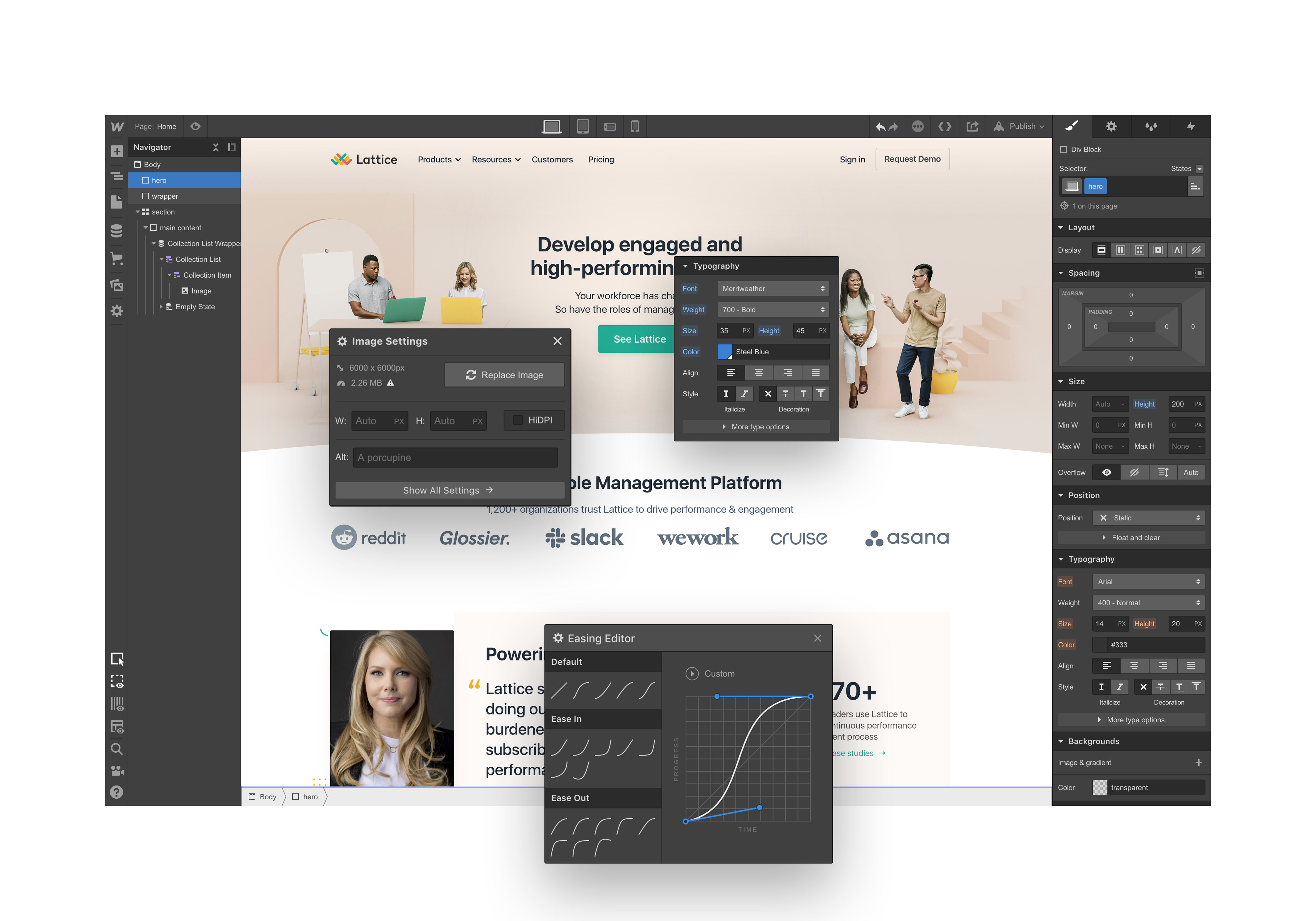
Design and build your website pages visually in Webflow.
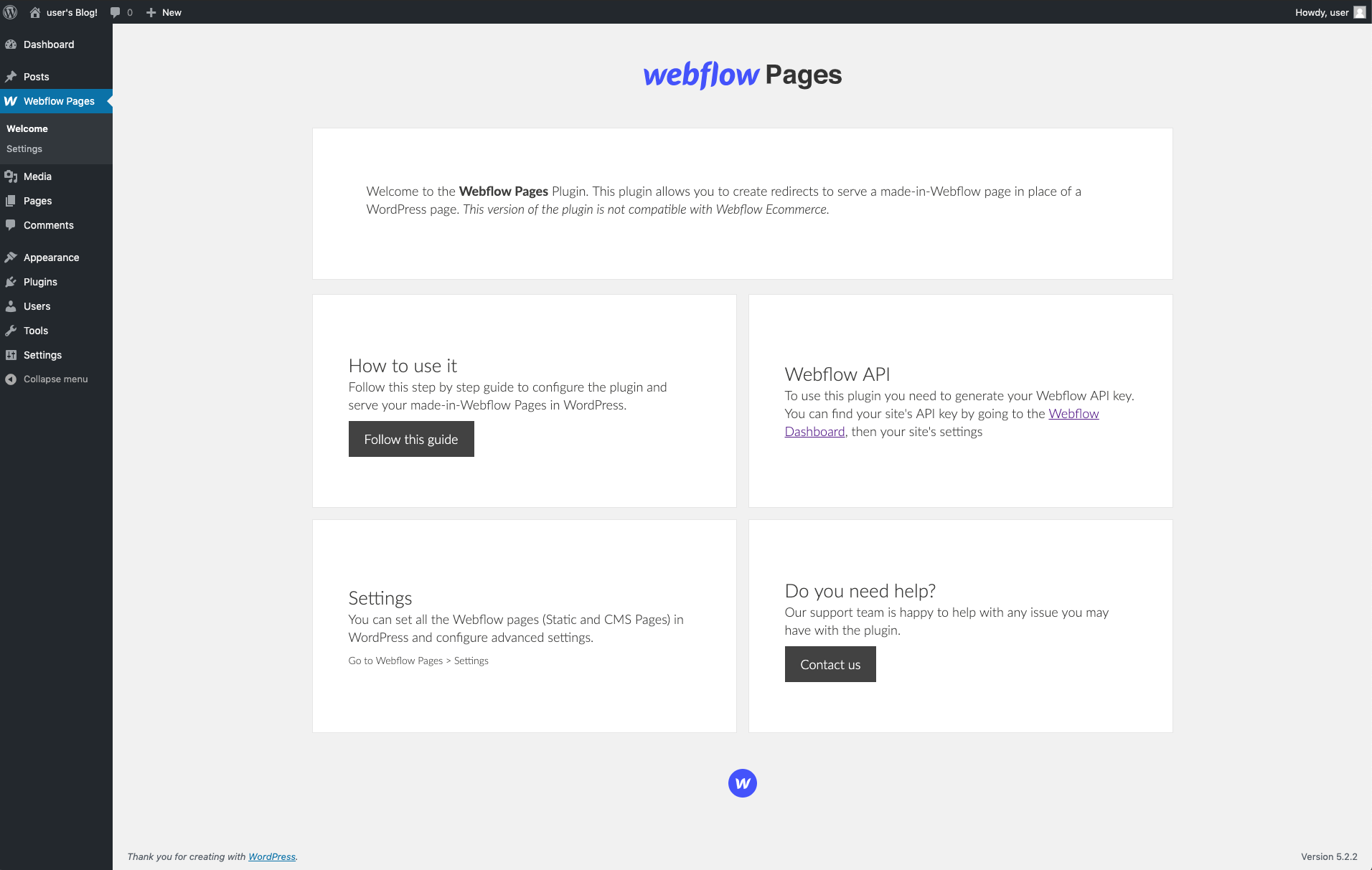
A look at the home page for the Webflow Pages plugin
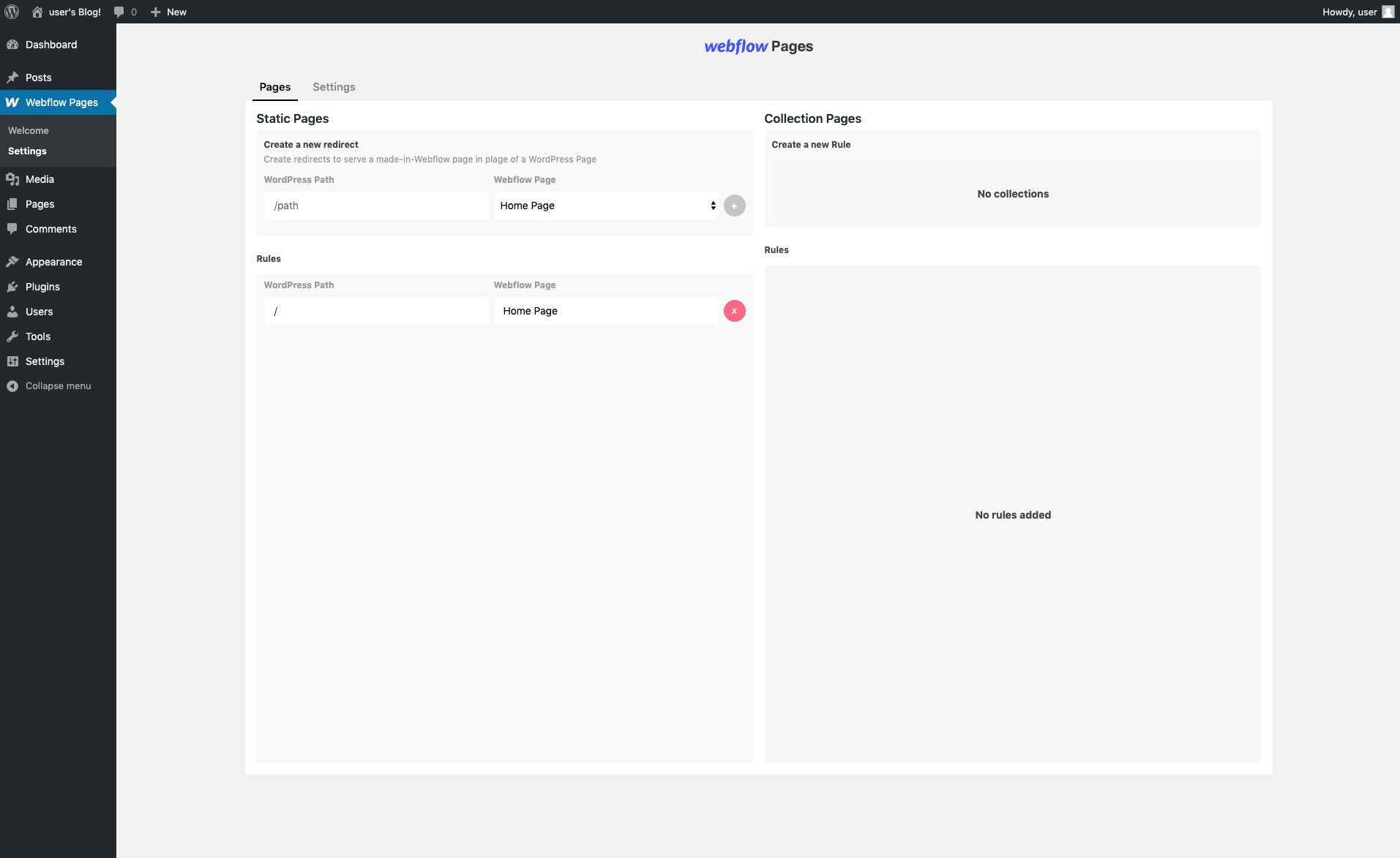
Define which Webflow pages you want to serve on your WordPress pages
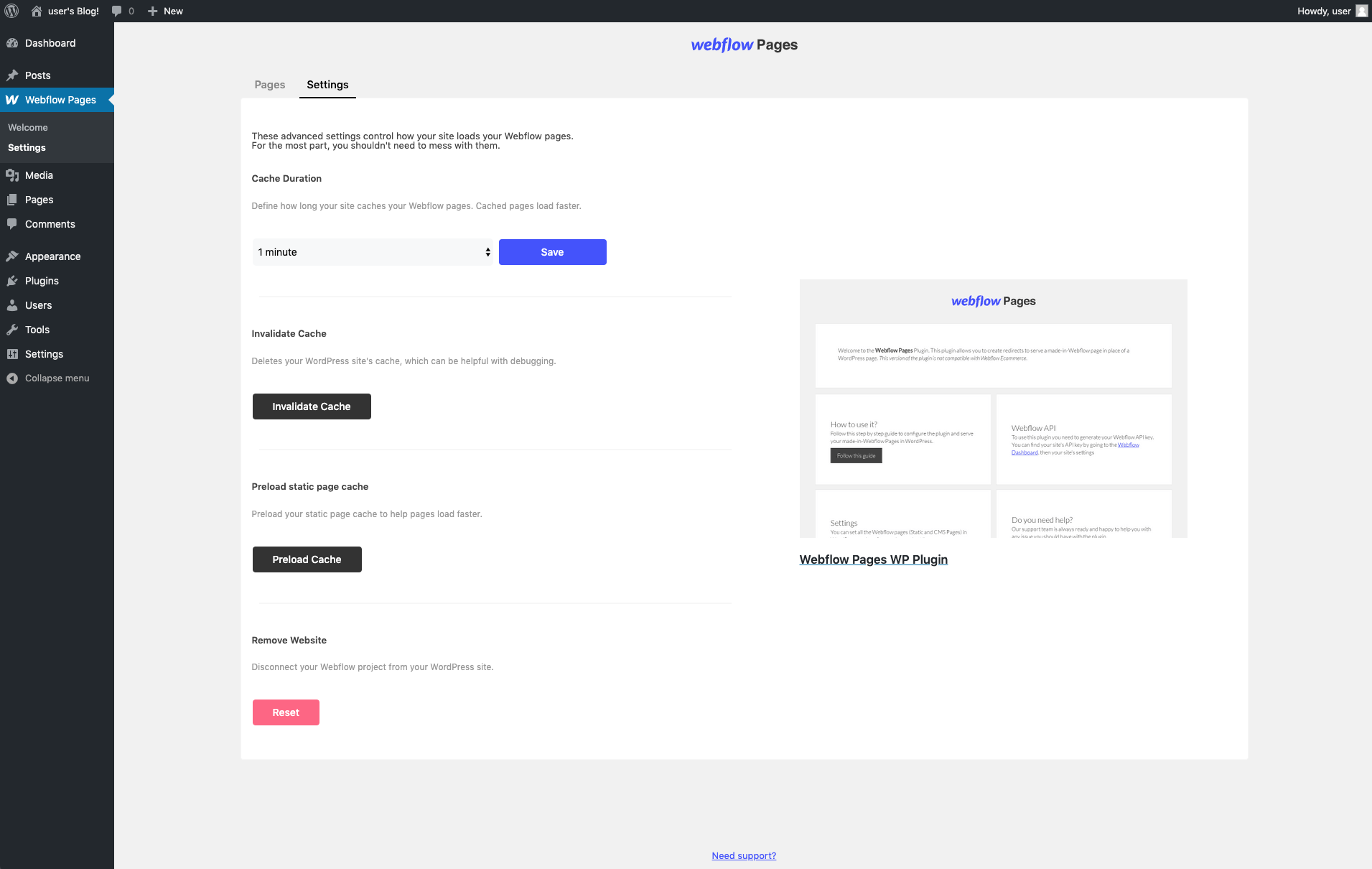
Control caching and other advanced settings
Plugin Details
Active Installs
2K+Total Downloads
58,639Version
1.1.1Requires WP
6.0.0Requires PHP
7.3Tested Up To
6.6.11Added
2019-09-24Last Updated
2024-11-13 9:22am GMTRatings
5
4
4
0
3
0
2
0
1
0