
Is your site actually secure? Most WordPress security plugins watch for attacks from the inside. This one checks what the outside world sees: your SSL certificate, security headers, cookie flags, DNS and email authentication, CORS, and mixed content — the settings an attacker looks at first, and the ones a client asks about.
It grades the site from A to F and shows that grade, when it was last checked, and a link to the full report, right in your WordPress admin. Powered by WebSentry.
A free WebSentry account is enough. It includes a WordPress plugin key and 20 checks a month, which is all this plugin needs. You press “Check now” in the dashboard widget and the grade updates. Nothing is checked unless you ask, so an unused install costs nothing.
A paid plan adds scheduled monitoring: the site is scanned on its own schedule whether or not you are looking, you get an email when the grade drops, and the widget names the checks that moved rather than counting them. See WebSentry pricing.
What it shows:
- The site it is installed on: no address to type
- A dashboard widget with your security grade (A to F), and whether it went up or down since the previous check
- How many checks got worse or were fixed since the previous scan. On a paid plan, which ones
- When the site was last checked, and a note when that grade has gone stale
- A link to your full WebSentry report
- A colour-coded grade in the admin bar, for administrators
- A notice when your grade drops, which each administrator can dismiss. A later drop shows it again
- “Check now” in the widget, which runs a fresh check and spends one of your monthly checks
- On a plan with monitors, one button adds the site to your account and scans it on a schedule
Nothing is added to your public pages, and nothing runs outside the admin.
External services
This plugin connects to the WebSentry API to fetch your site’s security grade and to check the site when you ask. It is needed for everything the plugin shows.
- What is sent: your WebSentry API key and your site’s address.
- When: to fetch the grade, when an administrator opens the dashboard and the stored result is more than an hour old, and when someone presses Test Connection or Refresh. To check the site, only when an administrator presses Check now. To add the site to your account, only when an administrator presses Start monitoring this site. Nothing is sent before an API key is entered, and nothing is sent from public pages.
- Where: https://websentry.dev/api/plugin/status to fetch the grade, https://websentry.dev/api/scan to check the site, and https://websentry.dev/api/monitors to add the site as a monitor.
WebSentry terms of service and privacy policy.
Screenshots
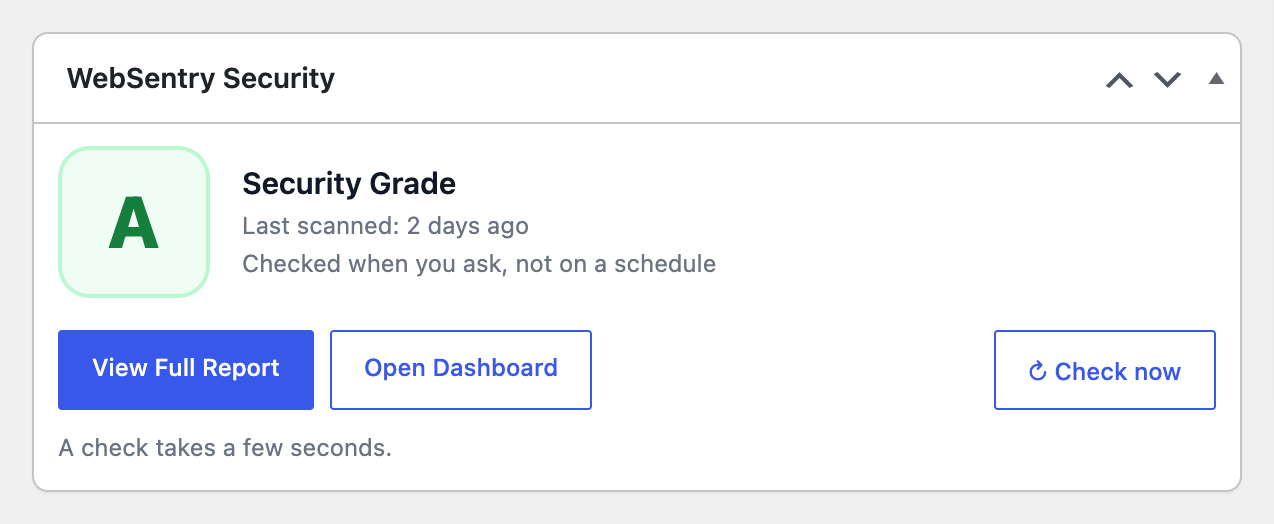
Your site's security grade on the WordPress dashboard, with a link to the full report and a button to check it again.
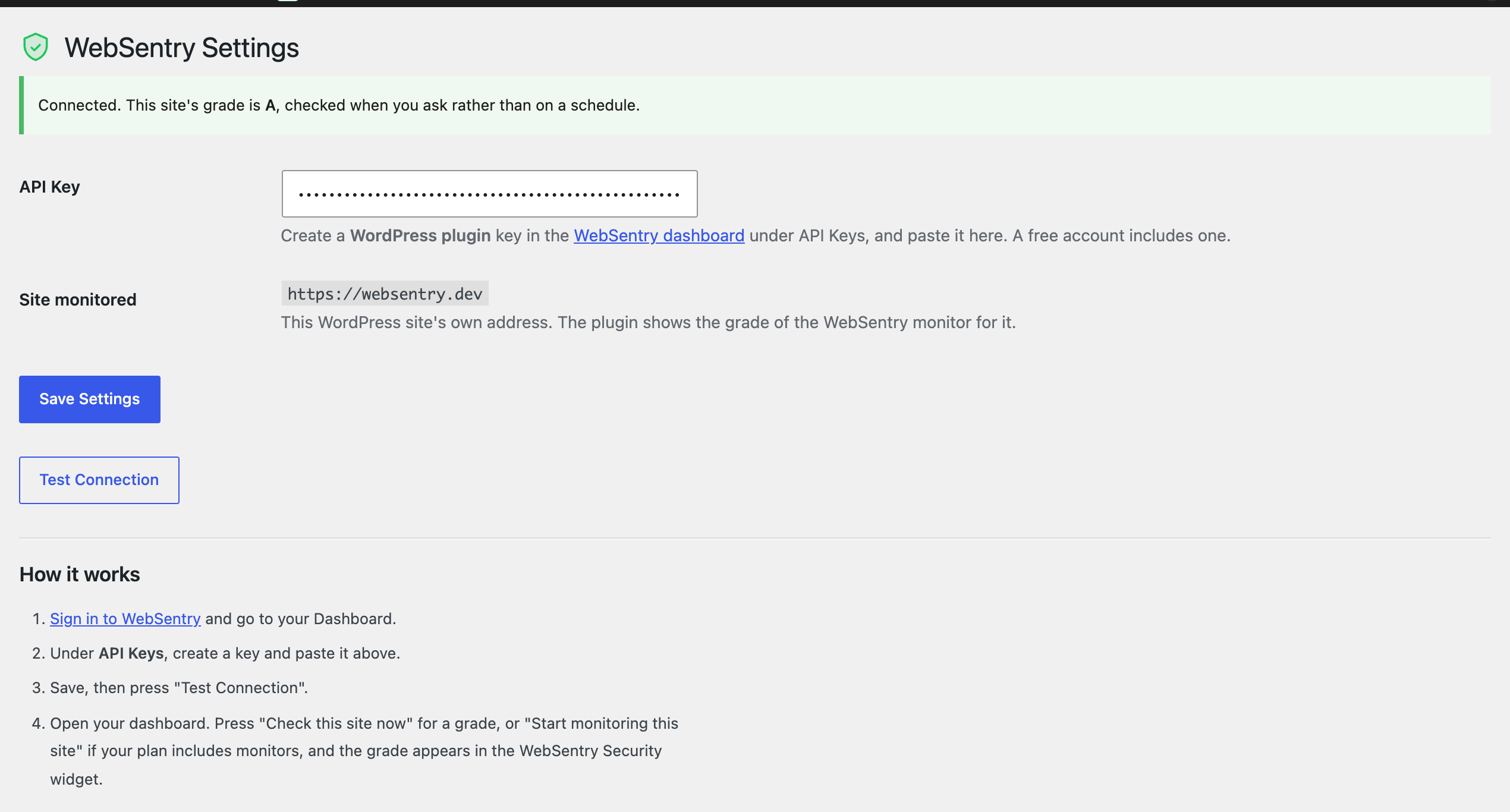
Settings: paste a WordPress plugin key, and the plugin reads the grade for the site it is installed on.

The current grade in the admin bar, on every admin page, for administrators only.