
WeWidget shows your real Google reviews on your WordPress site — carousel, grid, list, hero or a compact star-rating badge.
Set-up takes about a minute and doesn’t need a Google login: search for your business by name inside the plugin, enter your email, and pick where the reviews should appear. No copying IDs between tabs, and no shortcode needed unless you want one.
Why WeWidget?
- Unlimited page views on every plan — your widget never gets deactivated for traffic
- Free forever review widget — your top 5 Google reviews as a carousel, plus the star-rating badge, no card required
- Fast — one small under 20 KB script, no external fonts, Shadow DOM isolation (your theme’s CSS stays untouched), lazy-loads below the fold
- SEO rich snippets — schema.org AggregateRating markup, eligible for gold stars under your site in Google search results
- Native block editor support — add the “WeWidget – Google Reviews” block, or use the
[wewidget]shortcode anywhere - Auto-sync — new reviews appear automatically every day
- No Google login needed — connect by business name; optionally connect Google later for your full review history
- UK-based support
- Great for agencies & freelancers — manage review widgets across multiple client sites from one WeWidget account
How it works
- Go to Settings WeWidget and search for your business by name
- Pick it from the results and enter your email — your account, widget and reviews are set up for you
- Choose where your reviews should appear: your homepage, every page, or place it yourself
- That’s it — unless you chose to place it yourself, in which case add the WeWidget – Google Reviews block or the
[wewidget]shortcode wherever you want it
Your placement choice is saved in WordPress straight away, and is also sent to WeWidget so your account knows your widget has somewhere to appear — see External services below.
Prefer to do it manually? You can still paste a widget ID from your WeWidget dashboard into Settings WeWidget and place the widget with the block or the [wewidget] shortcode. Use [wewidget id="your-widget-id"] to show a specific widget on a specific page.
For a floating badge on every page, choose “On every page” and pick the floating style in your WeWidget dashboard.
External services
This plugin is the WordPress front end for WeWidget (wewidget.app), a review-widget service. It cannot show your Google reviews without it, so the plugin communicates with WeWidget in the four situations below — and in no others.
1. Showing the widget on your site (front end)
- When: only when a page that contains your widget is viewed by a visitor.
- Sent: the widget ID you configured, plus the standard web request data any browser sends (IP address, user agent, and the page’s origin domain). Anonymous view and click counts are recorded for your widget analytics.
- Received: your widget’s review data.
- Endpoints:
https://app.wewidget.app/widget.js,https://app.wewidget.app/api/widget-mock/{your-widget-id}, andhttps://app.wewidget.app/api/widget-eventsfor the anonymous counts. - Why: to render your reviews and show you how often the widget was seen.
- No personal data about your visitors is stored.
2. Searching for your business (WordPress admin)
- When: only when you type a business name and press Search on the WeWidget setup screen. Never automatically.
- Sent: the search text you typed.
- Endpoint:
POST https://wewidget.app/api/demo/search - Why: to find your business on Google so it can be connected to your widget.
3. Creating your account and widget (WordPress admin)
- When: only when you submit the WeWidget setup form. Never automatically.
- Sent: the email address you entered, the Google Place ID of the business you picked, that business’s name, your site address (
home_url()), and a number identifying which version of the placement feature this plugin supports. - Endpoint:
POST https://wewidget.app/api/wordpress/onboard/provision - Why: to create or link your WeWidget account, create your widget, and give this installation a credential so it can identify itself later.
4. Keeping your placement in sync (WordPress admin, new in 1.3.0)
- When: only after you choose or change where your widget should appear — the buttons shown after setup, or the “Show automatically” setting. Nothing is sent when the plugin is installed, activated, updated, or when you simply open your WordPress admin. Delivery happens shortly afterwards in the background via WP-Cron, and is retried if WeWidget cannot be reached.
- Sent: your widget ID, the placement you chose (homepage, every page, or manual/shortcode), and this installation’s credential, which authenticates the request as coming from your site. Nothing else — not the plugin version, and not which screen you chose it on.
- Endpoint:
POST https://wewidget.app/api/wordpress/placement - Why: so your WeWidget account can keep the placement you selected in WordPress in sync with the widget it holds for you.
- Not sent: the contents of your pages or posts, page URLs, visitor browsing activity, WordPress usernames or passwords, Google credentials, or review text.
- If this cannot be delivered, nothing breaks: your placement is saved in WordPress first and the widget works exactly the same.
Installations that were set up with an older version of this plugin, or where the widget ID was entered by hand, have no credential and never send anything under point 4.
Service provider: WeWidget — wewidget.app · Terms of Service · Privacy Policy
A free WeWidget account is required to obtain a widget ID. You can create one from inside this plugin, or at wewidget.app.
Screenshots
![Real Google reviews in a carousel, added with the [wewidget] shortcode](https://ps.w.org/wewidget-reviews-widget-for-google/assets/screenshot-1.png?rev=3597946)
Real Google reviews in a carousel, added with the [wewidget] shortcode
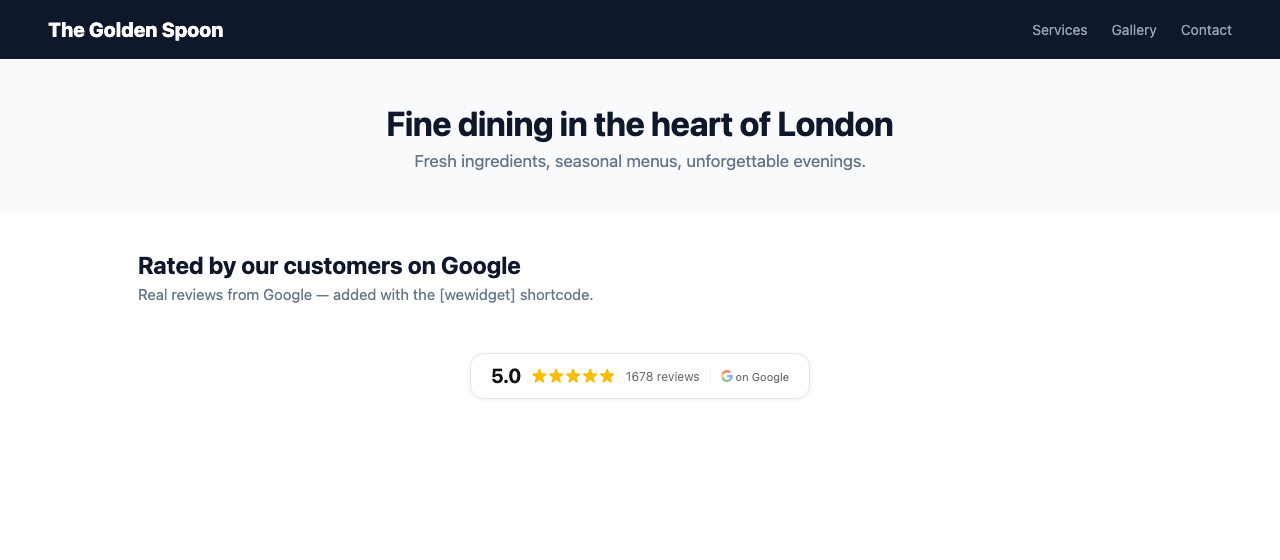
Compact star-rating badge

Plugin settings — search your business and set up without leaving WordPress
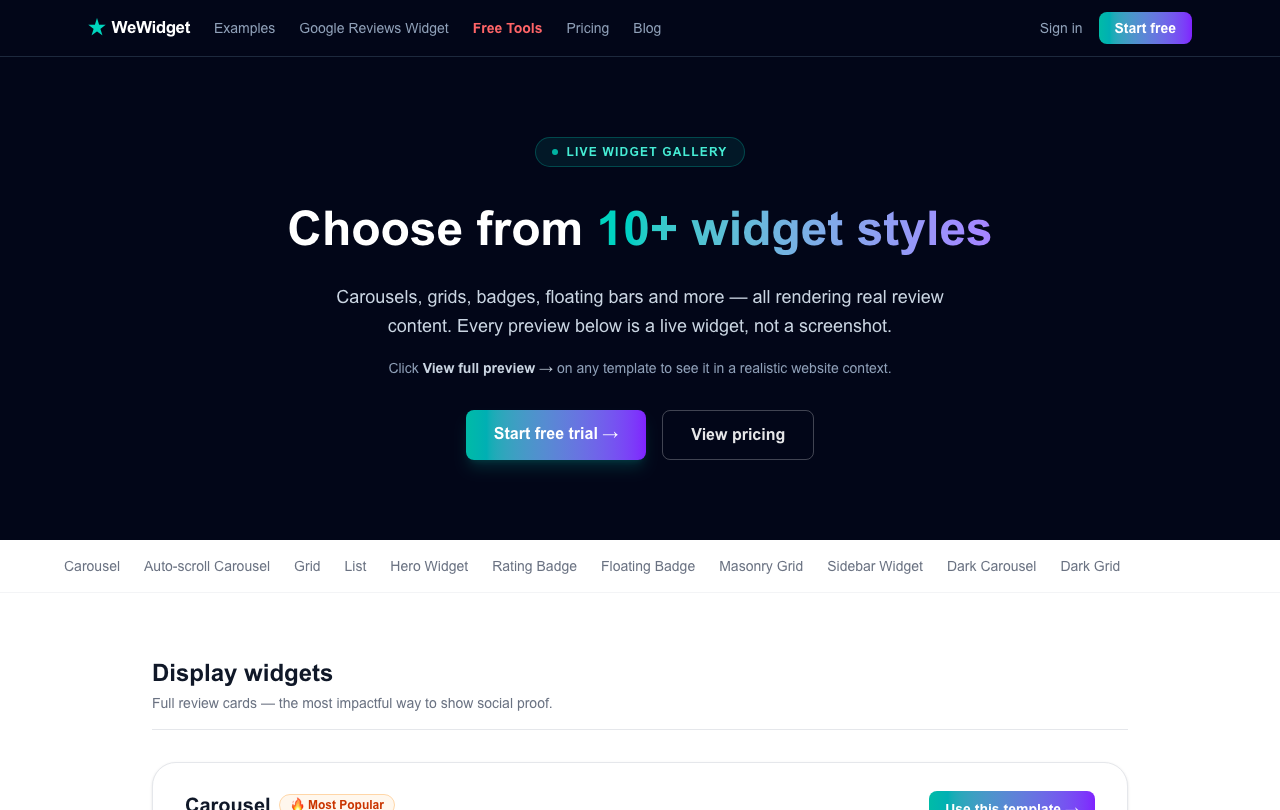
Choose from 10+ widget styles in the WeWidget gallery