Wexlab Client Portal is an independent plugin by WP Expert Lab for freelancers and agencies who want clients to follow project progress and give feedback in one place, instead of long email threads.
Clients log in with a normal WordPress account, see only the projects assigned to them, and approve each milestone or ask for changes with a comment. You see their decision and comment directly in the WordPress admin, and you are notified by email.
For the client
- Private frontend dashboard showing only their own projects
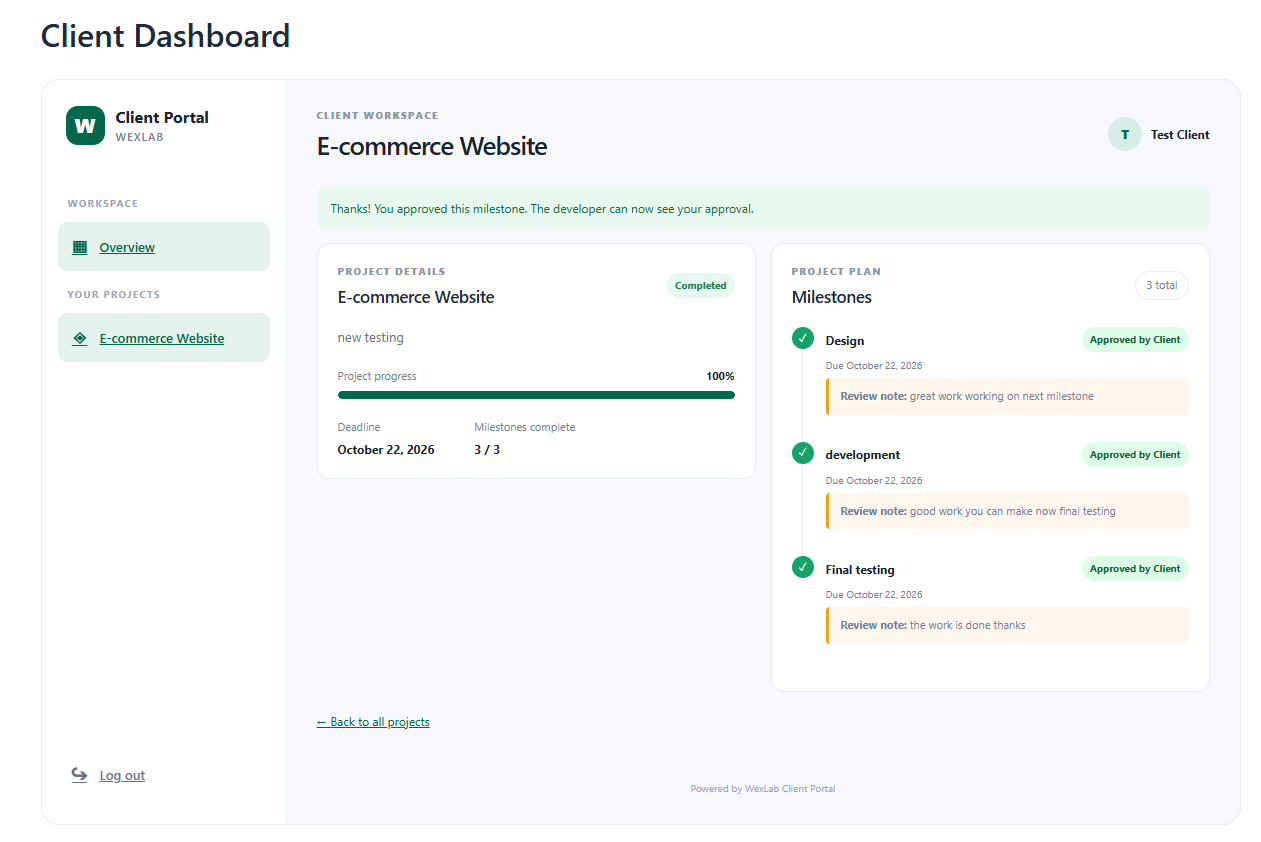
- Project status, due dates and a milestone timeline with progress
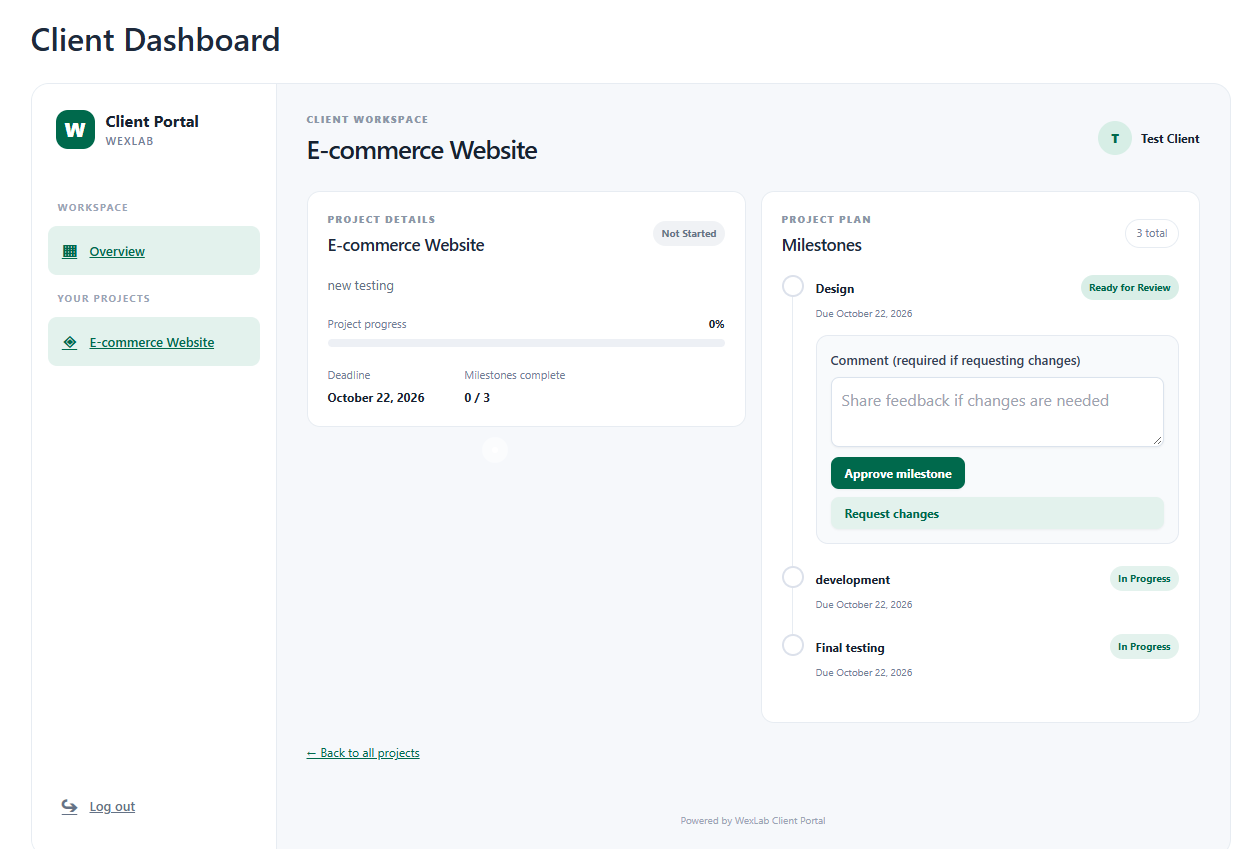
- Approve a milestone, or request changes with a comment
- Submit a new project request from the portal
- Email notification when a request is accepted
For you
- Create projects and assign each one to a client
- Add milestones to a project, each with a status and a due date
- See the client’s review status, reviewer and comment on every milestone
- Review incoming project requests and accept them, which creates the project and assigns it to the client
- Email notification when a client submits a request or reviews a milestone
- The project is marked Completed automatically once every milestone is approved or completed
How clients log in
The plugin adds a “Client” user role. Clients sign in through the standard WordPress login page; there is no separate login system and no public registration. You create each client’s user account and assign the Client role yourself, so only people you invite can access the portal.
Screenshots

The client dashboard with project statistics and the milestone timeline.
A milestone with Approve and Request Changes actions.
The admin project screen with client and status settings.
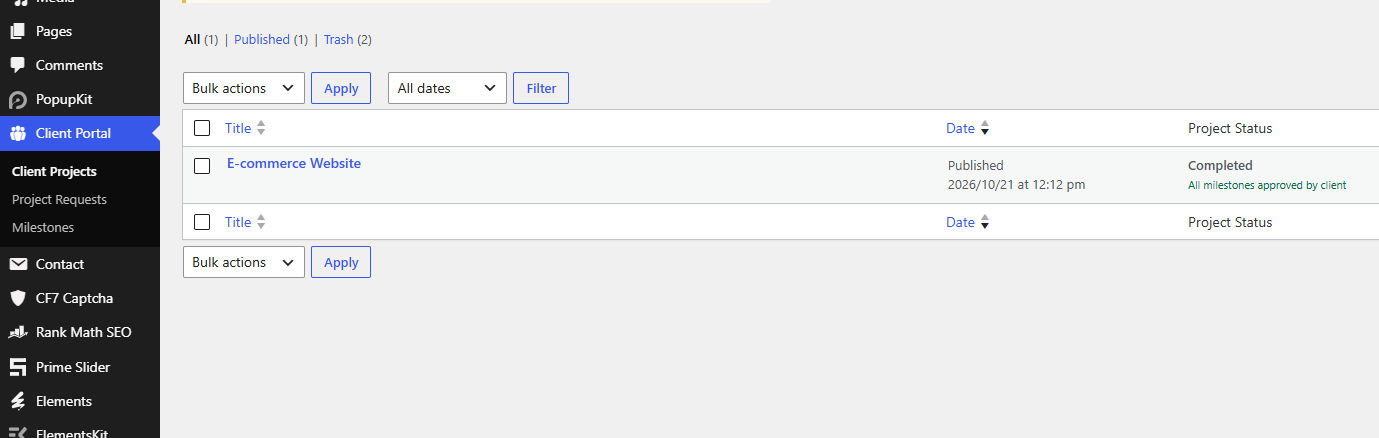
The admin milestone screen showing the client's review comment.