BACK TO DIRECTORY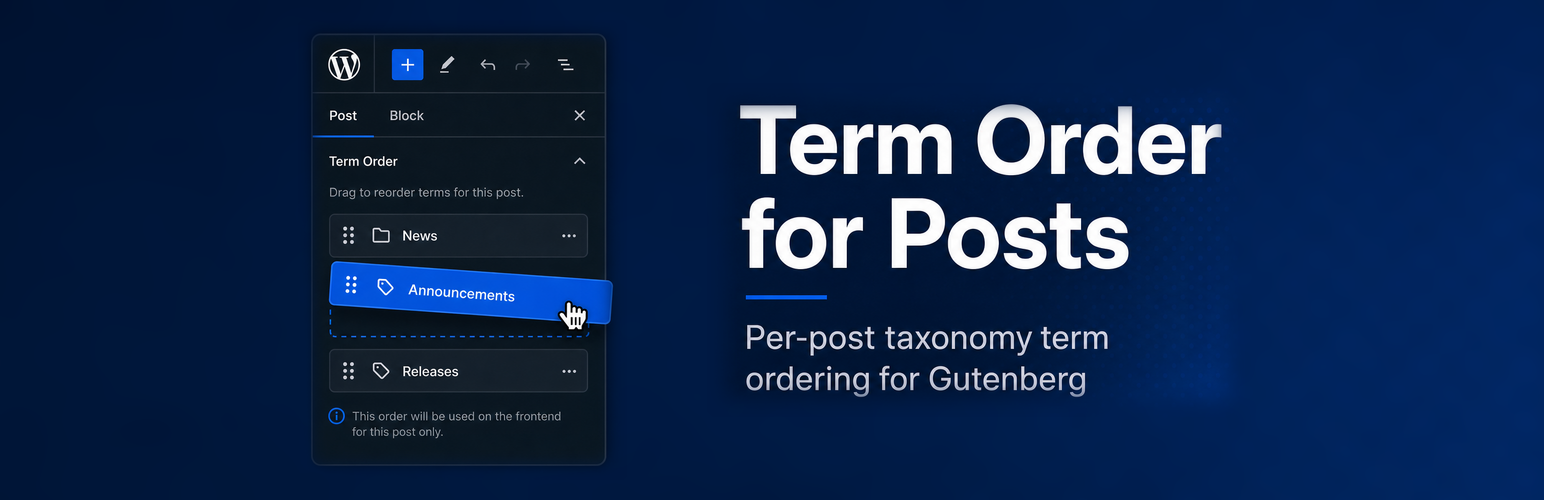
Whaze Term Order for Posts lets you enable per-post custom ordering of taxonomy terms directly from the Gutenberg editor sidebar. Configure which post types and taxonomies are managed via the admin settings page, or register them programmatically in code.
Admin settings page:
Go to Settings Term Order for Posts to enable term ordering for any post type / taxonomy combination — no code required.
For developers (optional):
Register a post type / taxonomy combination programmatically:
add_action( 'init', function () {
    whaze_term_order_for_posts_register( 'post', 'category' );
    whaze_term_order_for_posts_register( 'movie', 'genre' );
} );
Retrieve ordered terms in templates or REST:
$terms = whaze_term_order_for_posts_get_terms( get_the_ID(), 'category' );
Features:
- Settings page to configure post type / taxonomy pairs — no code needed.
- Drag-and-drop, keyboard and “move up / move down” buttons in the block editor sidebar, with screen reader announcements.
- “Reset to default order” button.
- Order saved with the post (and its revisions), for any post type — including post types without custom fields support.
- Opt-in auto-apply: custom order applied to native blocks, theme functions using
get_the_terms()and the REST API (term ID lists, term endpoints,_embed). - Primary term helper and optional “first ordered category” in
%category%permalinks. - REST API field
term_order, WP-CLI commands and Abilities API support (WordPress 6.9+). - Falls back to default WordPress term order when no custom order is set; cleaned up automatically when terms are removed.
- Fully translatable.
Plugin Details
Active Installs
0Total Downloads
431Version
1.3.0Requires WP
6.6Requires PHP
8.1Tested Up To
7.1.4Added
2026-05-05Last Updated
2026-10-16 6:57am GMTRatings
5
0
4
0
3
0
2
0
1
0