Write and translate WooCommerce product content in one place.
Connect your WooCommerce store to WISEPIM, import your catalog, and start improving your product content. You choose when to send changes back to your store.
There are no API keys to copy. Open WooCommerce WISEPIM in your WordPress dashboard, sign in or create an account, and approve access to your store.
What you can do
- Improve product descriptions with WISEPIM’s AI content tools.
- Translate product content into the languages your customers use.
- Manage product content across your catalog in one place.
- Send your changes back to WooCommerce when you choose to export them.
The plugin connects your store. You do the catalog work in WISEPIM. Installing the plugin or clicking Connect does not import, edit, or publish products.
Need a hand?
WooCommerce connection guide: https://docs.wisepim.com/en/integrations/woocommerce
WISEPIM documentation: https://docs.wisepim.com
Find help with connecting your store, importing products, improving content, and translating your catalog.
Need help with your store? Contact the WISEPIM team: https://wisepim.com/contact
What you need
The plugin is free. A WISEPIM account is required, and service features and usage depend on your plan. See https://wisepim.com/pricing for current plans.
WooCommerce must be active, your store must use HTTPS, and WordPress permalinks must be set to something other than Plain. The setup page checks these requirements and shows what needs attention.
External service and data use
WISEPIM is an external product information management service at https://wisepim.com. It provides the catalog importing, content improvement, translation, and export tools used with this connector.
Activating the plugin and viewing its setup checks do not contact WISEPIM. When you click Connect to WISEPIM, your browser opens wisepim.com with your store URL, the plugin version, and fixed referral labels identifying this WordPress connector. The link contains no API keys.
After you sign in and approve access in WooCommerce, WooCommerce sends the generated API credentials directly to WISEPIM. The service uses that access for the catalog workflows you choose. The plugin does not store the credentials or copy your catalog data.
Service terms: https://wisepim.com/terms
Privacy policy: https://wisepim.com/privacy
Screenshots
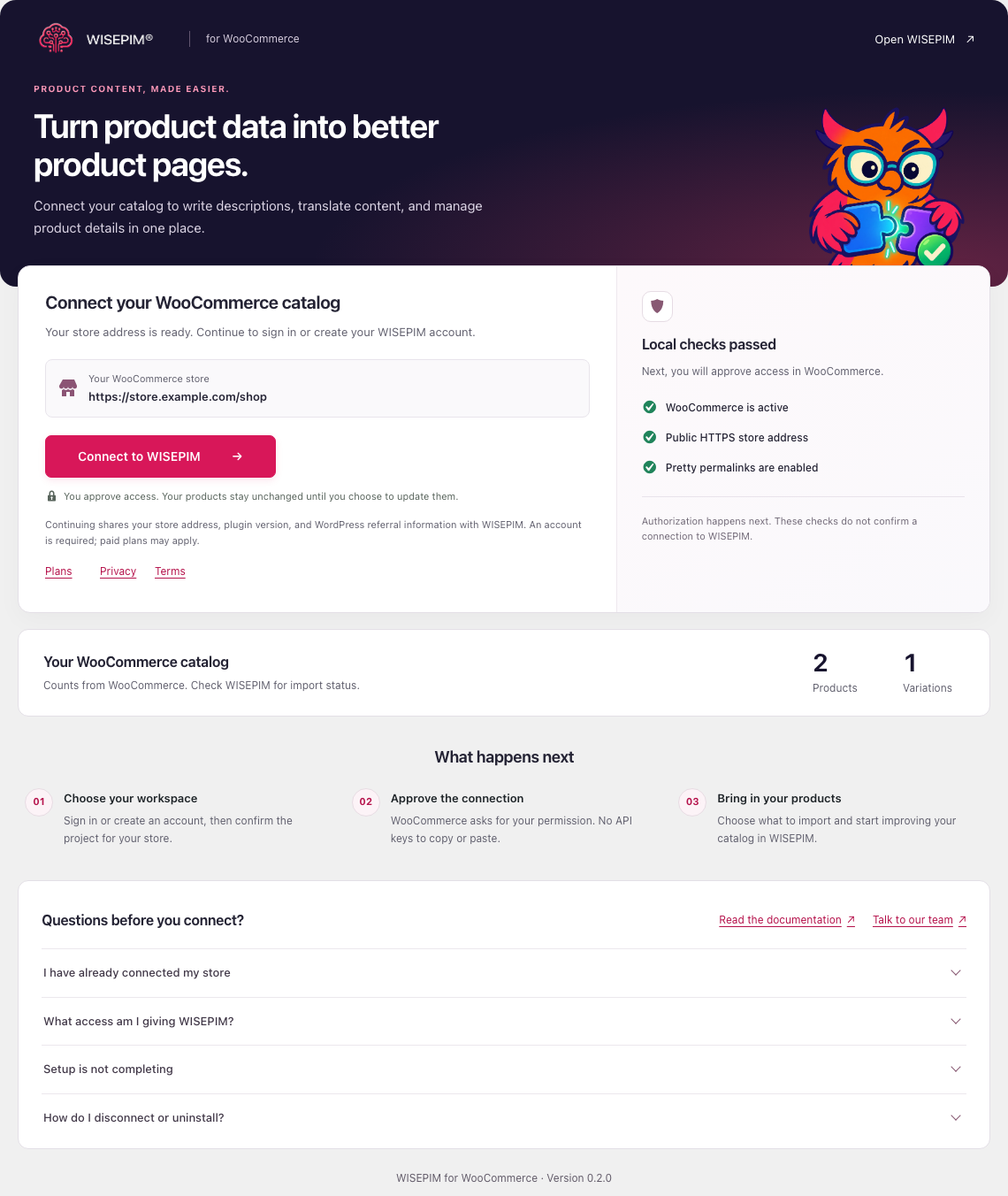
The WISEPIM setup page on a demonstration WooCommerce store, with connection checks and local product and variation counts.