Better Usability for WooCommerce removes the small but persistent friction points that cause shoppers to abandon: waiting for full page reloads, hunting for quantity controls, and navigating an unnecessary cart step before checkout. It covers four areas — Shop, Product, Cart, and Checkout — with settings you can mix and match to fit your store.
Free features:
Cart
- Auto-refresh cart totals via AJAX when quantity changes — no “Update cart” click required
- Show a confirmation prompt before quantity is reduced to zero
- Hide the “Update cart” button
Shop
- Change product quantity directly on the shop/archive page before adding to cart
- AJAX “Add to cart” on individual product pages (same as the shop-loop behaviour)
- Skip the cart page and go straight to checkout after adding a product
- Customise the “Add to cart” and “View cart” button labels
Product
- Low-stock urgency badge (“Only 3 left in stock!”) near the Add to Cart button on both single product and shop/archive pages — it reads WooCommerce’s own per-product stock quantity and low-stock threshold, shows only for stock-managed products at or below that threshold, and is fully customisable (badge text with a
{stock}placeholder, optional custom threshold), giving hesitant shoppers a scarcity nudge with zero configuration beyond a toggle
Checkout
- Allow shoppers to delete items directly from the checkout page
- Allow shoppers to change quantities from the checkout page
- Display the unit price next to each product name
General
- Show −/+ buttons around the quantity field — choose where: Shop, Product page, Cart, Checkout
- Show the quantity as a dropdown select instead of a numeric input — choose where: Shop, Product page, Cart
- Lock the numeric input so shoppers can only use the +/− buttons (prevents accidental typing)
- One “Updating…” text for the cart and price refreshes
- Convert simple-product “Add to Cart” buttons to AJAX site-wide
- Hide the “Added to cart” notice after adding a product
- Hide the “View cart” link after adding a product
- Set a global maximum quantity per product
- Decimal quantity support for +/− buttons
- Accessible, WCAG-friendly quantity controls — the −/+ buttons carry proper “Decrease quantity” / “Increase quantity” labels, work with the keyboard (Enter/Space), and announce the new quantity (and the cart refresh) to screen readers
PRO features:
- Sticky Add to Cart bar — a floating bar slides in when the shopper scrolls past the Add to Cart button, keeping purchase intent alive without hunting for the button (view demo)
- Quick View modal — shoppers open a full product preview in a lightbox (image, price, description, Add to Cart) without leaving the Shop page; keyboard accessible (focus stays in the lightbox and returns to the button on close) (view demo)
- Synchronize cart quantities automatically when changed (view demo)
- Auto-update price on Product and Shop pages as quantity changes (view demo)
- Change product variations directly on the Shop page — fewer clicks to buy (view demo)
- Sync the MiniCart widget live from Shop or Product pages (view demo)
- AJAX delete on the checkout page — no full page reload (view demo)
- Change quantities inside the Mini-Cart widget, with −/+ buttons (view demo)
- Quantity as a dropdown select at checkout
- Block the screen while a quantity change is saved
Get the PRO version here.
Screenshots

Quantity −/+ buttons and AJAX "Add to cart" on the Shop page
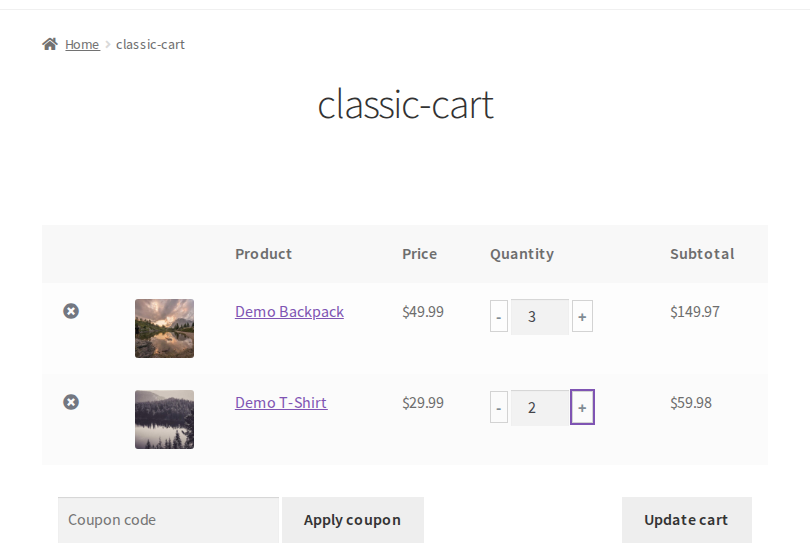
The cart recalculates by AJAX as soon as a quantity changes — no "Update cart" click

The same −/+ buttons in the WooCommerce Cart block
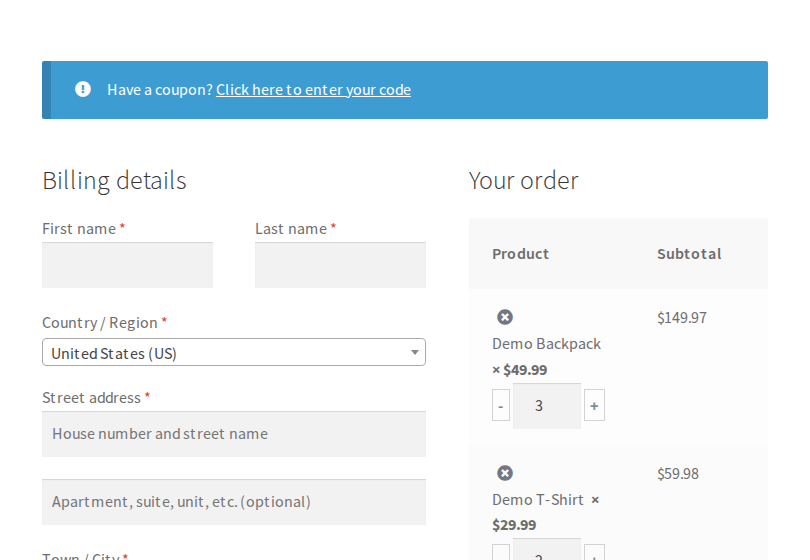
Change or remove items right on the checkout page

General settings — AJAX add to cart, quantity limit, where the −/+ buttons and the quantity select show, checkout quantities
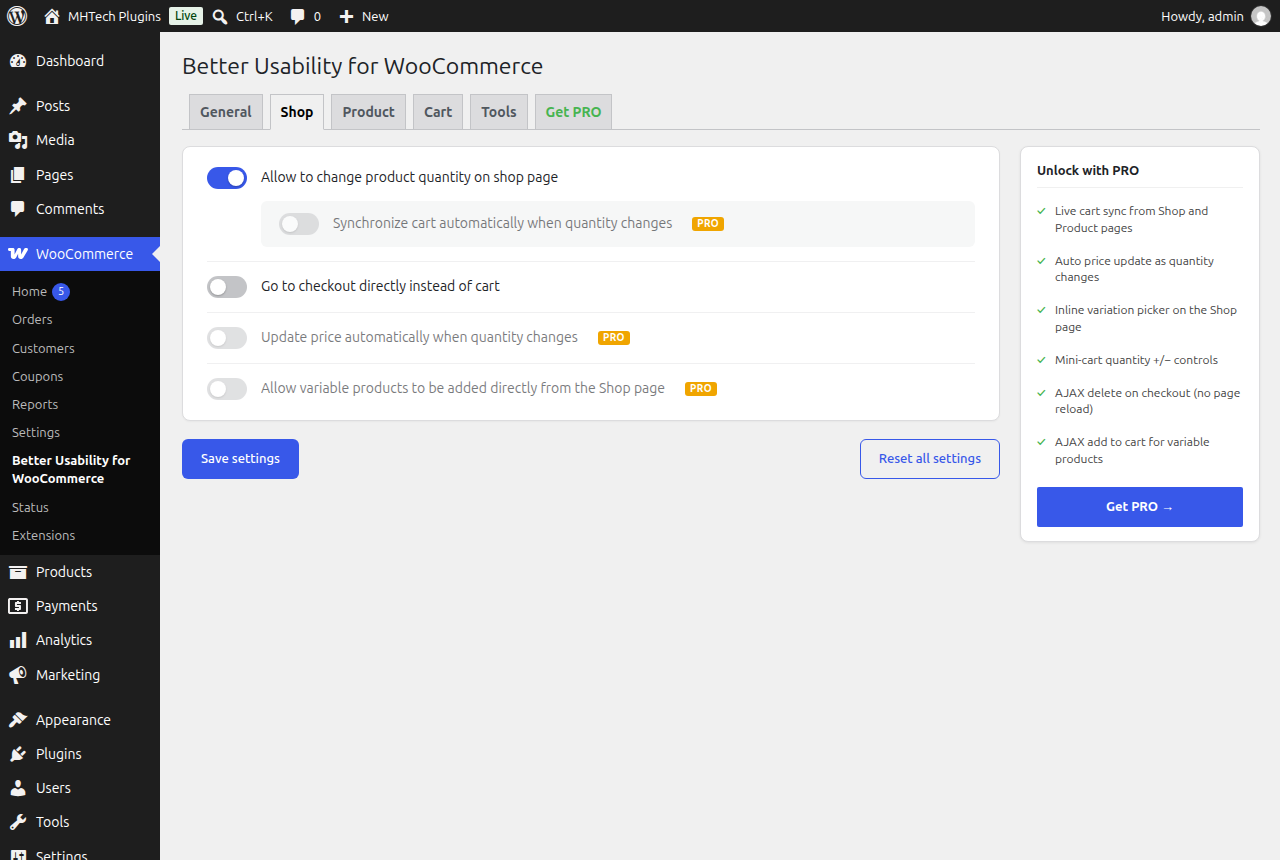
Shop settings — quantity on the shop page, Go to checkout shortcut
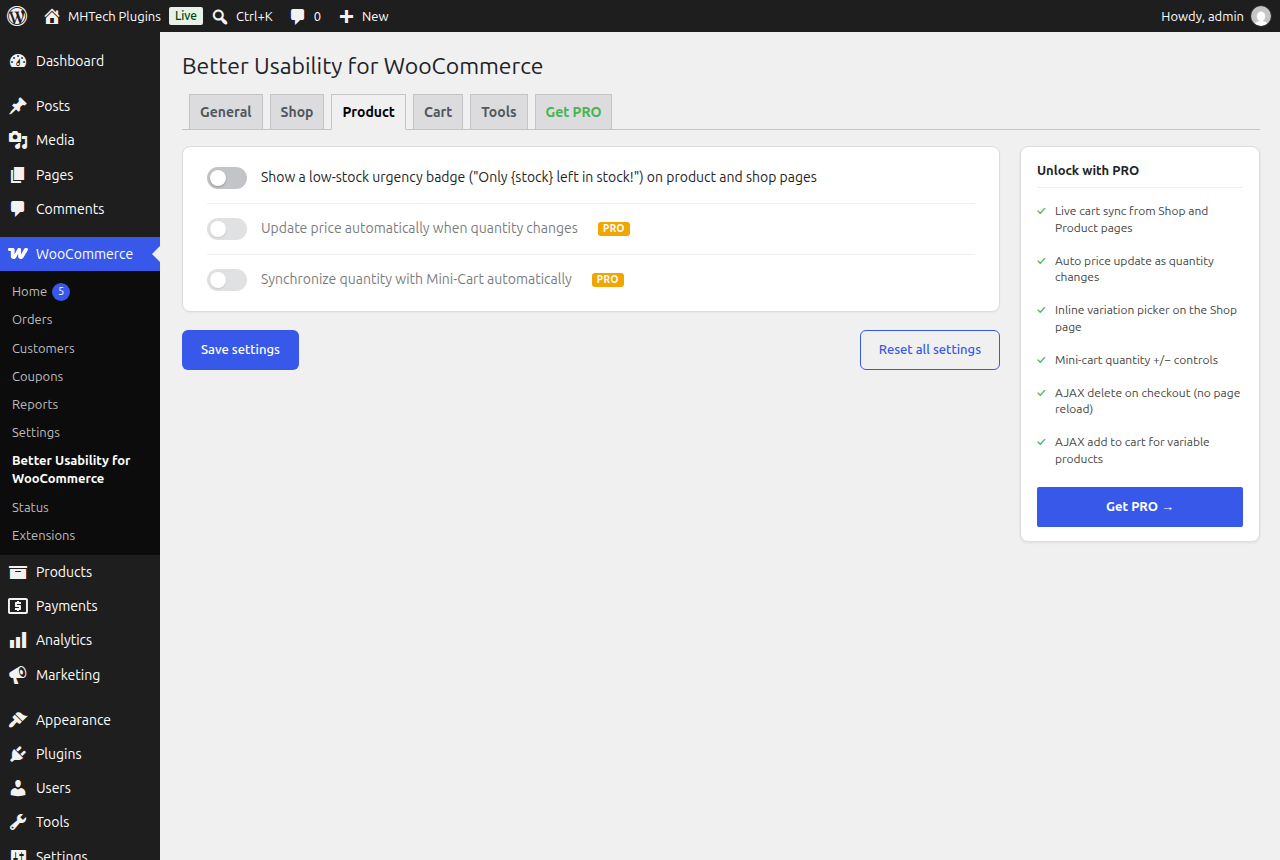
Product page settings — low-stock badge
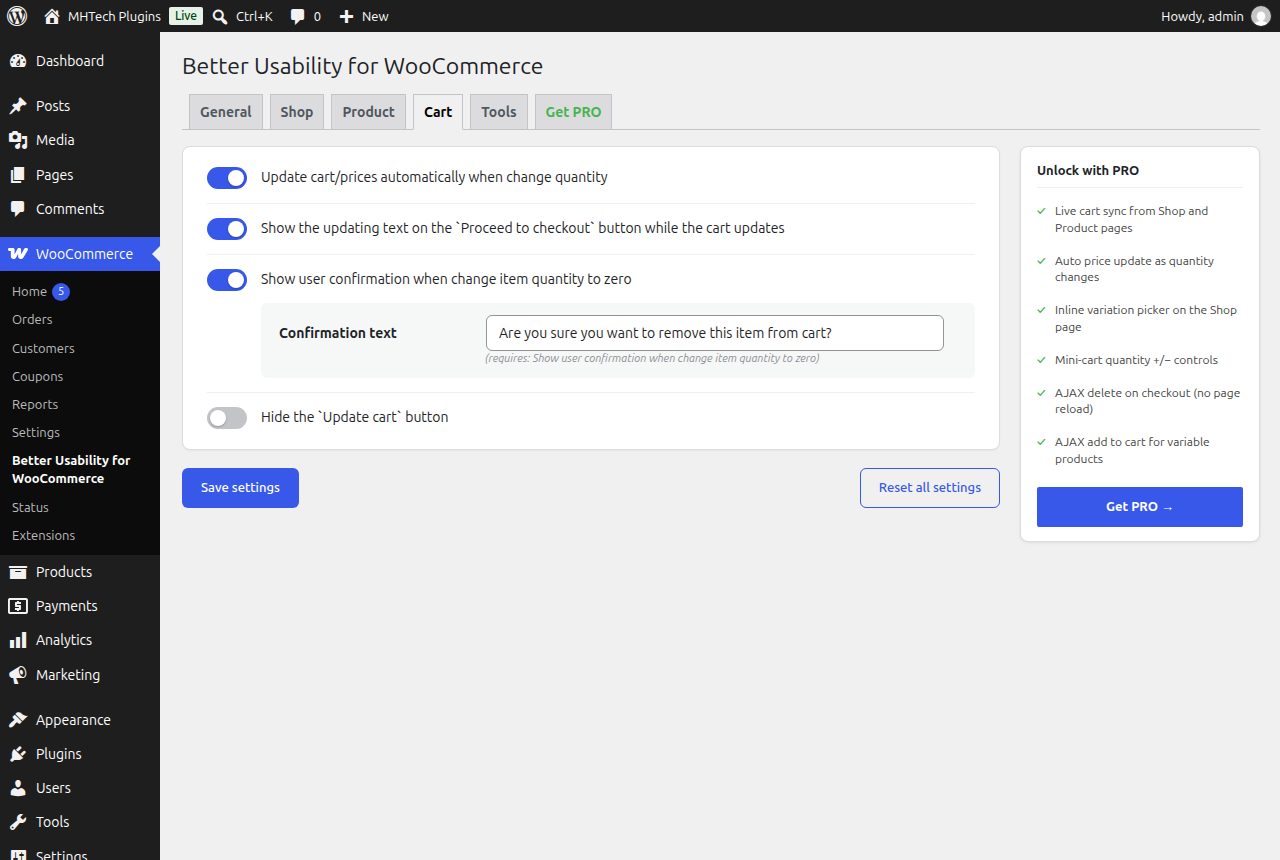
Cart settings — AJAX auto-update, confirmation prompt