WP Pulse Analytics brings Google Analytics 4 directly into your WordPress admin, for blogs, business sites, and online stores alike. Instead of logging into a separate Google Analytics account and digging through menus that were never built with regular site owners in mind, you connect your GA4 property once and your traffic starts showing up right where you already work.
Version 2.0 is the biggest release WP Pulse Analytics has ever had. The core dashboard now runs entirely on live GA4 data rather than a separate local event log, and twenty dedicated Pro modules turn that same GA4 connection into real-time visitor tracking, full commerce funnels, form conversion analysis, video engagement, search performance, and a built-in AI assistant that answers plain-English questions about your own site. Everything still lives inside the WordPress admin you already know, powered by the Google Analytics 4 property you already own.
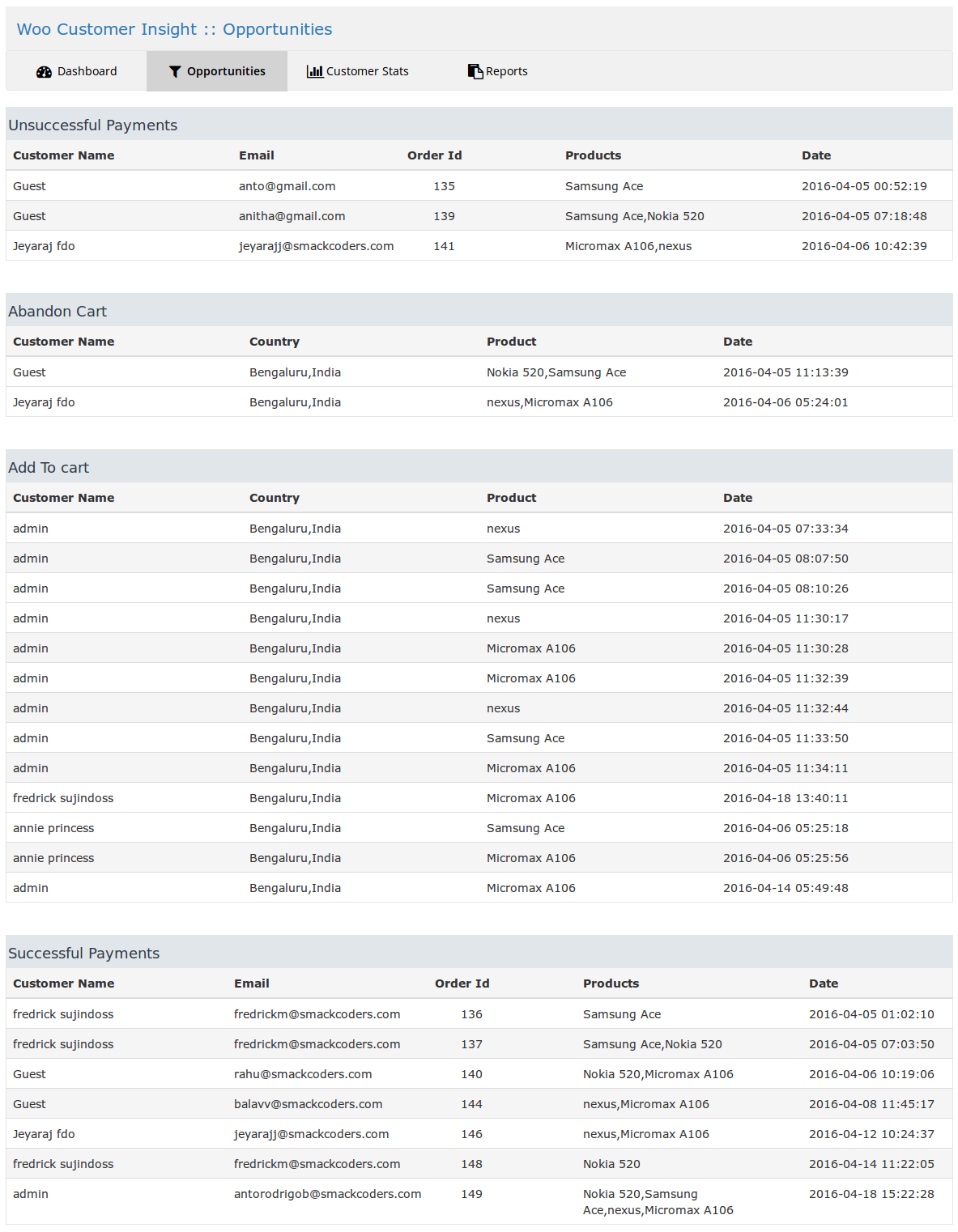
For stores, WP Pulse Analytics goes further. It tracks the full customer journey from landing on the site through checkout, shows exactly where revenue is coming from, and flags where customers are dropping off before they complete a purchase. Affiliate and outbound link clicks are classified and reported automatically, page speed is monitored through Core Web Vitals, and a built-in Ask AI assistant answers plain-English questions about your site’s performance without you needing to build a report yourself.
Full setup guides and documentation for every free and Pro feature are available at the WP Pulse Analytics Documentation.
Highlights
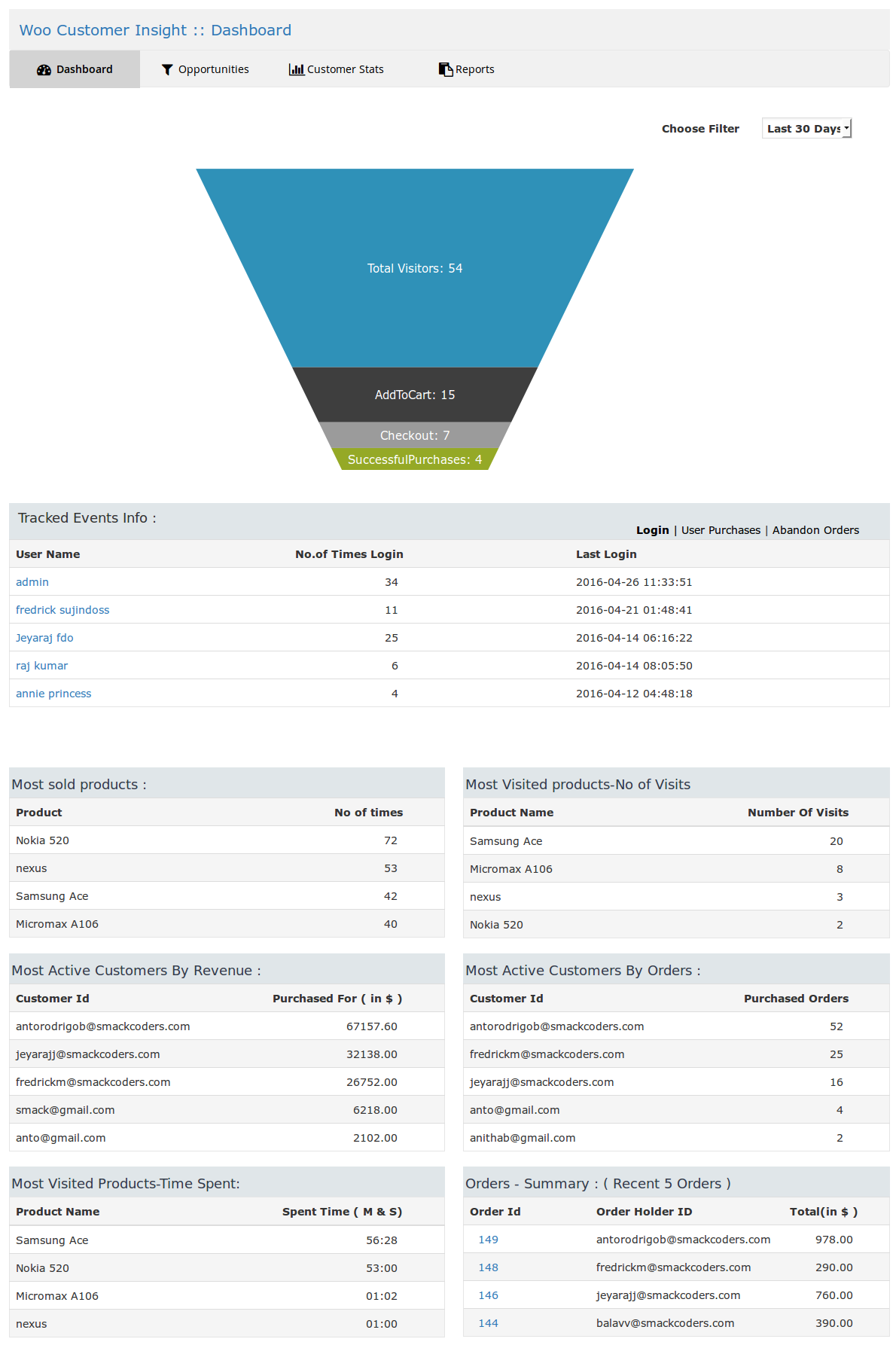
- Live GA4-powered traffic dashboard — active visitors (real-time), sessions with period comparison, page views with pages/session, average session duration, engagement rate, and new vs. returning visitor split
- Device Type and Browser breakdowns, Top Pages, and Visitor Geography tables
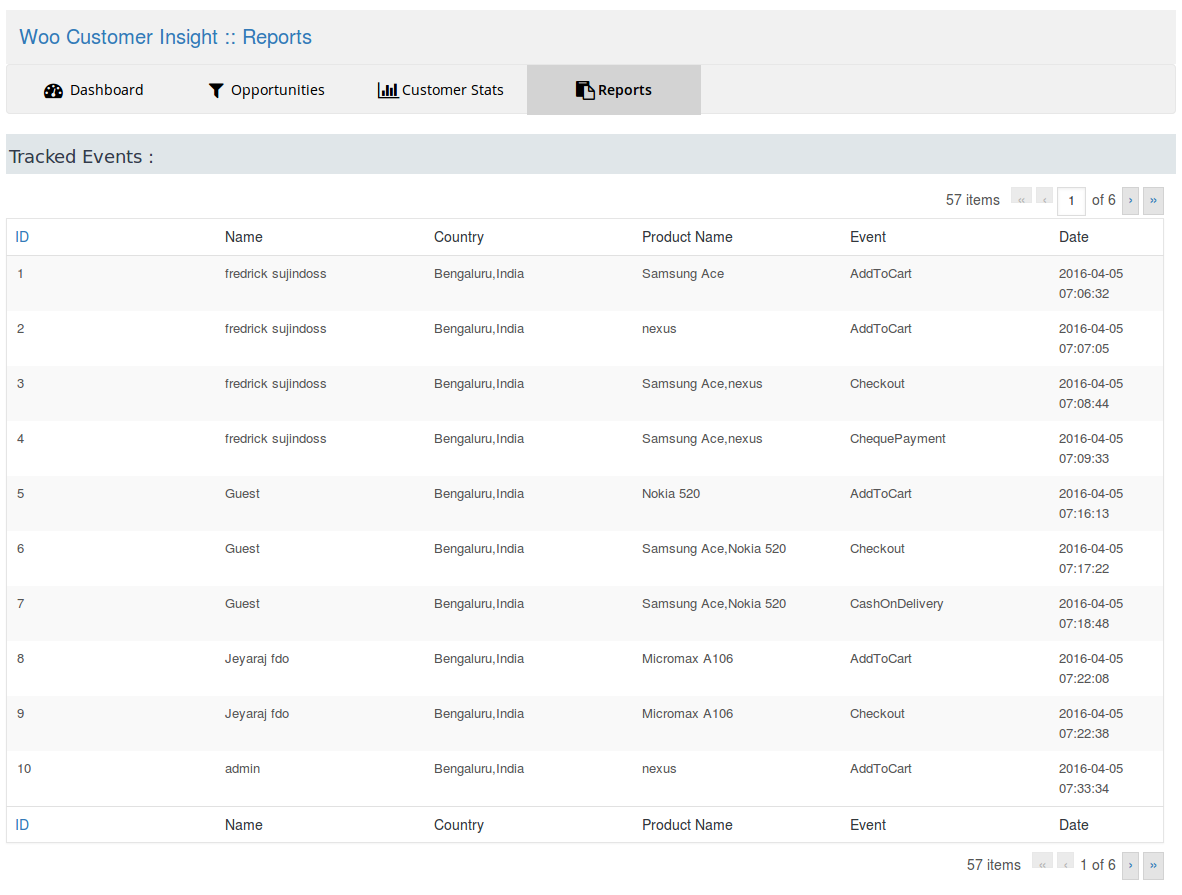
- Real-time visitor tracking, including device and location
- Affiliate and outbound link click tracking, with a dedicated Affiliate Links report
- Automatic form submission tracking for Contact Form 7, Gravity Forms, WPForms, Ninja Forms, and Forminator
- Global admin date picker with custom date ranges across every free report
- Privacy and Consent controls, including PII stripping and consent-gated tracking
- Works with WooCommerce, Easy Digital Downloads, MemberPress, and GiveWP
Pro Features (all 20, included in WP Pulse Analytics Pro)
- Real-Time Visitors – Live active-user counts, currently viewed pages, and visitor geography, refreshing automatically.
- Traffic Overview – Channels, landing pages, source/medium, and AI referral traffic (ChatGPT, Claude, Gemini, Perplexity) in one report.
- Google Search Console Integration – Search queries, impressions, click-through rate, and average ranking position inside WordPress.
- eCommerce Analytics – A nine-tab WooCommerce report covering revenue, funnel, coupons, refunds, geography, and cart abandonment.
- Forms Conversion Tracking – Full view-to-submission funnel and per-form conversion rate for every connected form plugin.
- Campaign & UTM Builder – Build, save, and auto-normalize tracking links, automatically matched back to real GA4 performance.
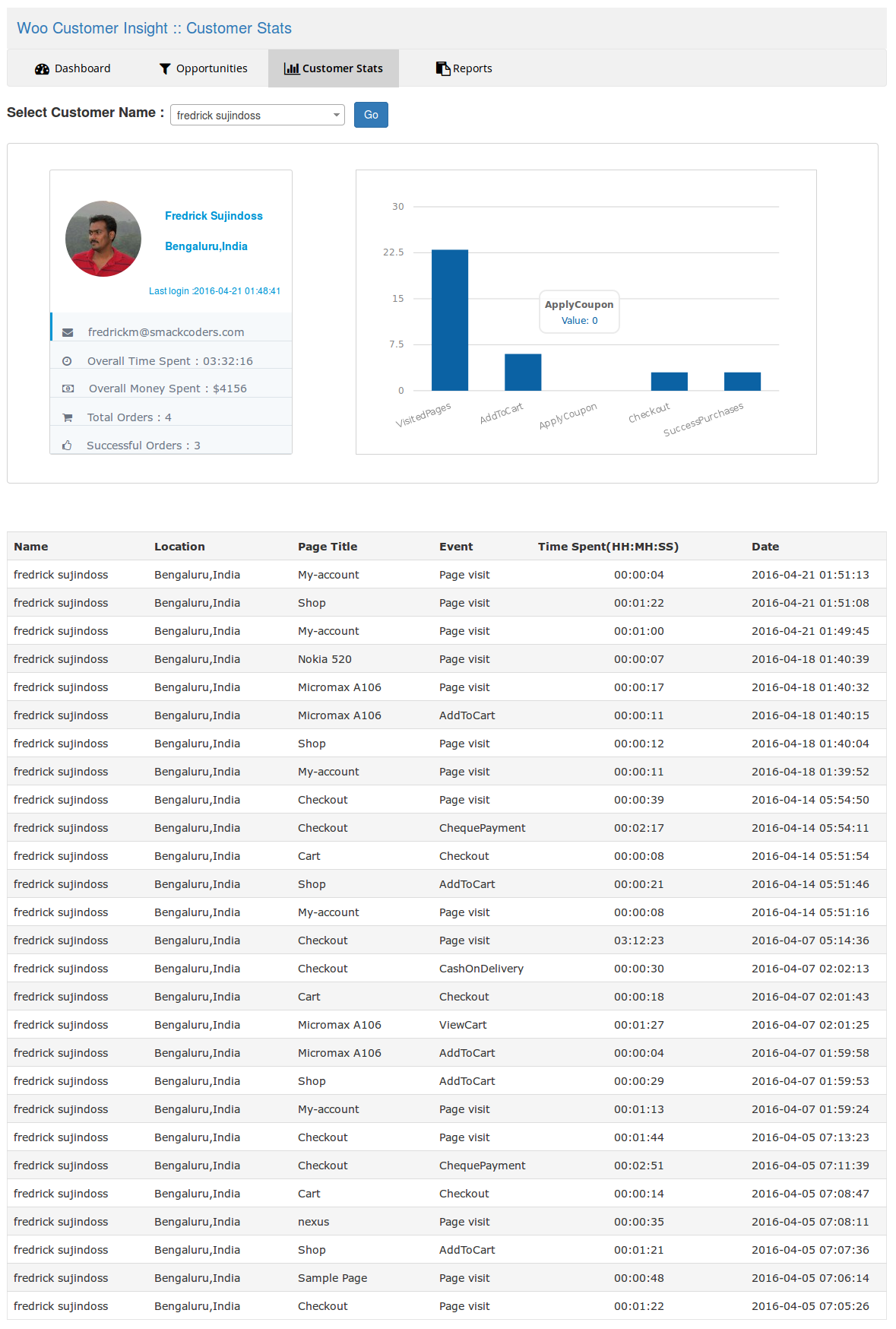
- User Journey Tracking – A visual path from first click to checkout, plus a saved journey timeline on every WooCommerce order.
- Audience & Links – Outbound clicks, file downloads, and GA4 age/gender demographics in one view.
- Affiliate Link Tracking – Dedicated partner and affiliate click classification, reporting by link, partner, and source page.
- Exceptions Reporting – JavaScript error tracking and GA4 traffic/conversion anomaly alerts, with email notifications.
- Site Performance – Google PageSpeed Insights scores, Core Web Vitals, and prioritized fix recommendations.
- Advanced Reporting & AI Analytics (Ask AI) – Plain-English questions answered from live GA4 data, plus structured Advanced Reports tabs.
- Site Notes & Annotations – Pin dated notes directly onto your GA4 traffic charts for launches, campaigns, and changes.
- Popular Posts – GA4-ranked content, displayed via widget, Gutenberg block, or shortcode.
- Media Tracking – Video engagement funnel (start, 25/50/75% milestones, completion) for YouTube, Vimeo, and HTML5 video.
- AMP Tracking – GA4 pageview reporting for AMP pages, compared directly against standard pages.
- Custom Dimensions – Sends post type, category, author, and SEO data to GA4 so every report and AI answer is more specific.
- EU Compliance & Privacy – Consent-gated tracking, PII stripping, and a visitor-facing opt-out for GDPR-conscious sites.
- PPC Ads Tracking – Unified conversion tracking across Google Ads, Microsoft Ads, Meta, TikTok, LinkedIn, Pinterest, and Snapchat.
- Page Insights – On-demand GA4 stats for a single post or page, right in the editor sidebar and posts list.
See the full feature breakdown and pricing on the WP Pulse Analytics Pro product page.
Important Notes
- Requires WordPress 6.4 or higher and PHP 7.4 or higher
- Requires a Google Analytics 4 property; Universal Analytics is not supported
- Works on any WordPress site; a store plugin (WooCommerce, Easy Digital Downloads, MemberPress, or GiveWP) is only needed for revenue and order reports
- All 20 features listed above under Pro Features require WP Pulse Analytics Pro; the Free plugin provides the core dashboard, real-time visitors, affiliate link tracking, and free-tier form submission tracking
- If you’re upgrading from a version prior to 2.0, WP Pulse Analytics now requests an expanded Google OAuth scope to support Custom Dimensions provisioning; reconnecting your GA4 account under Settings is recommended after updating
Screenshots

Dashboard Overview

Audience and Links

Affiliate Link Tracking

General Setting

Analytics Configuration

Downloads & Link Paths

Affiliate Link Tracking