Gkash Payment for WooCommerce.
Gkash Payment gateway Checkout allows you to securely sell your products and subscriptions online using In-Context Checkout to help you meet security requirements without causing your theme to suffer.
In-Context Checkout uses a modal window, hosted on Gkash.My’s servers, that overlays the checkout form and provides a secure means for your customers to enter their account information.
Also, with Integrated Gkash.My Setup (Easy Setup), connecting to Gkash.My is as simple as clicking a button , no complicated API keys to cut and paste, you just need to sign up as a Merchant with us at https://www.gkash.my
Screenshots
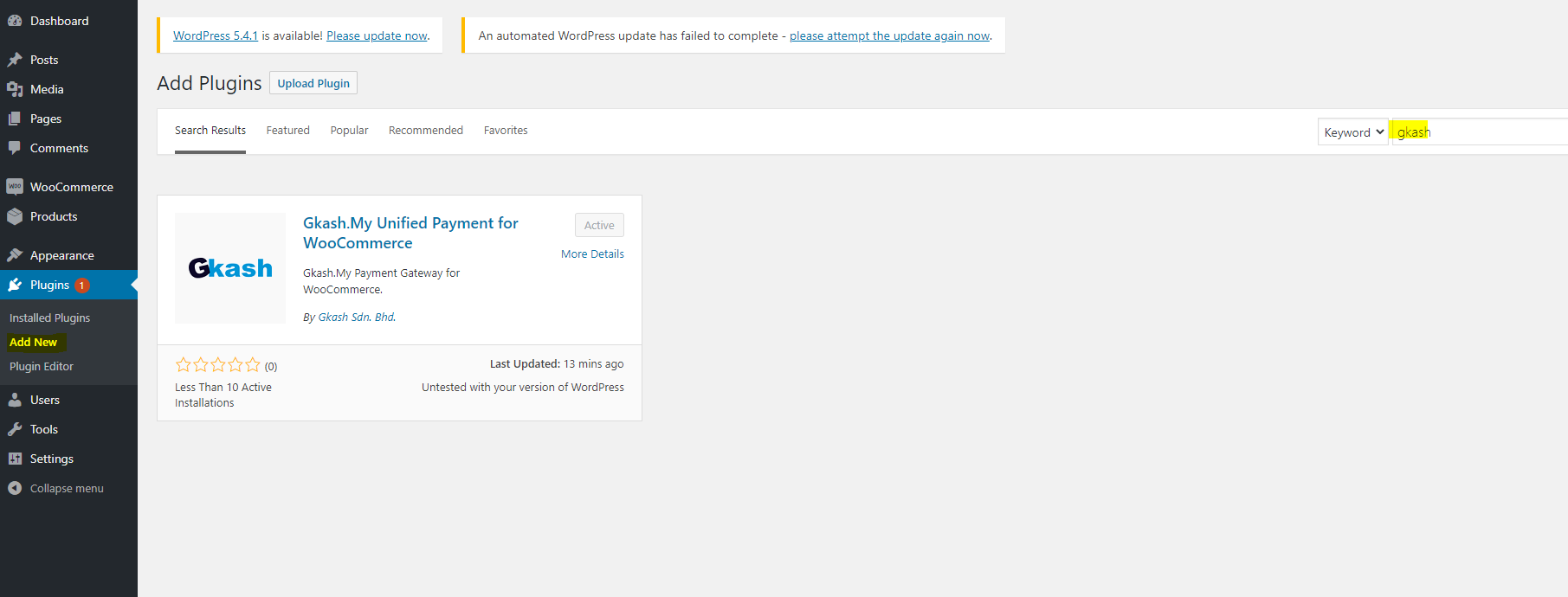
On the side bar of your dashboard, click Plugins and select "Add New", search for Gkash Payment and install the plugin.

Gkash.My Unified Payment for WooCommerce -Avtivate on the sidebar under WooCommerce => Settings => Payments => Gkash Payment

Enter your User ID and Signature Key, register an account as a merchant with us at https://www.gkash.my

Select the Gkash.My Unified payment method to make payment and click "Place Order"

Select your preferred payment method and make payment.