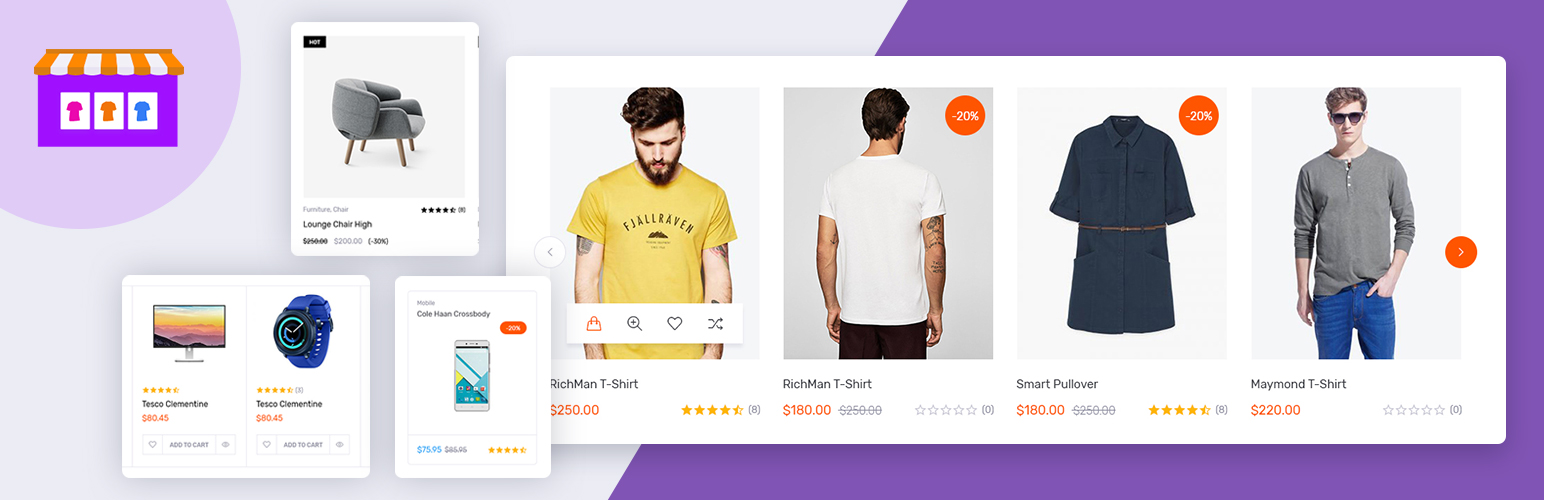
Product Carousel Slider & Grid Ultimate for WooCommerce lets you show your products in a responsive product carousel, product slider or product grid anywhere on your store. Pick the products, choose a layout, see it in the live preview, then place it with a shortcode, a Gutenberg block or an Elementor widget.
Use it to show featured products on your homepage, latest products in a slider, related products under a post, or a product grid on any landing page. No coding needed.
👉 Pro Version | Documentation | Support 👈
New in 1.14
- Swap image on hover: the product’s first gallery image appears when a shopper hovers over the card, so they see a second angle without opening the product page.
- Fade effect for carousels: show one product at a time with a smooth cross fade, great for hero sections and featured product sliders.
- Easier settings screen: every tab is split into short sections (Layout, Products, Card Content, Badges) with a menu, so you find each option fast.
- Live preview that stays in view: keep the preview at the top of the screen while you scroll through the settings.
Free Features
- WooCommerce product carousel, product slider and product grid in one plugin
- 3 carousel layouts and 3 grid layouts
- Swap image on hover
- Fade effect for carousels
- Quick View, so shoppers can see product details without leaving the page
- Show featured, latest or older products
- Gutenberg block and Elementor widget
- Shortcode generator for pages, posts, templates and widgets
- Set the number of columns for desktop, tablet and mobile
- Autoplay and slide speed controls
- Touch and swipe support on mobile
- Show or hide the product title, price, rating and add to cart button
- Sale badge with position options
- Color and style options to match your theme
- Live preview while you edit
- Fully responsive
- Translation ready
Pro Features
Product Carousel Slider & Grid Ultimate Pro adds everything you need to sell more from every carousel and grid:
- Variation swatches: show colors, sizes and other options right on the product card. Shoppers pick a variation and add it to the cart without opening the product page. Price and image update with their choice.
- Product video: add a YouTube, Vimeo or MP4 video to any product and play it on the card or in a lightbox. Videos load only when clicked, so pages stay fast.
- Sale countdown and stock bar: show “Ends in 2d 04:12:09” on products with a sale end date and “Only 3 left” on low stock items.
- Image lightbox: clicking a product image opens all its images in a lightbox.
- More carousel effects: coverflow and flip.
- Entrance animations: cards fade up, zoom or slide in as visitors scroll.
- Scheduling and display rules: show a carousel only between two dates, hide it on desktop, tablet or mobile, or show it only to logged in visitors or chosen user roles.
- 15 carousel layouts and 15 grid layouts
- Wishlist button on product cards
- Show on sale, best selling or top rated products
- Show products by ID, SKU, tag, category or date, or in random order
- Custom ribbons and badges
- Excerpt length control
- Hide out of stock products
- Hover effects
- Scroll and marquee modes
- Priority support
Who it’s for
- Store owners who want a featured products slider or a best selling products carousel on the homepage
- Agencies and freelancers building WooCommerce sites with Gutenberg or Elementor
- Fashion and apparel stores that want shoppers to pick colors and sizes from a product grid (Pro)
- Flash sale and Black Friday campaigns that need a sale countdown and scheduled carousels (Pro)
Other products from wpwax
👉 Legal Pages: Privacy policy, terms and conditions, GDPR and cookie consent pages for WordPress
👉 Directorist: WordPress business directory plugin with classified ads listings
👉 Post Grid, Slider & Carousel Ultimate: Show blog posts in grid, carousel and slider layouts
👉 Logo Showcase Ultimate: Responsive logo carousel, slider and grid
Screenshots
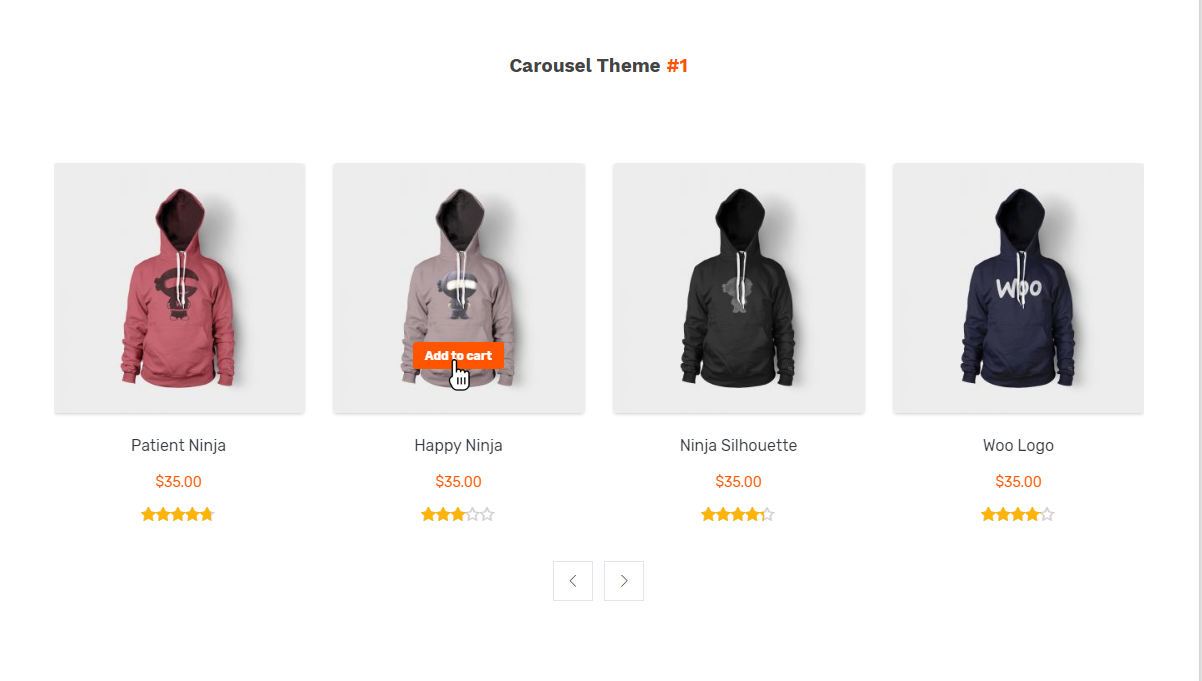
Carousel Theme-1
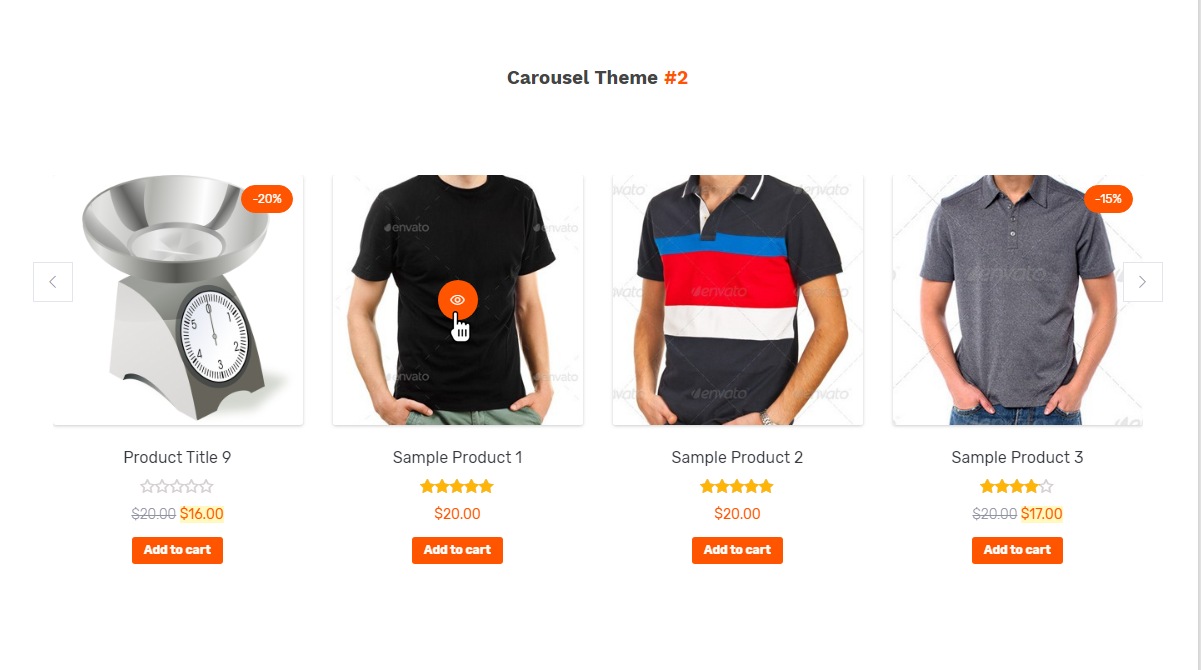
Carousel Theme-2
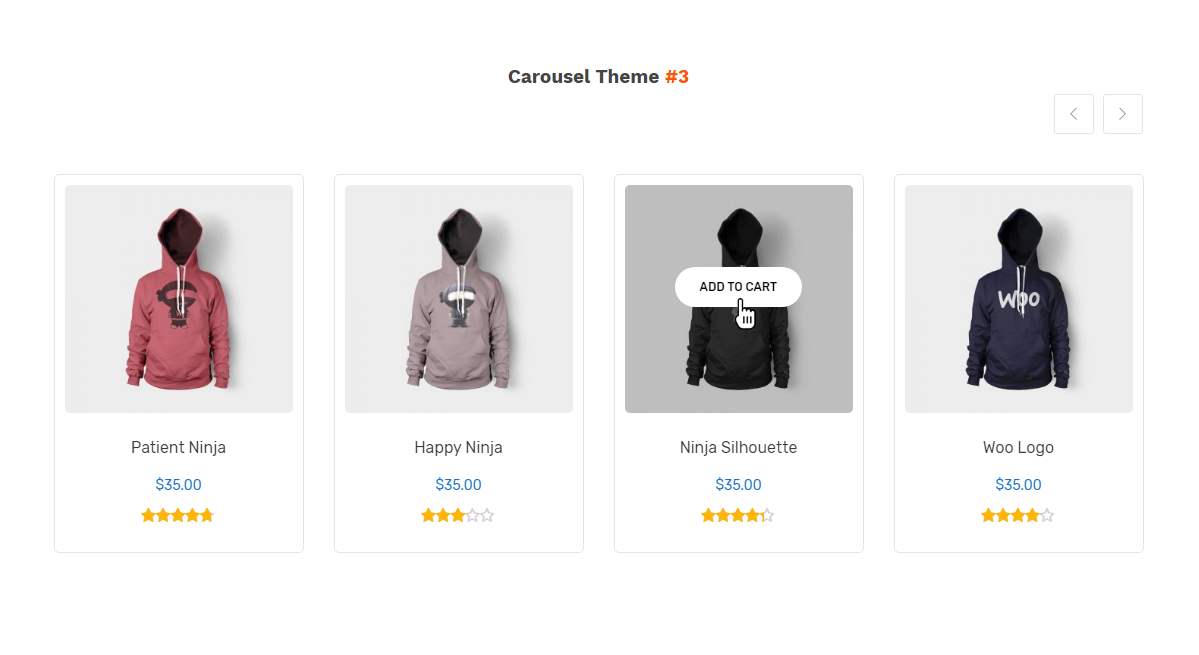
Carousel Theme-3
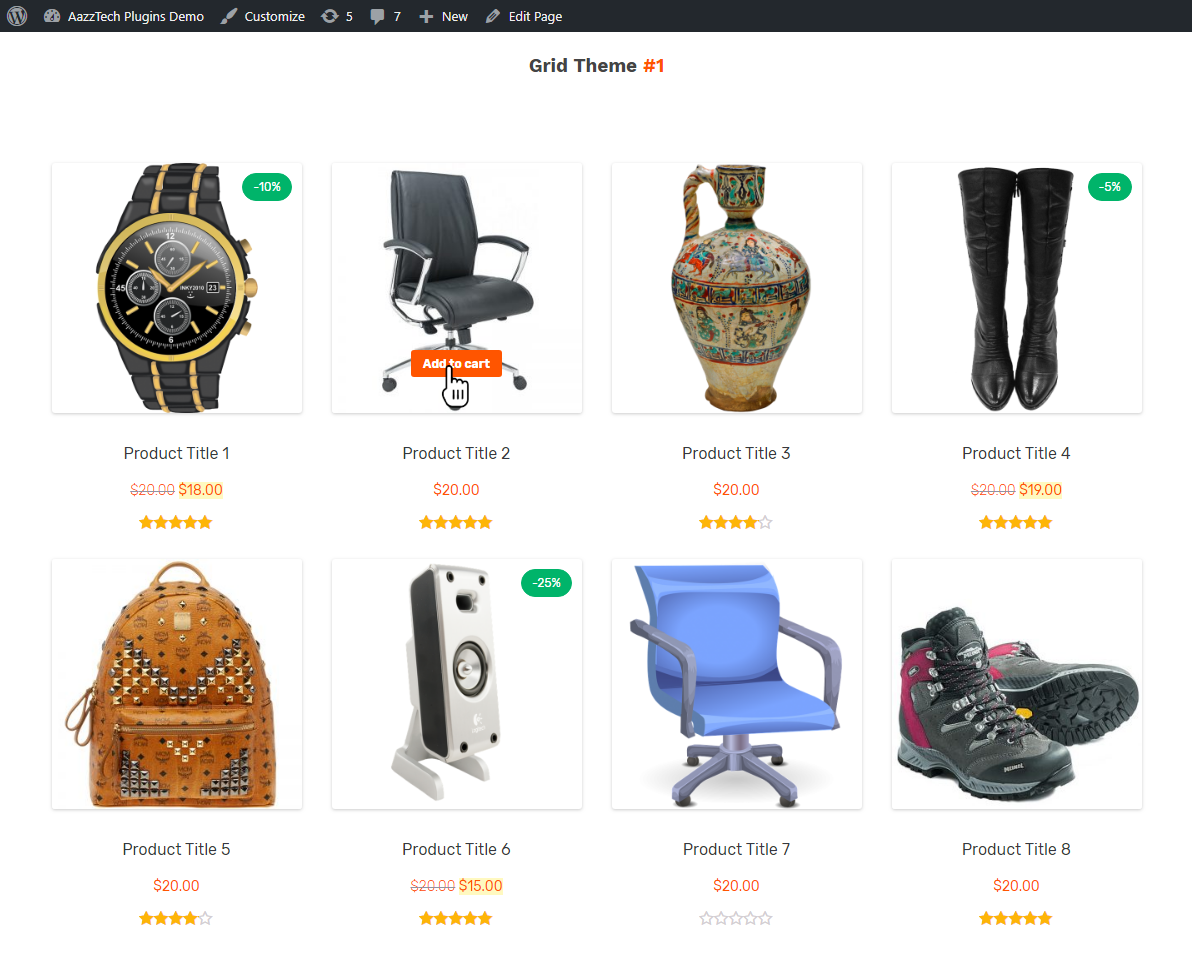
Grid Theme-1
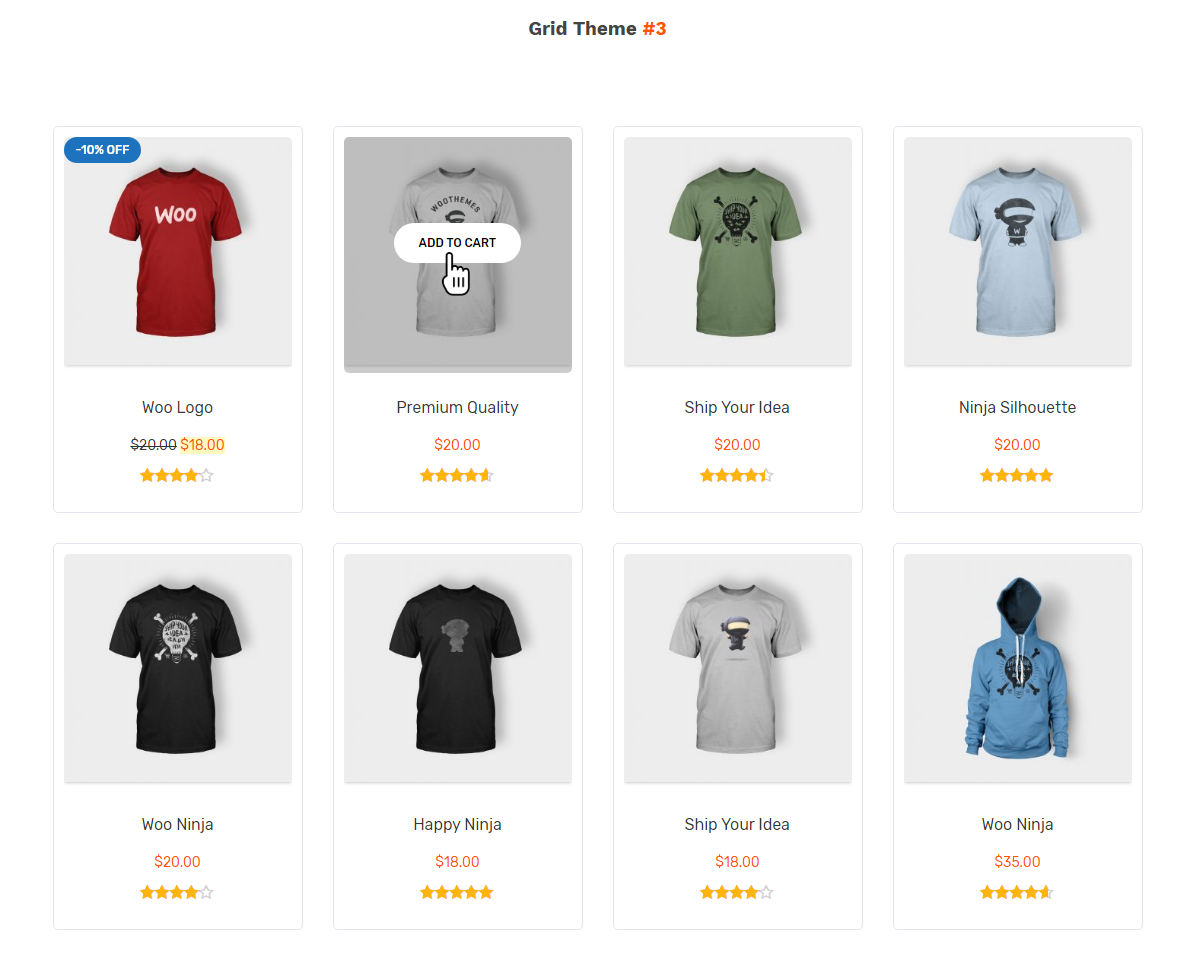
Grid Theme-2
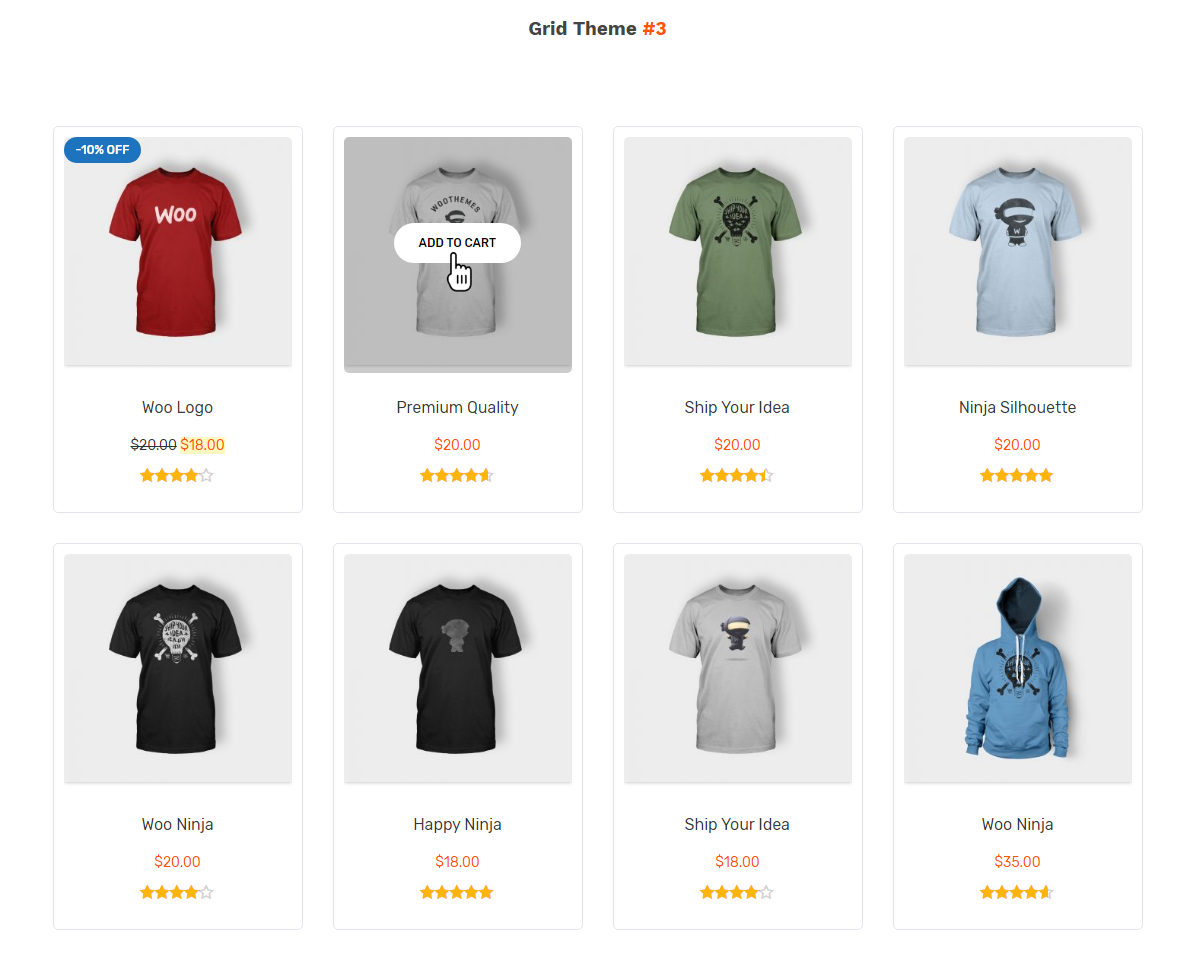
Grid Theme-3
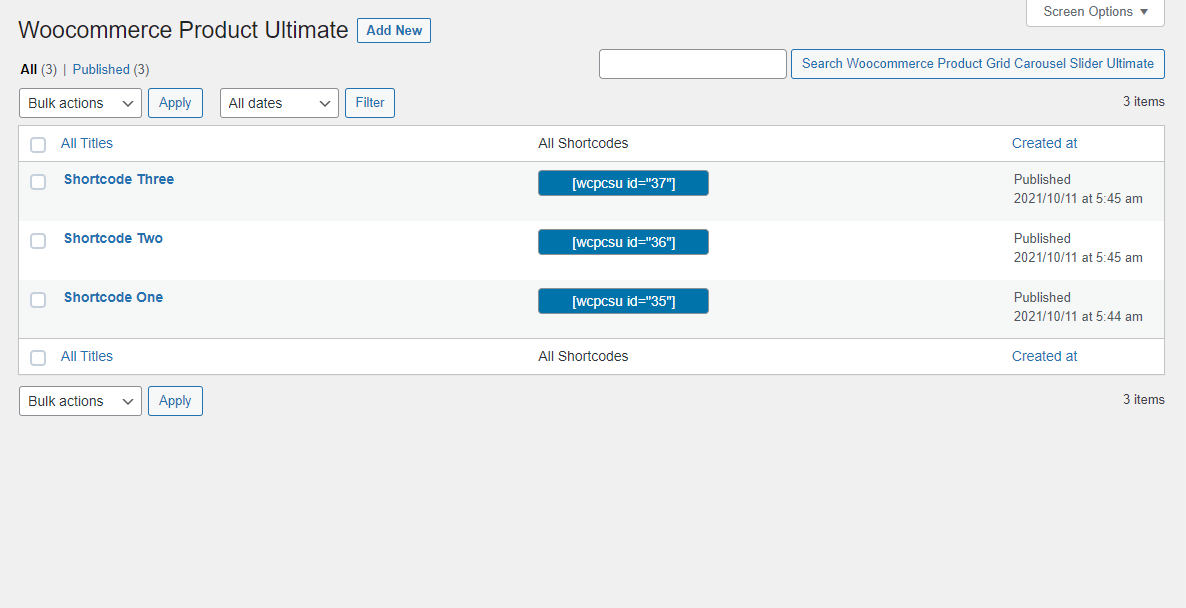
Backend: All Shortcodes
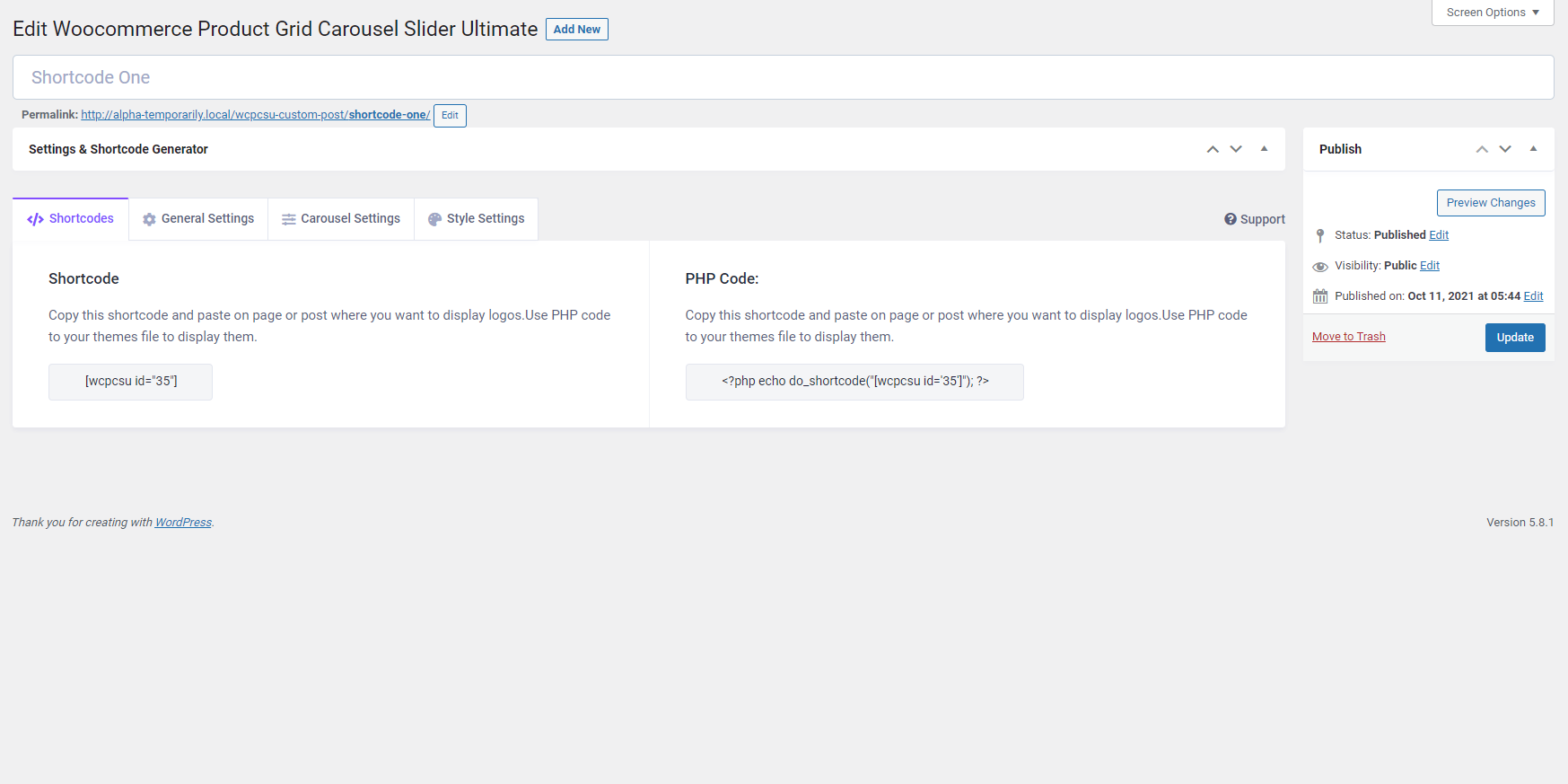
Backend: Shortcode
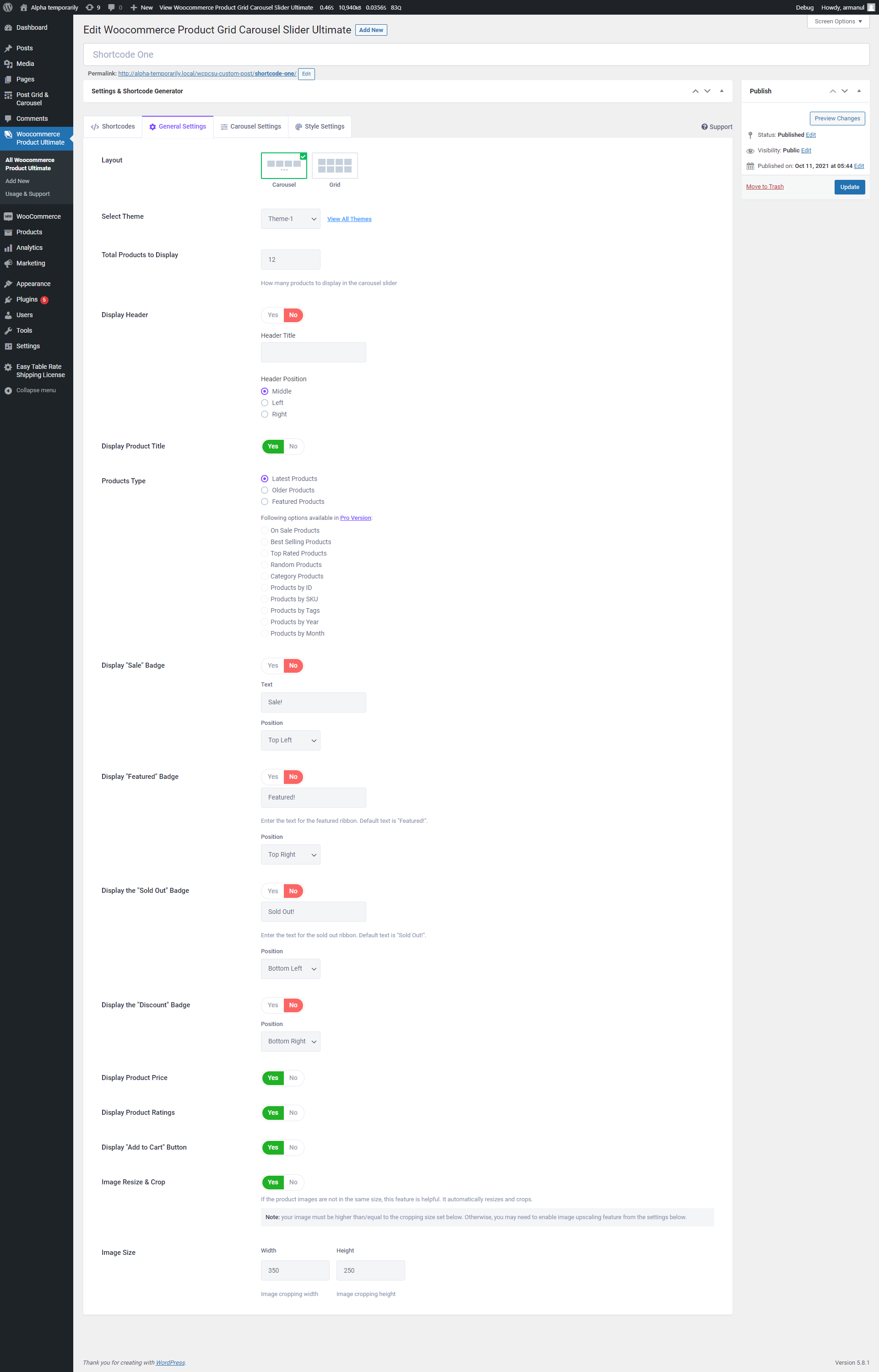
Backend: General Settings
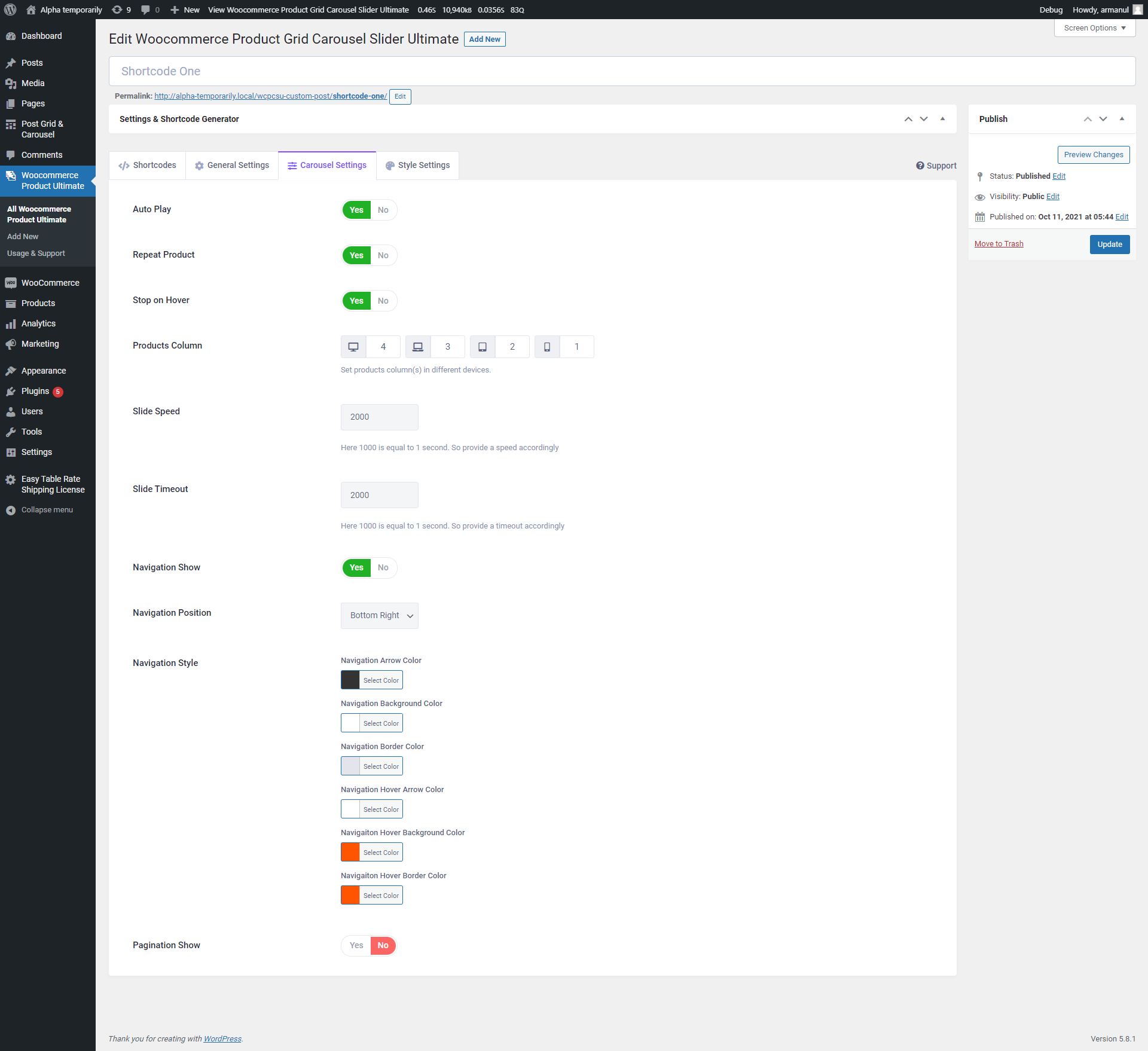
Backend: Carousel Settings
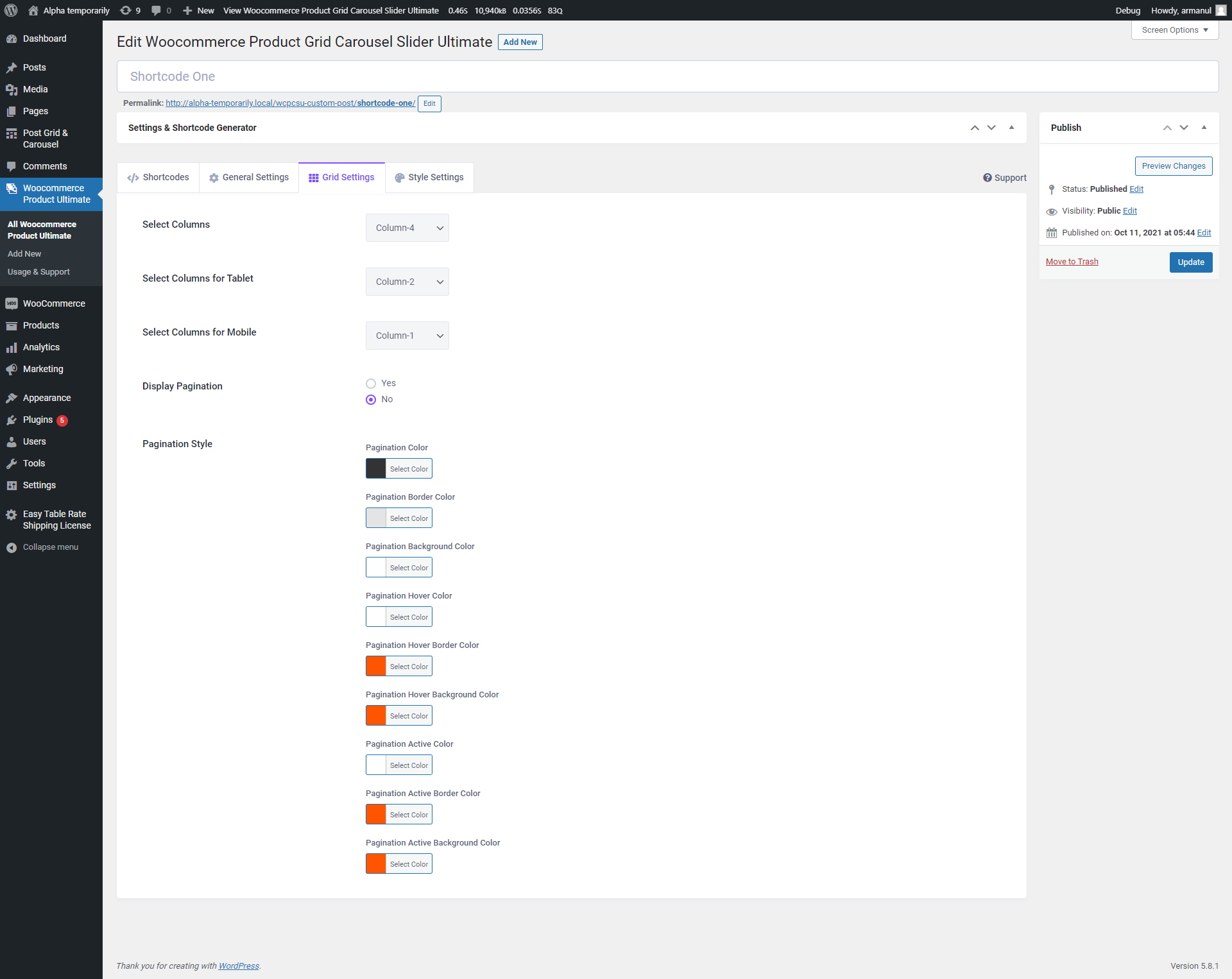
Backend: Grid Settings
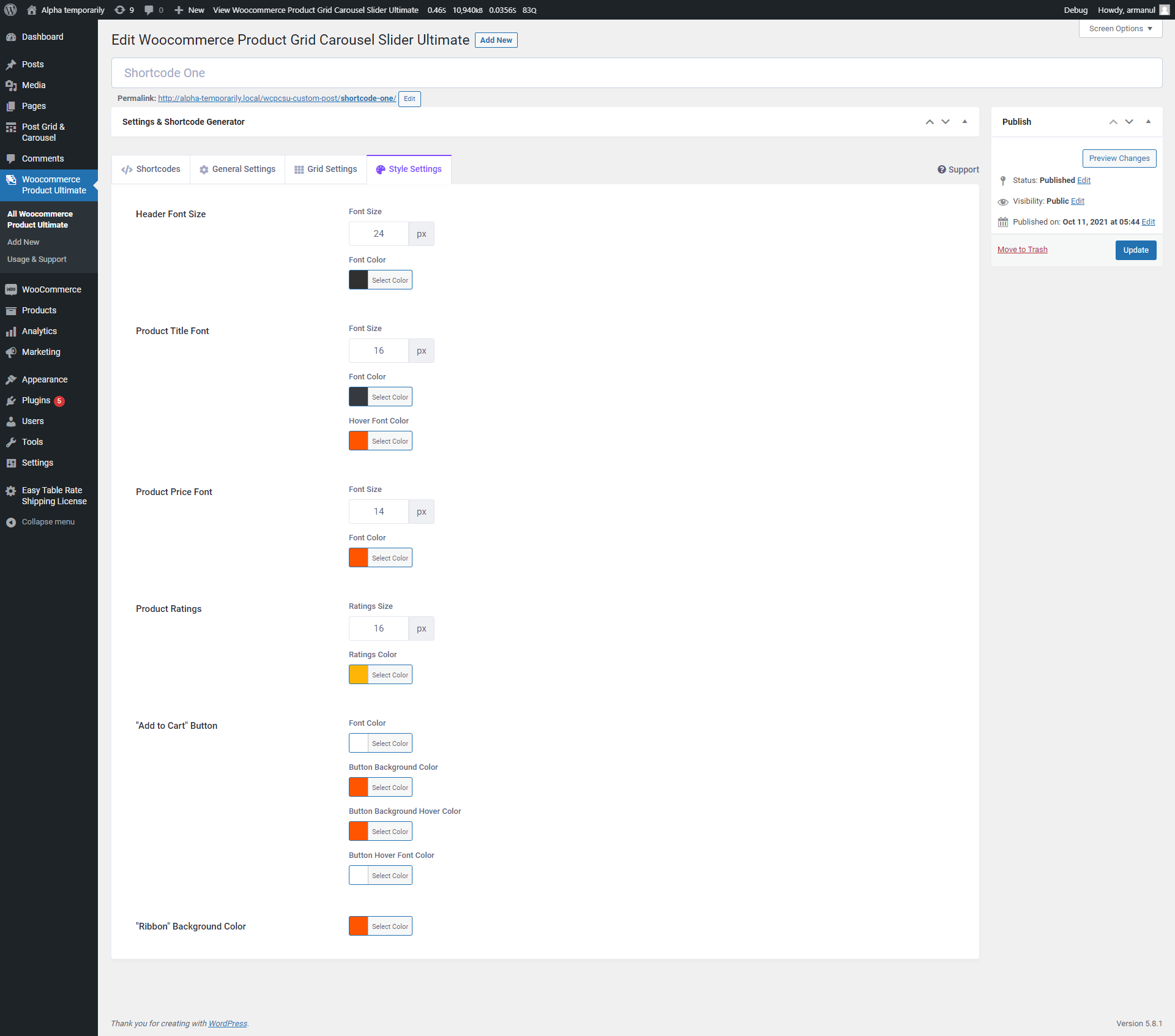
Backend: Style Settings