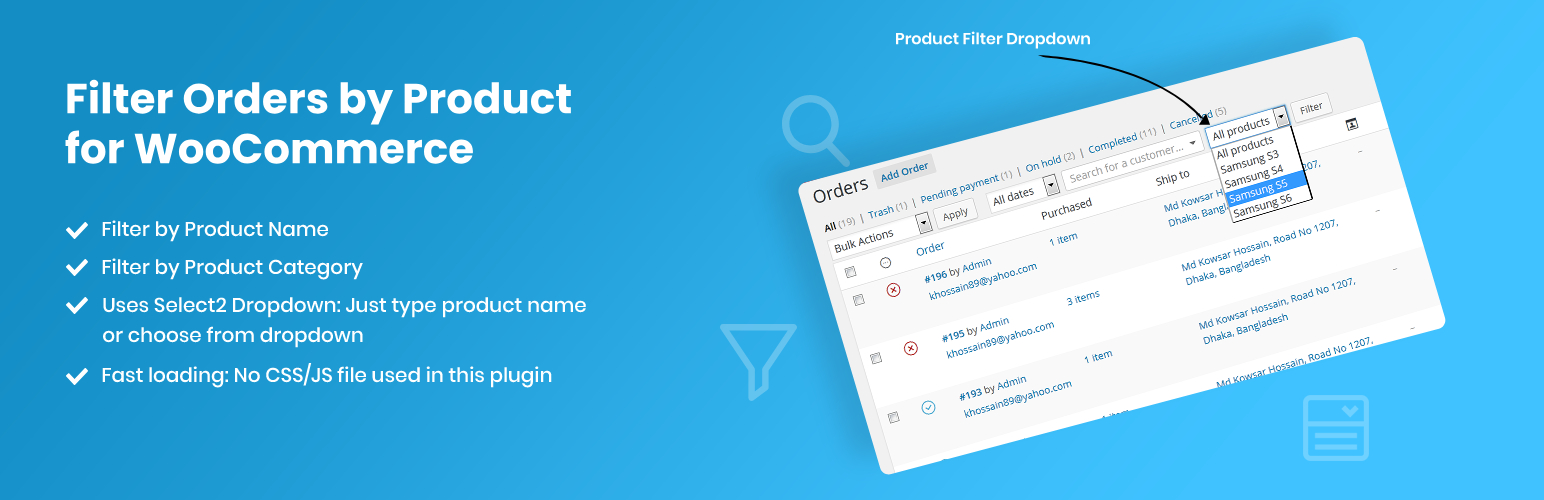
Have you ever wanted to filter your order page results by a specific product? With this plugin, now you can!
Once installed, a new filter dropdown will appear on the WooCommerce Orders screen, displaying a list of all products. Simply select a product and click the “Filter” button to view orders containing only that product.
This plugin supports filtering orders by:
- Product Name
- Product Category
Note: This plugin is compatible with both WooCommerce’s new HPOS (High-Performance Order Storage) and the legacy WordPress posts storage. Whether you’re using HPOS or the traditional storage method, this plugin will work seamlessly.
Screenshots
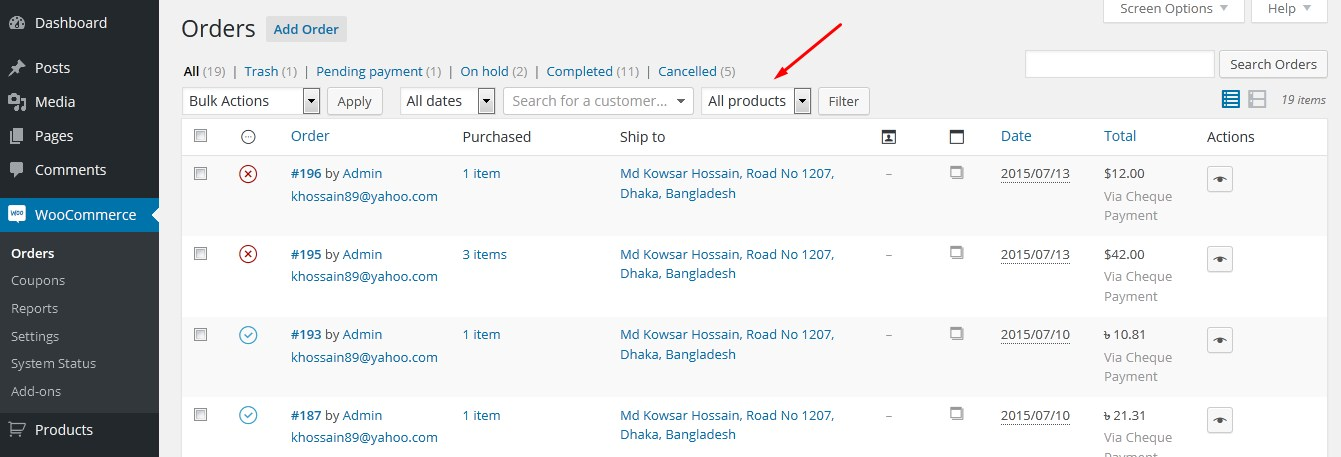
From admin panel, Click on "WooCommerce>Orders" to visit the Orders screen. There you'll see a new dropdown filter.
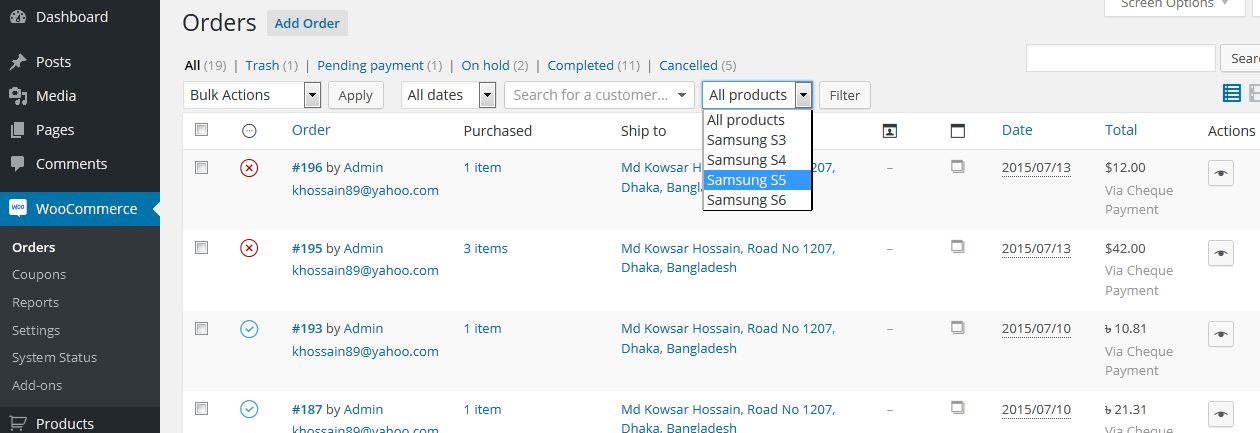
Click on that dropdown and you'll see a list of all products. Select a product and click on "Filter" button. It'll show up the orders which contains only that specific product.