BACK TO DIRECTORY
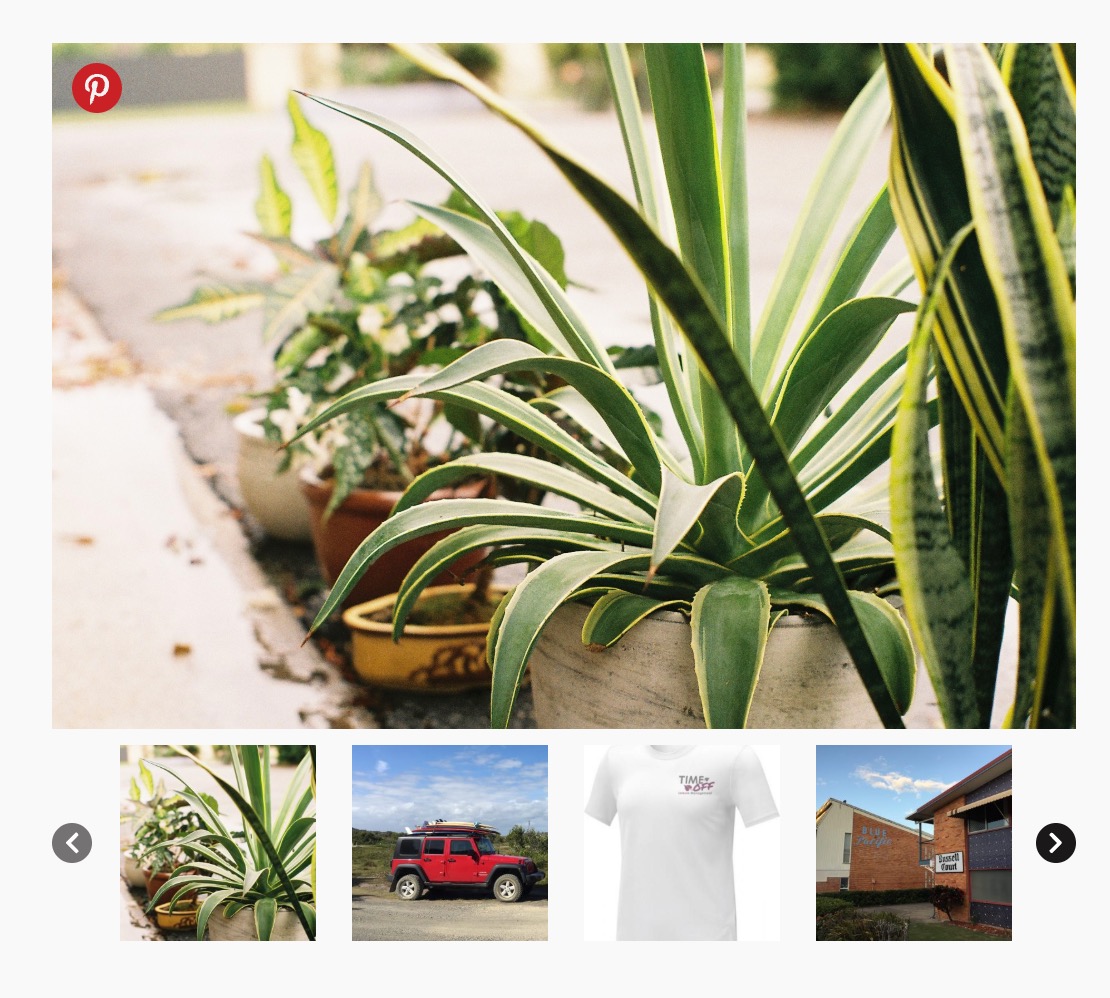
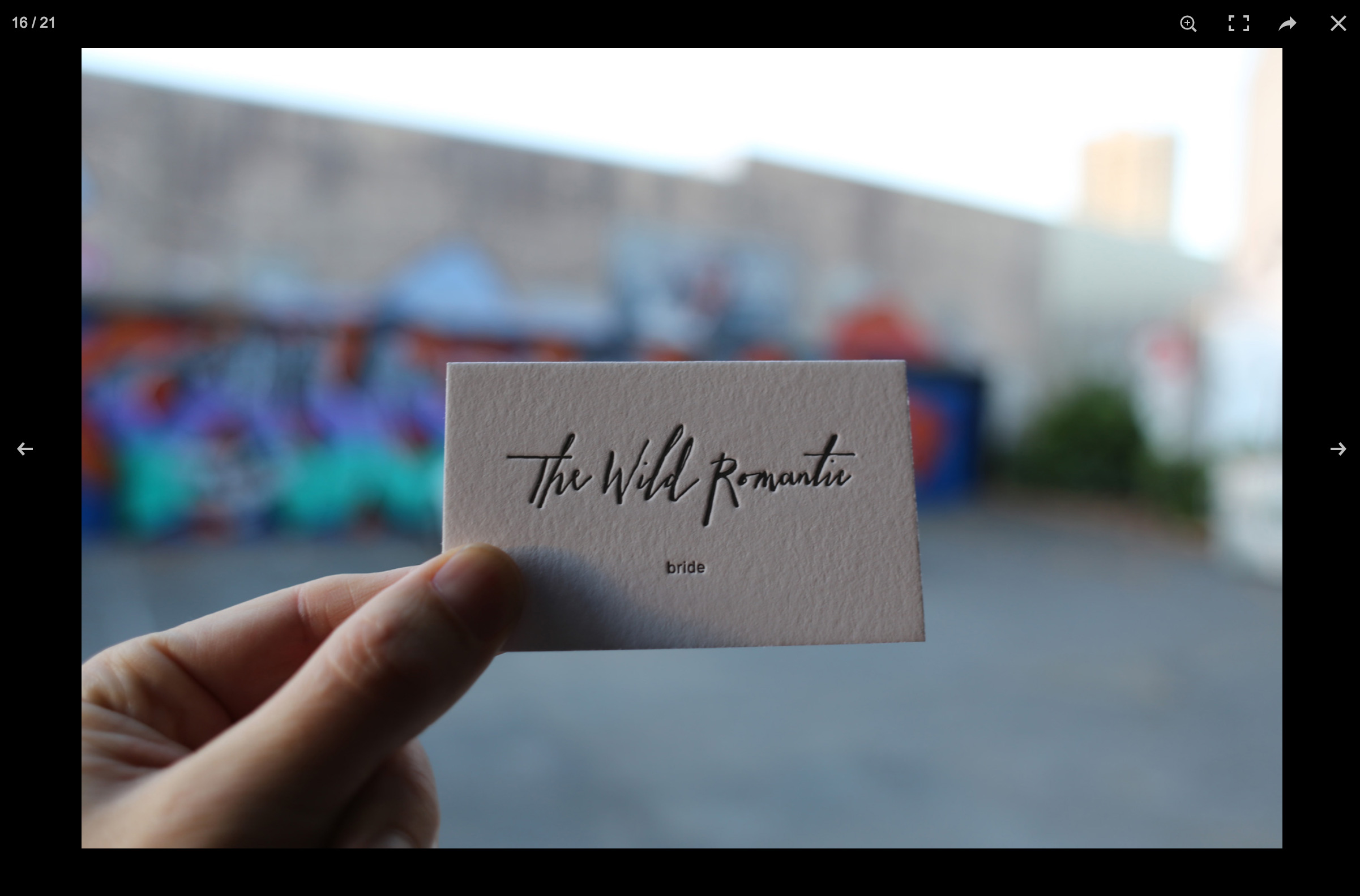
WooSwipe replaces the default WooCommerce product gallery with a clean PhotoSwipe lightbox and Slick thumbnail carousel.
It works with your WooCommerce product image settings. Adjust sizes under Appearance Customize WooCommerce Product Images. Regenerate thumbnails after changing sizes (for example with AJAX Thumbnail Rebuild). If your theme registers its own image sizes, those may take priority.
Features
- Responsive and mobile-friendly
- Keyboard control and full-size lightbox images
- Optional main-image slider with navigation arrows
- White or dark icon theme, customisable icon colours
- Optional Pinterest pin button
- Option to hide thumbnails when there is only one image
- Works with variable products and variation images
- Supports the
[product_page]shortcode
Developer hooks
Actions
wooswipe_before_main— before the gallery markupwooswipe_after_thumbs— after the thumbnail stripwooswipe_after_main— after the full gallery
Filters
wooswipe_zoomed_image_size— lightbox / zoom image size (default roughly 1920×1080)wooswipe_include_attachment— returnfalseto exclude an attachment from the gallerywooswipe_is_block_gallery— returntrue/falseto force block-theme (full-width-in-column) vs classic two-column layoutwoocommerce_single_product_image_thumbnail_html— returning an empty string for an attachment also excludes it from the main image and thumbs (see FAQ)
Zoomed image size example
add_filter( 'wooswipe_zoomed_image_size', 'wooswipe_max_image_size', 10, 1 );
function wooswipe_max_image_size( $size ) {
    return 'large';
}
More info: WooSwipe on Thrive · GitHub
Screenshots
Gallery with a large main image, thumbnail strip and circular navigation arrows
Popup / lightbox layout
Plugin Details
Active Installs
3K+Total Downloads
162,661Version
3.0.13Requires WP
6.0Requires PHP
7.4Tested Up To
7.0.8Added
2015-12-15Last Updated
2026-10-13 6:01am GMTRatings
5
32
4
2
3
1
2
1
1
3