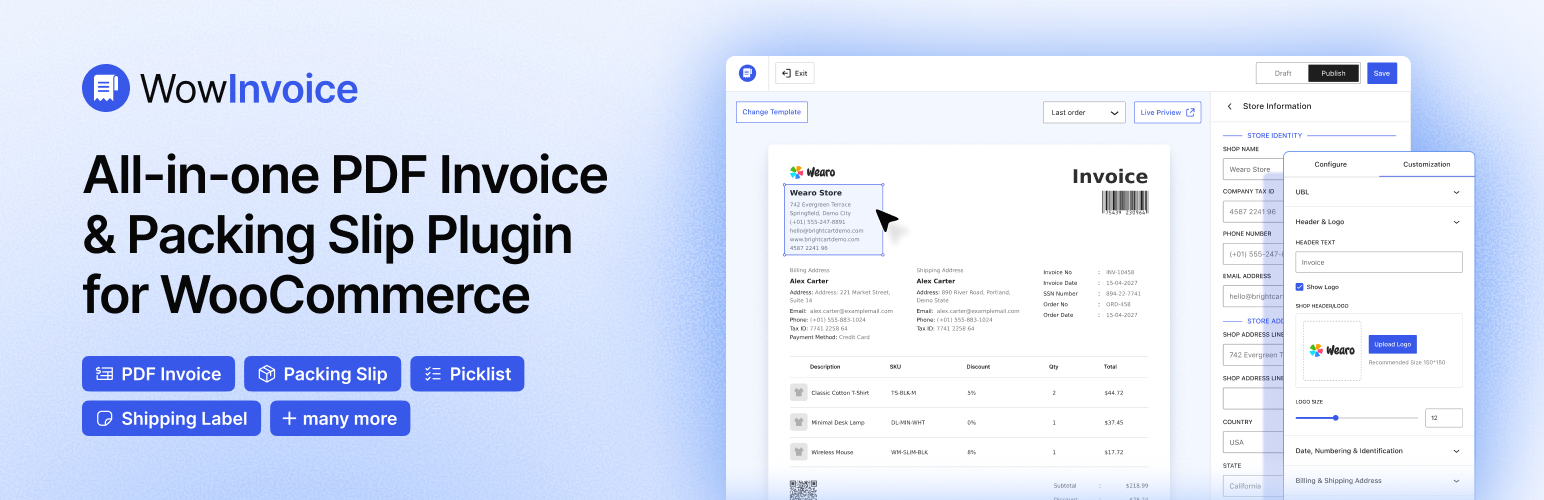
Stop juggling multiple plugins. With WowInvoice, you can immediately manage PDF invoices, packing slips, and delivery notes in one place, so you can process orders faster with less manual hassle.
📄 Automate invoices, packing slips & delivery notes effortlessly.
⏱️ Save hours on WooCommerce order processing every day.
🚀 Built by WPXPO, powering 65K+ websites worldwide.
💬 Dedicated support team with 4.9/5 customer satisfaction.
🔥 WowInvoice Pro | 📃 Documentation
Free vs Pro: The free plugin generates PDF invoices, packing slips, and delivery notes. Picklists, shipping labels, credit notes, and UBL invoices are Pro features provided by the separately installed WowInvoice Pro; they are not included in this plugin.
All-in-One WooCommerce PDF Invoices & Packing Slips Plugin for WooCommerce
WooCommerce order management is repetitive, as you need to create invoices manually and can get confused when picking and packing the product correctly. These create shipping delays and decrease customer satisfaction. That’s why WowInvoice is built specially for WooCommerce to automate your entire order flow. You just need to set up the invoice once and decide when to generate it. So, WowInvoice automatically generates and sends invoices via email.
Beyond invoices, packing slips help your warehouse team verify that every order is packed correctly, while delivery notes document the items included in an order. This gives you a streamlined order workflow that runs your store efficiently and helps you scale your business.
Key Features:
✅ Automatically generate PDF invoices, packing slips, and delivery notes.
✅ Send invoices automatically via email based on order status.
✅ Create invoices for both new and existing WooCommerce orders instantly.
✅ Fully customizable invoice builder with prebuilt templates.
✅ Flexible invoice numbering system (prefix, suffix, order, or invoice number).
✅ Show tax per product and in the total financial breakdown.
✅ Add your logo and brand details to create professional documents.
✅ Allow customers to download invoices from the My Account page and emails.
✅ Customize product tables (images, SKU, tax, discounts, labels).
PDF Invoices for WooCommerce
WowInvoice makes it easy to automatically create and manage PDF invoices for your WooCommerce store. From store details, templates, and a unique invoice numbering system, everything is designed to save your time and reduce manual work. You can customize your invoices to fit your brand and workflow by choosing what to display, how they should look, and when to deliver.
Global Store Information: Add your store details once and apply them globally across all documents. WowInvoice auto-syncs with your WooCommerce setup, with full flexibility to customize at any time.
Premade Templates: Get started fast with the premade templates, and then you can configure and customize them as per your business needs.
Generate and send invoices automatically: Set when invoices should be generated and which order status emails they should be attached to, reducing manual work and ensuring consistent, branded invoices.
PDF Numbering Strategy: Choose between order number and invoice number. Add a prefix, suffix, and set a minimum length to generate professional and traceable invoice numbers.
Easy Customer Invoice Access: Let your customers easily access and download invoices by showing the download button on their My Account page and order email.
Clear Numbering & Identification: Select order or invoice numbers and customize the labels to keep your order records organized and easy to track. Include key details such as order placement date, invoice creation date, invoice number for tracking, and the payment method.
Billing & Shipping Address: Include customers’ billing and shipping addresses with custom label text to match your business needs, ensuring consistent clarity on every invoice.
Product Table: Configure how product details are displayed on your invoices. Show or hide product images, SKU labels, and tax details, and customize labels as per your business needs.
Financial Breakdowns: Show clear financial details by displaying discounts, tax, shipping costs, and the total cost of goods. It helps you ensure full transparency for every invoice.
Additional Options: Add order notes and extra invoice elements to enhance the professional experience.
RTL Support: WowInvoice supports right-to-left languages such as Arabic, Hebrew, Persian, and Urdu, allowing you to effortlessly adjust the layout and language formatting.
Packing Slips & Delivery Notes
WowInvoice also includes documents that help you complete your order process efficiently.
Packing Slips
Packing slips are one of the most essential documents in WooCommerce order management. They help your warehouse team verify that all items are packed correctly, ensuring accurate packing. And WowInvoice makes it easy to create and manage packing slips.
Delivery Note
Delivery notes are an important part of order fulfillment. It includes a list of ordered products and confirms successful delivery. So if you want to double-check, maintain a traceable document that makes customers check and confirm their orders; a delivery note would be handy.
Get Started in 3 Simple Steps with an Intuitive PDF Invoice & Packing Slip Builder for WooCommerce
WowInvoice’s intuitive builder helps you quickly create and manage documents. Choose invoices, packing slips, or delivery notes, then start with an optimized template and set up everything within a few minutes. You can set when these documents should be generated and attached to the email. And with flexible invoice numbering systems, you can add a prefix, a suffix, and a minimum length, so your documents stay organized and easy to track. Follow the simple steps below to get started.
Step 1: Choose the Document Type
Start by selecting the type of document you need for your WooCommerce store: invoice, packing slip, or delivery note.
Step 2: Configure Settings
Set your store details and define when documents should be generated, along with which order status emails they should be attached to. You can also choose to use the order number or configure a custom invoice numbering format to match your business needs.
Step 3: Customize & Save
Make your documents fully match your brand by customizing every detail. You can adjust layout, enable or disable elements, and fine-tune how information is displayed across your invoices or other documents.
✔ Show or hide product images.
✔ Display or remove SKU details.
✔ Control quantity display.
✔ Include or exclude discounts.
✔ Show shipping costs clearly.
✔ Display subtotal and final total.
✔ Show detailed tax calculations.
✔ Configure how taxes are displayed per item or total.
Once everything is set the way you want, save your changes, and WowInvoice will start generating the documents.
More Wow Plugins from WPXPO
Thank you for considering using WowInvoice. We have more WooCommerce plugins that can help you grow your WooCommerce stores. Explore them below and choose the ones that suit your needs.
🚚 WowShipping 🔥: The most advanced table rate shipping plugin for WooCommerce. It comes with 30+ conditional parameters and integration with popular shipping carriers.
➕ WowAddons 🔥: The ultimate product addons plugins for WooCommerce with 30+ extra product fields. It helps you to sell customizable products while making your customers happy.
🧲 WowOptin: Canva-like Popup and Optin builder for WordPress with 700+ templates to collect leads, increase user experiences, and boost sales.
💸 WowRevenue: The most futuristic product bundles plugin for WooCommerce. It offers product bundles, discounts, mix-and-match products, bulk discounts, buy x get, campaigns, and more.
📦 WholesaleX: The all-in-one solution to start wholesaling in WooCommerce. Start with basic wholesale pricing, tier-based pricing, and increase sales with the bulk order form.
💝 WowStore: The complete WooCommerce solution to create and manage conversion-focused online stores. Give your store a professional look with WooCommerce builder and premade templates.
📃 PostX: Most popular Gutenberg blocks plugin to create professional news, magazine, blogging websites with 51+ blocks, 250+ patterns, and 366+ templates.
External services
WPXPO support
Submitting the optional support form sends your entered name, email, message, fixed subject, and optional image attachment to https://wpxpo.com/wp-json/v2/support_mail for support. WPXPO also receives your browser IP and ordinary HTTP metadata. Opening the widget does not submit a ticket. No WPXPO account is required by the form. Terms and Privacy.
YouTube videos
Clicking a tutorial play button loads an embedded video from YouTube (Google). YouTube receives your IP, requested video ID, and browser metadata, and may use cookies under its policies. Viewing is optional and requires no account in this plugin. Terms and Privacy.
Screenshots

PDF Invoices

Packing Slips

RTL Support