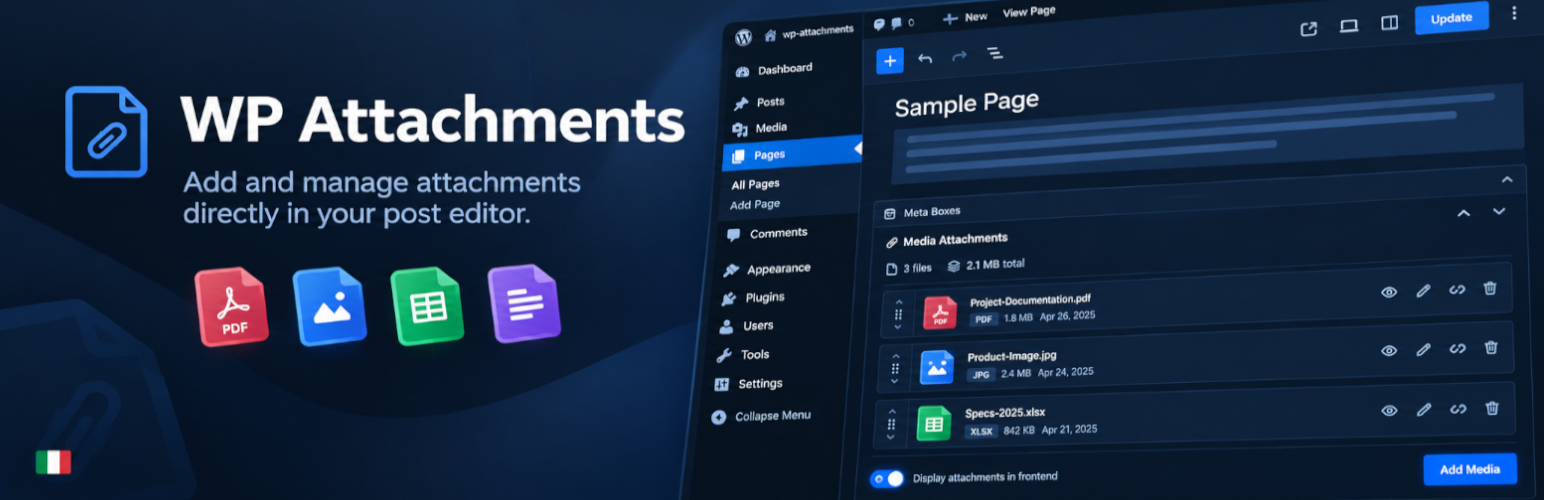
WP Attachments turns the files you upload to a post into a clean, automatic download list. Attach a file while editing, and it shows up under your content — no manual links, no shortcodes to remember.
It also fills the gaps in the WordPress Media Library, letting you attach, unattach and reattach files without leaving the screen you are on.
Key features
- 🤖 Lists attachments automatically after the post content
- ℹ️ Metabox for managing, previewing, renaming and reordering the files of a post
- 🔃 Attach, Unattach and Reattach actions in the Media Library
- 🔢 A Files column in the post and page lists: count, visibility and a filter
- 🔢 Download counter that ignores crawlers, prefetches and repeat clicks
- ♿ Reordering works with the mouse, the keyboard and screen readers
- 🧑💻 Filters for developers who want to change the markup
- 🛍️ WooCommerce compatible, including High-Performance Order Storage
- 🎨 Modern SVG icons and a Modern Card layout, plus the classic icon packs
- 📜 Works with posts, pages and custom post types
- 🎢 Templates with live previews, ready to customise: title, date, size, caption, downloads and more
Contributions
- Part of WPGov.it, providing open source solutions for Italian Public Government websites.
- Thanks to the Italian community Porte Aperte sul Web for beta testing and ideas.
- Metabox based on IJ Post Attachments
- Some icons by Yusuke Kamiyamane.
Screenshots

The Modern Card template on a post, with file type icons, size and date

The Media Attachments metabox: manage, preview, reorder, unattach and delete files without leaving the editor

Appearance settings: icon pack, icon colour and template options, each with a live preview

The Files column in the post list: number of files, whether they are shown on the site, and a filter

General settings: list header, display options, download counter and post type permissions

Attach, Unattach and Re-Attach files straight from the Media Library