BACK TO DIRECTORY
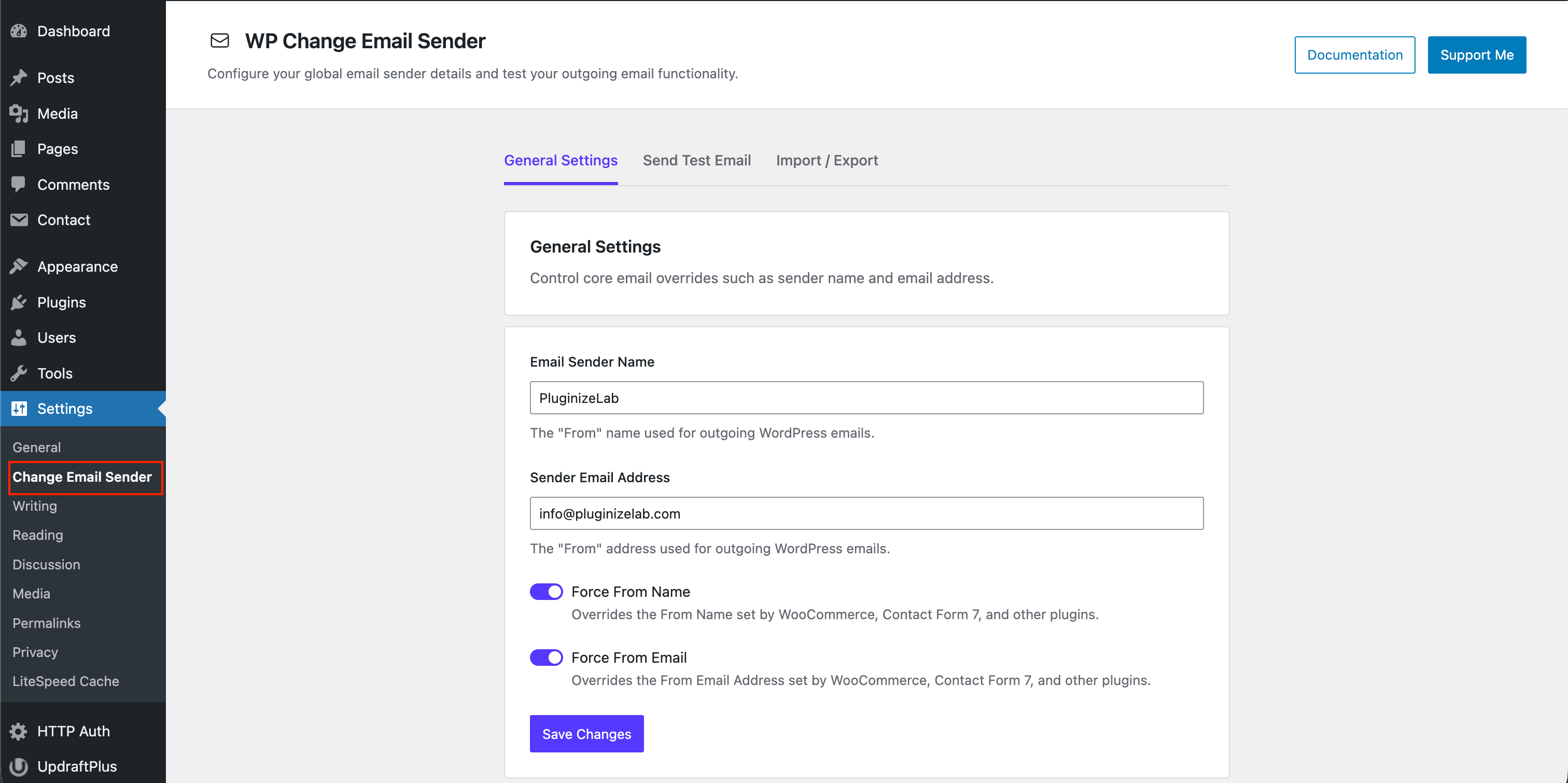
This plugin enable you to change mail sender name and email address from WordPress default mail sender name and email.
After installation, navigate to Settings → Change Email Sender in the WordPress admin sidebar to open the modern configuration dashboard.
Plugin Features
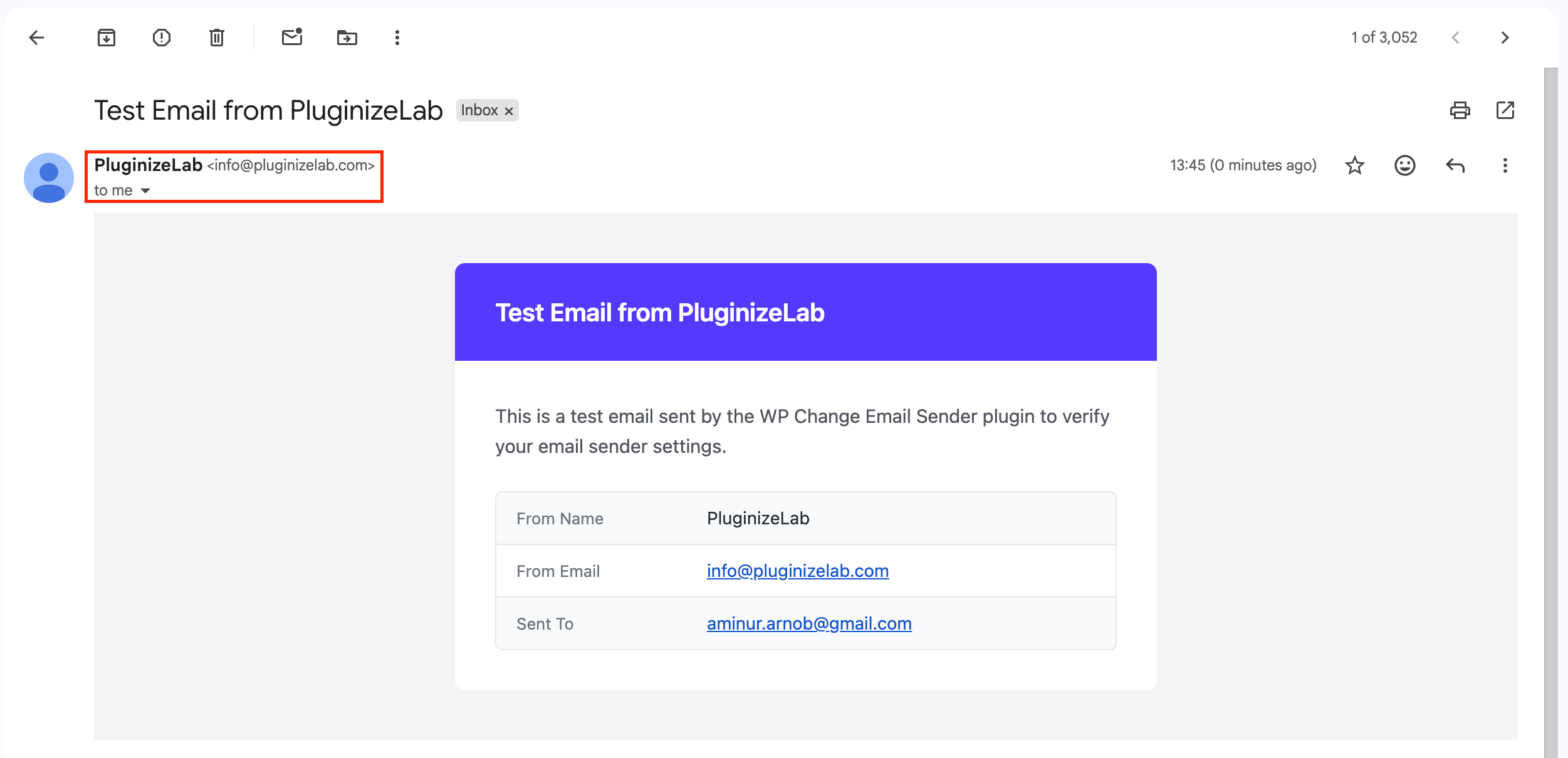
- ✉️ Custom Sender Details: Easily replace the default “WordPress” name and “wordpress@yourdomain.com” email address with your own brand.
- 🛡️ Force Overrides: Prevent misbehaving plugins (e.g., contact forms or e-commerce plugins) from hijacking your outbound email sender details.
- ↩️ Smart “Reply-To” Protection: When forcing an email override, the plugin automatically captures the original sender and sets it as the “Reply-To” address so you never miss a customer reply.
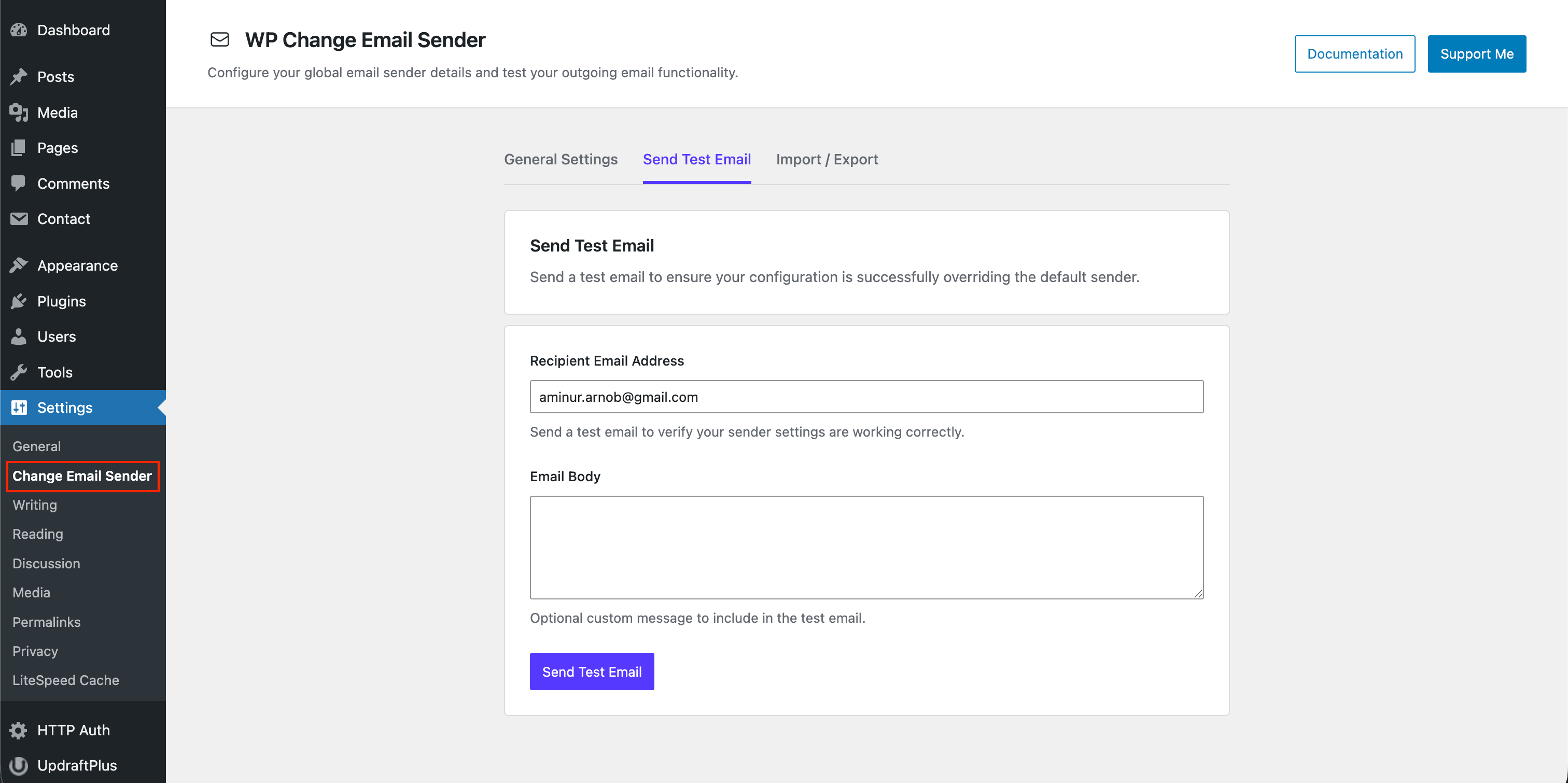
- 🧪 Built-in Email Tester: Instantly send a test email directly from the settings page to verify your configuration is working perfectly.
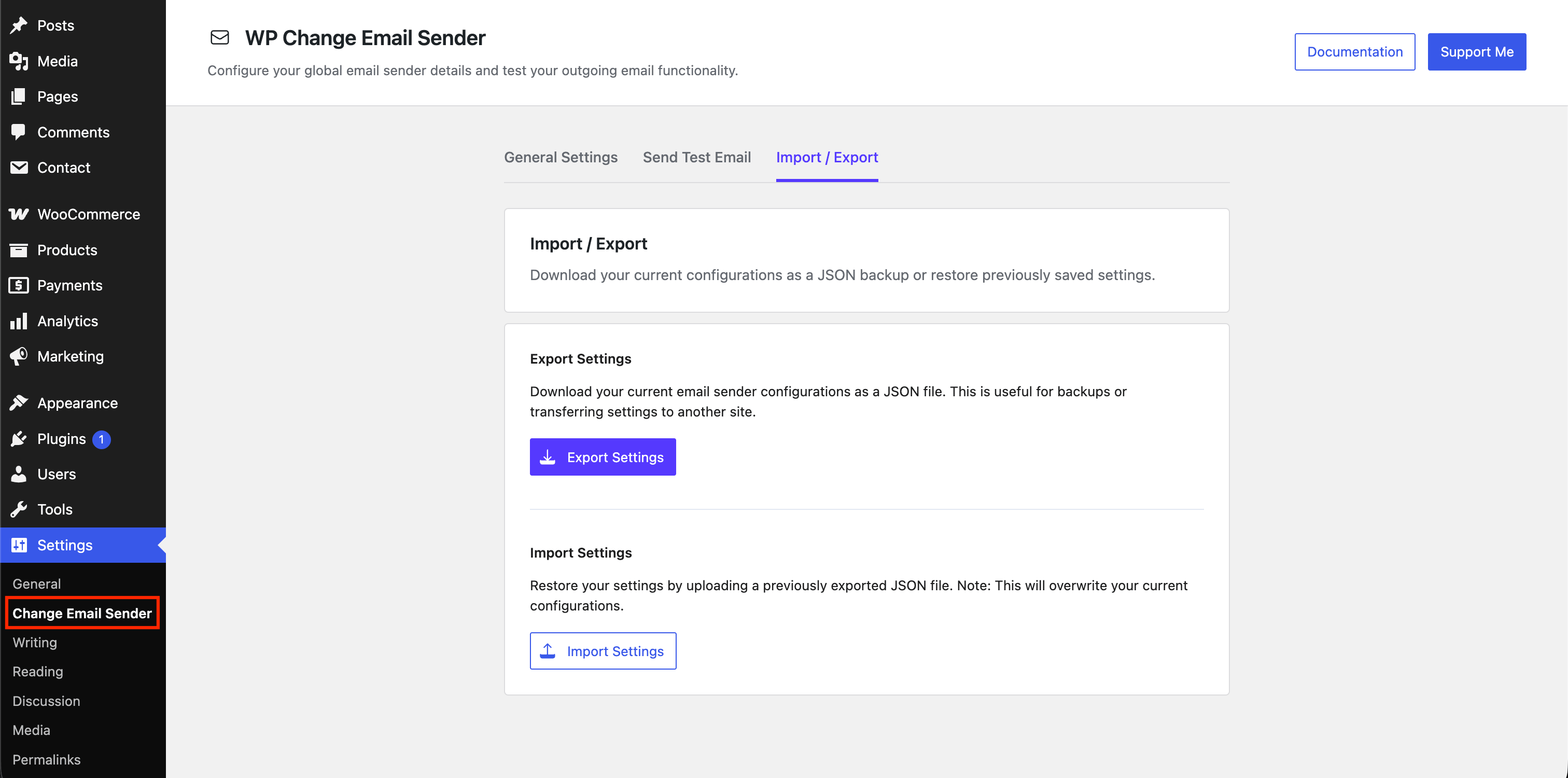
- 💾 Import & Export: Securely back up your custom configurations to a JSON file or restore them instantly with the built-in drag-and-drop uploader.
- ⚡ Lightning Fast Dashboard: Enjoy a stunning, single-page React interface that saves your settings instantly without page reloads.
- 🔒 Lightweight & Secure: Built with the native WordPress REST API and rigorous security standards.
Support
If you find this plugin useful, consider supporting its development through a donation.
Screenshots
Plugin Settings -> General Settings
Plugin Settings -> Send Test Email
Plugin Settings -> Import / Export
Mail Example
Plugin Details
Active Installs
10K+Total Downloads
79,410Version
3.3.1Requires WP
5.8Requires PHP
7.4Tested Up To
6.9.8Added
2020-10-02Last Updated
2026-05-15 10:36am GMTRatings
5
8
4
1
3
0
2
0
1
0