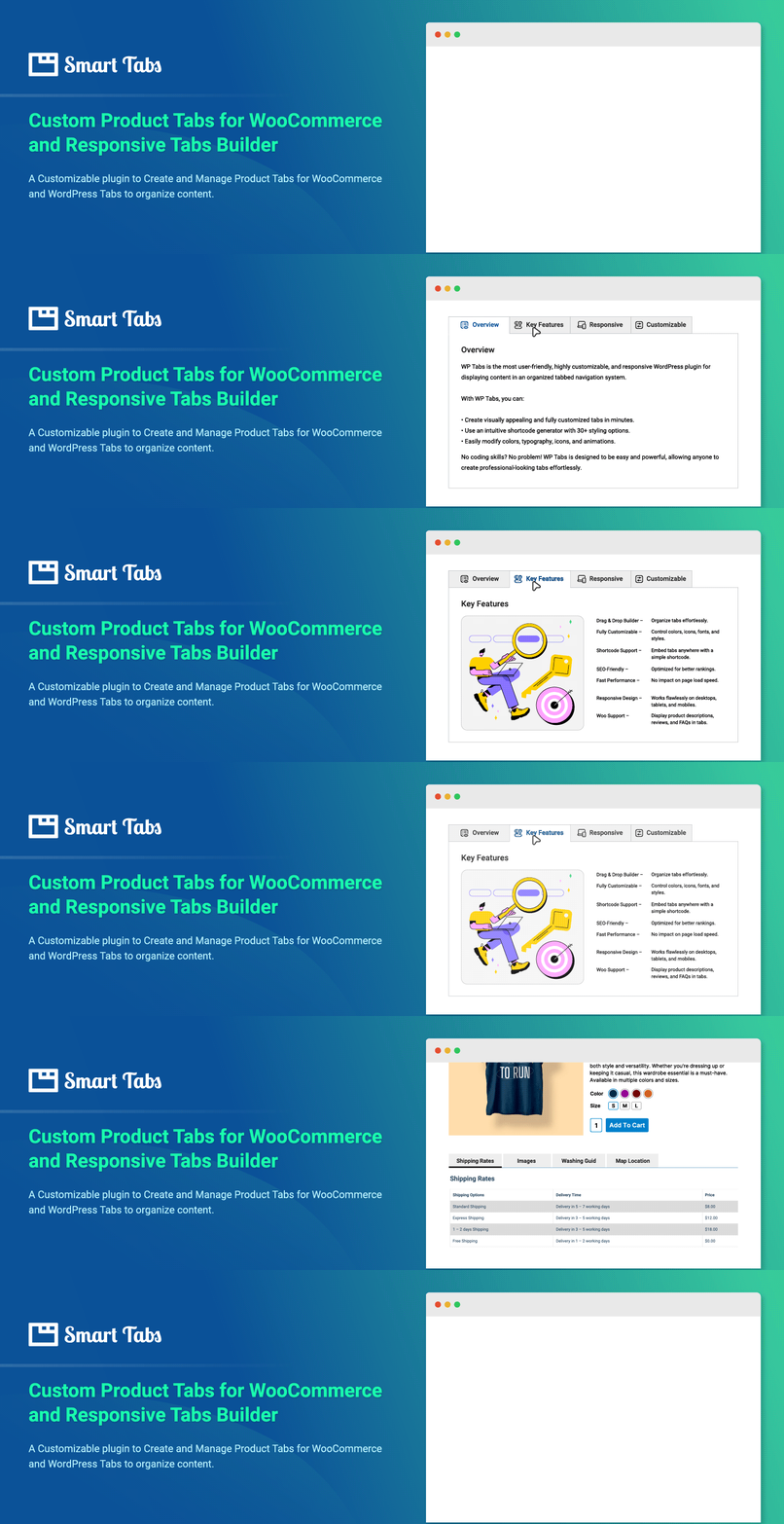
Custom Product Tabs for WooCommerce & WordPress Tabs Builder – Smart Tabs
by ShapedPlugin LLC
Responsive WooCommerce Product Tabs & WordPress Tabs Builder Plugin
Smart Tabs (formerly WP Tabs) is a tab plugin designed for both WooCommerce and WordPress. It provides responsive tab layouts and customization options to create WooCommerce product tabs and WordPress tabs with no coding required.
🖥 Live Demo | 📖 Documentation | 🛟 Support
Key Benefits:
- Organize rich content and keep shoppers engaged
- Save space and reduce scrolling with clean tabbed layouts
- Let visitors see everything at a glance
- Improve navigation with contextual tabs
- Boost engagement and drive more sales
Key Features List:
- WooCommerce Custom Product Tabs – Add custom product tabs to product pages
- WooCommerce Suggested Product Tabs – Showcase related & complementary items for cross-sells
- Pre-made Tab Layouts – Create tabs in one click
- Responsive Mobile Tabs – Tabs convert to full-width or accordion style on smaller screens
- Nested / Multi-level Tabs – Structure content with tabs inside tabs
- Flexible Tab Navigation – Switch tabs by clicking or mouseover
- Drag & Drop Ordering – Reorder tabs easily by drag-and-drop, ID, title, or date
- Tab Animations & Hover Effects – Add animations for interactions
- Tabs Alignment Options – Left, right, top, bottom, center, or justified
Key Compatibility:
- Works with major themes, WooCommerce plugins, and page builders
- Multisite Supported – Activate network-wide or per site
- Multilingual & RTL Ready – Compatible with WPML, Polylang, WeGlot, Loco Translate, TranslatePress, GTranslate, qTranslate-x, and more
Upgrade to Smart Tabs Pro
Smart Tabs Pro is a premium version that extends the functionality of the free plugin with additional features for WooCommerce product tabs and WordPress tabs.
🏆 What You Can Do with Smart Tabs Pro⚡
✅ WooCommerce Product Tabs: Add custom tabs and accordions globally or individually, positioned below or beside the product gallery.
✅ Override Tabs Per Products: Create different content for specific products by overriding tabs while adding or editing products.
✅ Custom Content Tabs: Create tabs with any type of content: texts, images, videos, shortcodes, and more.
✅ Post Tabs: Build tabs displaying posts filtered by various taxonomies.
✅ Horizontal and Vertical Tabs: Shape Horizontal & Vertical tabs with left and right placement options.
✅ Nested/Multilevel Tabs: Add tabs within other tabs.
✅ Tabs Carousels (Scrollable Tabs): Create scrollable tab carousels to display multiple tabs in a single row.
🏆 WooCommerce Product Tabs:
👉 Tabs Templates and Layouts: Access pre-designed tab layouts for your product pages.
👉 Product Tabs with Product Image Galleries: Include image galleries in tabs with grid or masonry layouts and adjustable column settings.
👉 Video Tab: Add video content to showcase reviews, tutorials, and promotions.
Supported video platforms:
- YouTube
- Vimeo
- Wistia
- TikTok
- Self-hosted videos
👉 FAQ Tab: Include an FAQ section to address common customer questions.
👉 Contact Form Tab: Add a contact form to capture leads and inquiries.
👉 Download Tab: Provide access to all essential documents like technical specs, guides, warranties, charts, and more in one dedicated tab.
👉 Product-Specific Tabs: Add tabs to specific products, categories, or brands.
👉 Product Tabs as Accordion Layout: Display tabs in an accordion format for better space utilization.
👉 Hide or Override (Edit) Tabs Per Product: Hide or modify tabs for specific products as needed.
👉 Custom Related Products Tabs: Add related products tabs without relying on category or tag matching.
🏆 WordPress Tabs Features:
👉 Display Posts in Tabs: Organize blog posts, news, and pages into tabs with filtering options.
👉 Image & Video Gallery Tabs: Create image and video galleries within tabs.
👉 Tab Icons: Choose from FontAwesome icons or upload custom icons.
👉 Tab Connecting Arrow or Indicator: Add visual indicators connecting tabs to their content.
👉 Animations and Effects: Apply animations and hover effects to tabs.
👉 Responsive Design: Tabs automatically convert to accordions on mobile devices.
👉 Deep Links: Add deep links within tabs to direct users to specific content.
👉 Customization Options: Access extensive styling options including Google Fonts and design settings.
🛟 Support and Documentation
👉 Get all guidance at our Documentation
👉 Say Hi for support to the Plugin’s Support Team
👉 Explore more at Smart Tabs
Author – Backed By A Trusted Team
Smart Tabs plugin is developed and maintained by ShapedPlugin LLC.
Screenshots
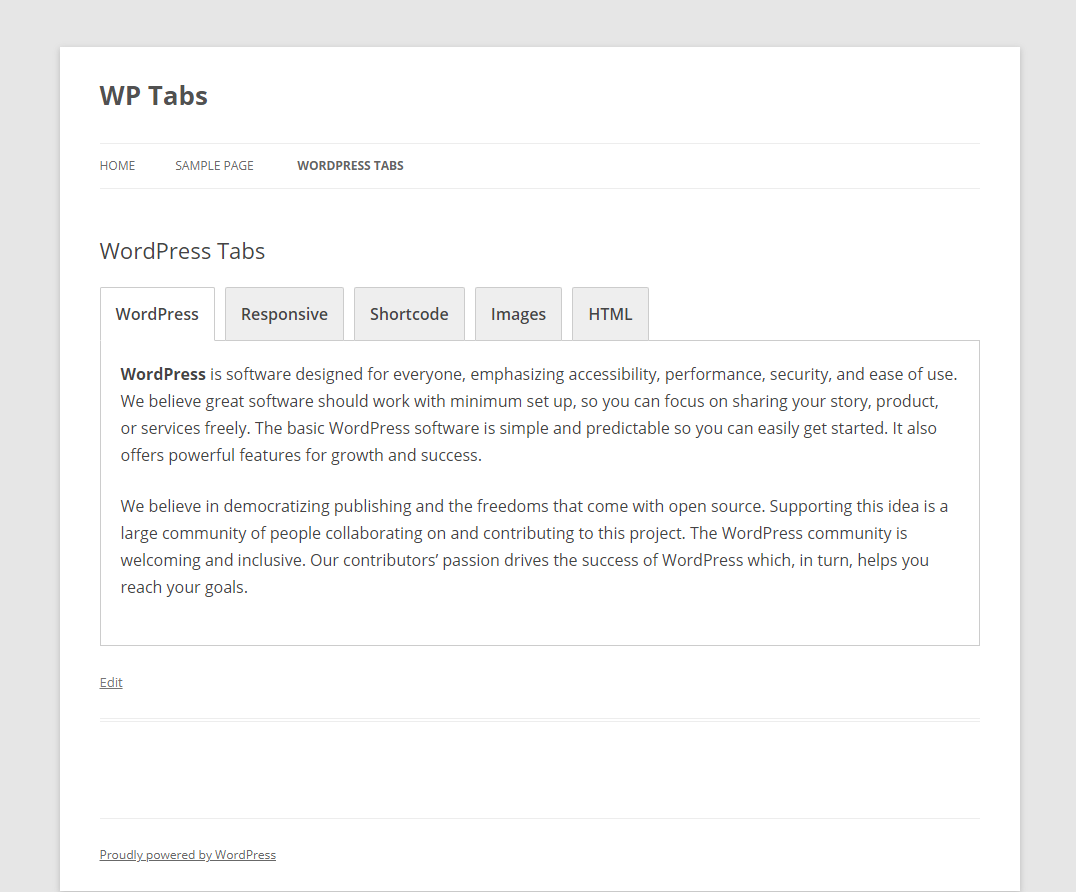
Default Front-end View
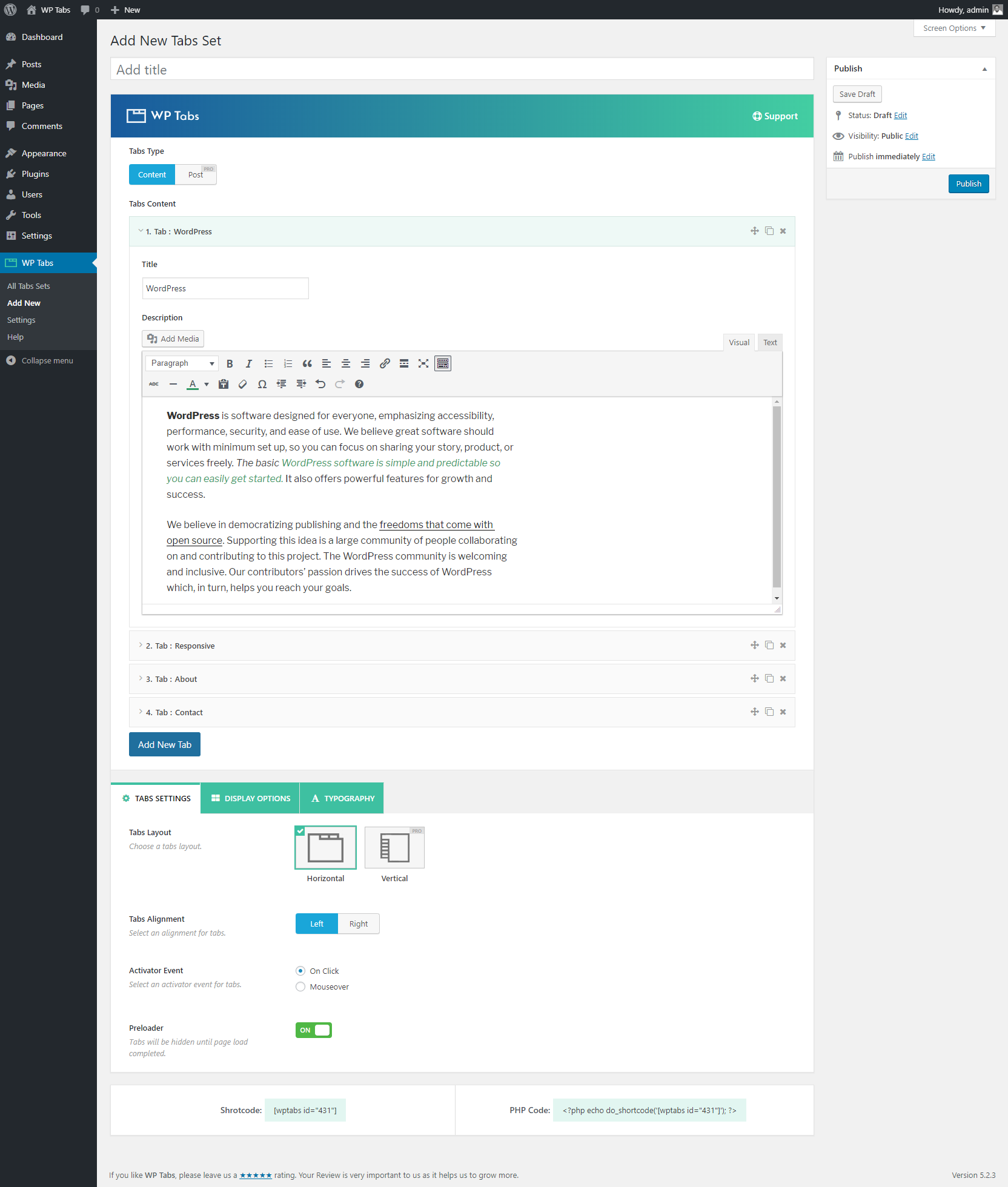
Tabs Settings
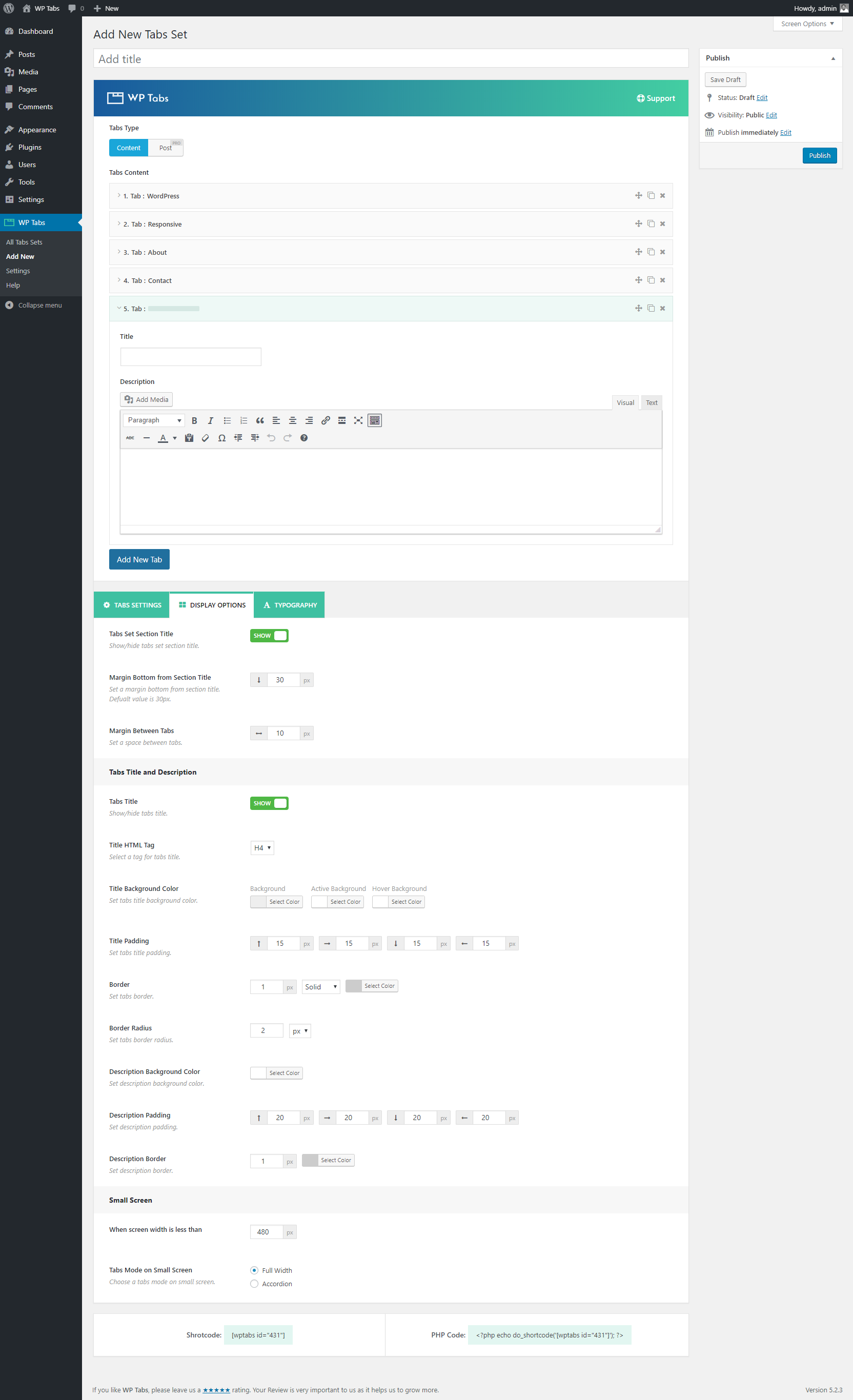
Display Options
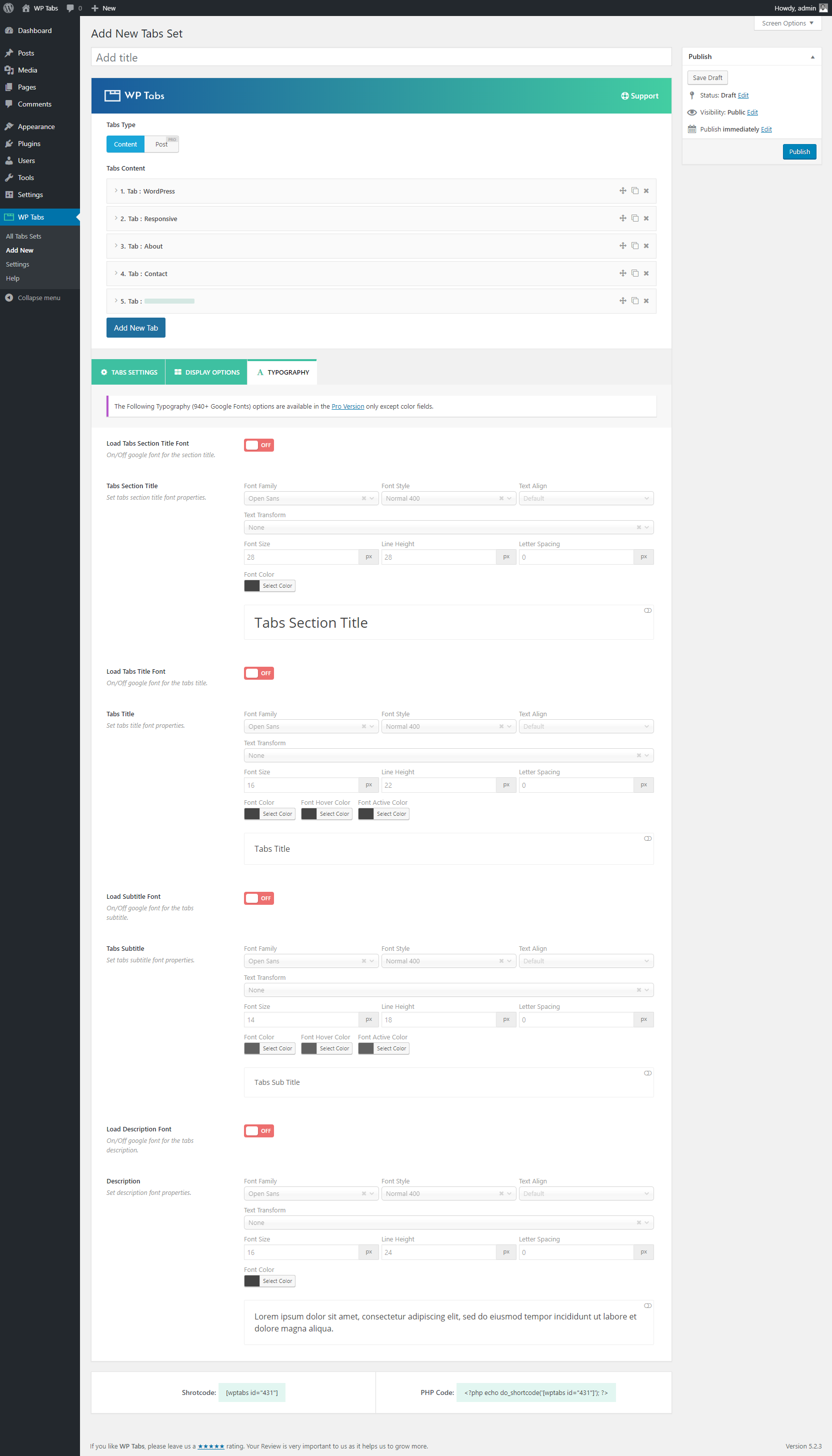
Typography
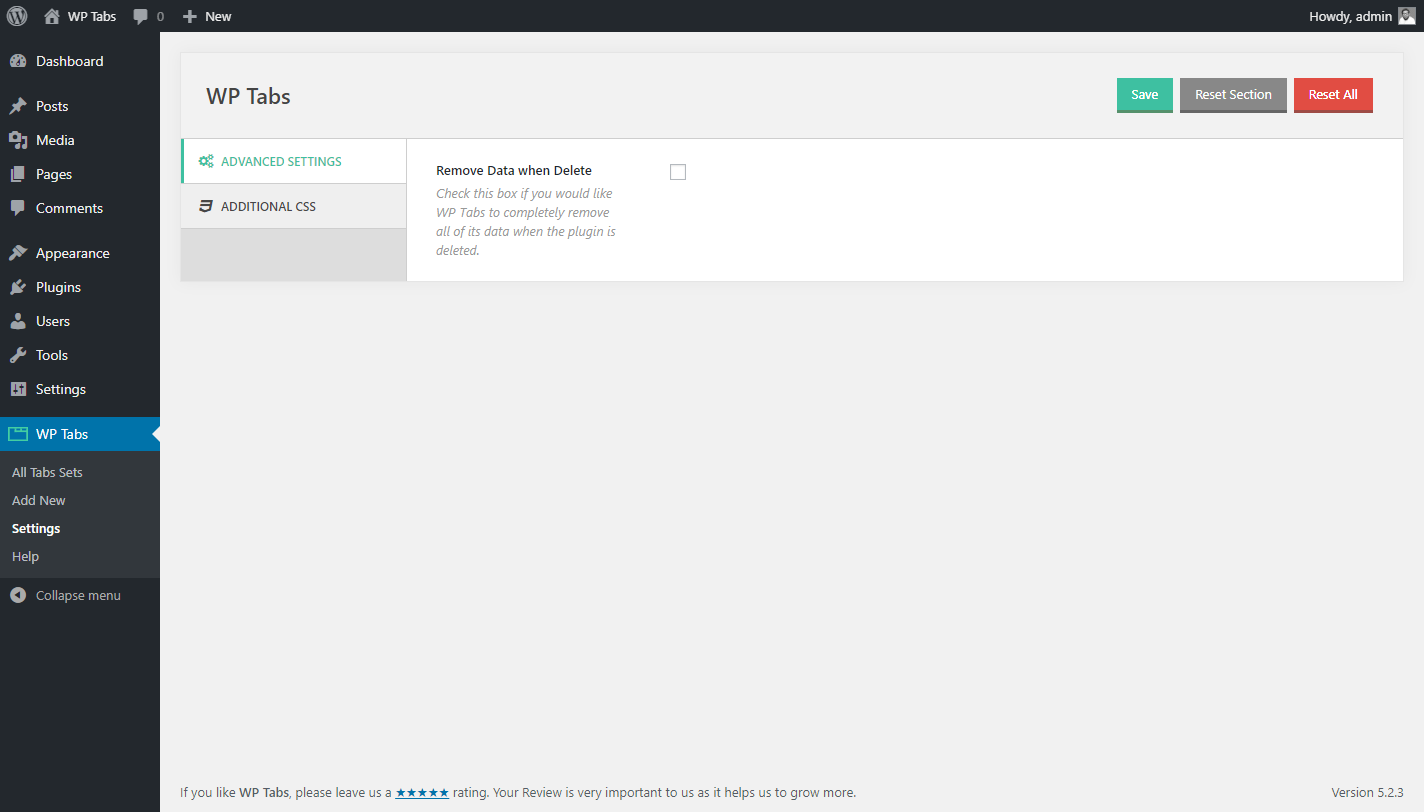
Advanced Settings
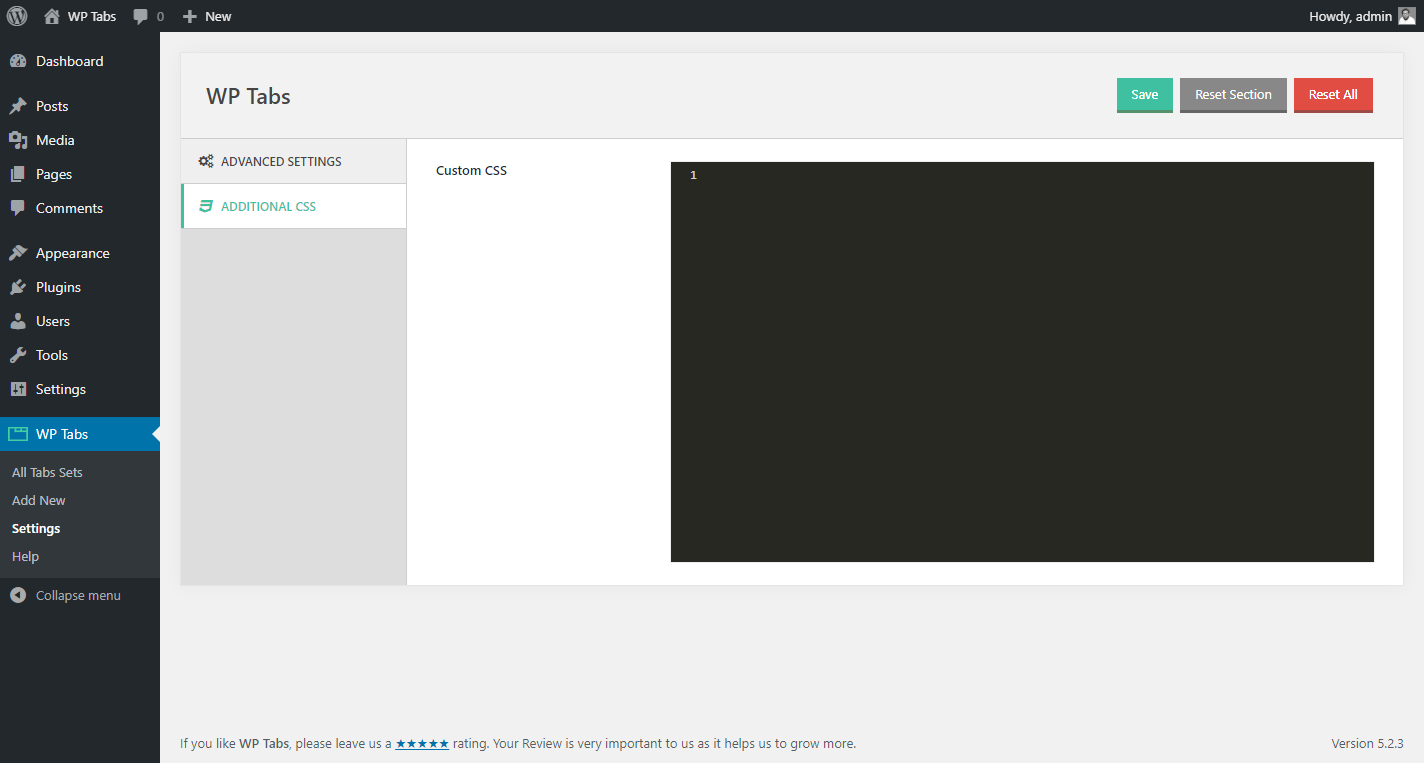
Custom CSS