BACK TO DIRECTORY


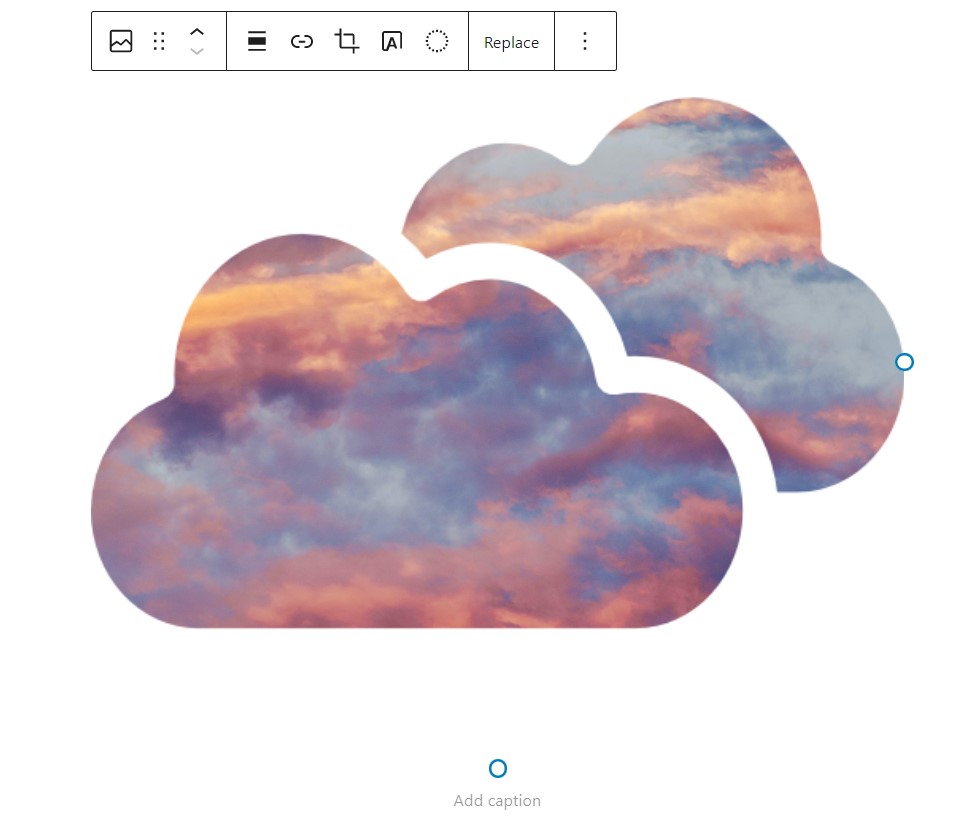


Select a custom mask for your Gutenberg image’s block or add a masked image anywhere via shortcode [wp-image-mask].
Shortcode attributes:
src– URL of the image;mask– URL of the mask;fit– how the mask should fit into the image.cover,contain(defaultcontain);alt– alt text for the image.
Screenshots
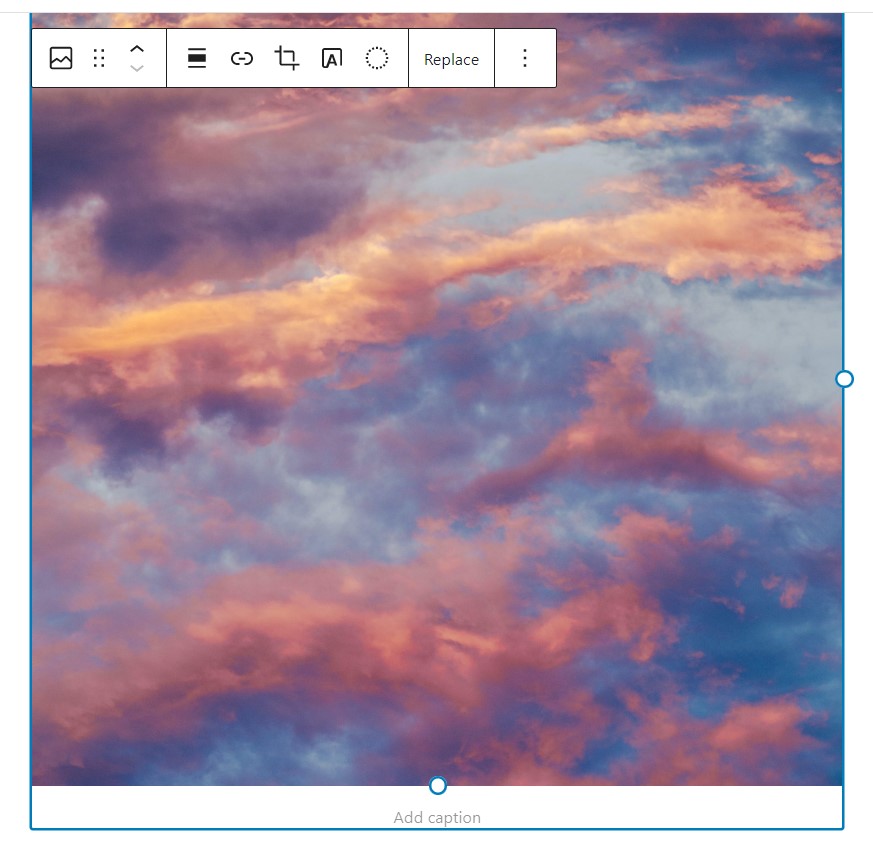
Select your image (or add a new one from Gutenberg blocks).
Select the type of image mask from the block's settings.
If you choose a custom image - click on the Choose mask image button to upload your custom mask.
Once you have selected the mask - it will apply to your image.
If you choose SVG code - paste your SVG code in the textarea field.
Once you have pasted the code - it will apply to your image.
You can also apply image masks to gallery's images.