
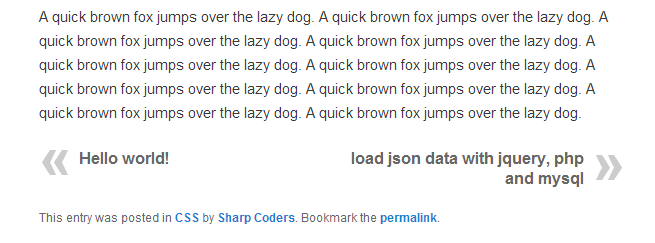
WP Post Navigation Plugin gives you facility to show Previous and Next Post Links at the Top or Bottom of a Post.
You can set to navigate within category or date wise navigation. You’ve the option to set Post Navigation Bar at Bottom, Top or both Top & Bottom.
You can apply CSS style to Previous and Next Post Links. You can set custom text instead of Next and Previous Post Titles.
You can set custom Image for Next and Previous Post Links.
Manually Place Post Navigation in single.php, just Copy & paste following code anywhere in single.php page under get_header();
<?php echo isset( $WPPostNavigation ) ? $WPPostNavigation->WP_Custom_Post_Navigation():”; ?>
For Help visit: http://sharp-coders.com/wp-post-navigation/
Screenshots

Admin Panel Setting
WP Post Navigation
