WP Post Views counts the views of your built-in post types (Posts, Pages) and Custom Post Types. It provides multiple ways to display these counts, including a modern Gutenberg block, shortcodes, and PHP functions.
Features And Options:
- Simple & Easy: Designed to be simple and easy to understand for everyone.
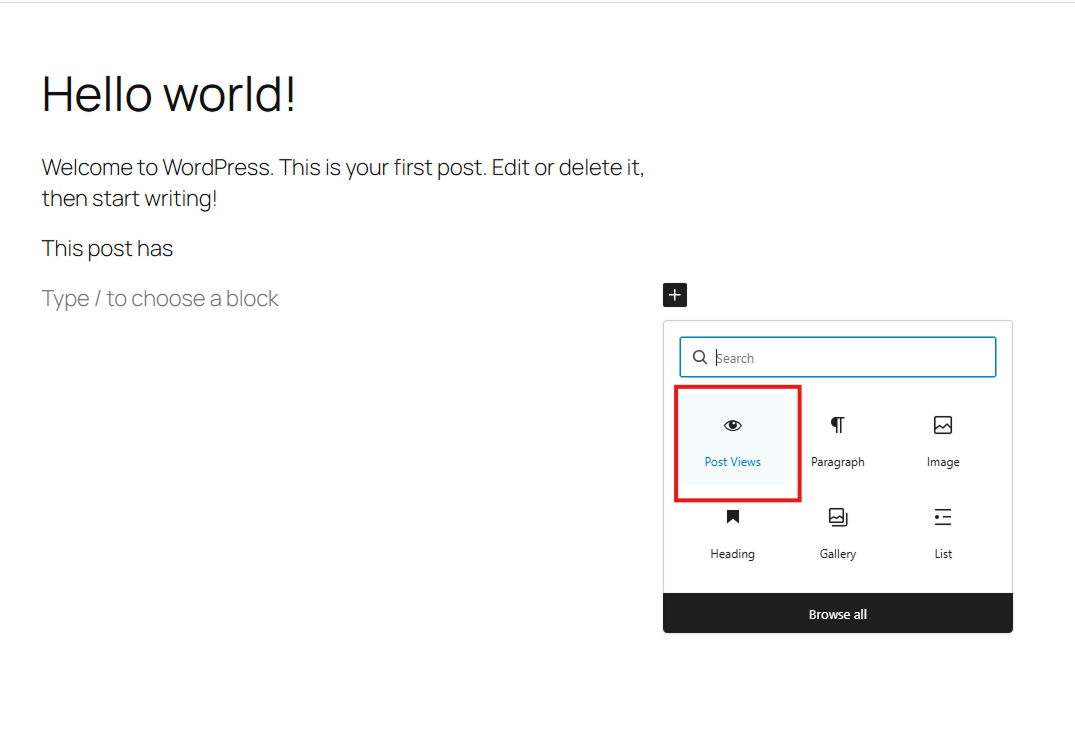
- Gutenberg Block: A dedicated “Post Views” block for easy placement in your layouts.
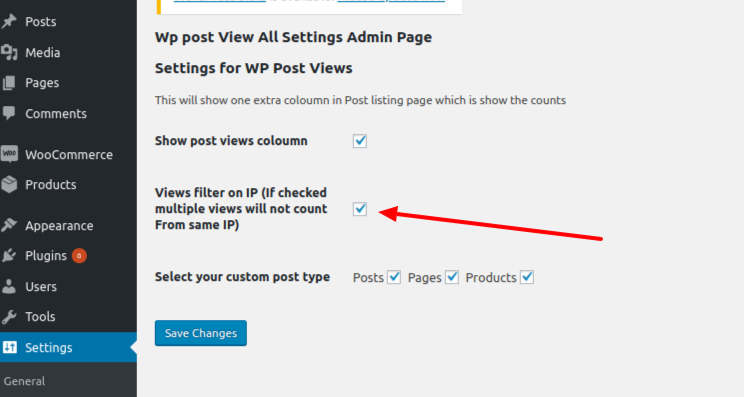
- IP Filtering: Option to filter views by IP address to ensure accurate counts.
- Post Type Support: Choose which post types to track in the settings.
- Admin Column: View counts directly in your post/page lists in the admin dashboard.
- Performance: Optimized queries and transient caching for total view counts.
How to Display Post Views:
1. Gutenberg Block
Search for the “Post Views” block in the editor.
2. Shortcodes
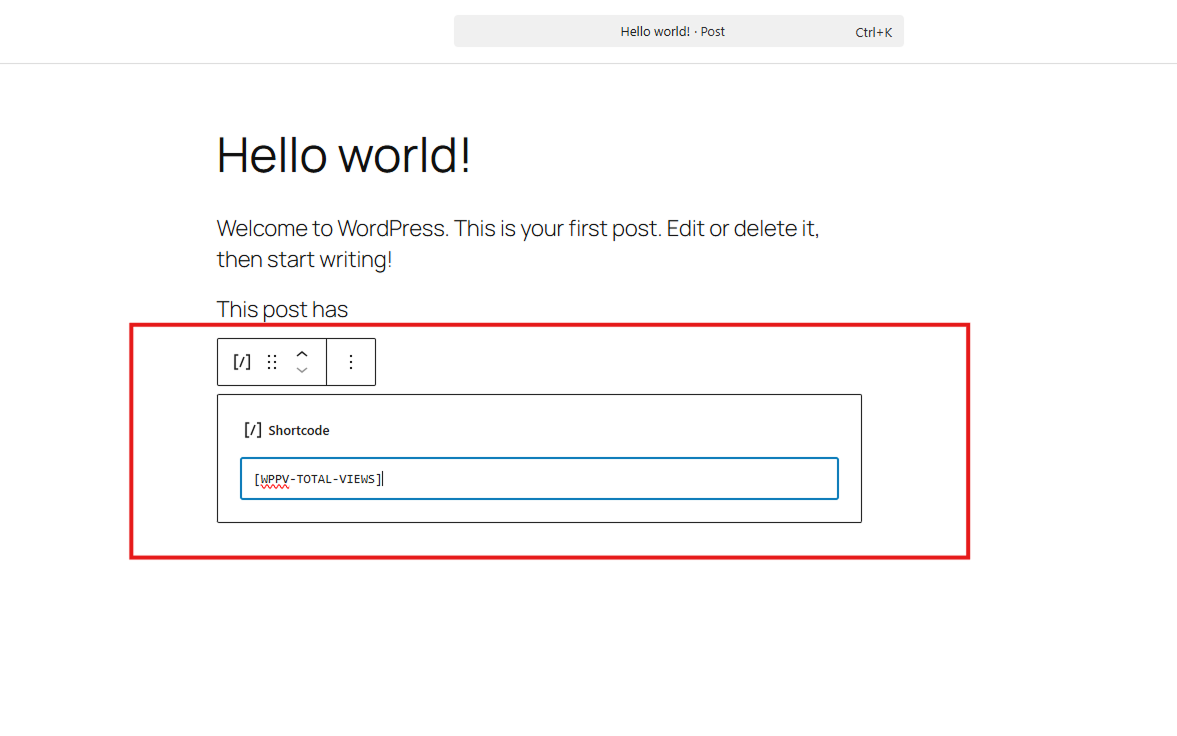
– [WPPV-TOTAL-VIEWS]: Display the view count for the current post.
– [WPPV-TOTAL-VIEWS-PER-POST-TYPE post_type="post"]: Display total views for a specific post type.
3. PHP Function
Tutorial
Development
- Development happening on GitHub :- WP Post Views Github
- Create issue on the GitHub OR Pull request for new feature when new tag added it will automatically deployed.
Screenshots
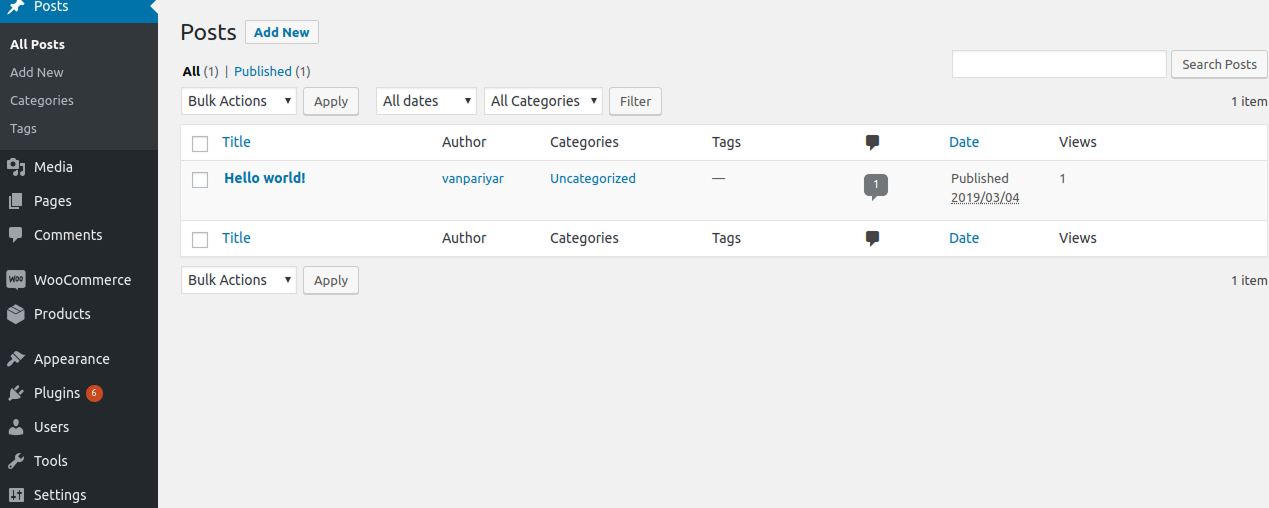
Post Views column in the WordPress admin post list.
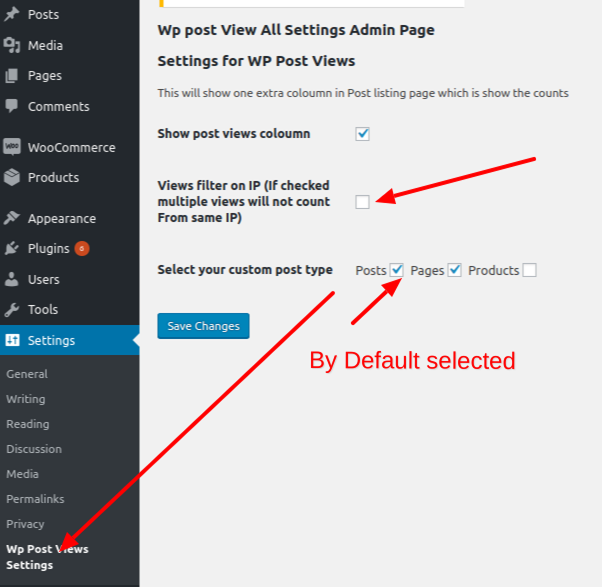
Main plugin settings page showing post type selection and IP filtering.
The "Post Views" Gutenberg block in the block inserter.
Customizing the Post Views block in the editor sidebar.
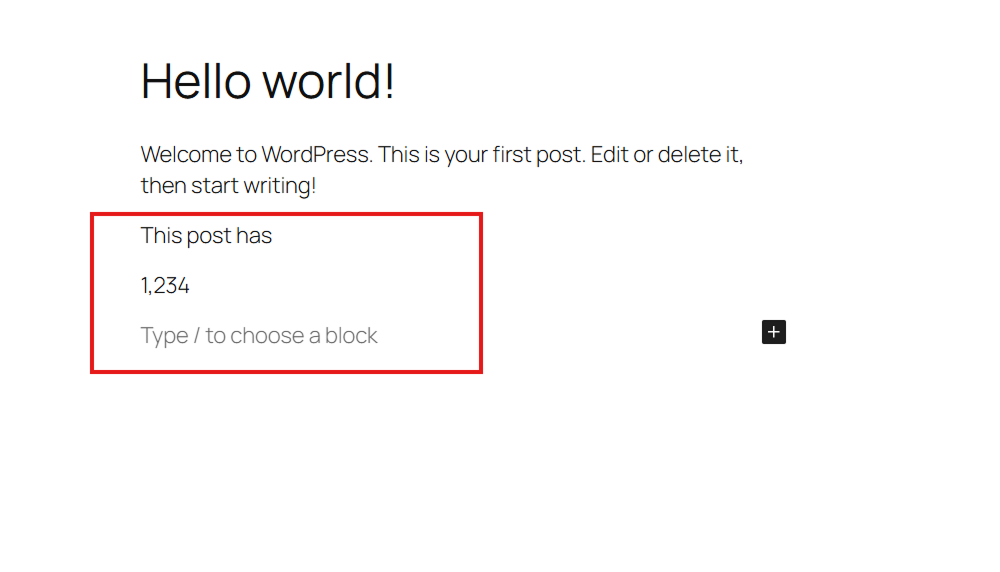
Frontend display of post views on a single blog post.
Using the shortcode to display total views per post type.
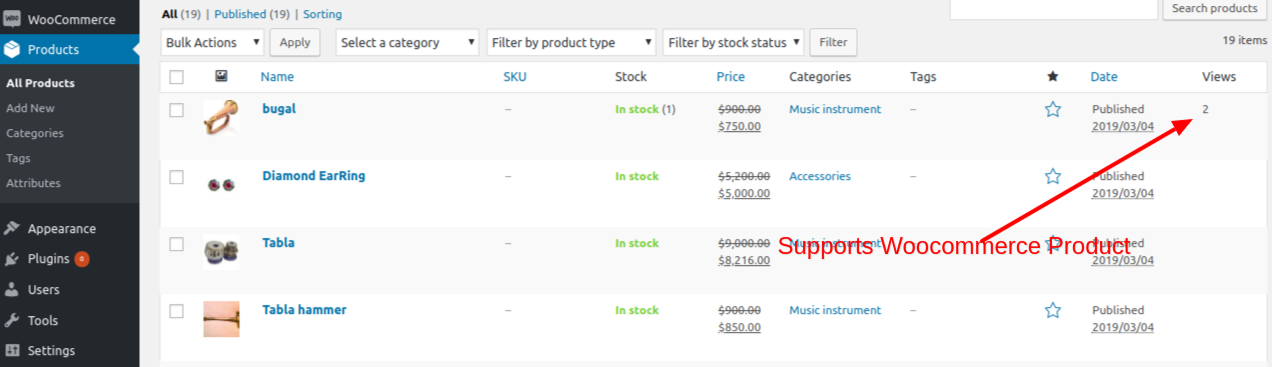
Tracking views across different custom post types.