BACK TO DIRECTORY
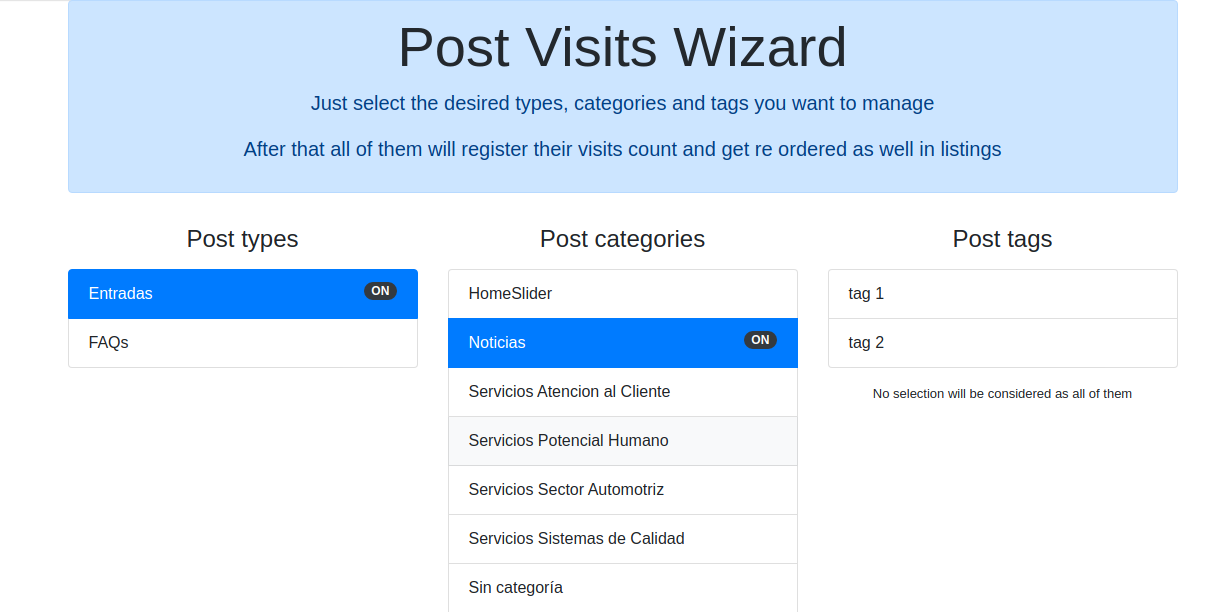


Quick setup, just install the plugin and the select in the Setting section any of the post types, categories and / or tags you want to manage
Then you will be able to see a new column on each post table showing their current count value
All listings will be sorted as well based on the most visited ones
After installation go to your admin dashboard / Settings / WP Post Visits Wizard and make your selection to work with
Screenshots
Select any of the POST TYPES you want to manahe with the plugin, and / or their categories, tags as well
Monitor from your admin dashboard a general view about your results
Check inside every post the current visit count value
Display automatically your posts most visited on the top